

 Español
 Català
 Deutsch
 Français
 Português
 Italiano
 Nederlands
 Polski
What the module adds to Products
In Odoo 20, the module extends the standard Products model with a count of linked variants and several fields holding Shopify data. They sit on the product form, next to Odoo's usual fields.
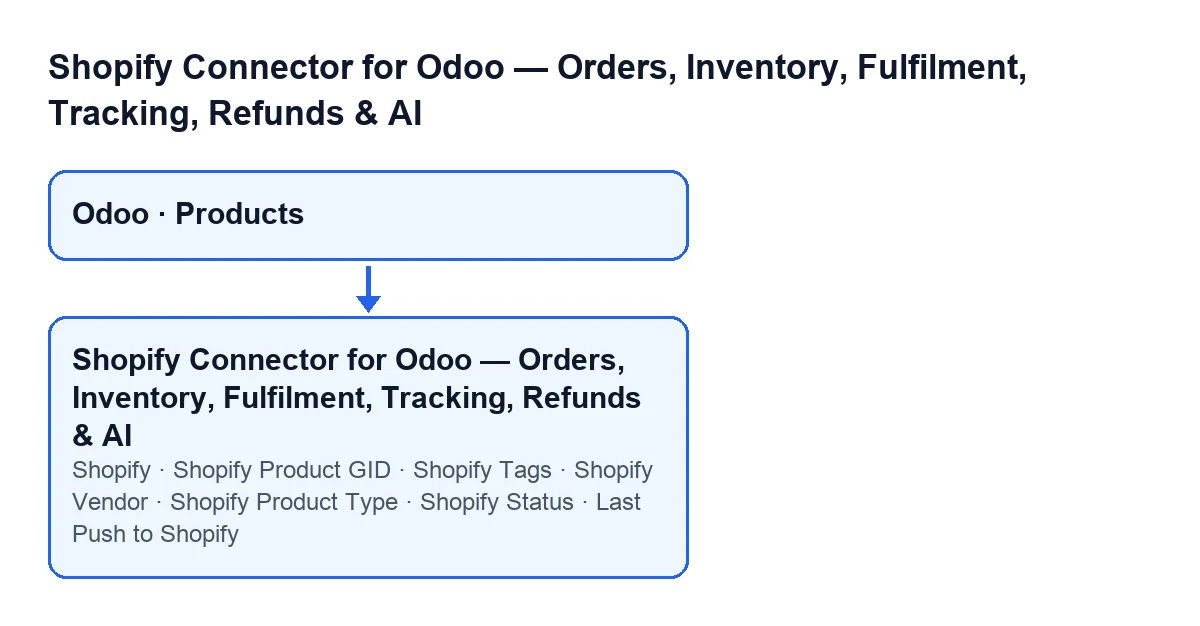
The fields, one by one
Shopify: a whole number. It counts the variants of the product that have a Shopify variant identifier. It shows on the product form and is hidden when it is zero.Shopify Product GID: on theShopifytab, inside theShopify Datagroup, read-only. Its help text reads:Shopify product GID used as the canonical grouping key for variants.Shopify Tags: same tab and group. Its help text reads:Comma-separated tags synced from / pushed to Shopify.Shopify Vendor: a text field, in the same group.Shopify Product Type: a text field, in the same group.Shopify Status: a selection with the optionsActive,Draft,ArchivedandUnlisted. The default in the code isActive.Last Push to Shopify: a date and time, read-only. You do not write it: the module fills it in when it pushes the product.
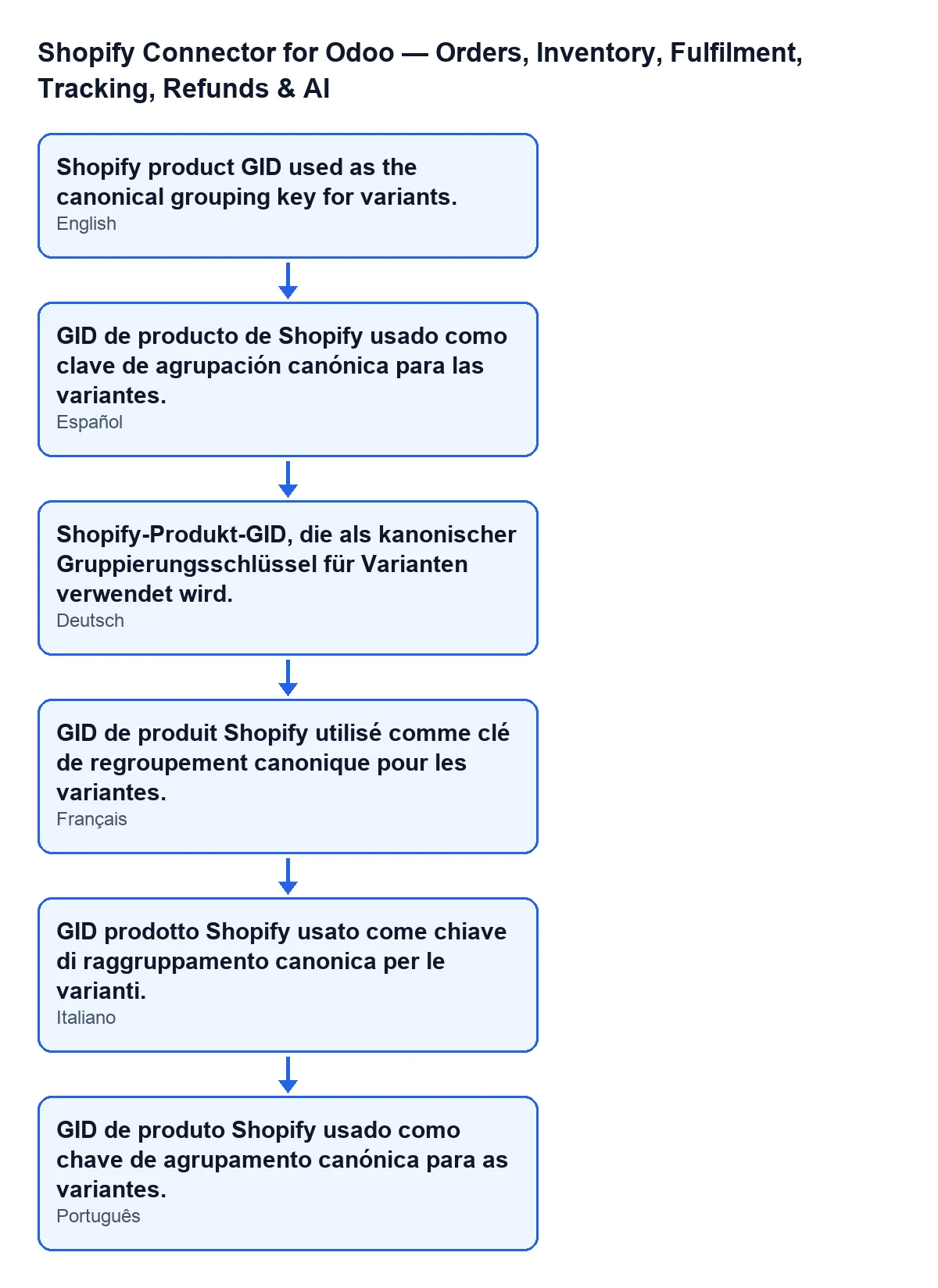
Shopify Product GID field as it reads depending on the language of Odoo; in English: «Shopify product GID used as the canonical grouping key for variants.»When they show
The Shopify fields on the form, the counter included, are hidden while the counter is zero. The counter looks at the product's variants and counts those that have a Shopify variant identifier. A product with no linked variant does not show those fields; one with at least one does.

Step by step: reviewing the form of a linked product
- Open the form of a product whose variants are linked to Shopify and look at the
Shopifyfield. If it is not visible, the counter is at zero and the other Shopify fields will not appear either. - Go to the
Shopifytab and find theShopify Datagroup. - Read the
Shopify Product GID. It is read-only: you do not edit it. - Fill in
Shopify Tagswith the tags separated by commas. When the product is pushed, the module splits the text on the commas, trims the spaces and drops empty pieces. - If you need them, fill in
Shopify VendorandShopify Product Type. If you leave them empty, the module does not include them in the push. - Choose
Shopify Status:Active,Draft,ArchivedorUnlisted. The module sends that value as the product status; if it were empty, it sends active. - Look at
Last Push to Shopify: it holds the date and time of the product's last push.
The title and the description that get sent come from the product's name and sales description in Odoo, as explained below.
What the module sends when it pushes the product
When the module pushes a product, it works on the active bindings the product already has. If there are bindings, it takes the Shopify instances that appear in them and sends the product data to each one; after each push it writes the date and time into Last Push to Shopify.
The push of the product data carries:
- Title: the product name in Odoo.
- Status: the value of
Shopify Status, or active if it is empty. - Tags: those in
Shopify Tags, already split on commas. With the field empty, the tag list goes empty. - Vendor and product type: only if you have filled them in.
- Description: the product's sales description, only if it has one.
Variants do not travel inside that push. Afterwards, the module calls a separate push for the bindings that have a Shopify variant and, at the end, records the date and time of the push on all the product's active bindings on that instance; the product keeps its own in Last Push to Shopify.
What to check on the form
- That the
Shopifycounter matches the variants you expect to be linked. - That
Shopify Statusis the one you want on Shopify:Active,Draft,ArchivedorUnlisted. - That
Shopify Tagsholds the tags separated by commas. - That
Last Push to Shopifyshows the date and time you expect for the last push.
Cost and help
The module is a one-off purchase per Odoo version and is published for 17, 18, 19 and 20 (see its listing on Odoo Apps or the module page). It also needs a FlexigoTech Cloud subscription, Connector plan: €49/month or €490/year excluding VAT, with up to 3 accounts of the platform (Pro plan: €98/month or €980/year, up to 10). The connection goes through FlexigoTech Cloud, which stores the credentials encrypted, watches the synchronisation and emails you if it fails. Without a subscription, or with the service suspended, whatever the subscription provides stops; your data stays in your Odoo.
If you bought the module on flexigotech.com, the module for newer Odoo versions is included with the subscription; on the Odoo App Store, each Odoo version is bought there.
FlexigoTech implements Odoo 17, 18, 19 and 20 and builds custom connectors and integrations. If you need your product forms to fit your Shopify catalogue, tell us how you work.
Keep reading
Checked in the connector's source code (version 20.0) and the linked sources
Sources
- Module source code: flexigobe_shopify_seller_connector 20.0 (d7e627b4): models/product_template.py
- apps.odoo.com/apps/modules/20.0/flexigobe_shopify_seller_connector
- flexigotech.com/precios.html
- flexigotech.com/en/services.html