

 Español
 Català
 Deutsch
 Français
 Português
 Italiano
 Nederlands
 Polski
A worked case before you install
The clearest way to see whether the module suits you is to follow someone asking the same questions you are. The case below is illustrative: the company does not exist and has no figures of its own.
Example Illustrative case: the company and its figures are made up to explain the flow.
Nortia Labs is a made-up software company selling subscriptions to customers in several US states. It already runs Odoo 18 on its own hosting. Its finance lead, Clara, has looked at the USA Digital Services Tax Compliance listing and wants to decide carefully. Before buying, she asks herself four questions: is it published for her version, does she need the subscription, what is left out and what data will leave her Odoo.
First question: is it published for my Odoo version?
Clara opens the Odoo Apps listing and confirms the module is published for 17.0, 18.0, 19.0 and 20.0. Her Odoo 18 is covered. The module costs €9 per Odoo version, a one-off payment excluding VAT, for 17, 18, 19 and 20; the FlexigoTech Cloud local service costs €29/month or €290/year excluding VAT (Pro: €58/month or €580/year).
She also wants to know what happens when she upgrades. If she buys the module at flexigotech.com and holds the subscription, the module for new Odoo versions is included. If she buys it on the Odoo App Store, each Odoo version is bought there. She notes one more point: migrating her database to a new Odoo version is not something FlexigoTech handles within the service.
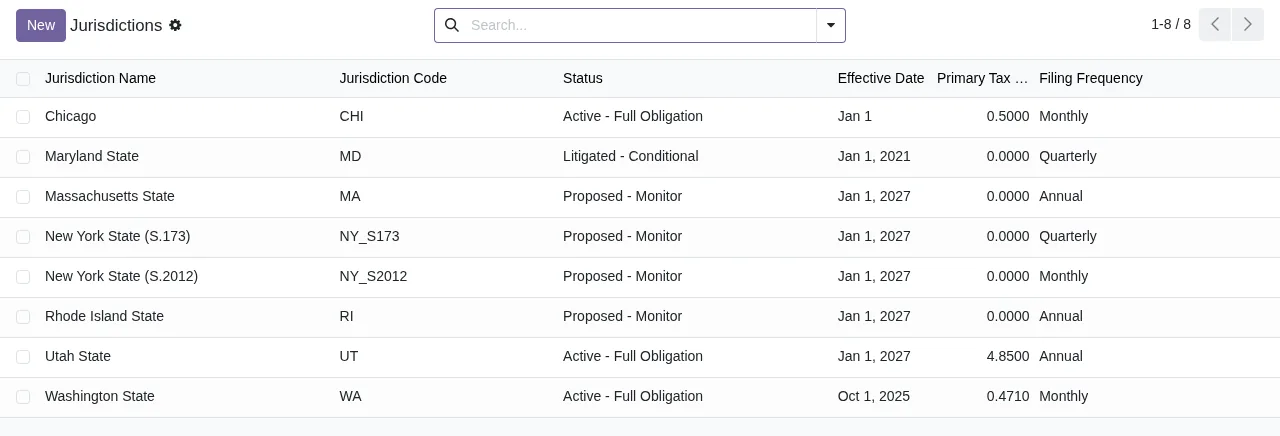
Second question: does she need the local service subscription?
The module works with a FlexigoTech Cloud local service. According to the listing, with the subscription Clara would get:
- Alerts when state DST laws change, which require a FlexigoTech Cloud subscription.
- Monitoring of the sources the module tracks, with their alerts and the calendar of their deadlines.
- Monitoring of the module's health in her database, with alerts.
- Module updates.
- Support with a first response within 1 working day.
Without a subscription, or with the service suspended, whatever the subscription provides stops, and the data stays in her Odoo. For Clara, the deciding factor is the alerts on state law changes: if she did not want them, the subscription would give her less.
Before you subscribe, separate what the installed module gives you from what the subscription gives you. If you are after the alerts and the deadline calendar, you need the local service active.
Third question: what is left out, and who does it?
Clara goes through what the service does not cover, item by item:
- Customising the module or custom development.
- Migrating her database to a new Odoo version.
- Configuring the module for her (the setup).
- Importing historical data.
- Support for modules that are not FlexigoTech's.
- Third-party costs: she contracts and pays for her account on each platform, Odoo and her hosting herself.
From this list she takes two jobs for her team. First, configuring the module: they will do it in-house with the setup guide or commission it as implementation work. Second, deciding whether to load data from previous years, since that import is not included either.
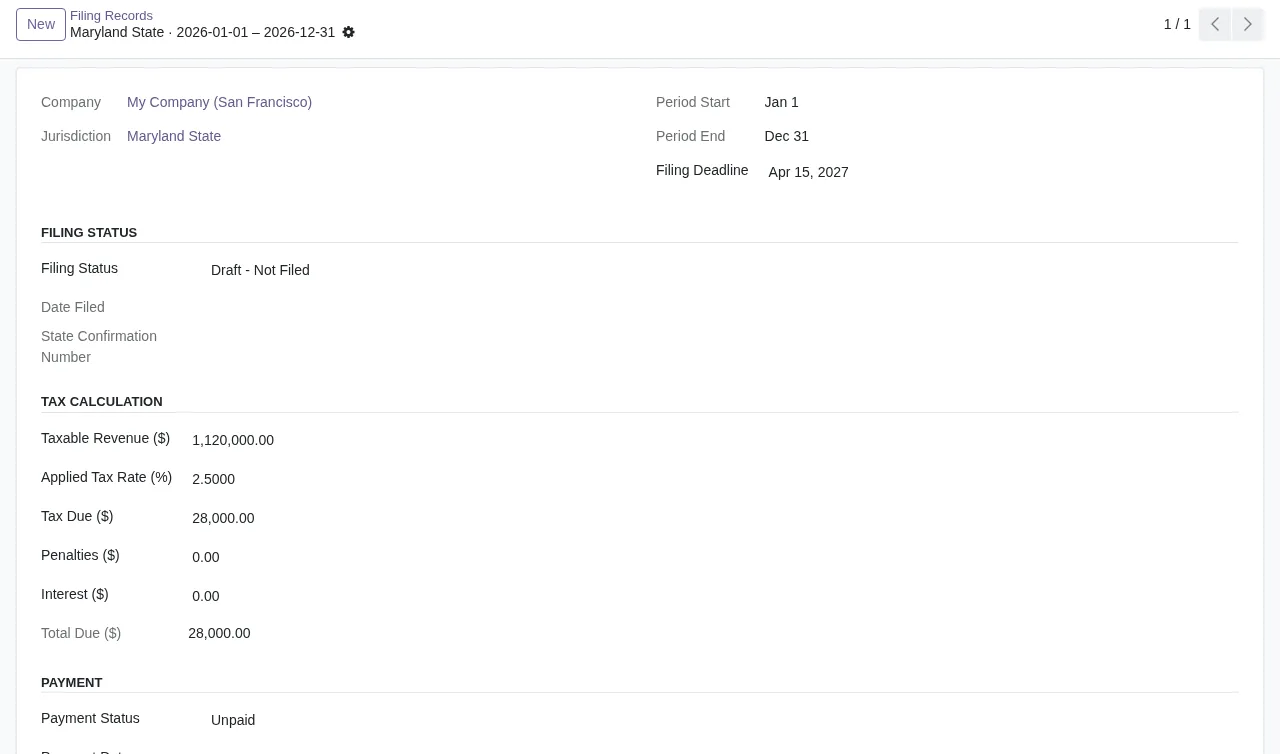
Fourth question: what data leaves her Odoo?
Clara is wary of sending customer information outside. The listing sets out what the database shares with FlexigoTech Cloud:
- The database identifier (uuid), its address (URL) and the Odoo version.
- The FlexigoTech modules installed, with their version, and whether the database is a neutralised copy (staging or test).
- The company name and the email of the person who accepts, with the date and version of the text accepted.
- A public code to check that requests come from that database, and a proof that it is that database, computed on her server without sending its secret.
- A request for its service permit every 6 hours, and the module's health: counters and errors (type and code), without the content of her records.
- Its requests for this module's alerts and calendar, with the date of the last alert received: the database identifies itself and sends nothing else.
The service, for its part, handles payment from Odoo, runs a check every 6 hours with health reports and sends a notice when the module is uninstalled. Connections are encrypted (HTTPS) and the servers are in Germany. Anything erased may remain in backups until they expire, at most after 90 days. For any question about her data she has comercial@flexigobe.com.
What the case teaches
Clara decides to install it on Odoo 18 with the subscription, because the alerts on legal changes were what she wanted, and her team takes on the configuration. Your decision may differ. These criteria help:
- If your Odoo is 17, 18, 19 or 20, the module is published for your version; if it is another, it is not.
- If you want alerts when state DST laws change and a deadline calendar, the local service subscription suits you.
- If you plan to upgrade Odoo, compare buying at flexigotech.com (new versions included with the subscription) with buying on the Odoo App Store (each version bought there).
- If you need someone to configure it, import historical data or adapt it, bear in mind that sits outside the subscription and plan it separately.
- If your internal policy restricts what leaves your database, review the list of data sent before accepting the service text.
To see which menus and records it adds before deciding, read how it works under the bonnet.
How FlexigoTech can help
At FlexigoTech we implement Odoo 17, 18, 19 and 20 and build custom connectors and integrations. If configuration or adapting the module is what is holding you back, we can scope it as an implementation or development project. You will find the module and subscription details on its page at flexigotech.com.
Keep reading
Checked in the module's source code (version 20.0) and the linked sources
Sources
- apps.odoo.com/apps/modules/20.0/flexigo_usa_digital_services_tax_compliance
- apps.odoo.com/apps/modules/17.0/flexigo_usa_digital_services_tax_compliance
- apps.odoo.com/apps/modules/18.0/flexigo_usa_digital_services_tax_compliance
- apps.odoo.com/apps/modules/19.0/flexigo_usa_digital_services_tax_compliance
- flexigotech.com/precios.html
- flexigotech.com/en/services.html
- Module source code: flexigo_usa_digital_services_tax_compliance 20.0 (5c0ad1e2): static/description/index.html