

 Español
 Català
 Deutsch
 Français
 Português
 Italiano
 Nederlands
 Polski
Most of the fields compared here are on the Parties tab of the signing party form, inside the Parties table; Custom Fields is visible on the party form itself. The field details and help texts come from the Odoo 20.0 code.
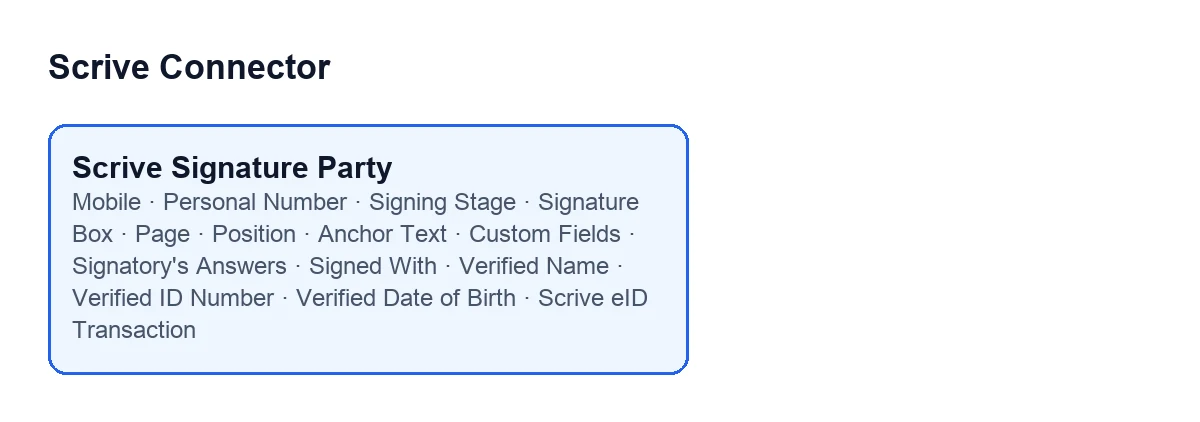
What you fill in: contact, identity and order
| Field | What its help says | What to enter |
|---|---|---|
Mobile | International format with country prefix, e.g. +34600111222. Only needed for SMS invitations/confirmations and for the eID methods that identify the signer by phone (SMS PIN, Norwegian BankID). | Write it with the country prefix if the invitation or confirmation goes by SMS, or if the identification method uses the phone. |
Personal Number | National identity number. Required by Swedish BankID, and by Danish MitID when it is the ID check to VIEW the document. | Fill it in when you use Swedish BankID, or Danish MitID as the check to view the document. |
Signing Stage | Parties are invited in ascending stage order; stage 2 is invited once every stage-1 party has signed. | It starts at 1. Raise the number for anyone who should sign after the others. |
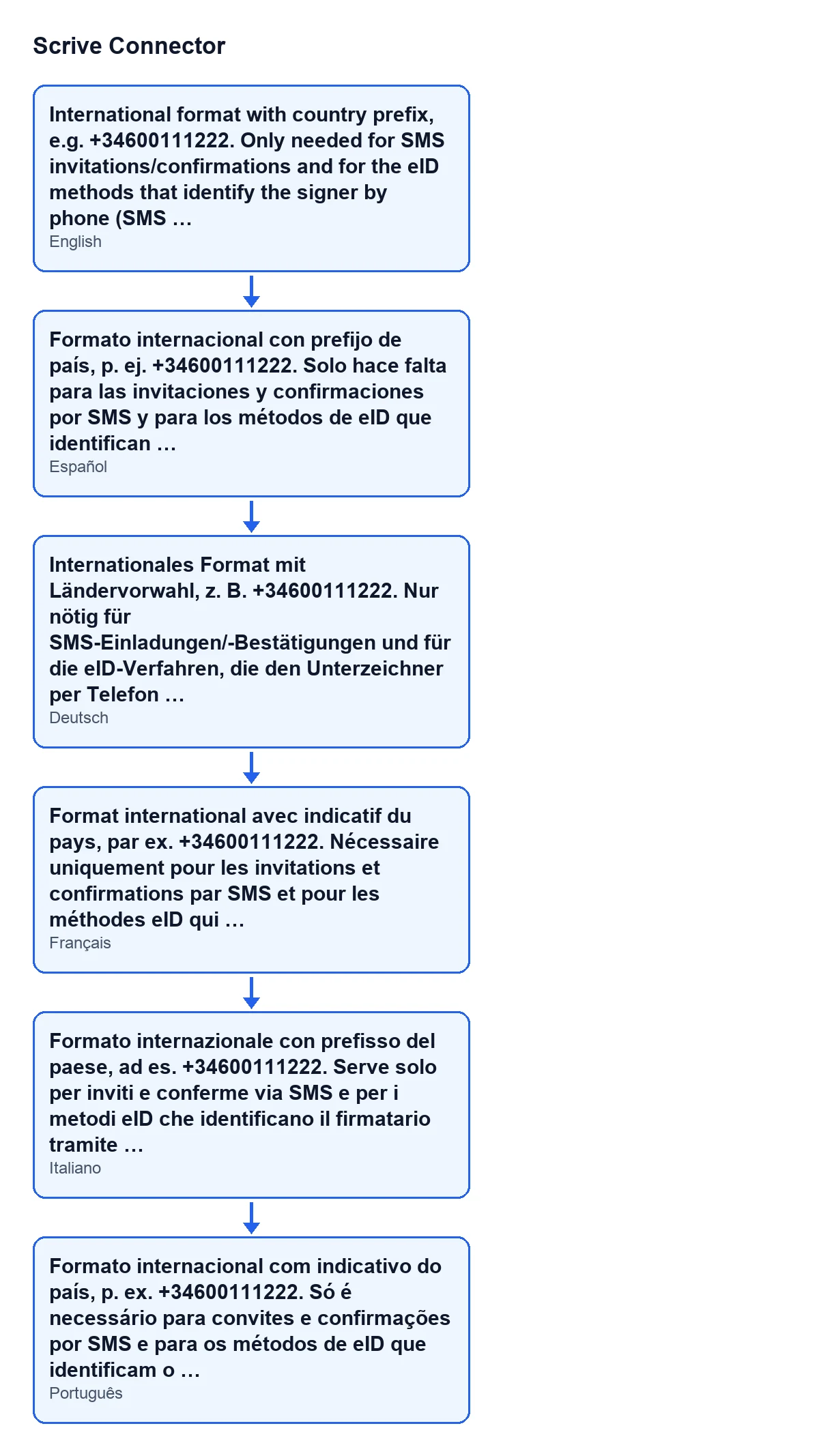
Mobile field in Spanish, German, French, Italian and Portuguese.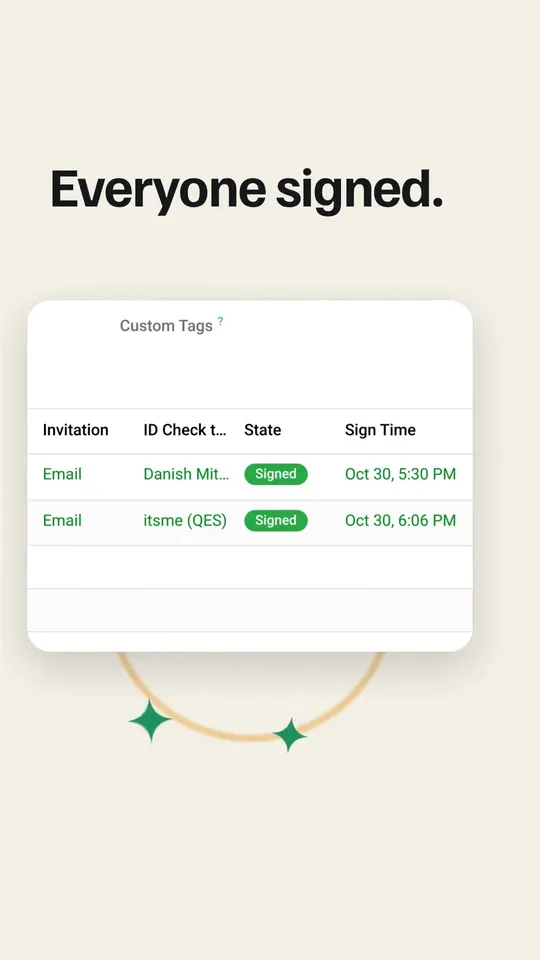
Where the signature box goes
| Field | What its help says | What to enter |
|---|---|---|
Signature Box | Place a visible signature box for this party on the PDF. Verimi QES signs without one, so no box is drawn for it. | It is ticked by default. It stops being visible if the signer's role is not the signing party one, or if the method to sign is Verimi QES. |
Page | Page for the signature box. 0 puts it on the signature page added at the end of the PDF sent to Scrive (on the last page when the Scrive account adds no signature page). | It starts at 0. Change the number only if you do not want the box on the signature page. |
Position | Column of the page the signature box goes in when it has a page of its own, or when it goes to the bottom of the last page (no signature page added). No effect on the signature page, where each party has a block of its own. | Options: Bottom left, Bottom center and Bottom right. The default is Bottom left. |
Anchor Text | Optional: place the signature box next to the first occurrence of this text in the PDF instead of fixed coordinates. | Fill it in only if you want the box next to a specific piece of text in the document. |
How Page and Position work together
With Page at 0, the box goes on the signature page added at the end of the PDF. There each party has a block of its own and Position has no effect. If the Scrive account adds no signature page, the box goes at the bottom of the last page, and then Position does matter: it decides whether the box sits on the left, in the centre or on the right. Position also matters when the box has a page of its own.
Custom fields for the signatory
Custom Fields takes extra checkbox, radio-group or custom-text fields for that signatory, beyond the built-in identity fields. Its help warns that they are ignored when you send from a template, because the template's own fields apply. If you are sending from a template, define those fields in the template rather than on the party.
What Scrive returns after signing
You do not decide these fields when you send.
| Field | What it stores according to its help | Note |
|---|---|---|
Signatory's Answers | What this signatory entered in their custom fields when they signed, as Scrive reported it. | They are the signatory's answers, not ones you prepare. |
Signed With | How this party identified themselves when they signed, as reported by Scrive once the signature was made. | It is not what was requested when the document was sent. |
Verified Name | The name the eID provider returned for this signature. | Read-only. Empty when the provider returns none; nothing is taken from what the sender typed. |
Verified ID Number | National identity number returned by the eID provider, when it returns one. | Read-only. |
Verified Date of Birth | Date of birth returned by the eID provider, stored exactly as it comes. | Read-only. Providers do not all use the same format. |
Scrive eID Transaction | Scrive's own reference for the eID transaction behind this signature. | Read-only; the module fills it in, not the user. Quote it when asking Scrive support about that signature. |
What you ask for versus what gets recorded
| Aspect | What you type or request when sending | What is recorded on signing |
|---|---|---|
| Identification | The method requested for signing | Signed With: what Scrive reports once the signature is made |
| Name | What the sender types | Verified Name: what the eID provider returns |
| Identity number | Personal Number, which you type | Verified ID Number, if the provider returns one |
They are separate fields. For the name, the help says so outright: nothing in Verified Name is taken from what the sender typed.
Quick check before sending
Mobilewith a country prefix if there is SMS or a method that identifies by phone.Personal Numberif you use Swedish BankID or Danish MitID to view the document.Signing Stagewith a higher number for whoever signs later.- Box, page, position and anchor text according to where you want the signature on the PDF.
- Custom fields only if you are not sending from a template.
Cost and FlexigoTech help
Scrive Connector is a one-off purchase per version and needs the FlexigoTech Cloud subscription, Connector plan: €49 a month or €490 a year excluding VAT. It is published on Odoo Apps for 17, 18, 19 and 20; see the listing and the module page. If you want someone to review how it fits your Odoo, FlexigoTech implements Odoo 17, 18, 19 and 20 and builds custom connectors and integrations.
Keep reading
Checked in the connector's source code (version 20.0) and the linked sources
Sources
- Module source code: flexigobe_scrive_connector 20.0 (442af8bf): models/scrive_party.py
- apps.odoo.com/apps/modules/20.0/flexigobe_scrive_connector
- flexigotech.com/precios.html
- flexigotech.com/en/services.html