

 Español
 Català
 Deutsch
 Français
 Português
 Italiano
 Nederlands
 Polski
What the message does not tell you
The module checks the state when you confirm the forwarding
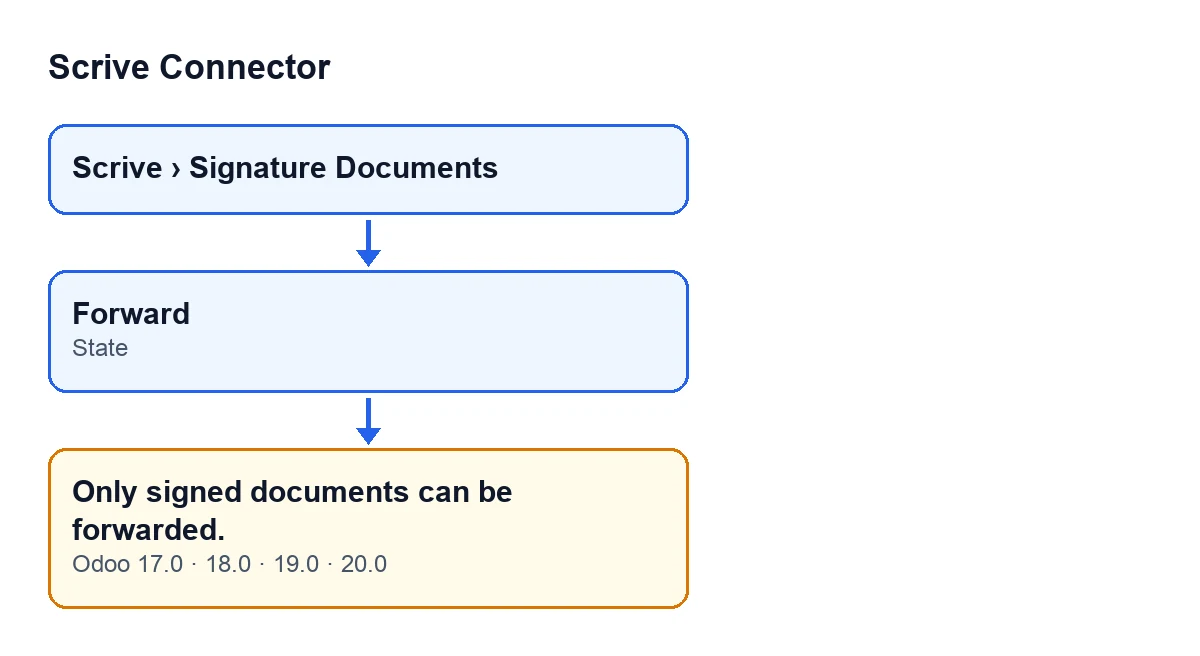
In the forwarding window, the Forward button is always visible (Odoo 17, 18, 19 and 20). It is when you press it that the module checks the document is in Signed. If it is not, the action stops and you see Only signed documents can be forwarded.
The check looks at the State field of the document you want to forward. To find out its value, open the document and look at that field, as described below.
The condition is a comparison with the Signed state
The forwarding code raises the message when the document's State field is not Signed. It is the first thing forwarding does with that document, before talking to Scrive. The Forward button in the forwarding window gets there: its confirm action goes through the forwarding method, which raises the warning if the condition is met.
Any other State value triggers it
The check only asks whether the state is Signed or not: anything other than Signed gets in. The values of the State field are Draft, Preparation, Awaiting Start, Pending, Signed, Canceled, Timed Out, Rejected, Error and Saved as Template. With any of them except Signed, forwarding stops with this message.
So a Pending document and a Rejected one get exactly the same warning: the module does not tell them apart, it only checks whether the state is Signed.
The action stops before touching anything
When the state is not Signed, the code cuts off right there: no request is made to Scrive to forward the document and no note is posted on it. Nothing the action was going to change is saved.
Where to look at the state before forwarding
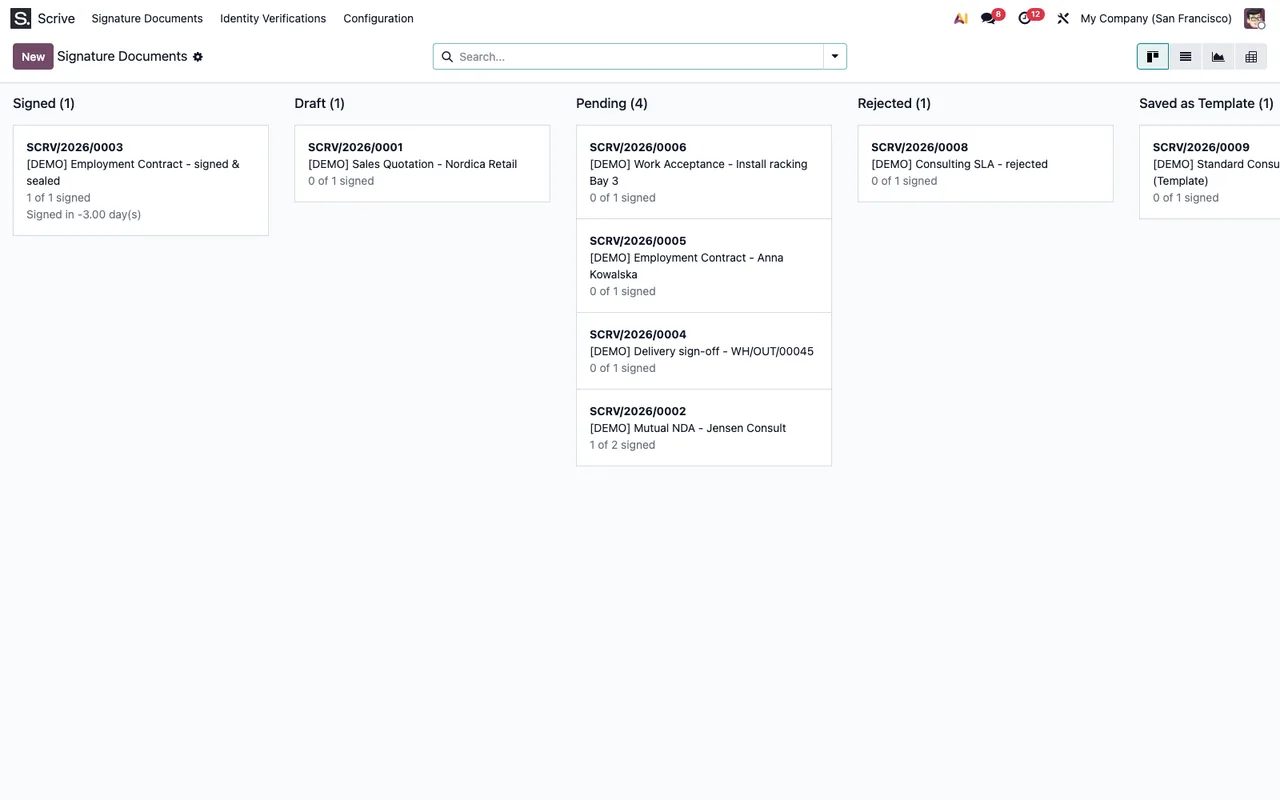
The document records open from the Scrive › Signature Documents menu. The Scrive menu level requires the User permission: if you do not have it, you do not see that level. The State field shows on the Signature Documents form and in its list.
- Open
Scrive › Signature Documentsand find the document. - Look at its
State, on the form or in the list. - If it says
Signed, forwarding passes the check. - If it says anything else, the module will not forward it until the document is in
Signed.
What happens when the document is Signed
Once the check is passed, the module asks Scrive to forward the document to the email address given when forwarding. It then posts a note on the document itself recording the forwarding to that address, and the action ends.
That is the order in the code: first the state check, then the request to Scrive, and finally the note on the document. With a state other than Signed only the first step runs, which is why, when you see this message, the document never even reaches Scrive.
It is the same message in all four versions
The message is in the published code of branches 17, 18, 19 and 20, and the module is published on Odoo Apps for those same versions. The method code we have described is that of Odoo 20.
If you are starting from the other end of the flow, see what the «Send» button does or another module message that depends on the document's state.
How FlexigoTech can help
FlexigoTech implements Odoo 17, 18, 19 and 20 and builds connectors and bespoke integrations. If you want to look at the module, there is the Scrive Connector page and its listing on Odoo Apps.
Keep reading
Checked in the connector's source code (version 20.0) and the linked sources
Sources
- Module source code: flexigobe_scrive_connector 20.0 (21b3b940): models/scrive_document.py
- Module source code: flexigobe_scrive_connector 20.0 (21b3b940): wizard/scrive_send_wizard_views.xml
- apps.odoo.com/apps/modules/20.0/flexigobe_scrive_connector
- flexigotech.com/en/services.html
- Module source code: flexigobe_scrive_connector 20.0 (21b3b940): __manifest__.py
- Module source code: flexigobe_scrive_connector 20.0 (21b3b940): wizard/scrive_send_wizard.py