

 Español
 Català
 Deutsch
 Français
 Português
 Italiano
 Nederlands
 Polski
When the message appears, according to the code
It is raised by the action that opens a party's signing link. Its code does the following, in this order: it makes sure it is working on a single party, checks whether that party's signing link is empty and, if it is, raises the message and stops. If the link has a value, it opens that address in a new window. The check that raises the message changes nothing on the party: the action either opens the link or shows the message.
On screen, the message can appear when you press Send in the send wizard. That button is always visible in Odoo 17, 18, 19 and 20, and its action reaches the one that opens the signing link, which raises the message when the condition is met. The rest of what the button does is covered in What the Send button of Scrive Connector does.
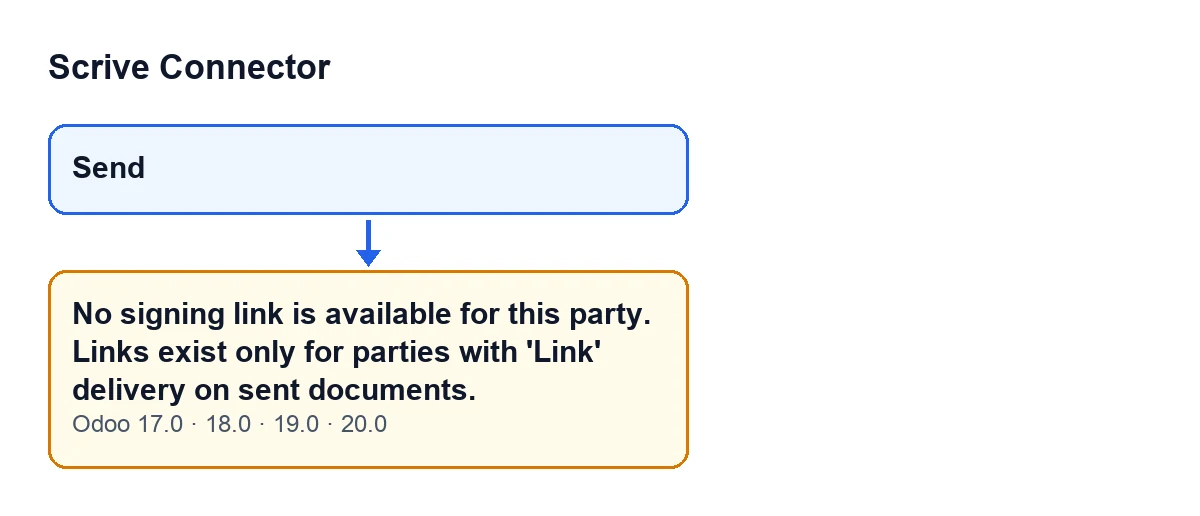
Send button and the message that appears, present in Odoo 17, 18, 19 and 20.The message is in the published code of every branch: 17.0, 18.0, 19.0 and 20.0.
Reading the message sentence by sentence
The first sentence, No signing link is available for this party., says what happened: the party being acted on has no signing link to open. The second, Links exist only for parties with 'Link' delivery on sent documents., gives the rule the module itself states: the link exists for parties with Link delivery and on sent documents.
The actual condition in the code is simpler than the sentence: all it looks at is whether the party's signing link is empty. The text explains in which cases you would expect that link to exist; if it does not, the action stops and no window opens.
What it means
It means there is no signing address stored for that party, so there is nothing to open. The rule in the message combines the party's delivery and the state of the document.
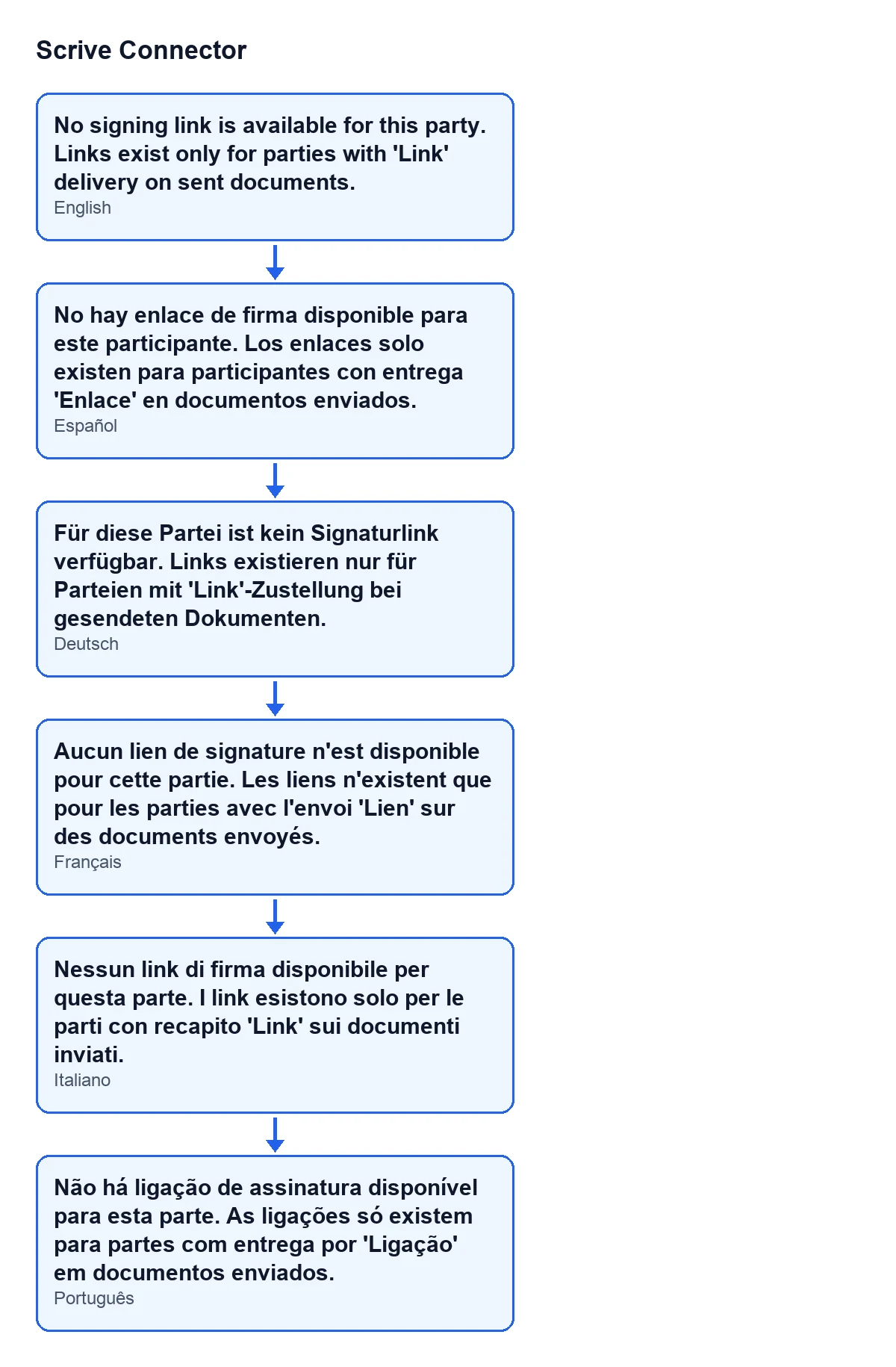
With Odoo in English you see No signing link is available for this party. Links exist only for parties with 'Link' delivery on sent documents. The diagram below shows the same text in Spanish, German, French, Italian and Portuguese.
How to fix it, step by step
- Note which party and which document you were working on when the message appeared. The action stopped without opening anything, so no signing window is open.
- Keep the rule in the message in mind: only parties with 'Link' delivery on sent documents have a signing link. If the party does not meet that, the message is the expected result.
- The message refers to sent documents: a document that has not been sent yet falls into the case it describes.
- If you changed something, repeat the action that raised the message.
- If the party meets what the message says and it still appears, tell us the party, the document and the Odoo version: the code only checks whether the signing link is empty, and what left it empty is something to find out in your case.
The check that raises the message changes nothing on the party.
What you see when there is a link
If the party's signing link has a value, the action shows no message: it opens that address in a new window. That is the sign that the code's condition no longer applies.
Other messages in the module
If you run into other Scrive Connector messages, there is an article on the callbacks message for sent documents and one on the message about days, each with the condition from the code.
How FlexigoTech can help
FlexigoTech implements Odoo 17, 18, 19 and 20 and builds custom connectors and integrations; if your company's signing flow needs adjusting, you can tell us about it from the module page.
The module is a one-off payment per Odoo version and needs a FlexigoTech Cloud subscription (Connector plan: €49/month or €490/year excluding VAT, up to 3 accounts on the platform). The connection goes through FlexigoTech Cloud, which stores the credentials encrypted, monitors synchronisation and emails you if it fails. With the subscription, the module for newer Odoo versions is included if you bought it on flexigotech.com; on the Odoo App Store, each version is bought there. It is published on Odoo Apps for 17.0, 18.0, 19.0 and 20.0; the details are on its listing.
Keep reading
Checked in the connector's source code (version 20.0) and the linked sources
Sources
- Module source code: flexigobe_scrive_connector 20.0 (21b3b940): models/scrive_party.py
- Module source code: flexigobe_scrive_connector 20.0 (21b3b940): wizard/scrive_send_wizard_views.xml
- apps.odoo.com/apps/modules/20.0/flexigobe_scrive_connector
- flexigotech.com/en/services.html
- flexigotech.com/precios.html
- Module source code: flexigobe_scrive_connector 20.0 (21b3b940): __manifest__.py
- Module source code: flexigobe_scrive_connector 20.0 (21b3b940): wizard/scrive_send_wizard.py