

 Español
 Català
 Deutsch
 Français
 Português
 Italiano
 Nederlands
 Polski
First things first: your Odoo version and where you buy
Professional Services Automation (PSA) for Odoo is published on Odoo Apps for 17.0, 18.0 and 19.0. If your database runs another version, there is no listing for it today. It is a module with a FlexigoTech Cloud local service: the module is installed in your Odoo and the subscription provides the service that goes with it.
On Odoo Apps it costs €9 excluding VAT, a one-off payment per Odoo version, for 17, 18 and 19; the local service costs €29/month or €290/year excluding VAT (Pro: €58/month or €580/year).
Where you buy changes what happens when you upgrade. With the subscription, the module for new Odoo versions is included if you bought it on flexigotech.com; on the Odoo App Store, each Odoo version is bought there (Odoo Apps listing).
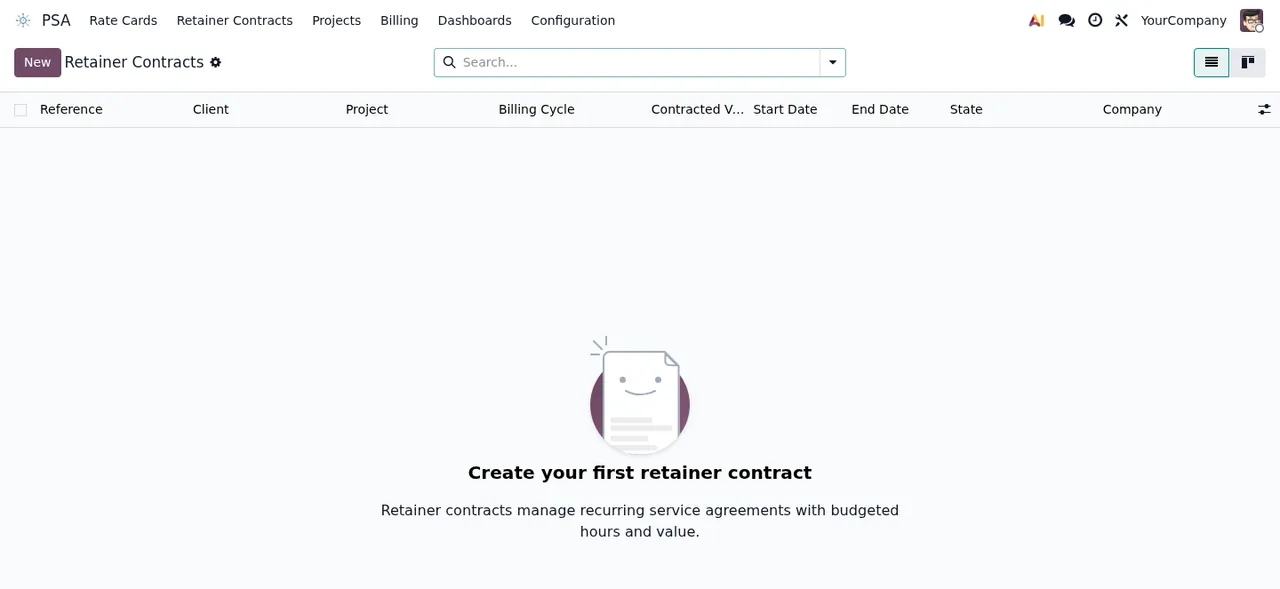
PSA › Retainer Contracts list, still with no records, showing the prompt to create the first contract.The case: a consultancy weighing up PSA
Example Illustrative case: the company and its figures are made up to explain the flow.
Estudio Garbí is a made-up engineering consultancy running Odoo 18. Before buying, its systems lead wants to know whether PSA fits. This is the path they follow, from start to finish.
Check the version and look at the lists it brings
Their version is among the published ones, so they carry on. In the listing screenshots they see lists such as PSA › NTE Caps, PSA › DSAR Requests and PSA › Retainer Contracts, all still empty. To find out what each menu does they do not rely on the names: they read how PSA works under the bonnet.
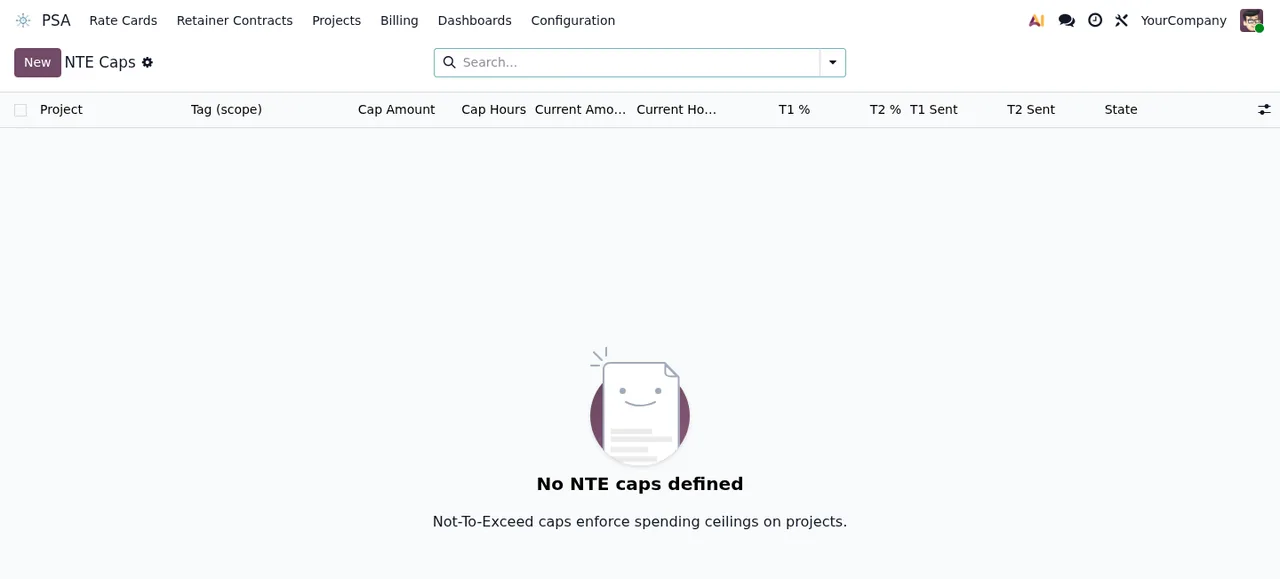
PSA › NTE Caps list, still with no records, showing the message No NTE caps defined.Decide where to buy with the next version in mind
Garbí plans to move to a newer Odoo version later on. As they want the local service, they buy on flexigotech.com: with the subscription, the module for new versions is included. What they budget for separately is migrating their database, because the listing states plainly that FlexigoTech does not take care of migrating your database to a new Odoo version.
Review what data leaves the database
Their data protection lead asks for the list. According to the listing, the database sends its identifier (uuid), its address (URL) and the Odoo version; the FlexigoTech modules installed with their version and whether the database is a neutralised copy (staging or test); the company name and the email of the person who accepts, with the date and version of the text accepted; and a public code plus a proof that it is this database, computed on your server without sending its secret. On top of that, every 6 hours it requests its service permit and sends the module's health (counters and errors, with type and code) without the content of your records. For the alerts and the calendar, the database identifies itself and sends nothing else.
Try it on a copy before production
They install it on a staging copy first. The listing records that the database reports whether it is a neutralised copy, and it mentions the service on staging and test copies: Garbí reads that section before moving to production.
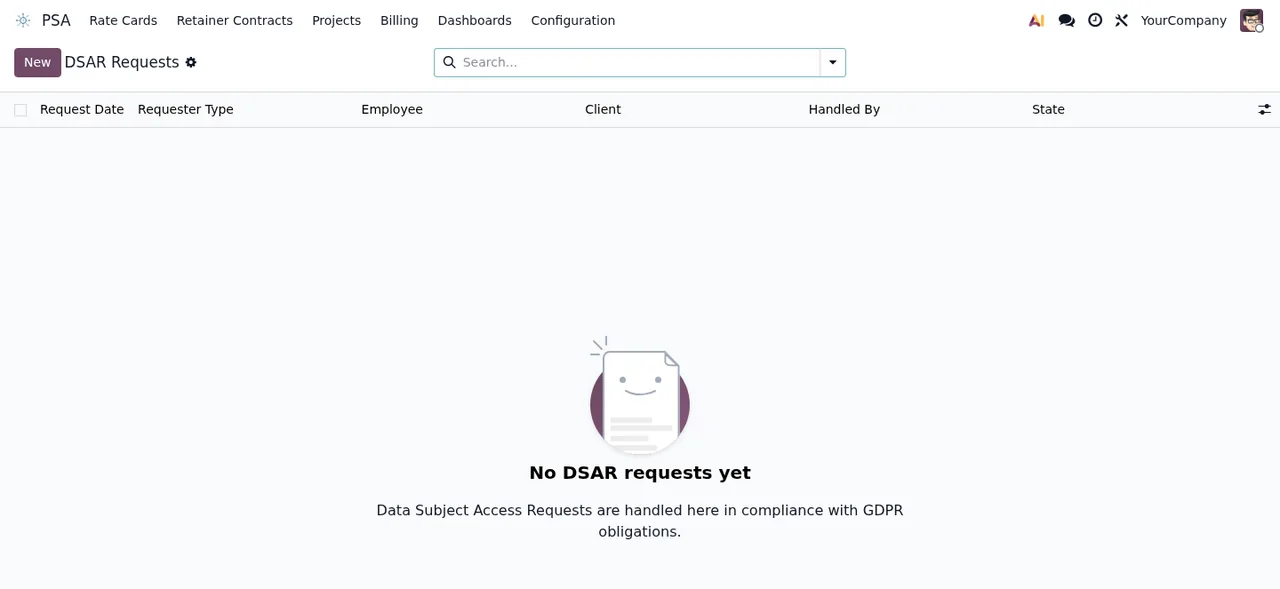
PSA › DSAR Requests list, still with no records, showing the message No DSAR requests yet.Add up what goes to third parties
Finally, they total what is not paid to FlexigoTech: according to the listing, you contract and pay for your account on each platform, Odoo and your hosting yourself.
What the local service covers, according to the listing
- Monitoring of the module's sources, with their alerts and the calendar of their deadlines.
- Monitoring of the module's health in your database, with alerts.
- Support with response times: the first response within 1 working day.
- A check of the service every 6 hours, and health reports.
- A notice when you uninstall the module.
All connections to FlexigoTech's servers are encrypted (HTTPS) and the servers are in Germany. Without a subscription, or with the service suspended, whatever the subscription provides stops; your data stays in your Odoo.
What is left out or worth reading separately
- Migrations: FlexigoTech does not take care of migrating your database to a new Odoo version.
- Third-party costs: you contract and pay for your account on each platform, Odoo and your hosting yourself.
The listing also names customisation of the module or custom development, configuring the module for you, importing historical data and support for modules that are not ours. Read them on the listing to see which section each one sits in before you count on them.
WIP Account, and the Utilization list with hours, rate, billable amount, WIP state and client approval.What to take from the case: criteria for deciding
- If your Odoo runs 17, 18 or 19, you can install it; if it runs another version, there is no published listing for it.
- If you plan to change version and want the local service, buying on flexigotech.com suits you, and budget for the database migration separately.
- If you will only use one version and buy on the Odoo App Store, bear in mind that each new version is bought there.
- If you want alerts, a deadline calendar and module health monitoring, you need the subscription; without it those stop, but your data stays in your Odoo.
- If your data lead has to sign it off, show them the list of what the database sends: it does not include the content of your records.
- If you need someone to configure the module or import historical data, check first how the listing treats it; to do it yourself, follow the PSA setup guide.
How FlexigoTech can help
If PSA fits but your case needs more, FlexigoTech implements Odoo and builds custom connectors and integrations. You can see the module and its service on the PSA page at flexigotech.com. For anything about your data, email comercial@flexigobe.com or call +34 616 809 504.
Keep reading
Checked in the module's source code (version 19.0) and the linked sources
Sources
- apps.odoo.com/apps/modules/19.0/flexigo_psa_premium
- apps.odoo.com/apps/modules/17.0/flexigo_psa_premium
- apps.odoo.com/apps/modules/18.0/flexigo_psa_premium
- flexigotech.com/precios.html
- flexigotech.com/en/services.html
- Module source code: flexigo_psa_premium 19.0 (9670343f): static/description/index.html