

 Español
 Català
 Deutsch
 Français
 Português
 Italiano
 Nederlands
 Polski
A made-up consultancy setting up PSA
Example Illustrative case: the company and its figures are made up to explain the flow.
Ribera Studio is a fictional consultancy that has just installed Professional Services Automation (PSA) for Odoo. Marta, its operations lead, wants to load the rate cards, set up a contract with milestones and start work for a client. Along the way she hits a good share of the module's error messages. We go through them in the order she meets them: the literal text, what it means and what she does to move on.
First, Marta opens the module's settings. No error appears there.
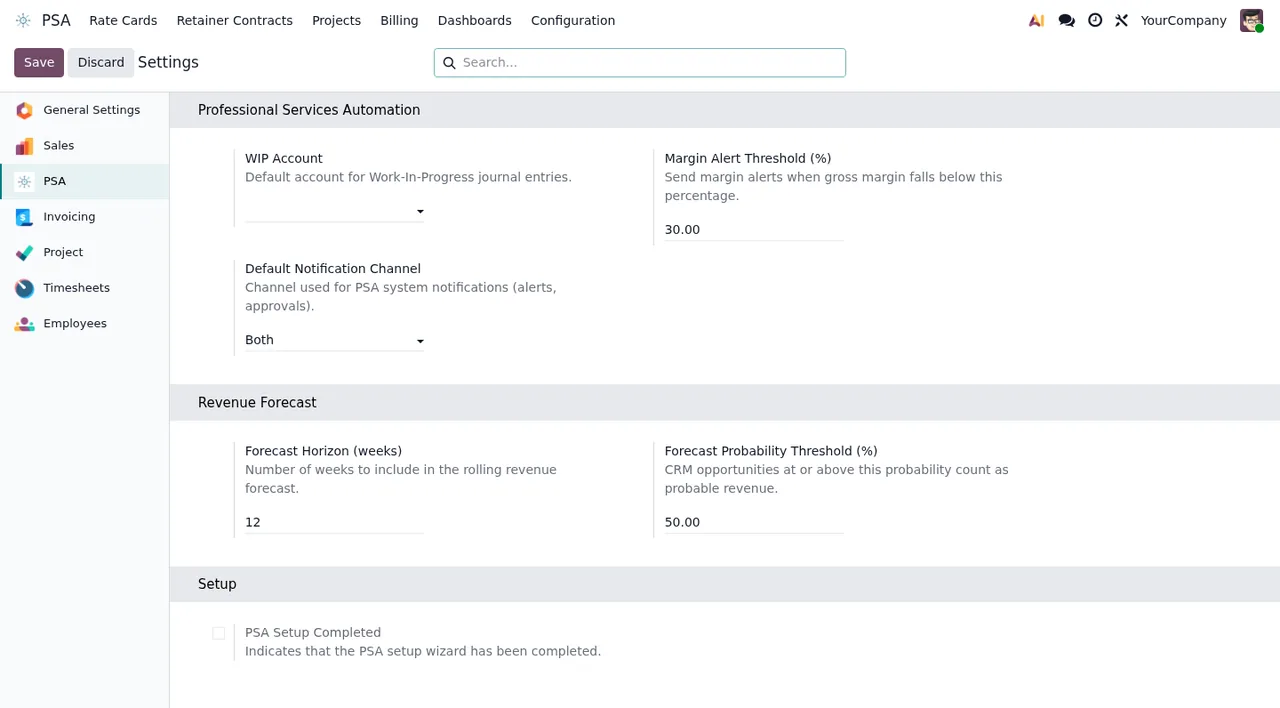
WIP Account empty.If you want to go over which menus the module adds and what each record goes through, see how PSA works under the bonnet.
Rate cards: who can import them and who can change them
The first thing Marta tries is importing the consultancy's rate card. The module stops her with Only Operations Directors can import rate cards. The message is clear: importing rate cards belongs to the Operations Directors role, and Marta's user does not have it. She has two options: someone with that role does the import, or whoever manages users in her Odoo assigns her the role, if it is appropriate.
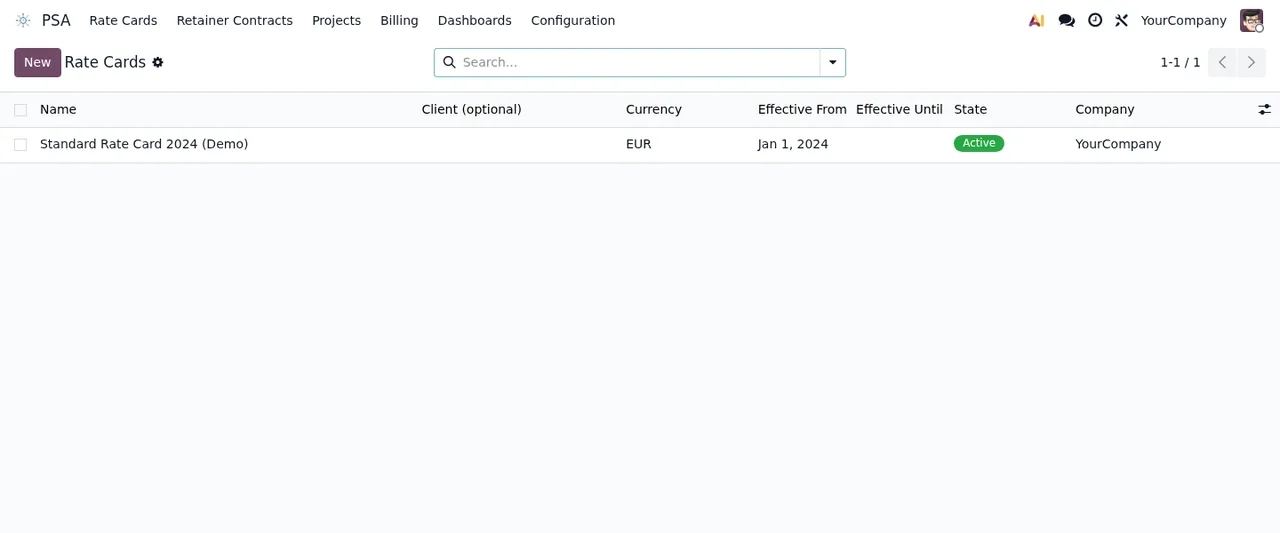
With the rate card loaded, Marta wants to give one client a different rate. She gets Only PSA Operations users can override billing rates.: overriding billing rates is reserved for PSA Operations users. A colleague with that role tries, leaves the reason blank and gets A reason is mandatory for rate overrides. The fix is to enter the reason for the change and save again.
If you ever see a bare Access denied, the message does not say which permission is missing. The practical step is to note what you were doing at the time and ask whoever manages permissions to check it.
Milestones: what each one needs before it counts as reached
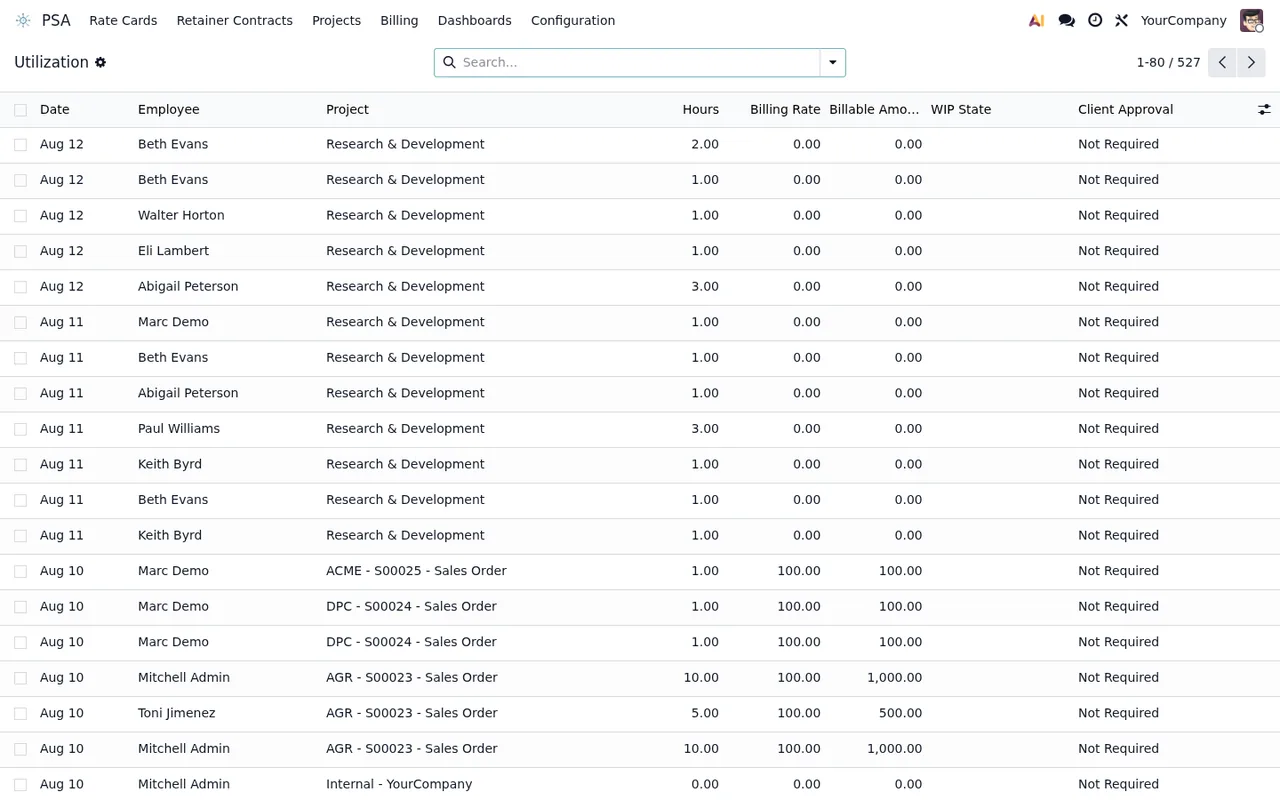
Ribera Studio's contract has a first milestone, «Analysis». Marta marks it as reached and the module replies with Milestone '%s' requires a deliverable attachment before it can be marked as reached. (on screen, the milestone's name appears in place of %s). That milestone needs a deliverable attached before it can be closed: Marta attaches the document and marks it again.
The second attempt gives Milestone '%s' requires internal approval before it can be marked as reached. What is missing now is the milestone's internal approval. Until it has it, it cannot be marked as reached.
Once internal approval is in place, she gets Milestone '%s' requires client acceptance before it can be marked as reached. Current state: %s. Client acceptance is missing, and the message adds the current state (Current state).
When Marta tries to request that approval from the client, she runs into The customer of milestone '%s' has no portal access: grant it first, the approval page needs a login. The approval page needs the client to log in, and that client has no portal access. Grant portal access first, then repeat the action.
The last milestone message works the other way round: Milestone '%s' does not wait for a client approval. It appears when someone tries to record a client approval on a milestone that is not waiting for one. Check whether you picked the wrong milestone.
Change orders: the state decides what you can do
Halfway through the project, the client asks for a wider scope and Marta creates a change order. She submits it and then, without noticing, submits it again: Only draft change orders can be submitted. Only draft change orders can be submitted, and this one no longer was.
Next, a colleague tries to approve it and gets User %(name)s has no pending approval step on this change order. The message names the user and says they have no pending approval step on that order. The approval has to come from whoever does have that step pending.
Finally, Marta wants to apply the order before the client has replied: Only client-accepted change orders can be implemented. Only orders the client has already accepted can be implemented, so she has to wait for that acceptance.
Three logs that cannot be changed
Marta spots an entry in one of the module's logs and tries to correct it. There are three messages of this kind:
NTE audit log is immutable.Portal action log is immutable.Rate override log is immutable.
The message says it all: that log is immutable. It is not a permissions issue you can solve with a different role.
Contracts and exports: the states the module checks
At year end, Marta wants to terminate one contract and archive another. The first gives her Only active or suspended contracts can be terminated.: only active or suspended contracts can be terminated. The second, Only terminated or suspended contracts can be archived.: only terminated or suspended ones can be archived. The contract she wanted to archive was still active, so she terminates it first and then archives it.
There is one more message: Export can only be generated for pending or processing requests. The export is only generated for pending or processing requests. If the request is not in one of those states, the module does not generate it.
What Ribera Studio's case teaches
Each of Marta's stumbles was solved by reading the end of the message: that is where the missing role, the milestone requirement or the required state appears. Here is the summary:
| Message | When it appears | What to do |
|---|---|---|
Only Operations Directors can import rate cards | Importing rate cards without that role | Have an Operations Director do it or request the role |
Only PSA Operations users can override billing rates. | Overriding a billing rate without that role | Have a PSA Operations user do it |
A reason is mandatory for rate overrides. | Overriding a rate with no reason | Enter the reason |
Milestone '%s' requires a deliverable attachment... | Marking a milestone reached with no deliverable | Attach the deliverable |
Milestone '%s' requires internal approval... | Marking a milestone reached without internal approval | Get the internal approval |
Milestone '%s' requires client acceptance... | Marking a milestone reached without client acceptance | Wait for acceptance; the message shows the current state |
The customer of milestone '%s' has no portal access... | The milestone's customer has no portal access | Grant portal access and repeat |
Only draft change orders can be submitted. | Submitting an order that is not in draft | Check the order's state |
Only client-accepted change orders can be implemented. | Implementing an order the client has not accepted | Wait for the client to accept it |
Only active or suspended contracts can be terminated. | Terminating a contract in another state | Check the contract's state |
Only terminated or suspended contracts can be archived. | Archiving an active contract | Terminate it first |
To get roles, milestones and contracts ready before these messages show up, see setting up the module.
How FlexigoTech can help
At FlexigoTech we implement Odoo 17, 18, 19 and 20 and build bespoke connectors and integrations, so we can help you assign roles, prepare milestones and look into the messages you get in your own setup. The module is on Odoo Apps for 17, 18 and 19, at €9 per Odoo version, one-off payment, excluding VAT; the FlexigoTech Cloud local service costs €29/month or €290/year excluding VAT (Pro: €58/month or €580/year). You will find the full details on the module page and on its Odoo Apps listing.
Keep reading
Checked in the module's source code (version 19.0) and the linked sources
Sources
- Module source code: flexigo_psa_premium 19.0 (9670343f): controllers/portal.py
- Module source code: flexigo_psa_premium 19.0 (9670343f): controllers/rate_card_import.py
- Module source code: flexigo_psa_premium 19.0 (9670343f): models/account_analytic_line_ext.py
- Module source code: flexigo_psa_premium 19.0 (9670343f): models/project_milestone_ext.py
- Module source code: flexigo_psa_premium 19.0 (9670343f): models/psa_change_order.py
- Module source code: flexigo_psa_premium 19.0 (9670343f): models/psa_dsar_request.py
- Module source code: flexigo_psa_premium 19.0 (9670343f): models/psa_nte_audit_log.py
- Module source code: flexigo_psa_premium 19.0 (9670343f): models/psa_portal_action_log.py
- Module source code: flexigo_psa_premium 19.0 (9670343f): models/psa_rate_override_log.py
- Module source code: flexigo_psa_premium 19.0 (9670343f): models/psa_retainer_contract.py
- apps.odoo.com/apps/modules/19.0/flexigo_psa_premium
- apps.odoo.com/apps/modules/17.0/flexigo_psa_premium
- apps.odoo.com/apps/modules/18.0/flexigo_psa_premium
- flexigotech.com/en/services.html
- flexigotech.com/precios.html