

 Español
 Català
 Deutsch
 Français
 Português
 Italiano
 Nederlands
 Polski
Where the button is and when you see it
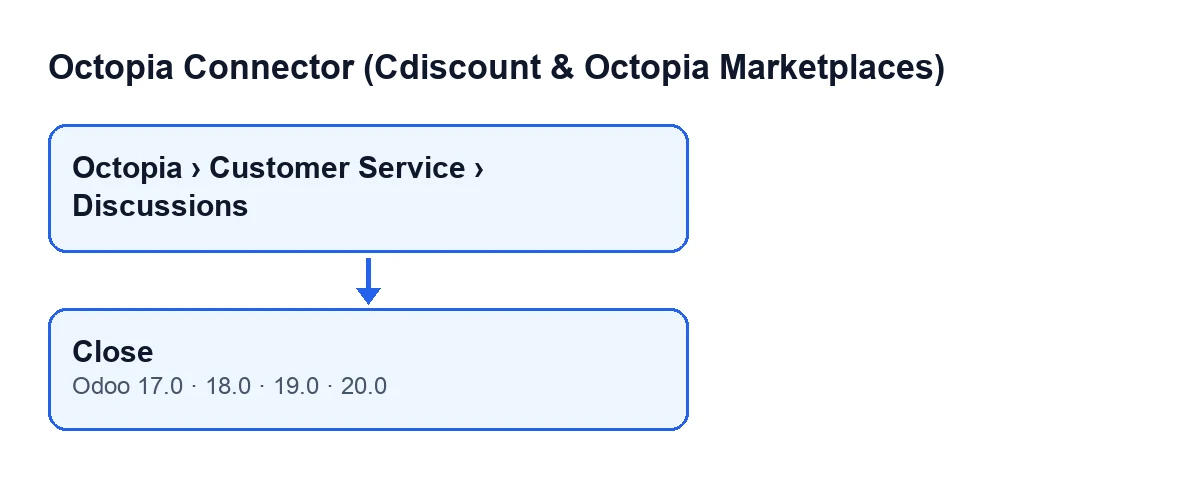
Discussions open from the menu Octopia › Customer Service › Discussions. The Octopia part of the menu asks for the Octopia User permission: without it, you do not see that part.
Inside the form is the Close button. Whether it shows depends on the Is Open field: the button is hidden when that field is unticked. The default value of Is Open is true, so a discussion with default values shows the button. The condition is the same in Odoo 17, 18, 19 and 20, and the button is on the discussions screen in all four versions.
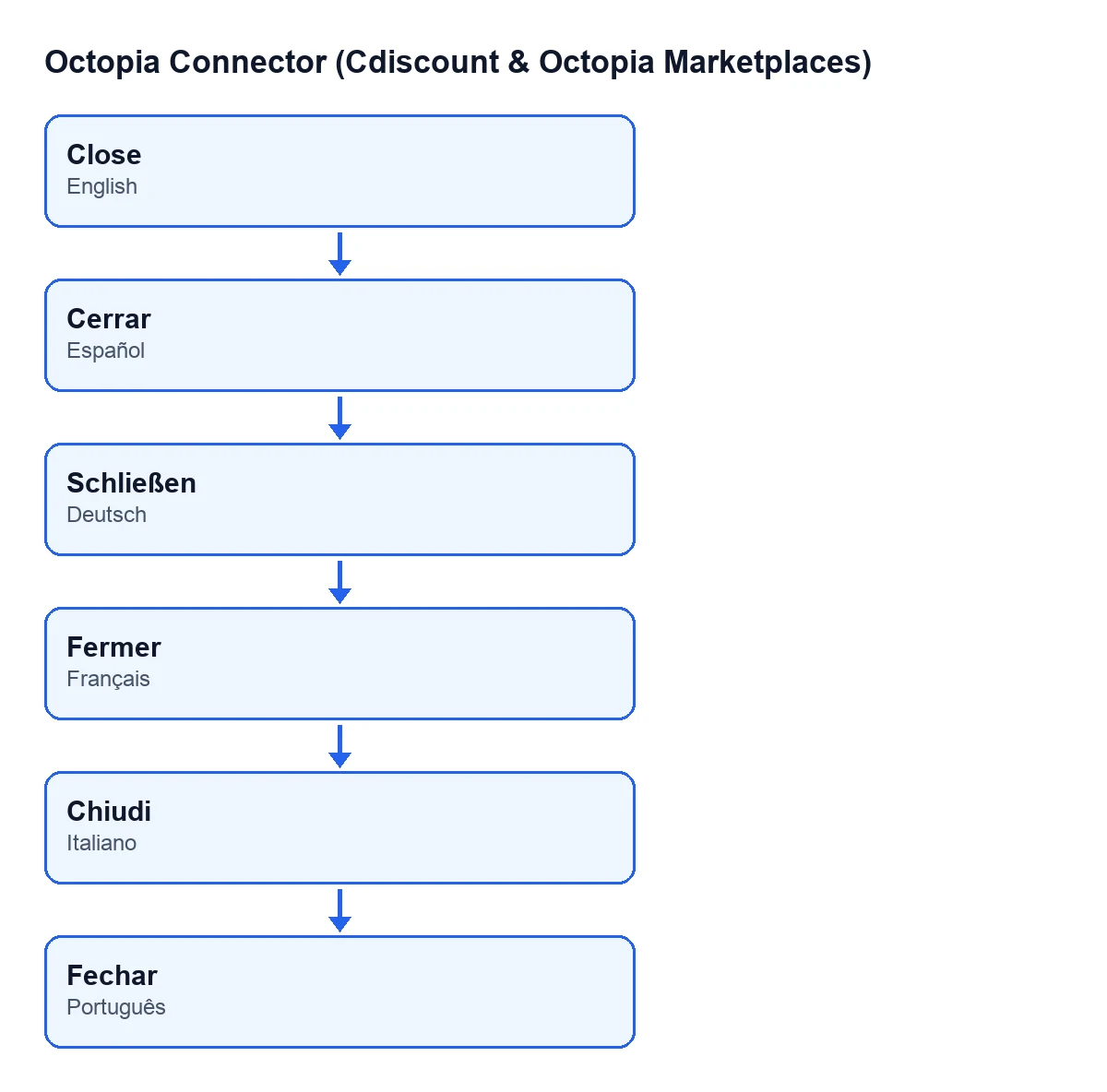
The button label depends on the language of your Odoo. In English it reads Close; with Odoo in Spanish, Cerrar; in German, Schließen; in French, Fermer; in Italian, Chiudi; in Portuguese, Fechar.

The fields involved
These fields on the discussion relate to the button, and all are visible without any configuration:
Account: on the form, in theThreadgroup, and also in the discussions list.Discussion ID: on the form, in theThreadgroup.Is Open: on the form, in theThreadgroup, and also in the discussions list. Its default value is true.
Step by step: closing a discussion
- Go to
Octopia › Customer Service › Discussions. If theOctopiapart is missing from your menu, you lack theOctopia Userpermission. - Find the discussion in the list. Two of the relevant fields are already there:
AccountandIs Open. - Open the form and look at the
Threadgroup: check thatAccountis the right account, thatDiscussion IDmatches the discussion you want to close and thatIs Openis ticked. If it is unticked, the button is not shown. - Press
Close. - Look at the
Threadgroup again:Is Openshould now be unticked and theClosebutton is gone, because the view condition hides it when the field is unticked.
What the button does internally, in order
The button's code goes through the discussions it acts on, one by one, and for each one it does this, in this order:
- It takes the account shown in
Accountand prepares that account's connection. - It calls that connection, passing the
Discussion IDtogether with the value meaning not open. - Last of all, it unticks
Is Openon the Odoo discussion.
The tick in Odoo is therefore the last thing to change: the line that unticks it comes after the call to the account's connection. That is why the two details worth checking before you press are Account and Discussion ID: they are what the button passes to that connection.
What to check after pressing
- On the form, the
Threadgroup showsIs Openunticked. - In the discussions list, the
Is Opencolumn for that discussion is also unticked. - The
Closebutton no longer appears on that form.
If you cannot see the button
These two things follow directly from the above:
Is Openis unticked on that discussion. The view condition hides the button in that case, in all four versions.- You do not see the
Octopiapart of the menu, which asks for theOctopia Userpermission, so you never reach the discussions screen.
To review several discussions at a glance, look at the Is Open column in the discussions list: it shows which ones are ticked.
Subscription and versions
The module is a one-off purchase per version and needs the FlexigoTech Cloud subscription, Connector plan: €49 a month or €490 a year excluding VAT (the Pro plan is €98 a month or €980 a year). The connection goes through FlexigoTech Cloud, which stores the credentials encrypted, monitors synchronisation and emails you if it fails. Without a subscription, or with the service suspended, whatever the subscription provides stops; your data stays in your Odoo. The module's price for each version is on its Odoo Apps page, published for Odoo 17, 18, 19 and 20.
How FlexigoTech can help
FlexigoTech implements Odoo 17, 18, 19 and 20 and builds custom connectors and integrations. If you are setting up marketplace customer service inside Odoo, we can review permissions, accounts and how to use this button with you.
Keep reading
Checked in the connector's source code (version 20.0) and the linked sources
Sources
- Module source code: flexigobe_octopia_connector 20.0 (4848da6a): views/octopia_discussion_views.xml
- Module source code: flexigobe_octopia_connector 20.0 (4848da6a): models/octopia_discussion.py
- apps.odoo.com/apps/modules/20.0/flexigobe_octopia_connector
- flexigotech.com/precios.html
- flexigotech.com/en/services.html