

 Español
 Català
 Deutsch
 Français
 Português
 Italiano
 Nederlands
 Polski
Errors when setting up AI and the catalogues
These messages relate to the module settings and to the document type and clause type catalogues. In each case the module is telling you that a value is missing or clashes with another.
What does No AI analysis was run: %s is not configured mean?
The full text reads No AI analysis was run: %s is not configured. An administrator must enter it in Legal AI Copilot > Configuration > Settings. This module never uses shared or demo AI credentials. The analysis did not run because whatever the message names in place of %s is not configured. The message itself tells you what to do: an administrator has to enter it in Legal AI Copilot > Configuration > Settings. It also makes clear that the module never uses shared or demo AI credentials. If you are filling in the settings for the first time, the Legal Tech AI Copilot set-up guide walks through that screen.
Why do I see the warning about FlexigoTech Cloud AI and version 1.4.0?
The text is: This database analyses contracts with FlexigoTech Cloud AI. Your own AI provider stays available only on databases that had this app before version 1.4.0. According to the message, your database analyses contracts with FlexigoTech Cloud AI, and using your own AI provider only remains available on databases that already had the app before version 1.4.0.
What should I do if a document type or clause type code already exists?
You will see one of two messages: Document type code must be unique per company. or Clause type code must be unique per company. Both say the same thing for different catalogues: within one company, each document type code and each clause type code must be unique. To save, enter a code that no other type in that company already uses.
Errors when uploading a contract and reading its text
Contracts are registered in Legal Documents. The messages here are about the file itself: it is already registered, it is too large, its format is not accepted or the module cannot read the text.
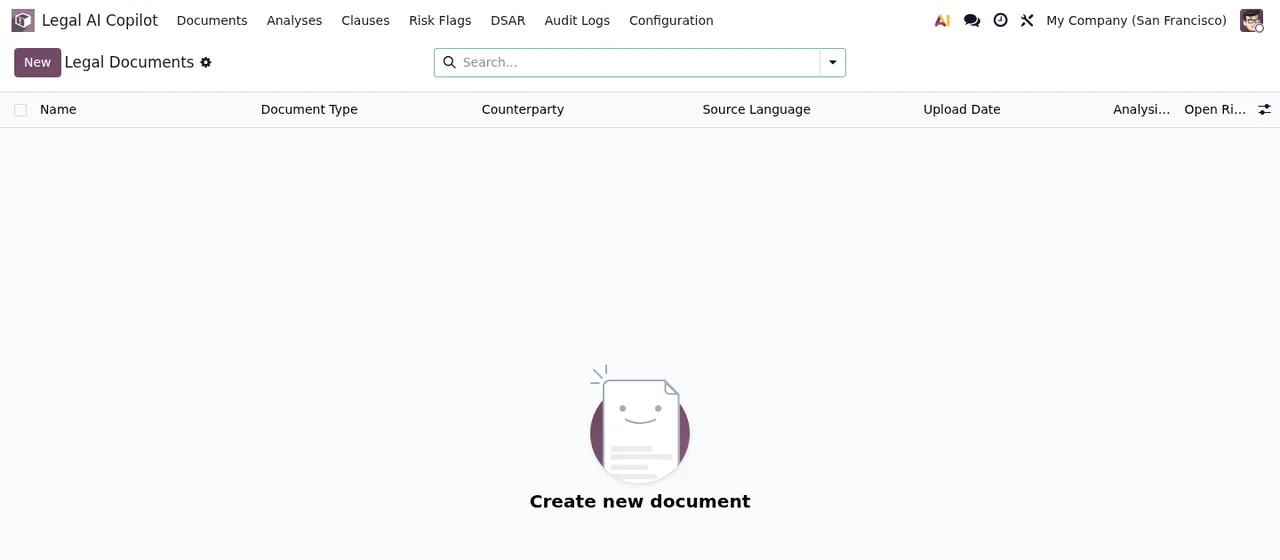
Why does the module reject the file I upload?
There are four possible messages and each one states the reason. This legal attachment is already registered.: that attachment is already registered. Legal contract uploads are limited to 50 MB.: the file is over the 50 MB limit, so you need to upload one within that size. Unsupported legal contract MIME type: %s: the file type shown in place of %s is not accepted. Unsupported source language.: the source language given is not accepted, so check that value before saving.
What happens if the module cannot read the contract text?
You may see two messages. The first is Could not read the text of %(doc)s: %(err)s, which names the document in %(doc)s and adds the error raised while reading it in %(err)s. The second is %s has no readable text layer (scanned image?). OCR is not included: upload a text PDF, DOCX, XLSX or TXT version. This one means the document has no readable text layer (the message itself asks whether it is a scanned image) and that the module does not include OCR. The way out the message suggests is to upload a text PDF, DOCX, XLSX or TXT version.
Warnings when reviewing analyses, accepting risks and checking the audit trail
Analyses are listed in Contract Analyses. This is where messages about permissions, justifications and human review appear.
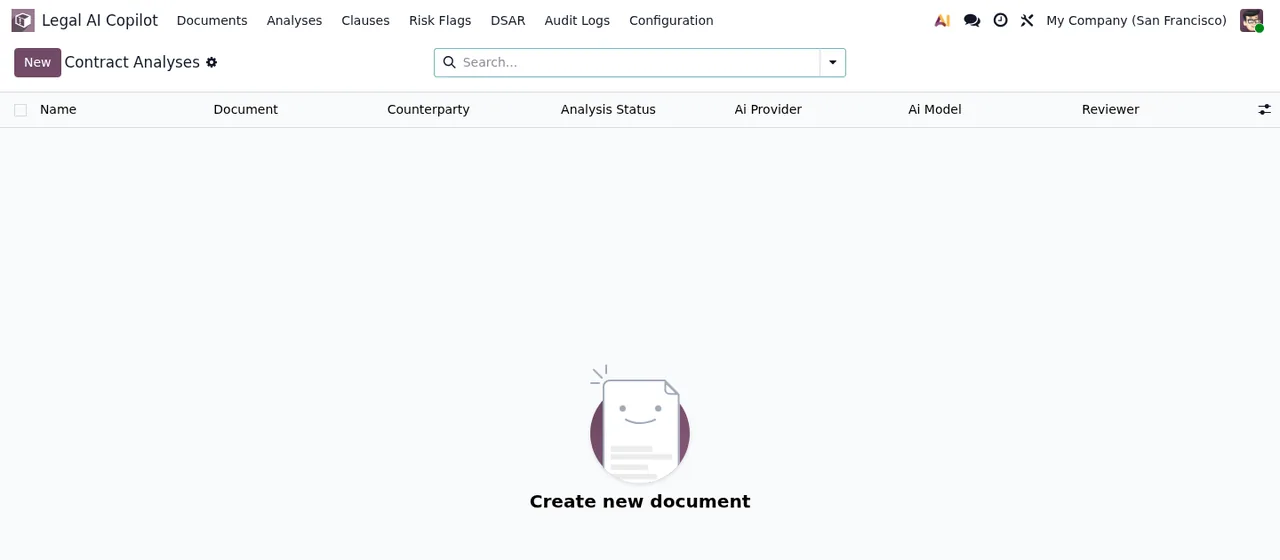
Who can approve an analysis with open High or Critical risks, or accept those risks?
Only a legal manager. If you try to approve an analysis with open High or Critical risks without being one, you get Only a legal manager can approve analyses with open High or Critical risks. If you try to accept one of those risks, you get Only legal managers can accept High or Critical risks. In both cases, a legal manager has to take that step.
When does the module ask for a justification or a reason?
There are three messages. A rejection reason is required. appears when a rejection has no reason. Risk acceptance or false positive override requires justification. appears when you accept a risk or mark it as a false positive without justifying it. Justification is required. tells you the justification is missing. The fix is the same for all three: write the reason or justification and save again.
What does Generated by AI; human review required before export or binding use. mean?
The text explains itself: the content was generated by AI and needs human review before you export it or rely on it as binding. If you see it, what is missing is that review by a person.
And Confidence score must be between 0 and 1.?
The confidence score being saved is outside the range the module accepts. It has to be a value between 0 and 1.
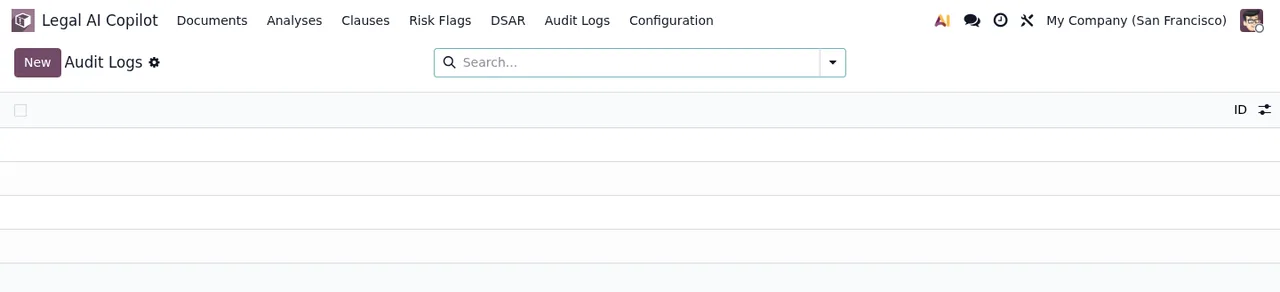
Can records in Audit Logs be changed or deleted?
Changed, no: if you try, the message reads Audit logs are append-only. and records can only be added. Deleted, not as an ordinary user either: you get Audit logs cannot be deleted by ordinary users. To see what gets logged and where, read how Legal Tech AI Copilot works under the hood.
How FlexigoTech can help
The app is published on Odoo Apps for Odoo 17, 18, 19 and 20 at €9 excluding VAT per Odoo version (one-off payment), and the FlexigoTech Cloud local service costs €29/month or €290/year excluding VAT. Without a subscription, or with the service suspended, whatever the subscription provides stops and your data stays in your Odoo. FlexigoTech implements Odoo 17, 18, 19 and 20 and builds bespoke connectors and integrations. If a message does not match what you see on screen, or you need an implementation or an integration around the module, get in touch through the Legal Tech AI Copilot page or check the Odoo Apps listing.
Keep reading
Checked in the module's source code (version 20.0) and the linked sources
Sources
- Module source code: flexigo_legal_tech_ai_copilot 20.0 (f1a9082f): models/legal_contract.py
- apps.odoo.com/apps/modules/20.0/flexigo_legal_tech_ai_copilot
- apps.odoo.com/apps/modules/17.0/flexigo_legal_tech_ai_copilot
- apps.odoo.com/apps/modules/18.0/flexigo_legal_tech_ai_copilot
- apps.odoo.com/apps/modules/19.0/flexigo_legal_tech_ai_copilot
- flexigotech.com/en/services.html
- flexigotech.com/precios.html