

 Español
 Català
 Deutsch
 Français
 Português
 Italiano
 Nederlands
 Polski
What the subscription covers and what it leaves out
This is how the module listing reads, topic by topic. The middle column is what comes with the FlexigoTech Cloud service; the right-hand column is what the listing leaves out.
| Topic | Included | Not included |
|---|---|---|
| AI analysis | Analysing contracts with AI on FlexigoTech Cloud, with Hosted AI and its maintenance and monitoring | Third-party costs: you contract and pay for your account on each platform, Odoo and your hosting yourself |
| The module | Module updates | Customising the module or custom development |
| Odoo versions | The module for new versions, if you bought it on flexigotech.com and have a subscription | Migrating your database to a new Odoo version |
| Getting started | Nothing in the listing | Configuring the module for you and importing historical data |
| Support | Support with a first response within one working day | Support for modules that are not FlexigoTech's |
The split is clear: module updates, the hosted AI and support come with the service; configuration, the data you already have, migrating your database and the costs of your Odoo and hosting stay on your side. The module itself is bought separately. If you buy it on the Odoo App Store, each new Odoo version is bought there. And with no subscription, or with the service suspended, whatever the subscription provides stops, but your data stays in your Odoo.
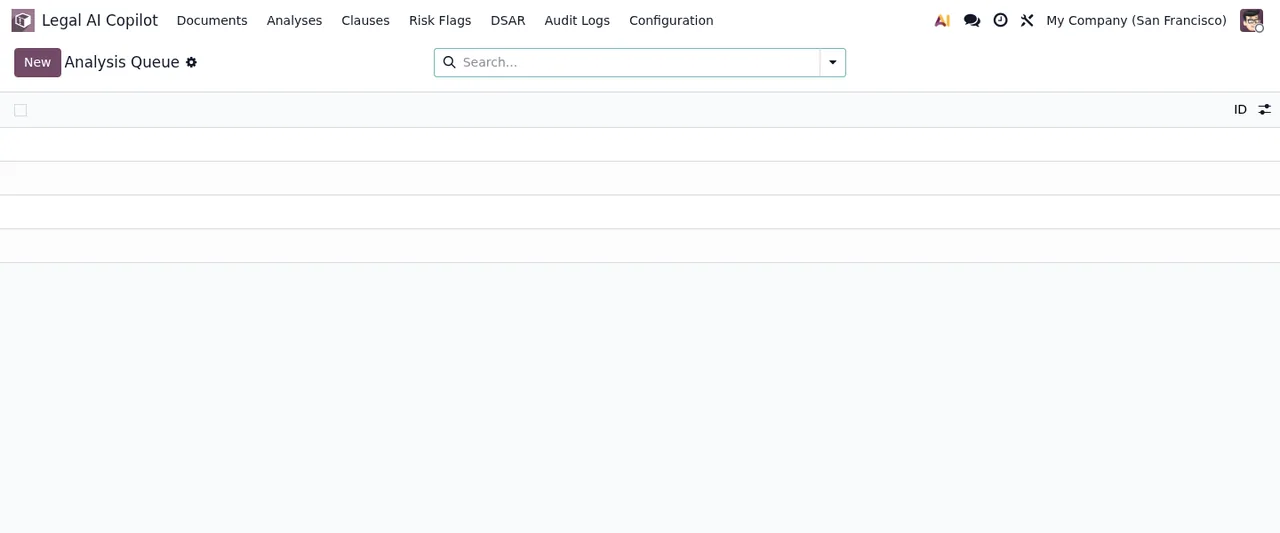
Legal AI Copilot › Analysis Queue, still with no records.Document caps, support and price
The listing shows two usage caps, up to 500 AI documents a month and up to 1,000 AI documents a month, two first-response times (one working day and 4 working hours) and a video call if needed. Before choosing, work out how many contracts you will run through the AI each month and compare that with those caps on the module page.
The module costs €9 per Odoo version, a one-off payment excluding VAT, for 17, 18, 19 and 20; the local service costs €29/month or €290/year excluding VAT, and Pro costs €58/month or €580/year excluding VAT.
Which data leaves your Odoo and where it is processed
To decide whether it fits, look at what the module sends to the service. According to the listing, it is this:
- The database identifier (uuid), its address (URL) and the Odoo version.
- The FlexigoTech modules installed, with their version, and whether the database is a neutralised copy (staging or test).
- The company name, and the email of the person who accepts, with the date and version of the text accepted.
- A public code to check that requests come from that database, and a proof that it is that database, computed on your server without sending its secret.
- A request for its service permit every 6 hours, and the health of the service: counters and errors (type and code), without the content of your records.
- When you use
Hosted AI: the text of the contract you ask it to analyse, its language, your database's clause types and the language of your Odoo.
The text that Hosted AI reads is processed by an open-weights AI model on a FlexigoTech server at netcup in Nuremberg (Germany). According to the listing, it does not leave that server, is not written to disk or logs, and is not used to train models. All connections to the servers are encrypted (HTTPS). For anything about your data, the listing gives comercial@flexigobe.com and +34 616 809 504.
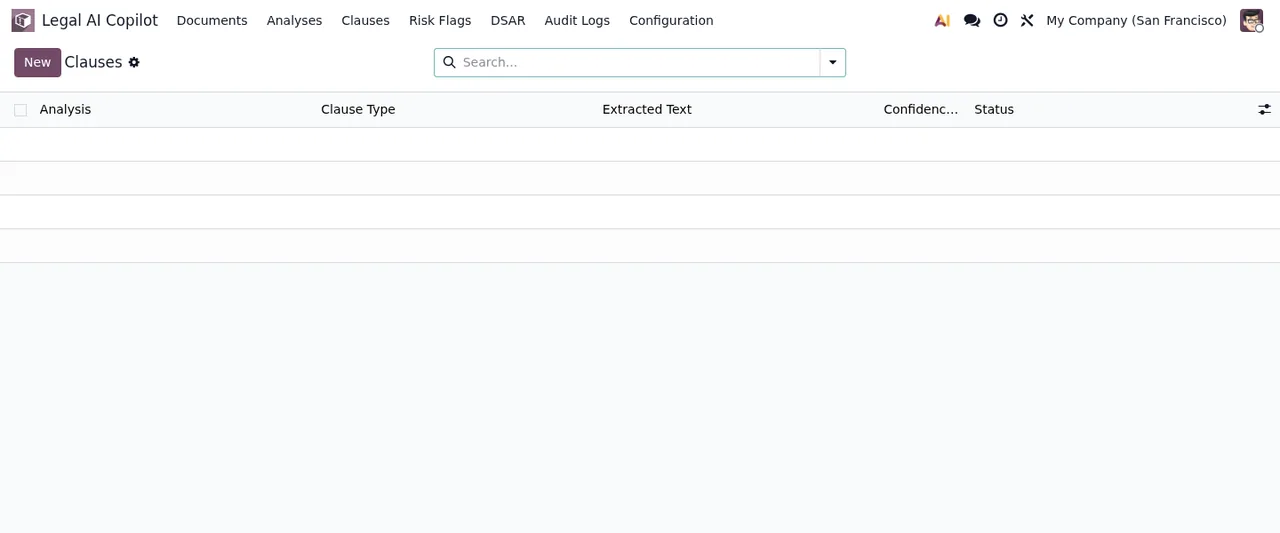
Legal AI Copilot › Clauses, still with no records: you can see the Analysis, Clause Type, Extracted Text, Confidence and Status columns.What you need in place before installing it
- An Odoo 17, 18, 19 or 20 database: these are the versions it is published for on Odoo Apps.
- Your Odoo, your hosting and your accounts on each platform, contracted and paid for by you.
- A decision on where to buy: on flexigotech.com, with the subscription, the module for new versions is included; on the Odoo App Store, each version is bought there.
- A person to accept the service text: their email, with the date and version accepted, is part of the data sent.
- Someone to do the configuration, because the subscription does not include it.
The listing also mentions payment from Odoo, a check of the service every 6 hours with health reports, and a notice when you uninstall the module. The settings and fields you need to fill in are covered in getting Legal Tech AI Copilot up and running.
Clause Types list (Payment Terms, Liability Cap, Termination…) to the settings form with Anthropic selected as provider, the Audit Logs list with no records and the Legal Documents list, still empty.If this is you, here is what suits you
- If you are worried about where your contract text goes: go through what the listing says about the Nuremberg server, the open-weights model and the text not being written to disk or used for training with whoever handles data protection in your business.
- If you want it set up for you: the subscription does not include it. FlexigoTech implements Odoo 17, 18, 19 and 20, and you can discuss it with us separately.
- If you want to bring in your contract history: importing historical data is not part of the service; include it in your implementation plan.
- If you are moving to a new Odoo version soon: migrating your database is not included. If you buy on flexigotech.com and keep the subscription, the module for the new version is included.
- If you need the module to do something different: customisation is not in the subscription; FlexigoTech builds bespoke connectors and integrations.
- If your Odoo has modules from other vendors: support does not cover modules that are not FlexigoTech's.
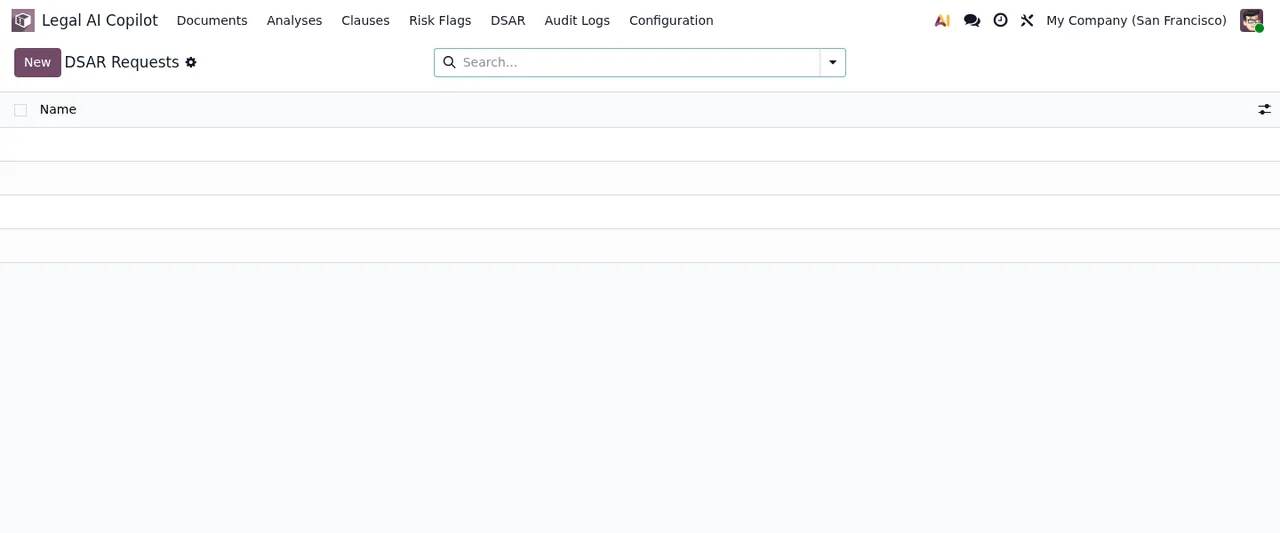
Legal AI Copilot › DSAR Requests list, still with no records.Your customer area account
The servers are in Germany and the customer area has its own database, separate from those of FlexigoTech's other products. For passwords only a hash (Argon2) is stored; they must have at least 12 characters and cannot be among the most common ones. Any account can turn on two-step verification with an authenticator app and recovery codes, and it is mandatory for staff who administer the area. Sign-in, password recovery and sign-up attempts are limited, and you get an email when your password, your email or your two-step verification changes.
How FlexigoTech can help
Behind the module is FlexigoTech, Tax ID (NIF) B56727993, with its registered address at Calle Roger de Llúria 54, principal 1.ª B, 08009 Barcelona (Spain). We implement Odoo 17, 18, 19 and 20 and build bespoke connectors and integrations: if the module fits but you need a hand with configuration, your history or your Odoo version, we can look at it with you. You will find the purchase and service details on the module page and the Odoo Apps listing, and to see what a record goes through inside, read how Legal Tech AI Copilot works.
Keep reading
Checked in the module's source code (version 20.0) and the linked sources
Sources
- Module source code: flexigo_legal_tech_ai_copilot 20.0 (f1a9082f): static/description/index.html
- apps.odoo.com/apps/modules/20.0/flexigo_legal_tech_ai_copilot
- apps.odoo.com/apps/modules/17.0/flexigo_legal_tech_ai_copilot
- apps.odoo.com/apps/modules/18.0/flexigo_legal_tech_ai_copilot
- apps.odoo.com/apps/modules/19.0/flexigo_legal_tech_ai_copilot
- flexigotech.com/en/services.html
- flexigotech.com/precios.html