

 Español
 Català
 Deutsch
 Français
 Português
 Italiano
 Nederlands
 Polski
What the module covers according to its documentation
The module's README lists these features, each with its internal code:
- Registro Retributivo: automated pay register by job category, gender and seniority level.
- Plan de Igualdad Wizard: multi-step guided wizard to create and manage equality plans.
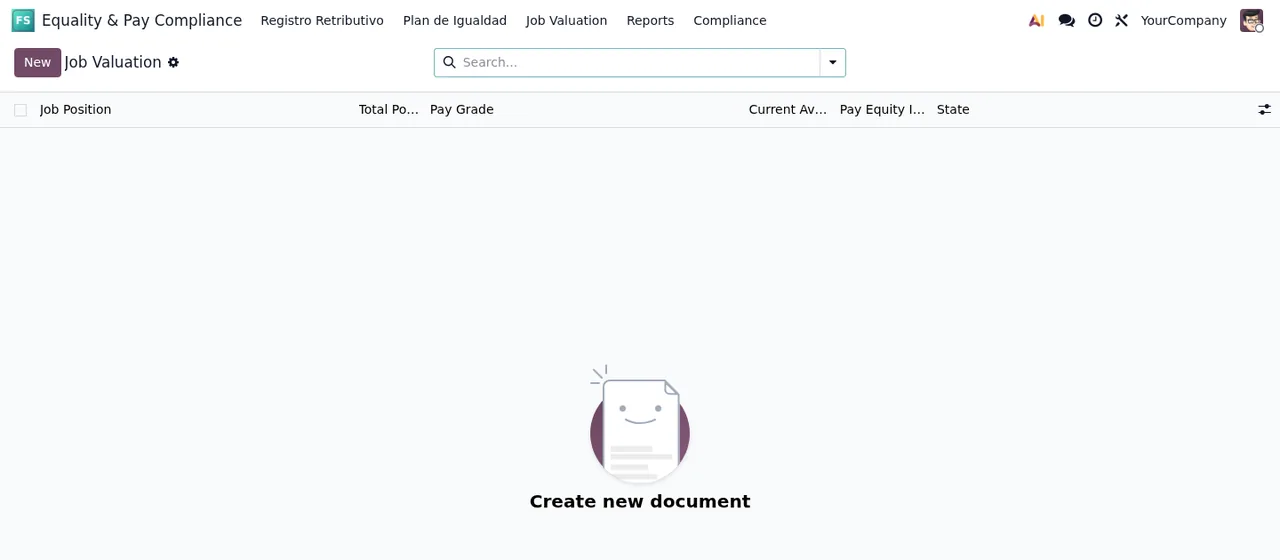
- Job valuation: point factor analysis for equal pay assessment.
- Pay Gap Analysis: automated calculation and monitoring of pay gaps.
- Action Plan Tracking: progress tracking for equality measures.
- Audit Trail: immutable activity log intended for an inspection.
- GDPR Compliance: DSAR requests and data retention management.
- Standard reports: annual pay register, plan progress and pay gap analysis reports.
The same README cites RD 902/2020, RD 901/2020 and RDL 6/2019 as references. That tells you which regulations the module points to; it does not replace reading them or your advisers' judgement.
What the module does not do for you
Before deciding, be clear about where its job ends according to its documentation:
- Legal review is on you. The README asks you to review all reports with legal counsel before submission and to ensure data accuracy per RD 902/2020 Art. 5.
- Salary data comes from payroll or from you. Salary statistics are calculated from payroll data or entered manually.
What you need before installing it
Odoo version
It is published on Odoo Apps for 17.0, 18.0 and 19.0.
Modules it depends on
The README lists these dependencies:
flexigo_paytransparency, marked as required for pay equity integration.hr(Odoo HR).payroll(Odoo Payroll).mail(Odoo Mail).
Installation and first setup
The installation described is: place the module in your addons directory, update the app list with ./odoo-bin -u base and install it from Apps by searching for "Flexigo Spain Equality Pay Register". After that, the README asks you to create seniority levels, add the people who should see sensitive data to the Equality Officer (Grupo de Igualdad) group, and configure email settings for plan renewal reminders and DSAR responses.
Worked example: a company preparing its register and its plan
Example Illustrative case: the company and its figures are made up to explain the flow.
Lumen Joinery Ltd (a made-up company) runs Odoo 18 with HR and Payroll. Its people manager wants the pay register and the equality plan in the same place where the employees already live.
Getting the ground ready
First she checks that flexigo_paytransparency, hr, payroll and mail are installed, then installs the module. She creates the seniority levels, adds herself and the managing director to Equality Officer (Grupo de Igualdad) and sets up email.
The pay register
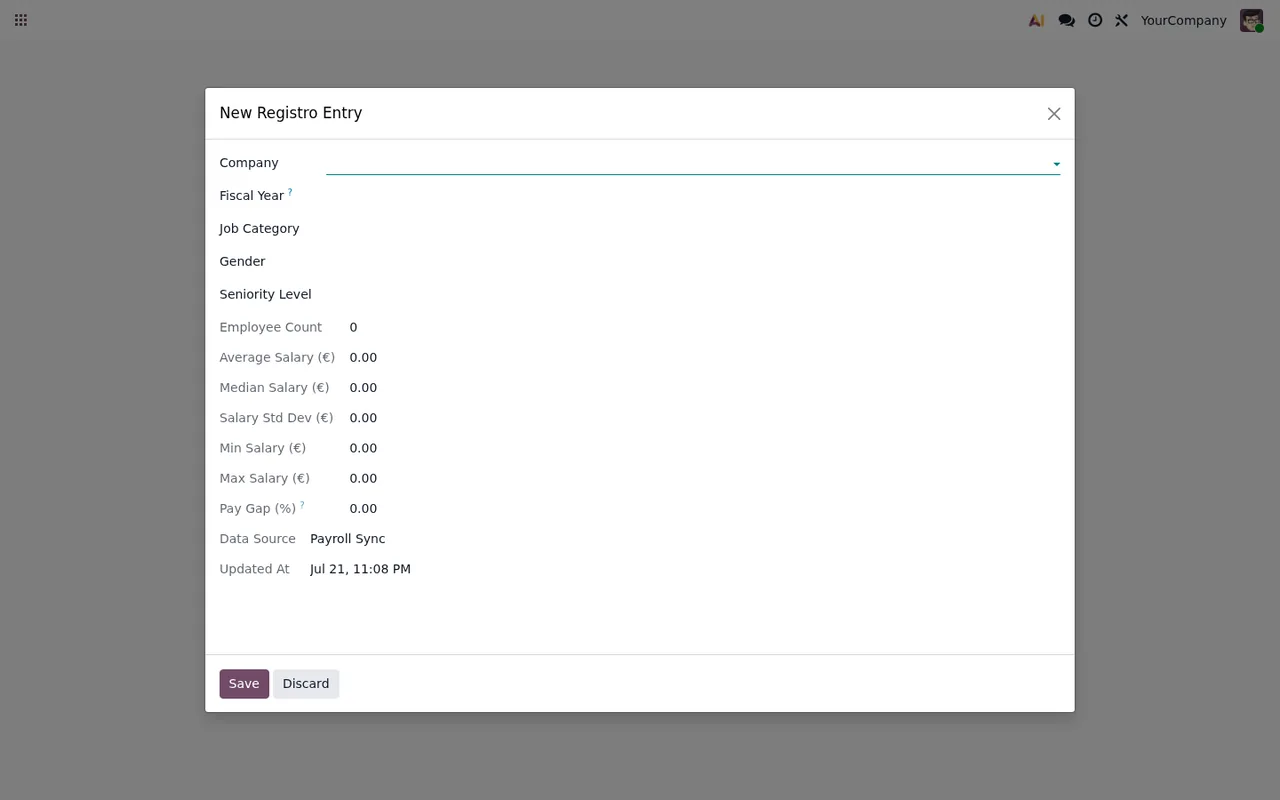
She goes to the pay register and clicks New. Salary statistics are calculated from payroll (or she enters them by hand) and the pay gap is calculated automatically against the male baseline.
The equality plan
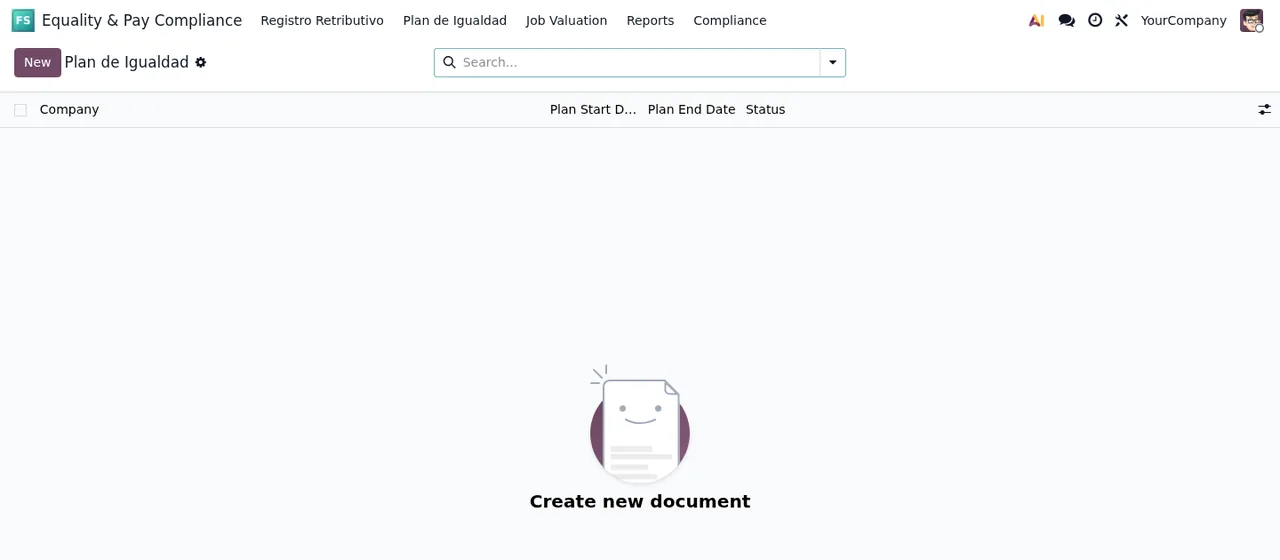
In the equality plan she clicks New and completes the wizard. Once she is happy with it, she validates and approves the plan, which locks it.
Export and reports
In the reports she selects the report type and passes it to her advisers for review.
What the example teaches you for your decision
- If your Odoo is 17, 18 or 19, the module is published for your version; for any other version the listing does not offer it.
- If you do not have
flexigo_paytransparency, plan for it: the README marks it as required.
- If you need to restrict who sees sensitive data, the README ties that access to the
Equality Officer (Grupo de Igualdad)group. - If you want traceability, the module includes an immutable activity log and DSAR request management.
To see the menus from the inside, read how the module works; if something goes wrong, there is a guide to its error messages.
How FlexigoTech can help
FlexigoTech implements Odoo and builds bespoke connectors and integrations. If you need HR and Payroll set up before installing the module, or want it adapted to your case, get in touch from the module page. You can also find it on its Odoo Apps listing.
Keep reading
Checked in the module's source code (version 19.0) and the linked sources
Sources
- Module source code: flexigo_spain_equality_pay_register 19.0 (589fd180): README.rst
- apps.odoo.com/apps/modules/19.0/flexigo_spain_equality_pay_register
- apps.odoo.com/apps/modules/17.0/flexigo_spain_equality_pay_register
- apps.odoo.com/apps/modules/18.0/flexigo_spain_equality_pay_register
- flexigotech.com/en/services.html