

 Español
 Català
 Deutsch
 Français
 Português
 Italiano
 Nederlands
 Polski
How to read the module's messages
The module's error texts are quoted exactly as they appear, in backticks, so you can match them against what you see on screen.
Equality & Pay Compliance (Registro Retributivo, Audit Logs, DSAR Requests and Equality Measures), with no records yet.What the module listing does not tell you
The three-measures warning appears twice
Plan must include at least 3 measures appears twice among the module's messages. Whichever one you hit, the text asks for the same thing: a plan with at least 3 measures. There is also a message about names: All measures must have a name. Reaching the number of measures is not enough: each one needs a name. Before retrying, check that the plan has three measures or more and that none has been left unnamed.
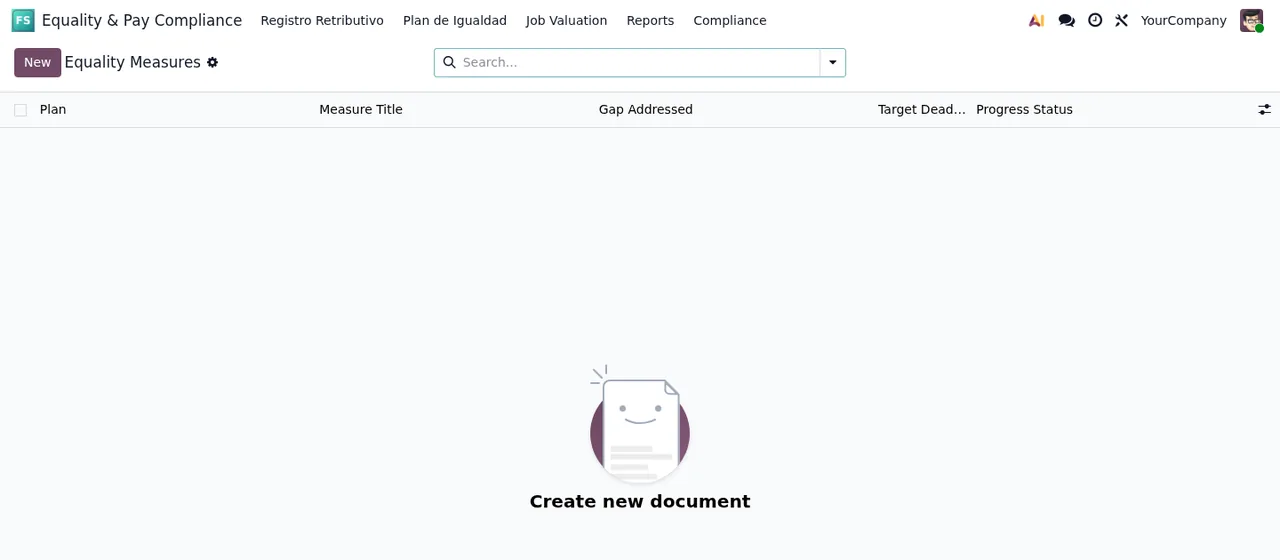
Equality Measures list, with no records yet, showing the Plan, Measure Title, Gap Addressed, Target Deadline and Progress Status columns.Budget has three warnings and they do not say the same thing
There are three budget messages, and each asks for something different:
All measures must have allocated budget: a measure has no budget allocated.All measures must have positive budget allocated: each measure's allocated budget has to be positive.Budget cannot be negative: the amount cannot be negative.
Read together, the way to avoid all three is to give every measure a budget above zero. Watch the second one: an amount of zero is not positive, so it does not meet what that message asks for even though the field is not empty.
The plan's length has a floor and a ceiling
Two messages set the limits: Plan must span at least 1 year and Plan must not exceed 4 years. In other words, the plan must last at least 1 year and no more than 4. On top of that, the module requires both dates: Plan start date is required and Plan end date is required. If any of these four appears, check that both the start and end dates are filled in and that the span between them falls within those limits.
Minimum years cannot sit above Maximum years
The message is Minimum years must be <= Maximum years. It compares two values with those names and requires the minimum to be less than or equal to the maximum. The text says nothing more, so the fix is simple: find the two values and correct whichever is wrong.
The diagnosis needs real text
There are two warnings here. Diagnosis text is required asks for text in the diagnosis, and Diagnosis must be at least 50 characters asks for that text to reach at least 50 characters. A single word or a short phrase may not reach that minimum. Write the diagnosis with the detail you need rather than treating it as a box to tick.
Signatories and REGCON notes
The module requires At least 2 signatories are required: a minimum of 2 signatories. Separately, REGCON submission notes are required: the REGCON submission notes cannot be left empty. These are two separate messages, so check both at once before retrying, rather than fixing one and running straight into the other.
Job Valuation list under Equality & Pay Compliance, with no records yet.The «first» warnings do not say first before what
Three messages are about prerequisites: Only received requests can be verified, Identity must be verified first and Data must be compiled first. What they say: only received requests can be verified, identity has to be verified beforehand, and data has to be compiled beforehand. The last two do not name the step they are blocking. When one appears, look at the action you have just tried and complete the requirement the message names first.
DSAR Requests list under Equality & Pay Compliance, with no records yet.Quick review before you try again
If you would rather not go message by message, run through this, which covers everything the module's texts ask for:
- Plan: start and end dates filled in, and a length of between 1 and 4 years.
- Years:
Minimum yearsless than or equal toMaximum years. - Measures: at least 3, all named and all with a positive budget.
- Diagnosis: filled in and at least 50 characters long.
- Signatories and REGCON: at least 2 signatories and REGCON submission notes.
- Requests: only received ones can be verified; identity verified and data compiled when the message asks for it.
None of these messages describes a technical fault: each one asks for a piece of data or an earlier step. When one appears, the clue is in the text itself.
If you would rather we set it up
The module is published on Odoo Apps for Odoo 17.0, 18.0 and 19.0. If you are still unsure whether it fits, see what it covers and what you need before installing it, and you can buy it on the module page. At FlexigoTech we implement Odoo and build connectors and bespoke integrations, so we can also help you get it running as part of your implementation.
Keep reading
Checked in the module's source code (version 19.0) and the linked sources
Sources
- Module source code: flexigo_spain_equality_pay_register 19.0 (589fd180): models/dsar_request.py
- Module source code: flexigo_spain_equality_pay_register 19.0 (589fd180): models/plan_igualdad.py
- Module source code: flexigo_spain_equality_pay_register 19.0 (589fd180): models/seniority_level.py
- Module source code: flexigo_spain_equality_pay_register 19.0 (589fd180): wizards/plan_igualdad_wizard.py
- apps.odoo.com/apps/modules/19.0/flexigo_spain_equality_pay_register
- apps.odoo.com/apps/modules/17.0/flexigo_spain_equality_pay_register
- apps.odoo.com/apps/modules/18.0/flexigo_spain_equality_pay_register
- flexigotech.com/en/services.html