

 Español
 Català
 Deutsch
 Français
 Português
 Italiano
 Nederlands
 Polski
What it adds to the Odoo menu
Once installed, a top-level menu called Equality & Pay Compliance appears, with five sections beneath it. This is how the entries are spread across the module's menu tree:
Equality & Pay Compliance › Registro Retributivo, with two entries below it.Equality & Pay Compliance › Plan de Igualdad, with four entries.Equality & Pay Compliance › Job Valuation, with one entry.Equality & Pay Compliance › Reports, with three entries.Equality & Pay Compliance › Compliance, with two entries.
The names mix Spanish and English exactly as they appear in the module. The two sections the code links to Spanish instruments (Spanish Pay Register and Spanish Equality Plan) carry Spanish names; the rest are in English. If you are looking for a screen and cannot find it, check first which of the five sections it fits by name.
What records it keeps under the hood
Each screen works on a data model. These are the models the module defines, with the technical name and the description each one carries in the code:
paytransparency.registro_retributivo:Registro Retributivo - Spanish Pay Register.paytransparency.plan_igualdad:Plan de Igualdad - Spanish Equality Plan.paytransparency.plan_igualdad.wizard:Plan de Igualdad Wizard.paytransparency.plan_igualdad.wizard.measure:Equality Plan Measure.paytransparency.equality_measure:Equality Measure.paytransparency.equality_action:Equality Action - Progress Tracking.paytransparency.job_valuation:Job Valuation - Point Factor Analysis.paytransparency.seniority_level:Seniority Level.paytransparency.equality_audit_log:Equality Audit Log - Immutable.paytransparency.dsar_request:DSAR Request - GDPR Art. 15.
Two descriptions deserve a careful read. The audit log is described in the code as immutable (Immutable). DSAR requests are labelled with a reference to Article 15 of the GDPR (GDPR Art. 15): that is how the module names the record, not a legal analysis of what the regulation requires of you.
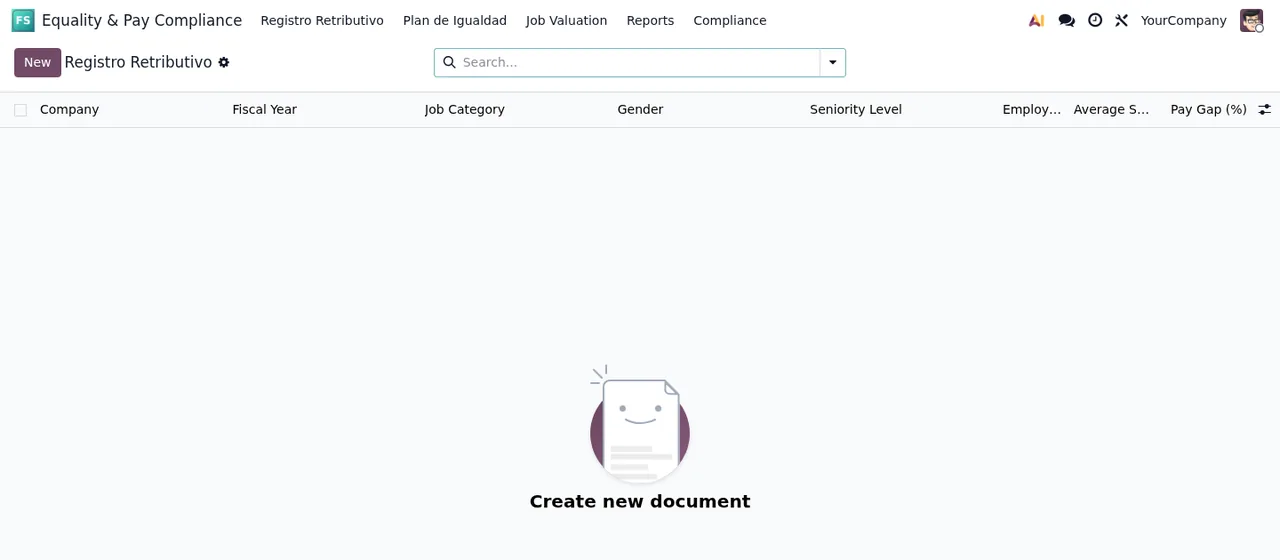
Registro Retributivo list, still with no records, showing the New button and the Create new document message.Walking through the module step by step
The steps follow the order in which the sections appear in the menu. It is a tidy way to get to know the module the first time round, not a mandatory working order.
- Open
Equality & Pay Compliancefrom the Odoo main menu. - Go into
Registro Retributivo. The list shows the columnsCompany,Fiscal Year,Job Category,Gender,Seniority LevelandPay Gap (%), plus theNewbutton to create a document. There are two entries under this section: open them to see what each one holds. - Move on to
Plan de Igualdad, the section with the most entries (four). In the code, the plan corresponds to the modelPlan de Igualdad - Spanish Equality Plan, and the module also defines a wizard,Plan de Igualdad Wizard, with its own measure record (Equality Plan Measure). - Find the
Equality Measureslist. Its columns arePlan,Measure Title,Gap Addressed,Target DeadlineandProgress Status, with aNewbutton and a search bar. The module stores actions separately, in the modelEquality Action - Progress Tracking. - Open
Job Valuation, which has one entry. The model behind it is described asJob Valuation - Point Factor Analysis. Seniority levels live in a separate model,Seniority Level, which also gives its name to one of the pay register columns. - Check
Reports. It has three entries; go through them one by one to see what each report presents. - Finish in
Compliance, with two entries. Among the module's lists areAudit Logs, with a search bar and columnsTimestamp,Actor,Model Name,Record IDandAction, andDSAR Requests, with columnsRequester Name,Request Date,Response Date,StatusandDelivered On.
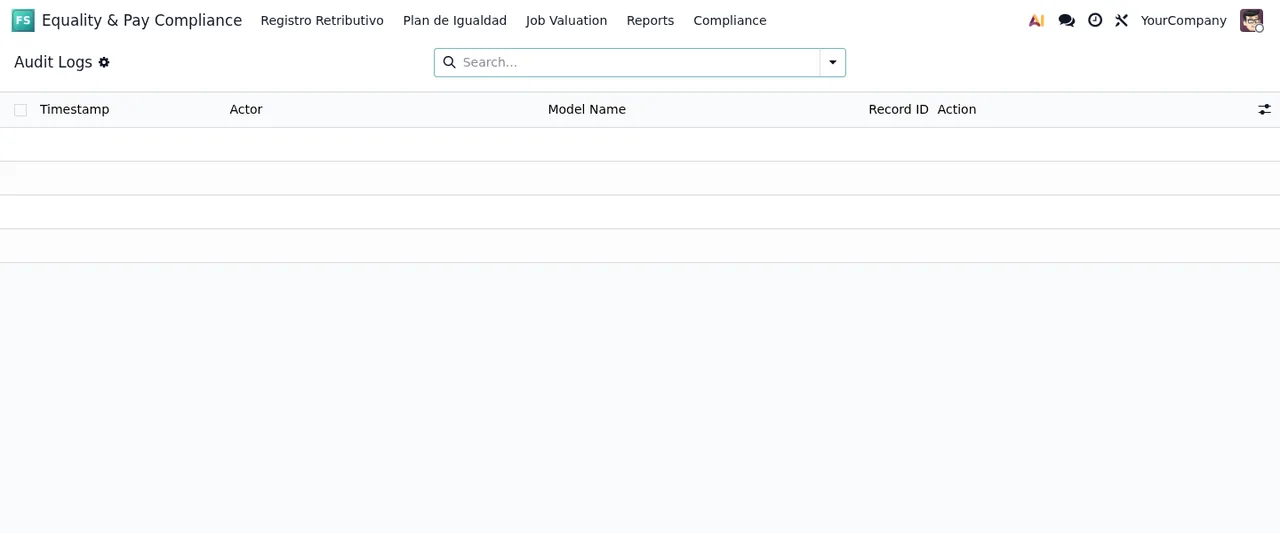
Audit Logs list, still without data: every row is empty.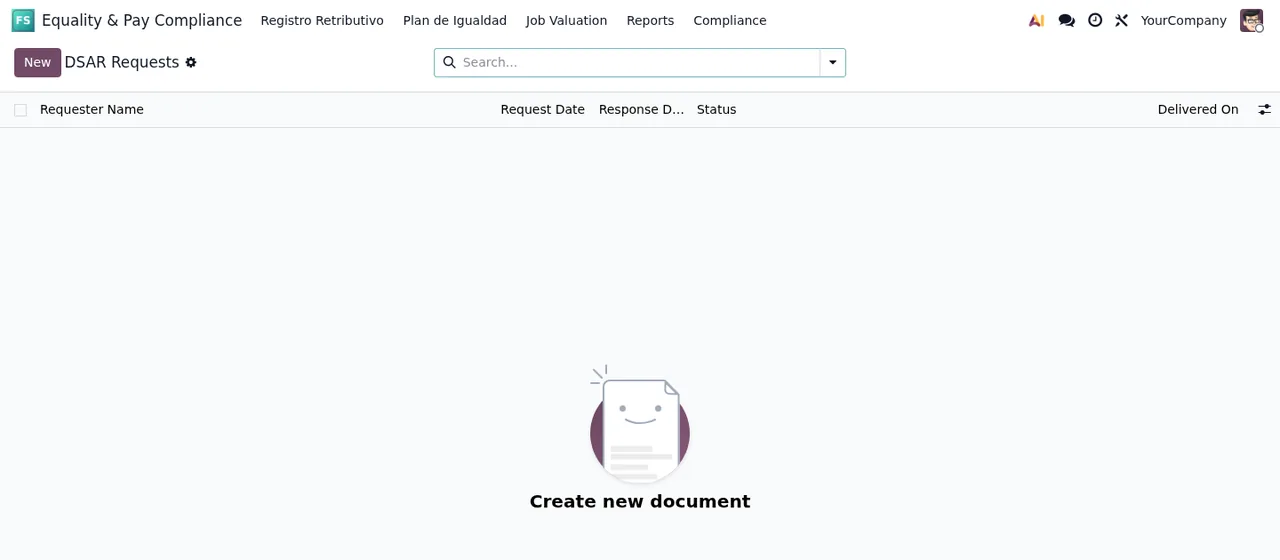
DSAR Requests list, still with no records, showing the Create new document message.
Versions, price and how we can help
The module is published on Odoo Apps for 17.0, 18.0 and 19.0.
At FlexigoTech we implement Odoo and build connectors and bespoke integrations. If you want the pay register or the equality plan to connect with other data in your Odoo, or you need a hand getting it up and running, you will find the details on the module page at flexigotech.com.
Keep reading
Checked in the module's source code (version 19.0) and the linked sources
Sources
- Module source code: flexigo_spain_equality_pay_register 19.0 (589fd180): views/menus.xml
- Module source code: flexigo_spain_equality_pay_register 19.0 (589fd180): static/description/index.html
- Module source code: flexigo_spain_equality_pay_register 19.0 (589fd180): models/dsar_request.py
- Module source code: flexigo_spain_equality_pay_register 19.0 (589fd180): models/equality_action.py
- Module source code: flexigo_spain_equality_pay_register 19.0 (589fd180): models/equality_audit_log.py
- Module source code: flexigo_spain_equality_pay_register 19.0 (589fd180): models/equality_measure.py
- Module source code: flexigo_spain_equality_pay_register 19.0 (589fd180): models/job_valuation.py
- Module source code: flexigo_spain_equality_pay_register 19.0 (589fd180): models/plan_igualdad.py
- Module source code: flexigo_spain_equality_pay_register 19.0 (589fd180): models/registro_retributivo.py
- Module source code: flexigo_spain_equality_pay_register 19.0 (589fd180): models/seniority_level.py
- Module source code: flexigo_spain_equality_pay_register 19.0 (589fd180): wizards/plan_igualdad_wizard.py
- apps.odoo.com/apps/modules/19.0/flexigo_spain_equality_pay_register
- apps.odoo.com/apps/modules/17.0/flexigo_spain_equality_pay_register
- apps.odoo.com/apps/modules/18.0/flexigo_spain_equality_pay_register
- flexigotech.com/en/services.html