

 Español
 Català
 Deutsch
 Français
 Português
 Italiano
 Nederlands
 Polski
When the error appears
It appears when you press, not when you open the order
The error comes from a permission check on the sales order. It can appear when you press Push to Shopify or Cancel in Shopify. According to the code comment, that check protects the manual actions that send changes to Shopify. If the condition is met when you press, you get You need Shopify Operator (or Manager) access to push changes to Shopify. and the action stops.
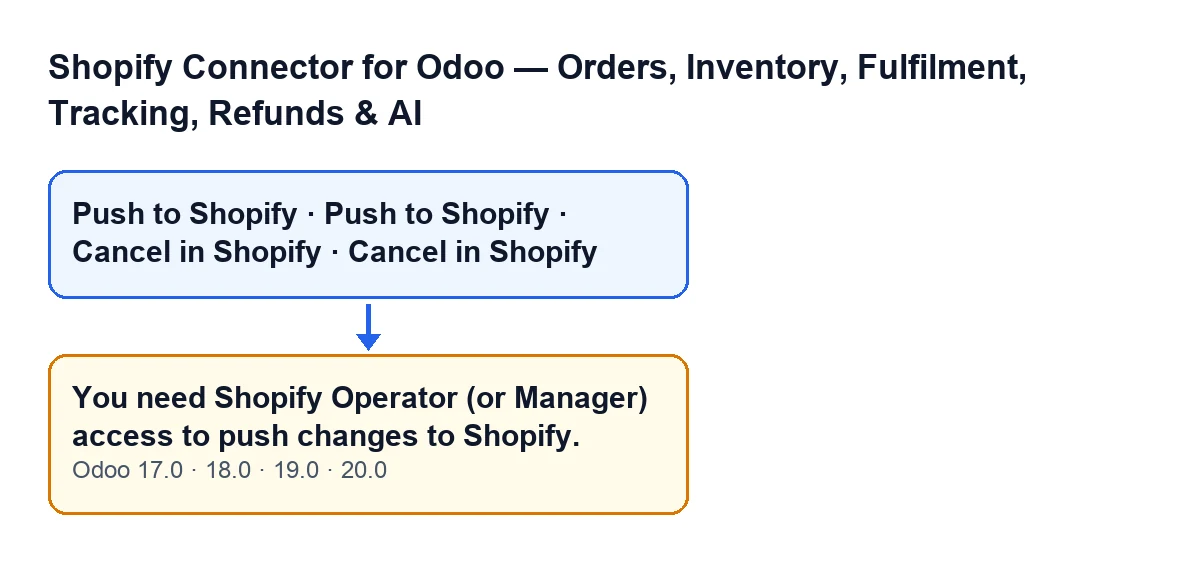
Push to Shopify and Cancel in Shopify buttons and the access error, for Odoo 17, 18, 19 and 20. The labels are in English, as in the code.When each button is visible
Push to Shopify is hidden when the order has no Shopify Order Ref or when its state is not Sales Order. Cancel in Shopify is hidden when the order has no such reference or when it is Cancelled. This applies to Odoo 17, 18, 19 and 20.
If the button is on screen, the order already meets those display conditions. What decides whether you get the error is something else, checked afterwards, when you press.
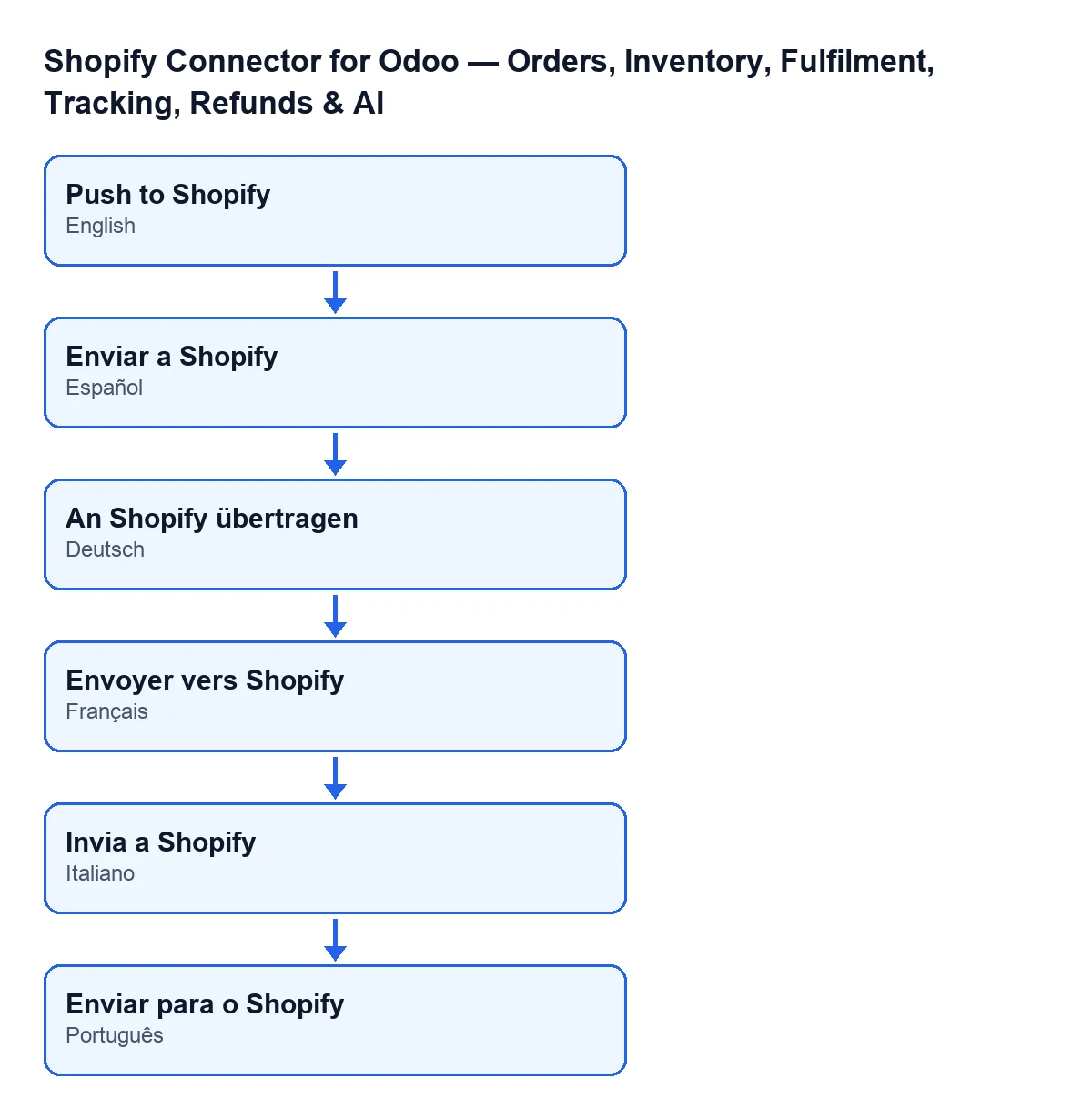
The label of the push button changes with the language of your Odoo, according to the module's published translations:
| Odoo language | Button label |
|---|---|
| English | Push to Shopify |
| Spanish | Push to Shopify |
| German | An Shopify übertragen |
| French | Envoyer vers Shopify |
| Italian | Invia a Shopify |
| Portuguese | Enviar para o Shopify |
What Odoo asks before acting
When you press either button, Odoo asks for confirmation. Push to Shopify asks Push the current order lines (quantities, added/removed products) to the linked Shopify order?. Cancel in Shopify asks Cancel the linked Shopify order and this Odoo order?.
It helps to be clear about what each one does before you ask for access: the first sends the order lines to the linked Shopify order; the second cancels the linked Shopify order and the Odoo order as well.

What the code checks, exactly
The superuser first, then the group
In Odoo 20.0, the check that raises the error asks two questions, one after the other. First it looks at whether the call runs as a real superuser and, if so, it simply ends. If not, it checks whether the user who pressed the button belongs to the module's Shopify operator group. If the user does not, it raises the error and the action stops.
For you, signing in with your own user, the practical condition is a single one: being in that group or not. The message speaks of Operator or Manager access: one of those two is what you need to request for your user.
Sales access is not enough
The comment in the code spells it out. The sales order is a standard Odoo model and carries no Shopify-specific permission, so, according to that comment, a user with ordinary Sales access and no Shopify group at all can read and write a linked order. Without this explicit check, any authenticated Sales user could trigger a real, credentialed call to Shopify, whether or not they hold a Shopify role.
That is why, with normal Sales access, you can modify the order in Odoo and still get the error when you press Push to Shopify or Cancel in Shopify.
Seeing the button does not mean you have permission
According to the code comment, restricting a button by groups in the view is only a convenience of the screen: it is not enforced when someone calls the action directly. So the check lives in the action itself, not in the view. Permission is checked when you press, not when the button is displayed.
How to fix it
The fix is about permissions, not about the order
- Ask whoever manages users in your Odoo to give your user Shopify Operator access (or Manager access, as the message says).
- Go back to the sales order and repeat the action.
If the error appears for someone who should not push changes to Shopify, the check is doing its job: decide who should hold the access before granting it, especially for Cancel in Shopify, which affects both orders.
The message is in the published code of branches 17.0, 18.0, 19.0 and 20.0, and the module is published on Odoo Apps for those four versions.
If you need help with permissions or the connector
FlexigoTech implements Odoo 17, 18, 19 and 20 and builds custom connectors and integrations, so we can help you decide which users should hold each Shopify access. The module is a one-off purchase per version and needs the FlexigoTech Cloud subscription (Connector plan: €49 per month or €490 per year, excluding VAT); the details are on the module page.
Keep reading
Checked in the connector's source code (version 20.0) and the linked sources
Sources
- Module source code: flexigobe_shopify_seller_connector 20.0 (03641761): models/sale_order.py
- Module source code: flexigobe_shopify_seller_connector 20.0 (03641761): views/sale_order_views.xml
- apps.odoo.com/apps/modules/20.0/flexigobe_shopify_seller_connector
- flexigotech.com/en/services.html
- flexigotech.com/precios.html