

 Español
 Català
 Deutsch
 Français
 Português
 Italiano
 Nederlands
 Polski
What the message says and when it appears
This error appears on the form of an Odoo sale order when you try to push changes to its lines to Shopify. It is a preliminary check: the module looks at whether the order is linked to a Shopify order and, if it is not, it stops before sending anything.
What exactly does the message say, and where does it come from?
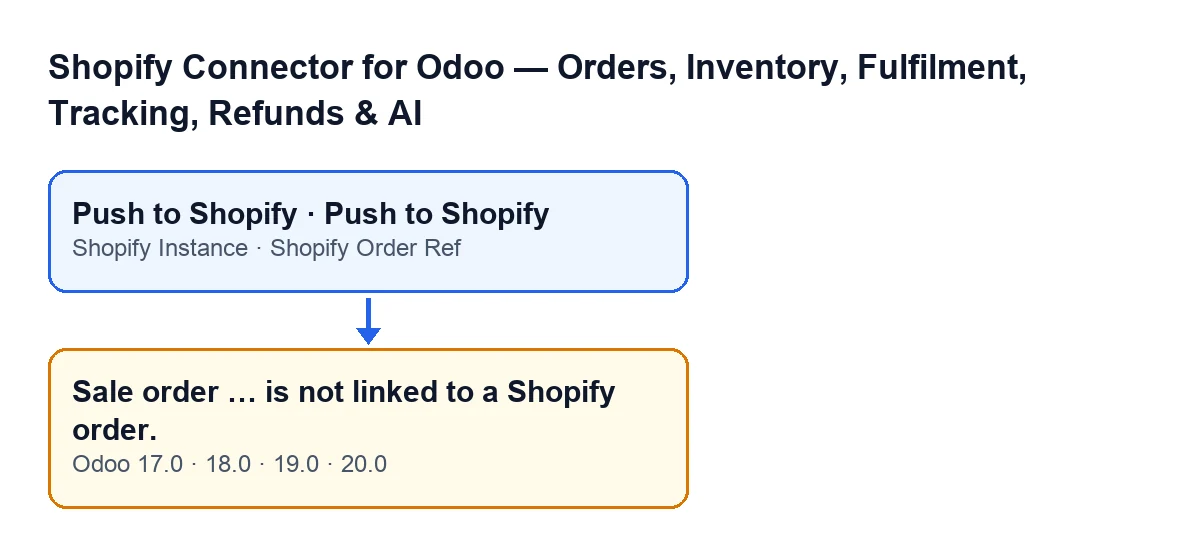
It reads Sale order … is not linked to a Shopify order. and, in place of the ellipsis, Odoo puts the name it displays for the order. It appears when you press the Push to Shopify button on the sale order form, and the action stops. Before it runs, Odoo asks for confirmation with this text: Push the current order lines (quantities, added/removed products) to the linked Shopify order?.
What is the exact condition that triggers it?
The code asks whether the order has both a Shopify Order Ref and a Shopify Instance. If either is missing, that is, if one of them is empty, it raises the message. Only when both have a value does it carry on.
What does the button do when the link is fine?
It asks Shopify to begin an edit of the order and compares the lines of the Odoo order with those of the Shopify order, by the product's Shopify variant or by its SKU. Delivery lines are skipped. If it finds the line and the quantity differs, it asks Shopify for the quantity change within that edit; if it does not find the line and the product has a Shopify variant, it asks for it to be added to the edit.
Is anything sent to Shopify when the error appears?
The link check comes before the call that pushes the edits to the Shopify order. When the message appears, the action stops at that point: that call is not reached for that order and nothing the action was going to change is saved.

Why you can see it if the button already depends on the reference
At first sight it looks odd: if the order has no Shopify reference, the button is not even visible. The explanation lies in how the view condition and the code condition fit together.
If the button is hidden without a reference, how can I reach the message?
The Push to Shopify button is hidden when Shopify Order Ref is empty or when the order is not in the Sales Order state; the condition is the same in Odoo 17, 18, 19 and 20. So if you can see the button, the reference already has a value, and from the condition in the code what can be missing when you press it is the Shopify Instance.
How do I check what the order is missing?
Open the sale order form and look at the Shopify group. Shopify Order Ref and Shopify Instance are there, both read-only. With the default values they are not shown: they are hidden while the reference is empty. If the reference appears but the instance is empty, you have found the cause of the message. If the button does not appear at all, this is not the error you are hitting: check that there is a reference and that the order is in Sales Order.
What should I check, in order, when the message appears?
First, confirm that you are on the order form and that the Push to Shopify button is visible. Second, open the Shopify group on that form. Third, see whether Shopify Order Ref has a value. Fourth, see whether Shopify Instance has a value. Whichever field is empty is the one that fails the condition in the code.
What should I see on an order that is linked?
In the Shopify group of the form, Shopify Order Ref and Shopify Instance both with a value, and the Push to Shopify button visible while the order is in Sales Order. With both fields filled in, the link check passes and the action carries on.
Can I fill in those fields myself?
Both are read-only on the form, so they cannot be edited from there. If you have an order with a reference but no instance, that order will not pass this check when you use the button. Before touching anything, find out where that order came from, or ask us to review it, as explained at the end.
Versions, permissions and help
The message does not depend on which Odoo version you run, but it helps to tell it apart from other errors on the same button.
Does it affect my Odoo version?
The message is in the published code of the 17, 18, 19 and 20 branches, and the module is published on Odoo Apps for those versions. The view condition for the button is the same in all of them.
| Odoo language | Message text |
|---|---|
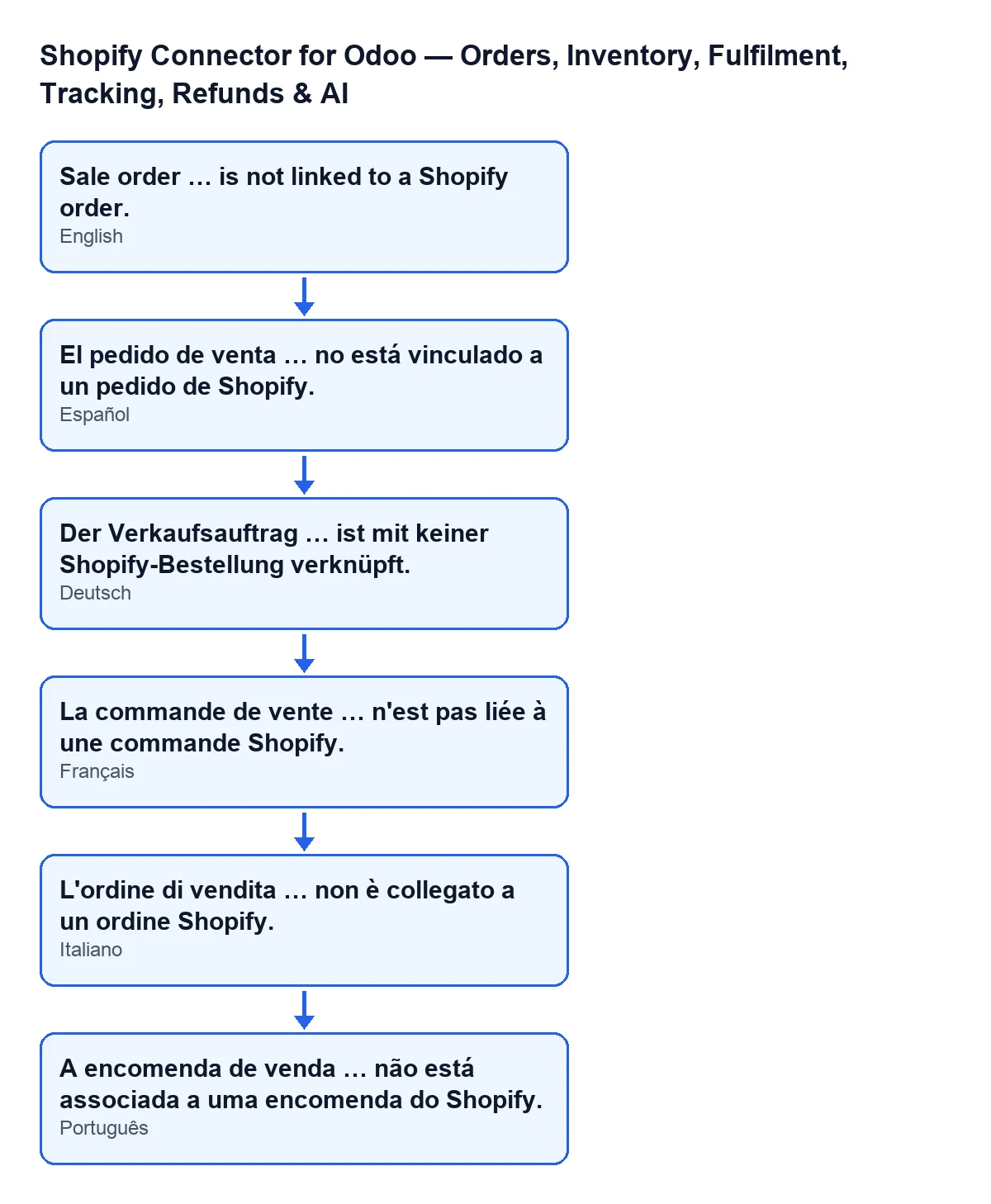
| Spanish | El pedido de venta … no está vinculado a un pedido de Shopify. |
| German | Der Verkaufsauftrag … ist mit keiner Shopify-Bestellung verknüpft. |
| French | La commande de vente … n'est pas liée à une commande Shopify. |
| Italian | L'ordine di vendita … non è collegato a un ordine Shopify. |
| Portuguese | A encomenda de venda … não está associada a uma encomenda do Shopify. |
What if I get a permissions message instead of this one?
Before looking at the link, the method checks that your user has Shopify operator access. That is a different error with a different cause, and it is covered in the article on the access warning when pushing changes to Shopify.
When is it worth asking for help?
When the order has a Shopify reference and the instance is still empty, or when you do not know where that order came from. FlexigoTech implements Odoo 17, 18, 19 and 20 and builds custom connectors and integrations. You can see the module on its page or on its Odoo Apps listing.
Keep reading
Checked in the connector's source code (version 20.0) and the linked sources
Sources
- Module source code: flexigobe_shopify_seller_connector 20.0 (03641761): models/sale_order.py
- Module source code: flexigobe_shopify_seller_connector 20.0 (03641761): views/sale_order_views.xml
- apps.odoo.com/apps/modules/20.0/flexigobe_shopify_seller_connector
- flexigotech.com/en/services.html