

 Español
 Català
 Deutsch
 Français
 Português
 Italiano
 Nederlands
 Polski
When the message appears
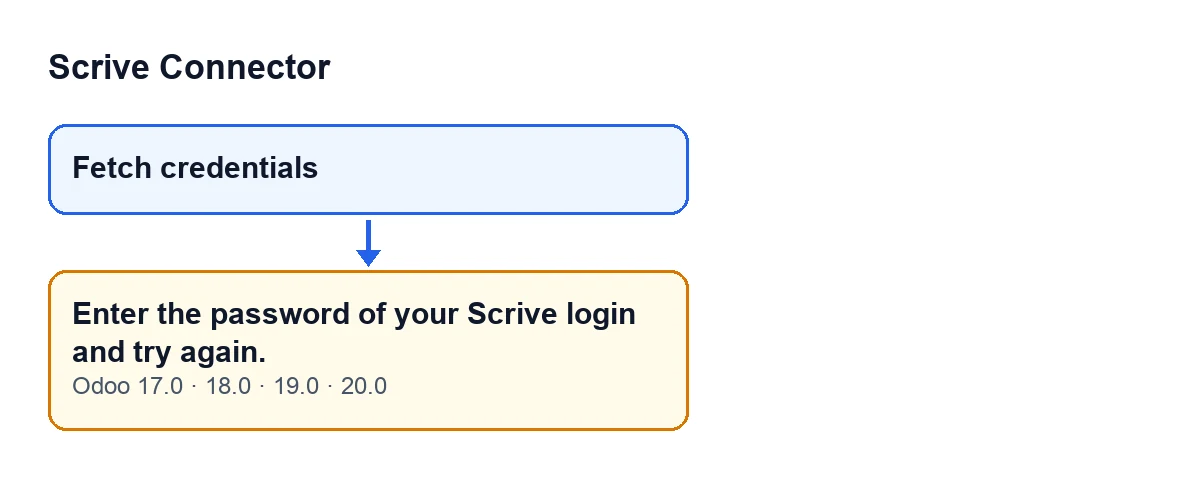
The notice appears when you press the Fetch credentials button in Scrive Connector. That button is always visible in Odoo 17, 18, 19 and 20, and the message is in the published code of all four versions.
The first thing the module does when you press it is look at whether the credentials are fetched. If that check is not met, the action stops and you see this text:
Enter the password of your Scrive login and try again.
What it means and what happens next
The message tells you what is missing: the password of your Scrive login. While the condition is not met, the action stays at that point and does not reach the success notice. It is a stop with a specific instruction: provide the password and try again.
If the check passes, the button returns a success notice titled Credentials stored with this text: Personal access credentials fetched and saved in FlexigoTech Cloud. Use 'Test Connection' to verify. After that notice the window closes.
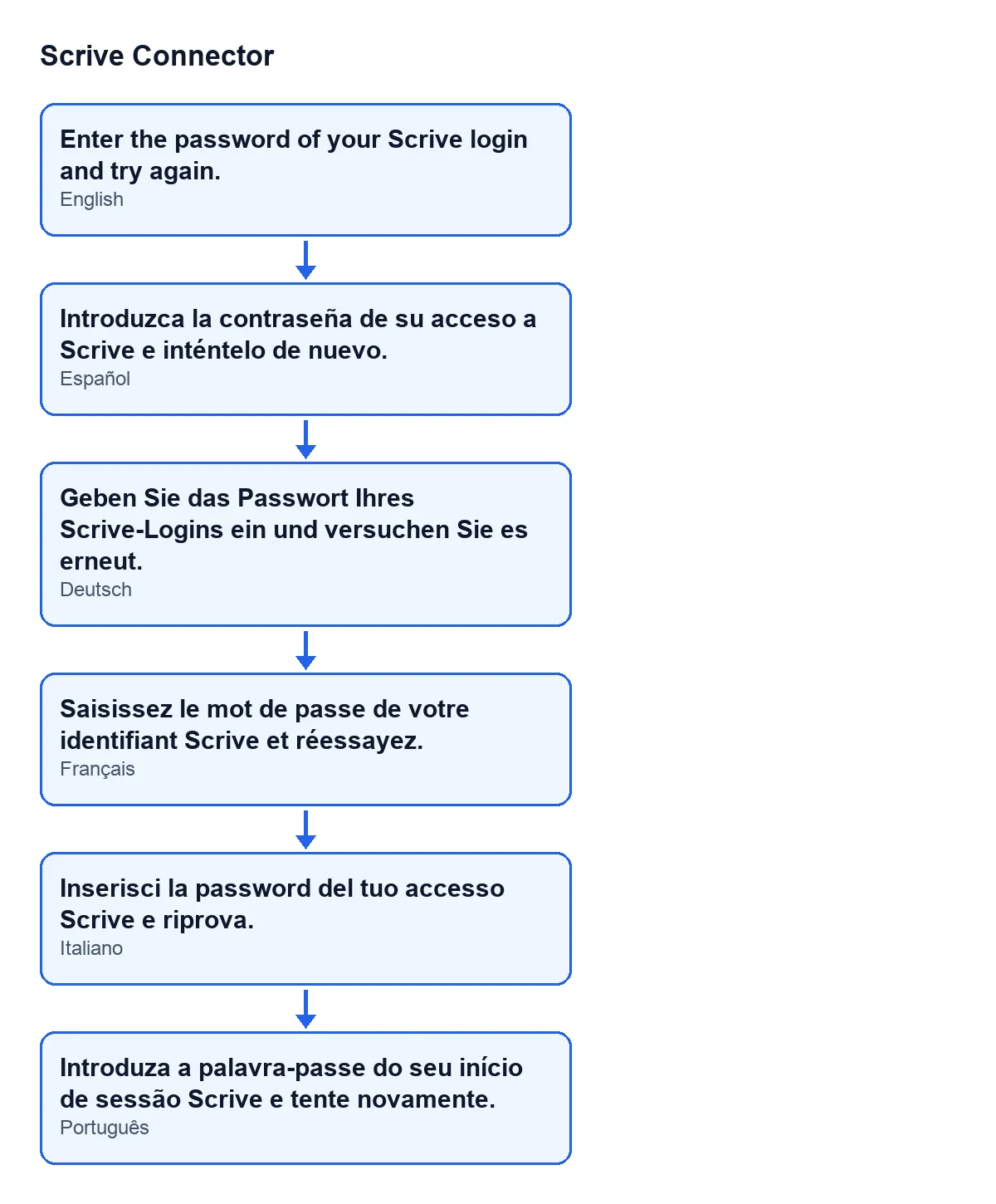
With Odoo in English, the password message reads as above. The diagram below brings together the same text in the languages for which the module publishes a translation.
Checklist to resolve it
Before pressing the button
- Have the password of your Scrive login to hand: it is what the message asks for.
- Find the
Fetch credentialsbutton: it is always visible, in Odoo 17, 18, 19 and 20.
- Keep in mind that the module needs the FlexigoTech Cloud subscription on the Connector plan, and that the success notice speaks of credentials saved in FlexigoTech Cloud.
If you see the message
- Read the whole text:
Enter the password of your Scrive login and try again.The instruction has two parts: provide the password, then retry.
- Have the password of your Scrive login to hand before you run the action again.
- Press
Fetch credentialsagain. The message means the action stopped, so it has to be repeated.
- If the message comes back, the check for fetched credentials is still not met: the action does not move on until it is.
Once it works
- Confirm that the
Credentials storednotice appears, with the text about personal access credentials fetched and saved in FlexigoTech Cloud.
- Check that the window closes after the notice: that is what the button does when all goes well.
Questions you may have
Does it appear in every Odoo version?
The message is in the published code of Odoo 17, 18, 19 and 20. The module is published on Odoo Apps for those four versions.
Can the button be hidden?
For Fetch credentials, the view condition says it is always visible in Odoo 17, 18, 19 and 20.
Is it a bug in the module?
It is the code's behaviour in that case: it stops the action with this message and tells you what is missing, the password of your Scrive login.
What happens to the action when the message appears?
It stops: the success notice is not returned and the window does not close by that route. You need to press the button again.
What if I press the button and everything goes well?
You will see the Credentials stored success notice and the window closes.
What it costs and how we help
Scrive Connector is a one-off purchase per version and needs the FlexigoTech Cloud subscription on the Connector plan: €49 a month or €490 a year, excluding VAT (the Pro plan is €98 a month or €980 a year, excluding VAT). The connection goes through FlexigoTech Cloud, which stores the credentials encrypted. You can see the module on its Odoo Apps page or on the module page.
If you are implementing Odoo and want someone to review the Scrive connection with you, FlexigoTech implements Odoo 17, 18, 19 and 20 and develops custom connectors and integrations.
Keep reading
Checked in the connector's source code (version 20.0) and the linked sources
Sources
- Module source code: flexigobe_scrive_connector 20.0 (21b3b940): wizard/scrive_send_wizard.py
- Module source code: flexigobe_scrive_connector 20.0 (21b3b940): wizard/scrive_send_wizard_views.xml
- apps.odoo.com/apps/modules/20.0/flexigobe_scrive_connector
- flexigotech.com/precios.html
- flexigotech.com/en/services.html
- Module source code: flexigobe_scrive_connector 20.0 (21b3b940): __manifest__.py