

 Español
 Català
 Deutsch
 Français
 Português
 Italiano
 Nederlands
 Polski
Exactly when the notice appears
The notice Product variants pushed successfully. appears when you press the Push to Shopify button on the linked products. The button is always visible, in Odoo 17, 18, 19 and 20, and the notice is in the published code of all four versions.
The condition, in Odoo 20, is that the method reaches its end: it goes through the links you launched it with, groups them by Shopify instance and pushes those of each one. Only when it has finished with all of them does it return the notice, titled Pushed to Shopify. It is a success notice that does not block you: it does not stay fixed on screen and asks nothing of you.
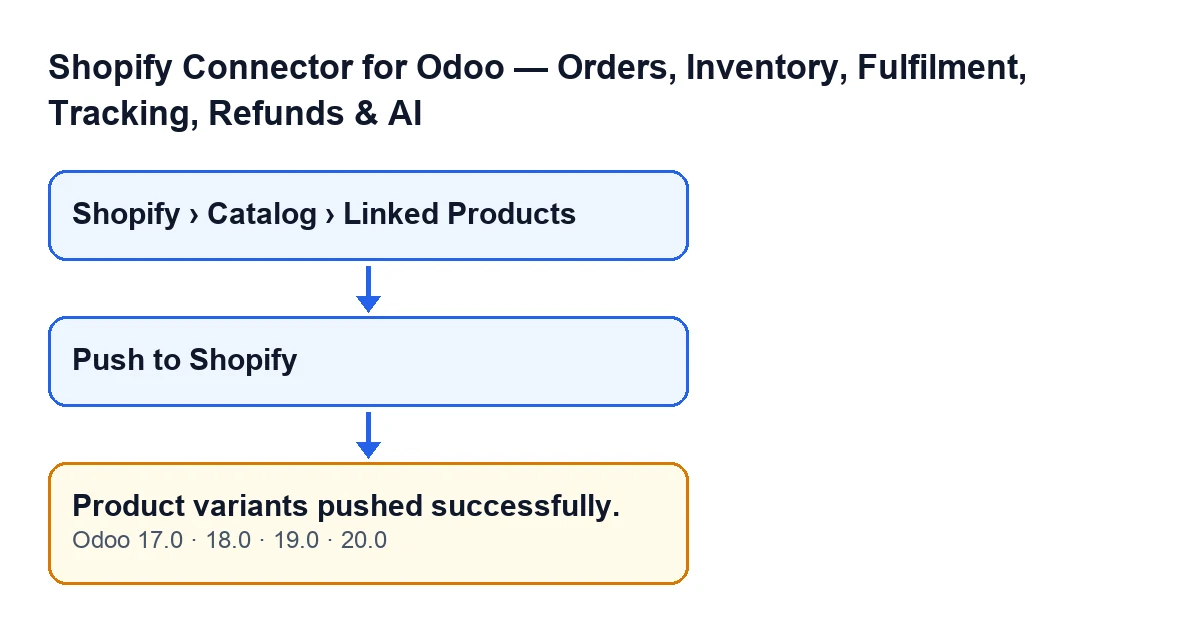
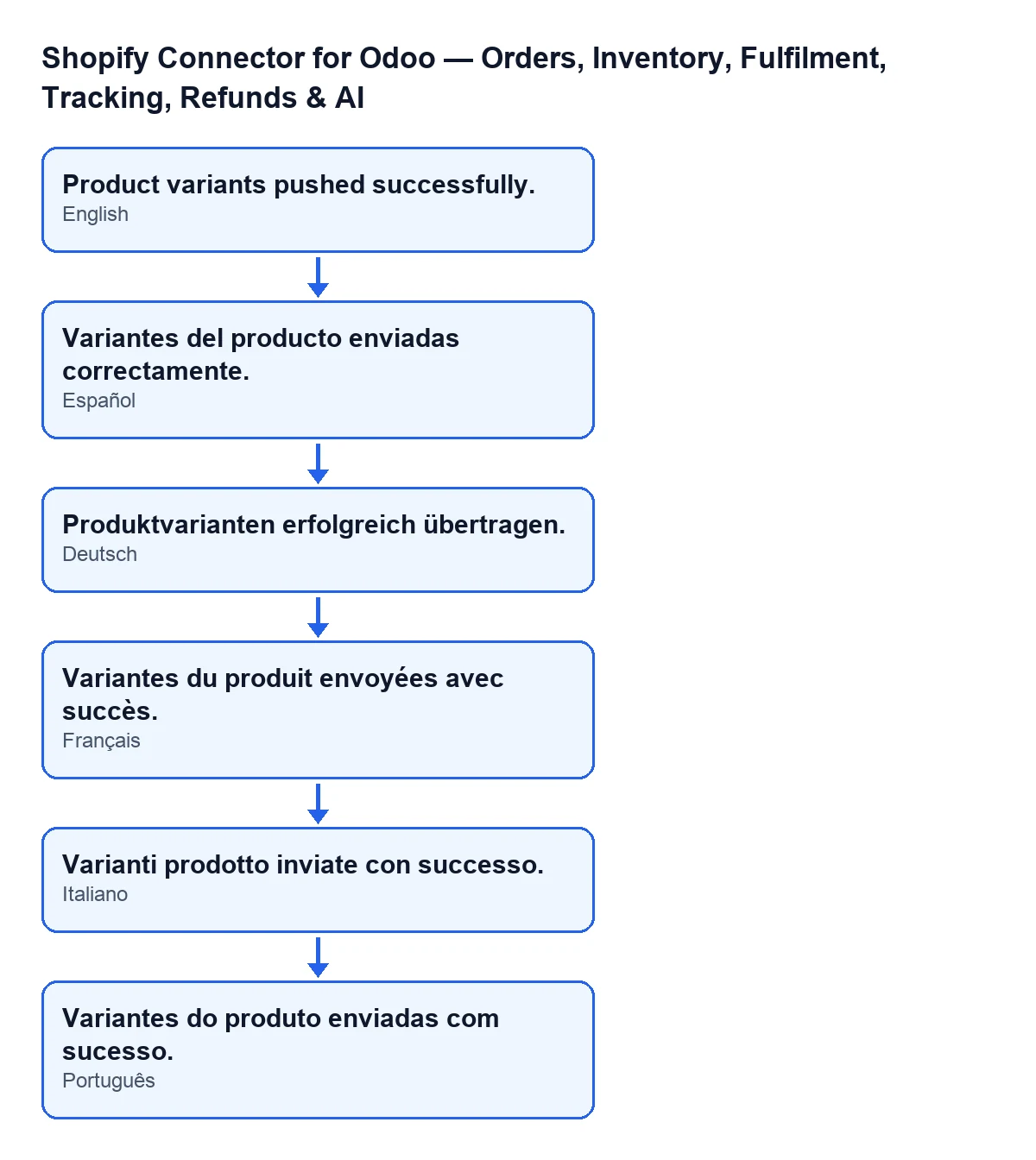
With Odoo in English the notice reads Product variants pushed successfully. This is how it looks depending on the language of your Odoo:
| Odoo language | Text of the notice |
|---|---|
| Spanish | Variantes del producto enviadas correctamente. |
| German | Produktvarianten erfolgreich übertragen. |
| French | Variantes du produit envoyées avec succès. |
| Italian | Varianti prodotto inviate con successo. |
| Portuguese | Variantes do produto enviadas com sucesso. |

What the notice means
It means the method finished its run without stopping. It does not mean that every link you selected reached Shopify: the code leaves out, without warning, the links that have no Shopify variant. If none of them has one, the method still finishes and shows the same notice. Nor does it carry any count: the text is fixed.
Guide: from the record to the notice
- Open the menu
Shopify › Catalog › Linked Products. You need theViewerpermission on both theShopifyand theCataloglevels; if either is missing, that level does not appear. - Open the link for the product whose variants you want to update in Shopify. The method accepts several links at once, so it also works for a group.
- Press
Push to Shopify. The module separates the links by Shopify instance and, within each one, by Shopify product. Links that have no Shopify variant are left out, with no warning. - For each Shopify product, the module sends a single variant-update request with the data of its links (see below for which). If a product has more than 250 variants, they go in batches of 250.
- If Shopify accepts the push for a product, the module records the date and time of the push on that product's links. After the last product, the notice
Product variants pushed successfully.appears. - Check the result in your Shopify: the notice does not tell you how many variants were sent.
What the button sends
For each variant, the code prepares these data from the link:
- Price: always sent, rounded to two decimals. If the price is empty, it is sent as zero.
- Compare-at price: sent only if it has a value and is higher than the price.
- SKU: sent only if filled in.
- Barcode: sent only if filled in.
In other words, the button is for prices, SKUs and barcodes.
What the notice does not guarantee
- It does not count variants. If you selected several links and one has no Shopify variant, it is skipped and the notice still appears.
- An empty price travels as zero. If you push a link whose price is empty, Shopify receives zero, and you still get the success notice. Check the prices before pushing.
- It only comes at the end. It is built once the method has gone through every product. If the push is interrupted earlier, you will not see it.
- It disappears by itself. It is not a fixed notice; if you missed it, you cannot tell from it whether the push happened. Look at the result in Shopify.
If you spot a wrong value, correct it on the link and press Push to Shopify again: the method sends the data of the links that have a Shopify variant once more.
How FlexigoTech can help
FlexigoTech implements Odoo 17, 18, 19 and 20 and builds custom connectors and integrations. If you want to fine-tune which product data travels to Shopify, or how it is reviewed before pushing, we can set it up with you.
The module is a one-off payment per Odoo version and needs the FlexigoTech Cloud subscription: the Connector plan costs €49 per month or €490 per year, excluding VAT. It is published on Odoo Apps for 17.0, 18.0, 19.0 and 20.0. You will find the listing on Odoo Apps and the module page.
Quick recap
- Where:
Shopify › Catalog › Linked Products, buttonPush to Shopify. - When it appears: at the end of the push, once.
- What it confirms: that the method finished, not that every variant is up to date in Shopify.
- What to check: prices, SKUs and barcodes in Shopify.
Keep reading
Checked in the connector's source code (version 20.0) and the linked sources
Sources
- Module source code: flexigobe_shopify_seller_connector 20.0 (d7e627b4): models/shopify_product_binding.py
- Module source code: flexigobe_shopify_seller_connector 20.0 (d7e627b4): views/shopify_product_binding_views.xml
- apps.odoo.com/apps/modules/20.0/flexigobe_shopify_seller_connector
- flexigotech.com/en/services.html
- flexigotech.com/precios.html