

 Español
 Català
 Deutsch
 Français
 Português
 Italiano
 Nederlands
 Polski
What the module adds to your Odoo
The Odoo Apps listing sums it up in its heading: Spanish pay audit for the Pay Equity suite. It is the Spanish pay audit within the Pay Equity suite. It hooks into the suite's root menu, Pay Equity, and adds its own branch from there, named Spain (RD 902/2020). Inside that branch sits the Auditoria Retributiva menu.
Under the bonnet, each audit is a record of the paytrans.audit.es model, which the module labels Auditoria Retributiva (RD 902/2020 Art. 7-8). The reference to the royal decree is the label the app gives the model and the menu branch: it describes how the module is organised, not a summary of what the regulation requires.
| Item | Name in Odoo | Where it is |
|---|---|---|
| Country branch | Spain (RD 902/2020) | Under the Pay Equity root menu |
| Audits | Auditoria Retributiva | Inside Spain (RD 902/2020) |
| Technical model | paytrans.audit.es | Labelled Auditoria Retributiva (RD 902/2020 Art. 7-8) |
If you are a consultant, paytrans.audit.es is the model's technical name. If you run the business, it is enough to know that the Spanish part hangs from Spain (RD 902/2020).
An audit's states
The audit's state field has four values; each has a technical code and the label you see on screen.
| Code | State on screen |
|---|---|
draft | Borrador |
negotiating | En negociacion con RLT |
approved | Aprobada |
superseded | Superada |
Which state change the module allows and which message appears
The interesting part is the checks. The module shows its own text in each case. The table compares each action with what the module checks and the message it holds for when the condition is not met.
| Action | What the module requires | Module message |
|---|---|---|
| Move to negotiation | The audit is in Borrador | Solo se puede pasar a Negociacion desde Borrador. |
| Approve | The audit is in negotiation | Solo se puede aprobar desde Negociacion. |
| Approve | Negotiation with the workers' legal representatives before approval | LO 3/2007: negociacion con la representacion legal de las trabajadoras es obligatoria antes de aprobar la auditoria retributiva. |
Reading the table
It reads straightforwardly. Approval is only possible from negotiation, so an audit does not jump from Borrador to Aprobada: it has to go through En negociacion con RLT first. And negotiation can only be entered from Borrador, so the order is fixed: draft first, then negotiation with the workers' representatives (RLT) and, finally, approval.
The third message stands out because it cites the organic law in its own wording. Bear in mind it is the notice the app shows: it reflects how the module is programmed, not a legal analysis of your situation. If you are unsure what the law asks of your company, check with your employment adviser.
What to do when one of these messages appears
Each message is the module's check telling you the state change does not fit where the record currently stands. The first thing to do is look at the audit's current state:
Solo se puede pasar a Negociacion desde Borrador.The audit is not inBorrador. Check its state before trying again.Solo se puede aprobar desde Negociacion.The audit is not inEn negociacion con RLT. Move it to negotiation first, then approve it.LO 3/2007: negociacion con la representacion legal de las trabajadoras es obligatoria antes de aprobar la auditoria retributiva.The module is reminding you that negotiation with the RLT comes before approval.
To try this path safely, create a test audit in a test database and take it from Borrador to Aprobada via negotiation. Then try to approve an audit that is still in Borrador: the module will block it with one of the messages in the table, and you will recognise it when it appears with real data.
The Pay Equity suite screens
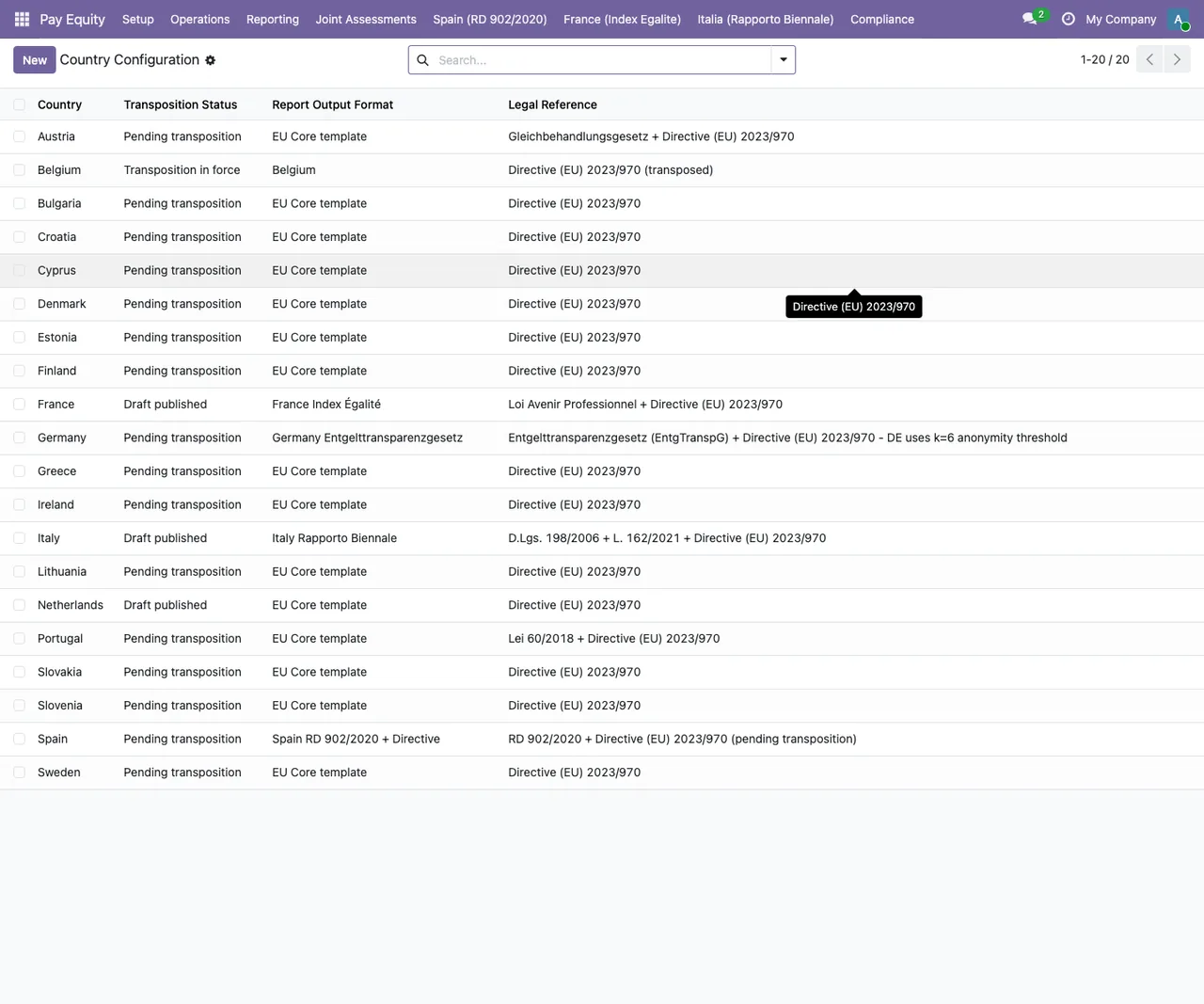
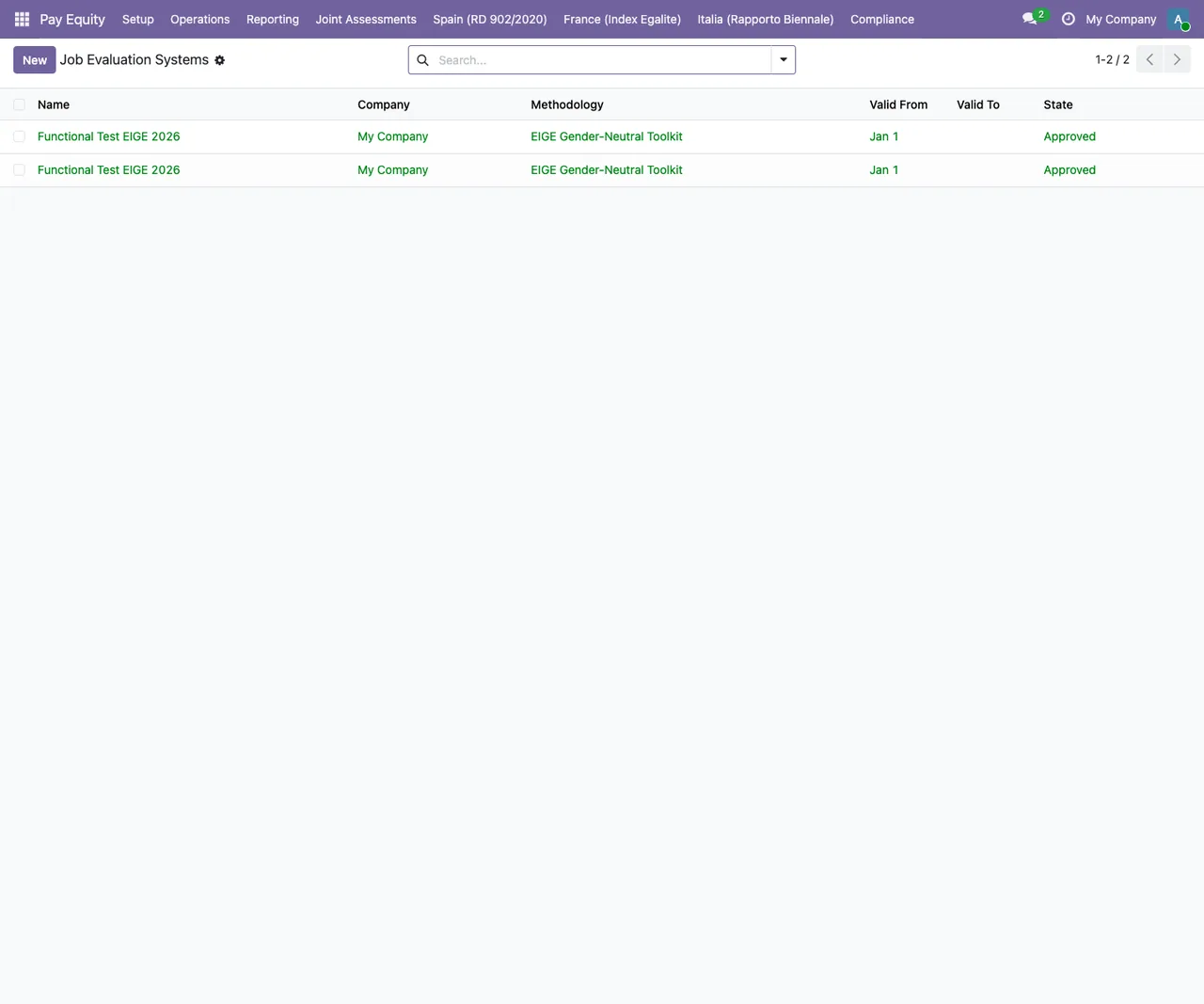
The Spanish branch hangs from the Pay Equity suite, so you will be working inside its lists and its top menu. These screenshots show that environment; the job evaluation and information request lists hold demo data.
Approved status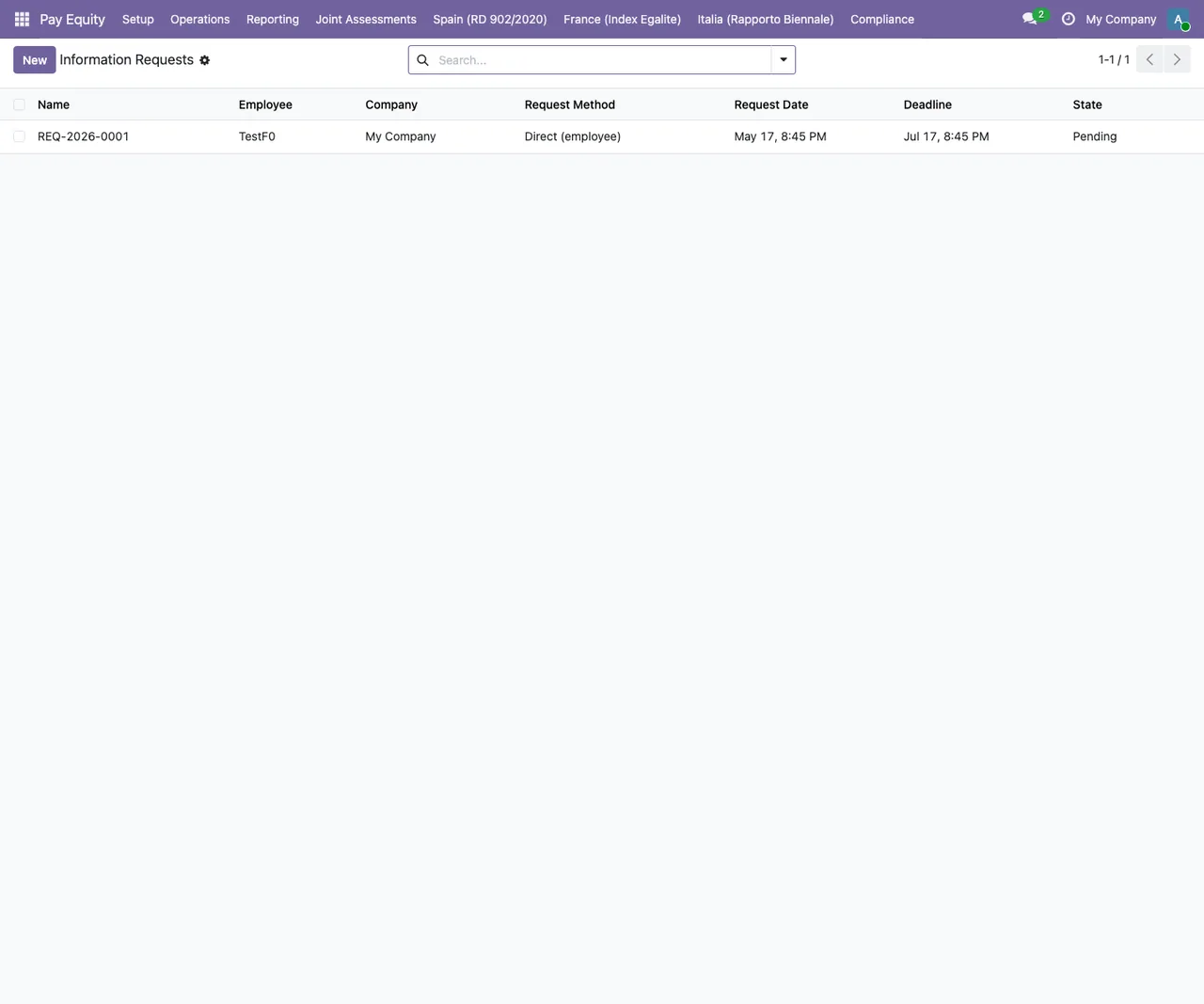
Pending status, with the Pay Equity menu at the top
Under Review statusVersion and price
The module is published on Odoo Apps for Odoo 19.0. You can find the details on the Odoo Apps listing.
How FlexigoTech can help
FlexigoTech implements Odoo 17, 18, 19 and 20 and builds bespoke connectors and integrations. If you are setting up the Pay Equity suite on Odoo 19.0 and want to go through the configuration and the audit workflow with someone, or you need bespoke development around it, we can help you implement it.
Keep reading
Checked in the module's source code (version 19.0) and the linked sources
Sources
- Module source code: flexigobe_pay_equity_es 19.0 (68808faf): views/menus.xml
- Module source code: flexigobe_pay_equity_es 19.0 (68808faf): static/description/index.html
- Module source code: flexigobe_pay_equity_es 19.0 (68808faf): models/paytrans_audit_es.py
- apps.odoo.com/apps/modules/19.0/flexigobe_pay_equity_es
- flexigotech.com/en/services.html