

 Español
 Català
 Deutsch
 Français
 Português
 Italiano
 Nederlands
 Polski
What the module adds to the Odoo menu
The Odoo Apps listing introduces it with a plain heading: Employee pay information requests through the portal. Inside Odoo, this is what you will find:
Operations, sitting under the root menuPay Equity.Operations › Information Requests, the list of information requests.
Under the bonnet, each request is a record of the paytrans.info.request model, which the module itself describes as Employee pay info request (Art. 7 Directive 2023/970). That reference to Article 7 is the description the module gives its model, not a legal summary: if you need to know what the directive says, go to the published text.
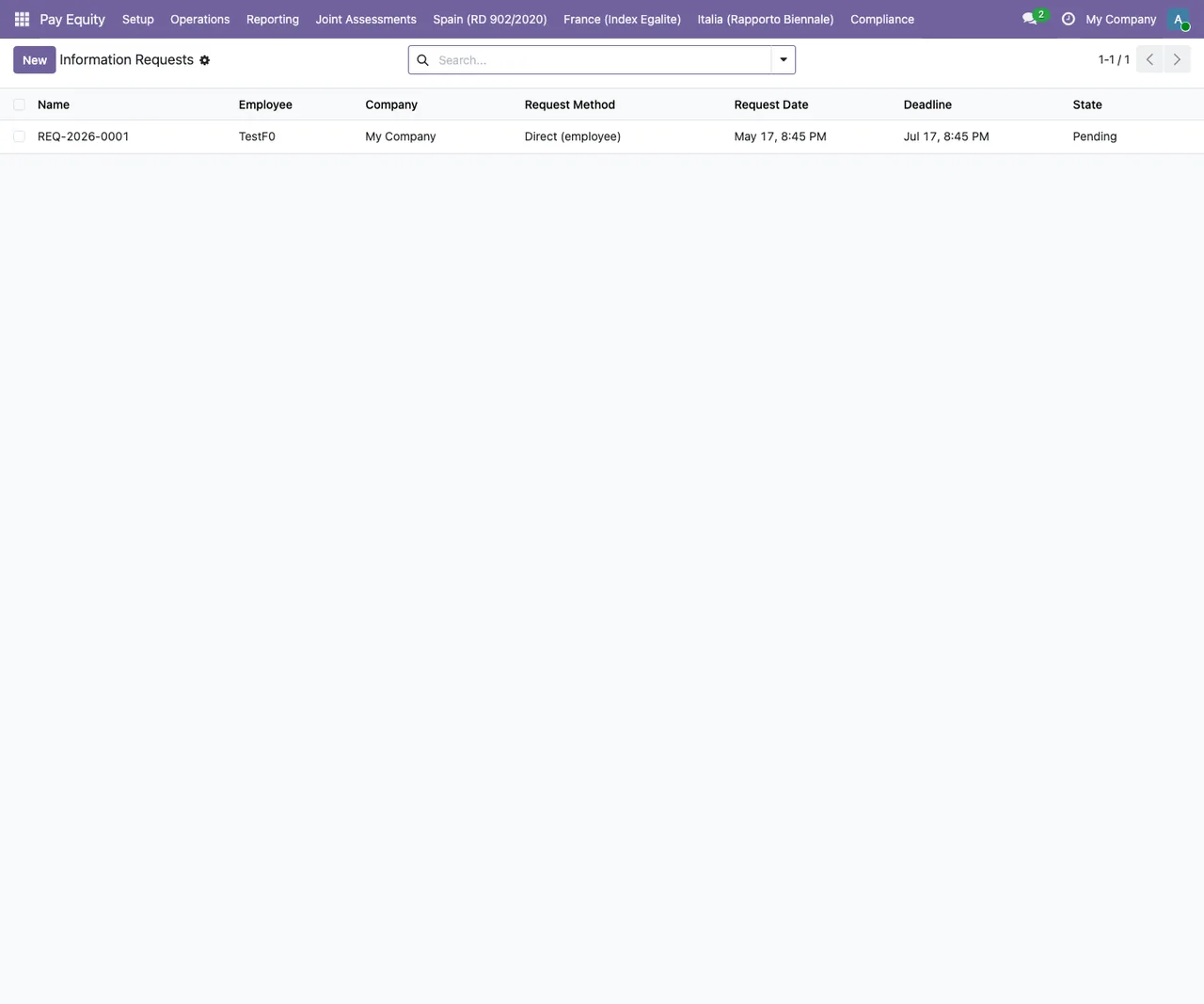
Information Requests list with a test request: employee TestF0, method Direct (employee), request and deadline dates, and state Pending.The states of a request
The request's state field takes four values. Here they are as the module defines them (technical value and the label you will see on screen):
pending, shown asPending.processing, shown asProcessing.answered, shown asAnswered.overdue, shown asOverdue.
When you test the flow, note which state each request ends up in after each thing you do.
The two scheduled actions that run every day
The module registers two scheduled actions, both on a daily interval and flagged as active:
Pay Equity: Info Request Overdue Monitor, every day, active.Pay Equity: Annual Art. 7(3) Notification, every day, active.
Walking through the flow in Odoo 19, step by step
This is the order in which you, as a user, work with the module from installation to answering a request:
- Install the module on an Odoo 19 database from its Odoo Apps listing. If you can, do it on a test copy first.
- Open the Pay Equity root menu, go into
Operationsand thenInformation Requests. - Review the list: each row is a request, and its state column tells you whether it is
Pending,Processing,AnsweredorOverdue. - Before answering, open the record of the employee who made the request and check that the
paytrans_monthly_wagefield is filled in. - On the same record, check that the employee has a worker category assigned (the error message calls it
worker category). - Go back to the request and answer it. If either of the two items above is missing, Odoo shows the matching error and will not let you carry on.
- Find the two scheduled actions by name,
Pay Equity: Info Request Overdue MonitorandPay Equity: Annual Art. 7(3) Notification, and confirm they are still active and set to run daily.
Steps four and five are the ones worth doing early: checking employee records before requests come in saves you hitting the block at the last moment.
The two errors that block an answer
The module checks two employee details before it lets you answer. If either is missing, one of these messages appears:
Employee has no paytrans_monthly_wage set - cannot answer.The employee has no monthly wage in thepaytrans_monthly_wagefield. Fill it in on their record and answer again.Employee has no worker category - assign one before answering.The employee has no worker category. Assign one and repeat the answer.
In both cases the fix lives on the employee record, not on the request.
If you are rolling the module out to a large workforce, check both details on every employee record before you open the request channel.
Other Pay Equity screens you will come across
In the test database where the screenshots were taken, the Pay Equity top menu also shows other lists. They are not among the menus this article covers, but they help you get your bearings as you move around the app.
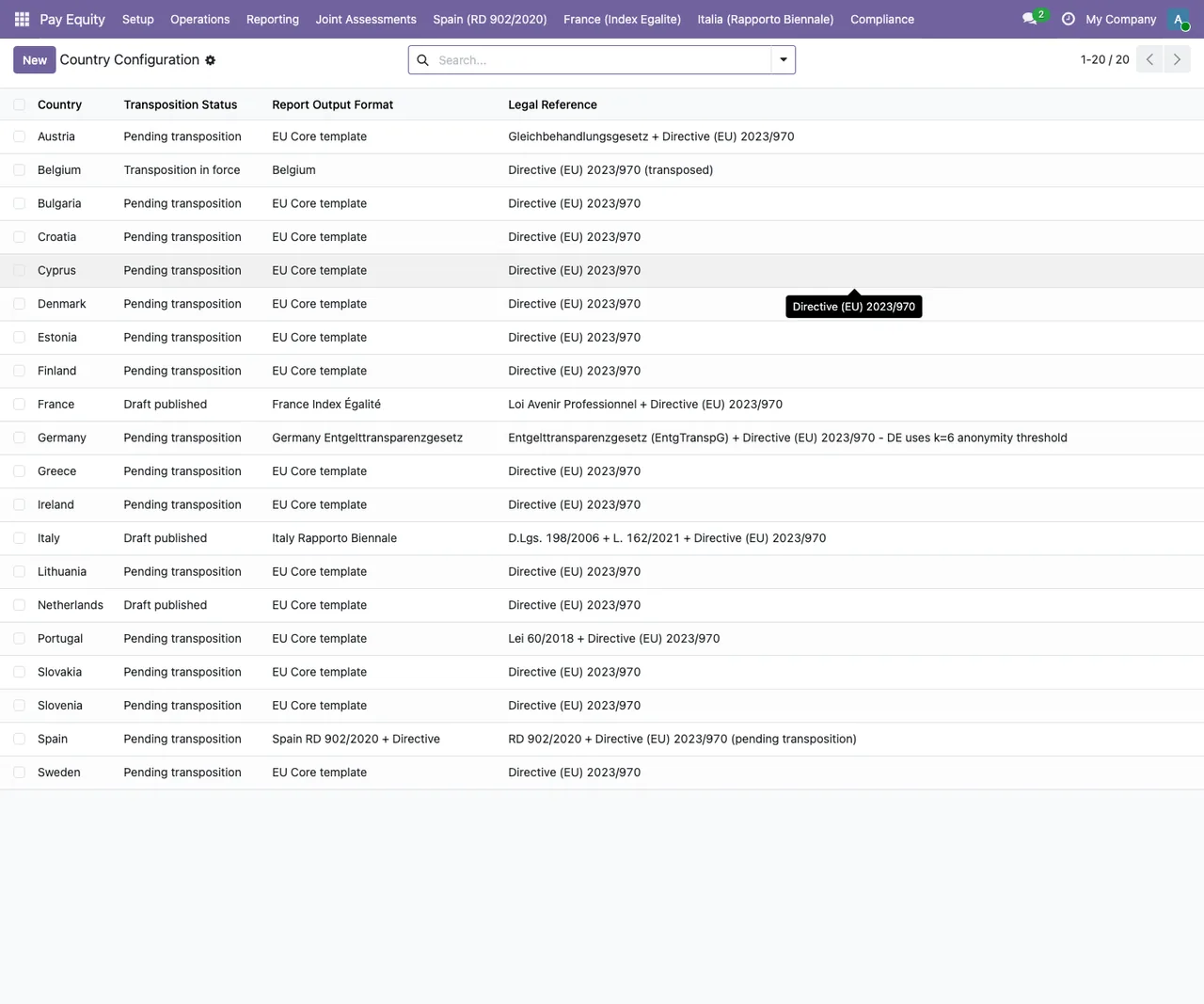
New button and a tooltip over Cyprus.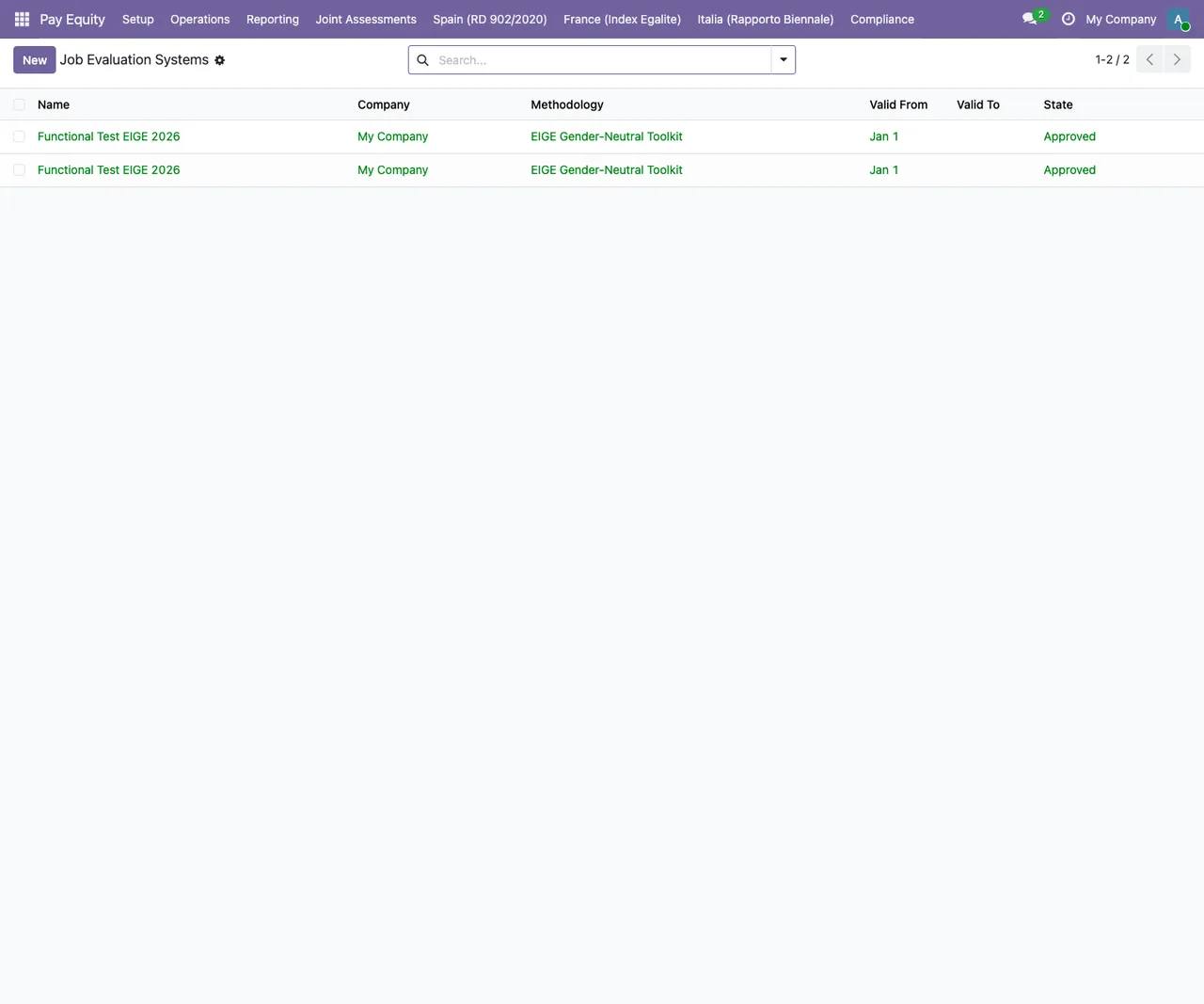
Functional Test EIGE 2026 records for My Company, methodology EIGE Gender-Neutral Toolkit and state Approved.
Version and price
The module is published on Odoo Apps for Odoo 19.0.
How FlexigoTech can help
If you are implementing Odoo or need the request flow to fit your employee data, FlexigoTech implements Odoo and builds bespoke connectors and integrations. We can review your employee records with you, test the scheduled actions on a copy of your database and adjust whatever is needed before you go live.
Keep reading
Checked in the module's source code (version 19.0) and the linked sources
Sources
- Module source code: flexigobe_pay_equity_portal 19.0 (68808faf): views/menus.xml
- Module source code: flexigobe_pay_equity_portal 19.0 (68808faf): data/ir_cron_data.xml
- Module source code: flexigobe_pay_equity_portal 19.0 (68808faf): static/description/index.html
- Module source code: flexigobe_pay_equity_portal 19.0 (68808faf): models/paytrans_info_request.py
- apps.odoo.com/apps/modules/19.0/flexigobe_pay_equity_portal
- flexigotech.com/en/services.html