

 Español
 Català
 Deutsch
 Français
 Português
 Italiano
 Nederlands
 Polski
Where the module shows up in Odoo
The module hangs its Reporting menu from the root menu Pay Equity. That is the entry point for the four options described below. It is published on Odoo Apps for Odoo 19.0. If you want to look at the listing before installing, it is on Odoo Apps.
The screenshot below shows the top bar of the pay equity area, with the Setup, Operations, Reporting and Compliance menus. The one this article covers is Reporting.
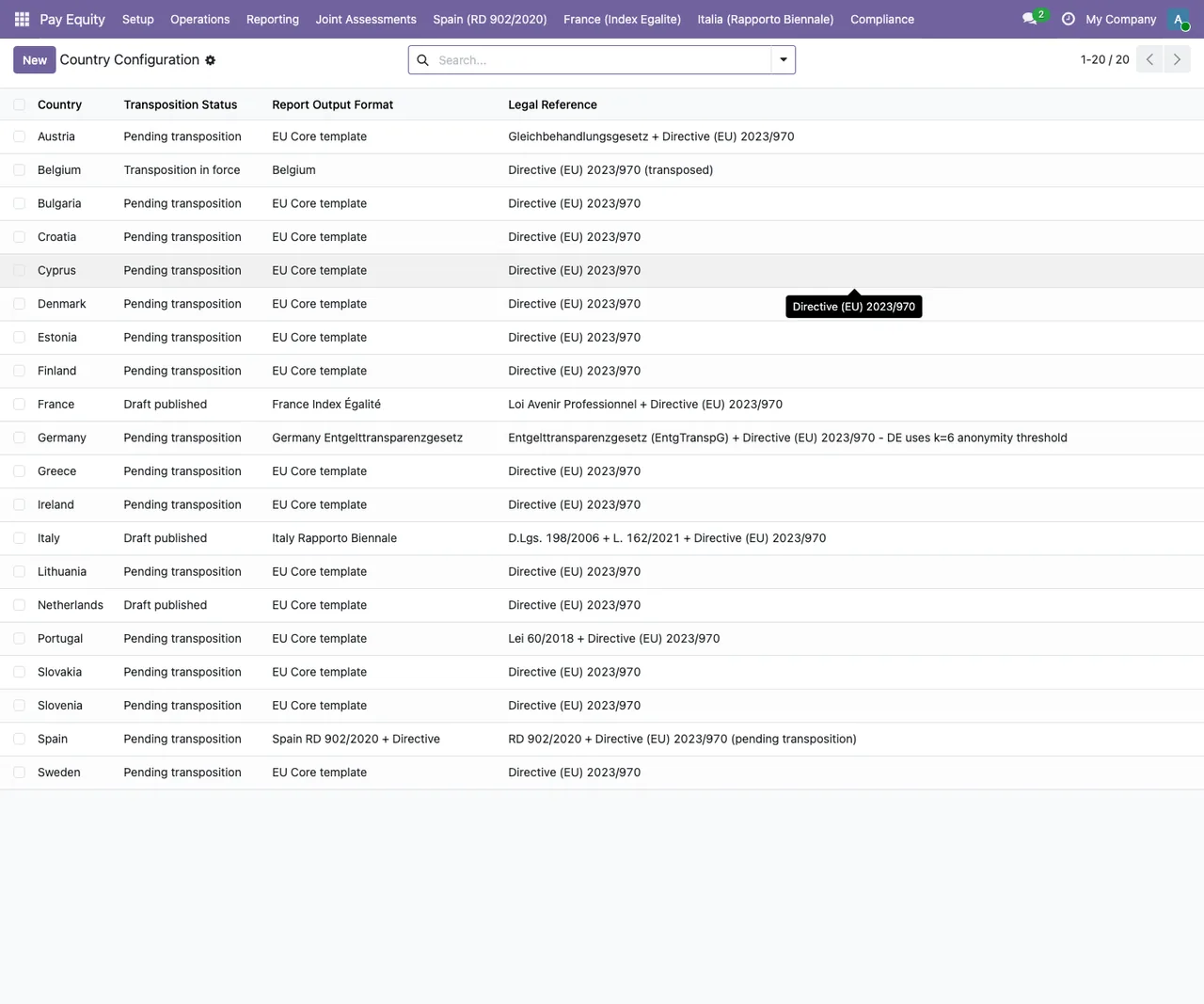
Pay Equity › Setup › Country Configuration: the list of countries with their transposition status, report format and legal reference; at the top, the Setup, Operations, Reporting and Compliance menus.Glossary: the Reporting menus
These are the entries you will see when you open the menu. We describe them by name and location; where the name alone does not tell you what it does, we say so.
Reporting- Menu the module adds under
Pay Equity. It groups the four options below.
New Report (Wizard)- Entry under
Reportingthat, going by its name, launches a wizard to create a new report.
All Reports- Entry under
Reportingwith the list of all reports.
Submitted Reports- Entry under
Reportingwith the list of submitted reports.
Archive (4+ years)- Entry under
Reportingthat acts as an archive; the4+ yearslabel is part of the menu name itself.
Glossary: the models underneath
If you are a consultant or plan to work on the module, you will want the technical model names and what each one's description says.
paytrans.generate.report.wizard- The wizard for generating a pay equity report. Its description in the code is
Generate Pay Equity Report wizard (5 steps), so a five-step wizard.
paytrans.report- The report itself. Its description is
Pay Equity Report (Art. 9 Directive 2023/970).
paytrans.report.line- The per-category report line. Its description refers to
Art. 9(1)(g).
paytrans.calc.engine- The pay equity calculation engine. Its description is
Pay equity calculation engine (Art. 9 Directive 2023/970).
paytrans.report.xlsx.generator- The XLSX output generator for pay equity reports.
Glossary: the report output
- One of the two formats the listing says pay gap reports come out in.
- XLSX
- The other output format; in the code it is produced by the
paytrans.report.xlsx.generatormodel.
Art. 9 Directive 2023/970- The reference that appears in the descriptions of the report and calculation engine models. It is what the module cites in its code, not a legal explanation: to find out what the rules require of you, check the text of the directive or ask your adviser.
What a report goes through, according to the models
With the names above you can follow a report's path inside Odoo without opening the code.
First, creation. The menu entry is Reporting › New Report (Wizard), and in the code the generation wizard is paytrans.generate.report.wizard, which according to its description has five steps.
Next, the record. The report is a record of the paytrans.report model, and its per-category data sits in lines of the paytrans.report.line model. Alongside them is the paytrans.calc.engine calculation engine.
Then, the output. The pay gap report is available as PDF and XLSX; the XLSX version is produced by paytrans.report.xlsx.generator.
Finally, where to find it. The module offers three lists: All Reports, Submitted Reports and Archive (4+ years).
Practical tip: install the module on a copy of your Odoo 19 database first and run through the wizard with test data. That way you see what each step asks for and which list the report lands in.
What you will see around the Reporting menu
In the screenshots of the pay equity area, with test data, other lists appear that are not under Reporting. We show them so you recognise the screen.
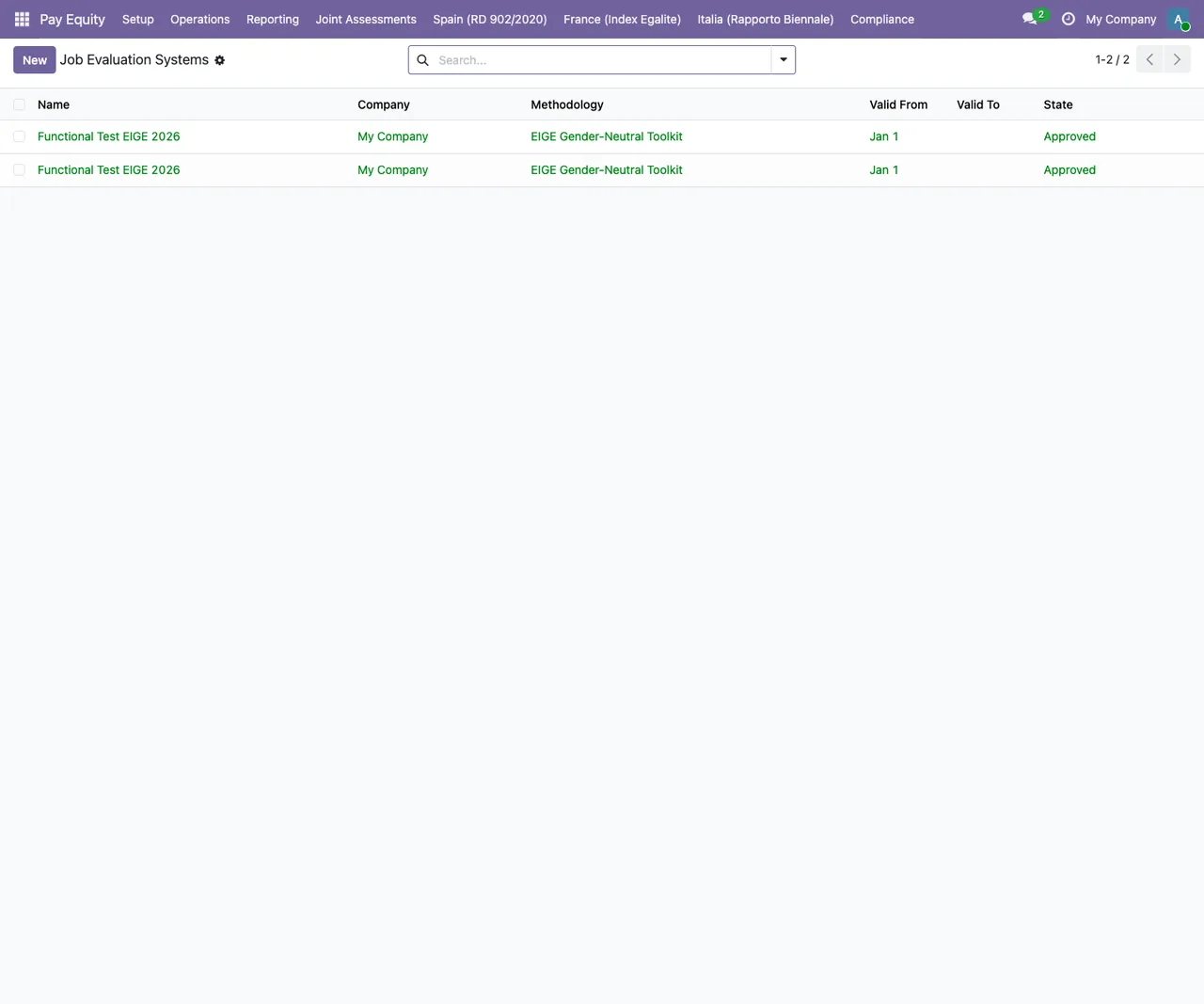
Pay Equity › Job Evaluation Systems with test data: two identical records using the EIGE Gender-Neutral Toolkit methodology in Approved status.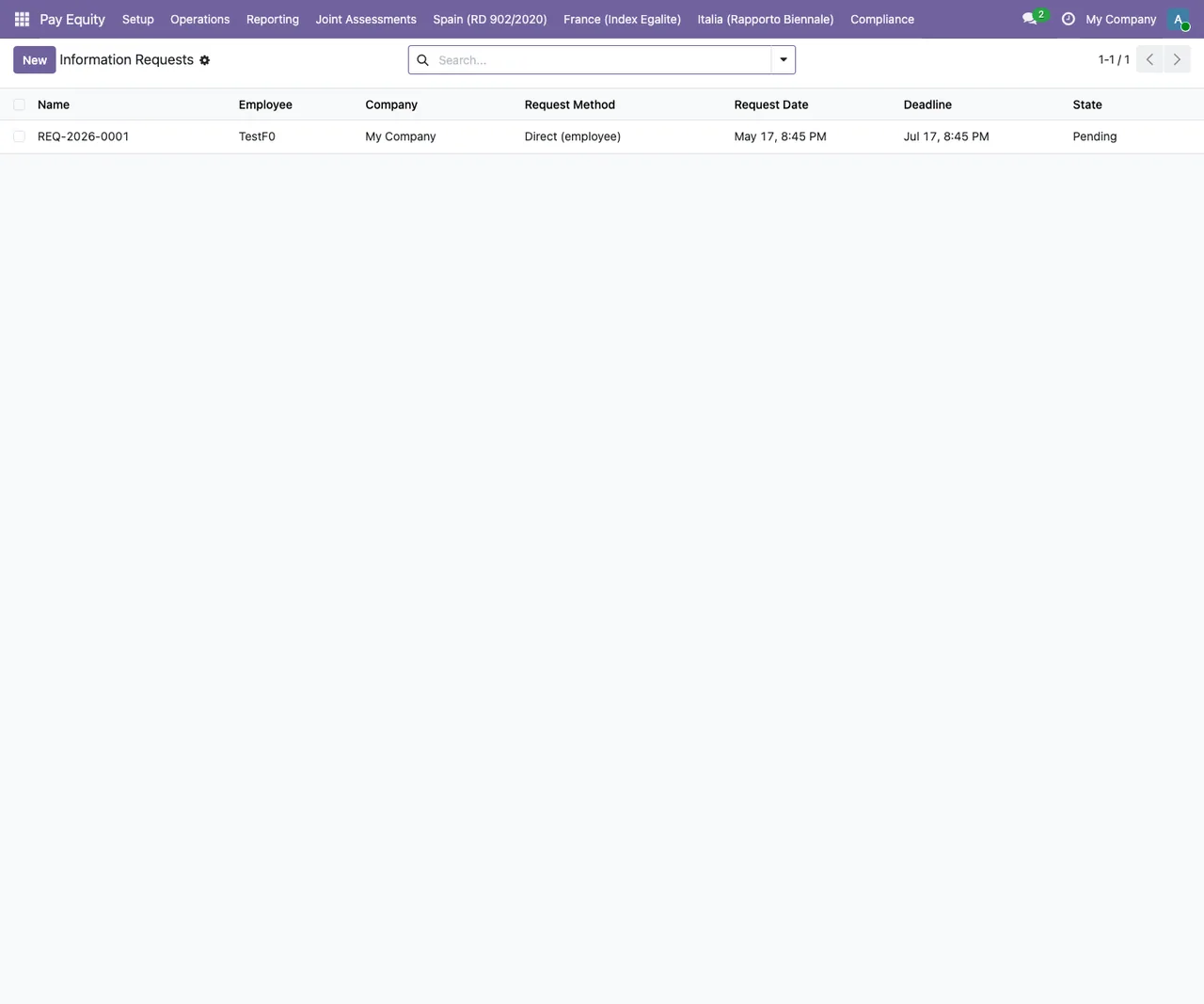
Pay Equity › Information Requests with test data: one request with the Direct (employee) method in Pending status, plus the New button and the search bar.The animated sequence goes through those screens and ends on the report list.
Under Review status.How FlexigoTech can help
At FlexigoTech we implement Odoo 17, 18, 19 and 20 and build bespoke connectors and integrations. If you are rolling out Odoo and want pay equity reporting to fit your set-up, or you need an adaptation this module does not cover, we can review it with you and propose bespoke development.
Keep reading
Checked in the module's source code (version 19.0) and the linked sources
Sources
- Module source code: flexigobe_pay_equity_reporting 19.0 (68808faf): views/menus.xml
- Module source code: flexigobe_pay_equity_reporting 19.0 (68808faf): static/description/index.html
- Module source code: flexigobe_pay_equity_reporting 19.0 (68808faf): models/paytrans_calc_engine.py
- Module source code: flexigobe_pay_equity_reporting 19.0 (68808faf): models/paytrans_report.py
- Module source code: flexigobe_pay_equity_reporting 19.0 (68808faf): models/paytrans_report_line.py
- Module source code: flexigobe_pay_equity_reporting 19.0 (68808faf): report/paytrans_report_xlsx.py
- Module source code: flexigobe_pay_equity_reporting 19.0 (68808faf): wizard/generate_report_wizard.py
- apps.odoo.com/apps/modules/19.0/flexigobe_pay_equity_reporting
- flexigotech.com/en/services.html