

 Español
 Català
 Deutsch
 Français
 Português
 Italiano
 Nederlands
 Polski
What the module adds, at a glance
Under the bonnet, the module creates the technical model paytrans.joint.assessment in Odoo, described as Joint Pay Assessment (Art. 10 Directive 2023/970). Each record of that model is a joint pay assessment. The Odoo Apps listing sums it up with the heading Joint pay assessments with a six-month timer.
This is what you will find once it is installed:
- A
Joint Assessmentsmenu with three entries:Active,OverdueandClosed. - One scheduled action,
Pay Equity: JPA Deadline Monitor, which runs every 7 days and ships active. - Six states for each assessment, each with a technical value and a visible label.
- Several checks that stop you moving the record out of order or marking it implemented without signatures.
Where the menus are
The Joint Assessments menu sits under the Pay Equity root menu.
Under Joint Assessments there are three entries with these names:
Joint Assessments › ActiveJoint Assessments › OverdueJoint Assessments › Closed
The names match the Overdue and Closed states you will see below.
The life of an assessment, in order
The states are defined in the state field and their values are triggered, analysis, remediation, implemented, closed and overdue. The order is readable from the module's own error messages: each state can only be reached from the one before.
TriggeredThe first value of the field (triggered). From here, and only from here, the assessment can move to analysis.
Under AnalysisValueanalysis. You can only get here fromTriggered; try it from anywhere else and you getCan only move to Analysis from Triggered.
Remediation PlanValueremediation. Only reachable from analysis; otherwise you seeCan only move to Remediation from Analysis.
ImplementedValueimplemented. Only reachable fromRemediation Plan; otherwise you getCan only move to Implemented from Remediation.On top of that, the module requires the workers' representatives' signatures before letting you declare the remediation implemented.
ClosedValueclosed. You can only close fromImplemented; otherwise you seeCan only close from Implemented.
OverdueValueoverdue. It is another state of the field and has its own menu entry,Joint Assessments › Overdue.
- Every 7 days The scheduled action
Pay Equity: JPA Deadline Monitorruns, and it ships active.
In addition, at some point in the record the module requires justifications to be established jointly by the workers' representatives and the employer, with a message citing Art. 10(2)(d) of Directive 2023/970.
Note that the messages use short names (Analysis, Remediation) while the state labels are Under Analysis and Remediation Plan.
The blocks you will see and what to do about each
Can only move to Analysis from Triggered.Check which state the assessment is in. To move to analysis it has to be inTriggered.Can only move to Remediation from Analysis.The assessment has to be inUnder Analysisbefore moving to the remediation plan.Can only move to Implemented from Remediation.Move the record toRemediation Planfirst.Can only close from Implemented.You cannot close an assessment that is not inImplemented.Art. 10(2)(d) workers representatives signatures required before declaring remediation implemented.The workers' representatives' signatures are missing, and the module asks for them before the remediation can be declared implemented.Art. 10(2)(d) Directive 2023/970 requires that justifications be established JOINTLY by workers representatives and the employer.The message asks for the justifications to be recorded as established jointly by both parties. Review that part of the record.
Bear in mind that these references to Article 10 are what the module checks and quotes in its messages. To find out what actually applies to you, read the directive and your country's rules with your employment adviser.
The Pay Equity: JPA Deadline Monitor action
It runs every 7 days and is installed active. Its name points to watching deadlines and the listing presents the module with a six-month timer. If your process relies on it, create an assessment in a test database, run the action manually and see what happens to the record.
Other screens in the Pay Equity menu
The available screenshots show other lists in the Pay Equity menu, with test records. They help you find your way around the interface before heading to Joint Assessments.
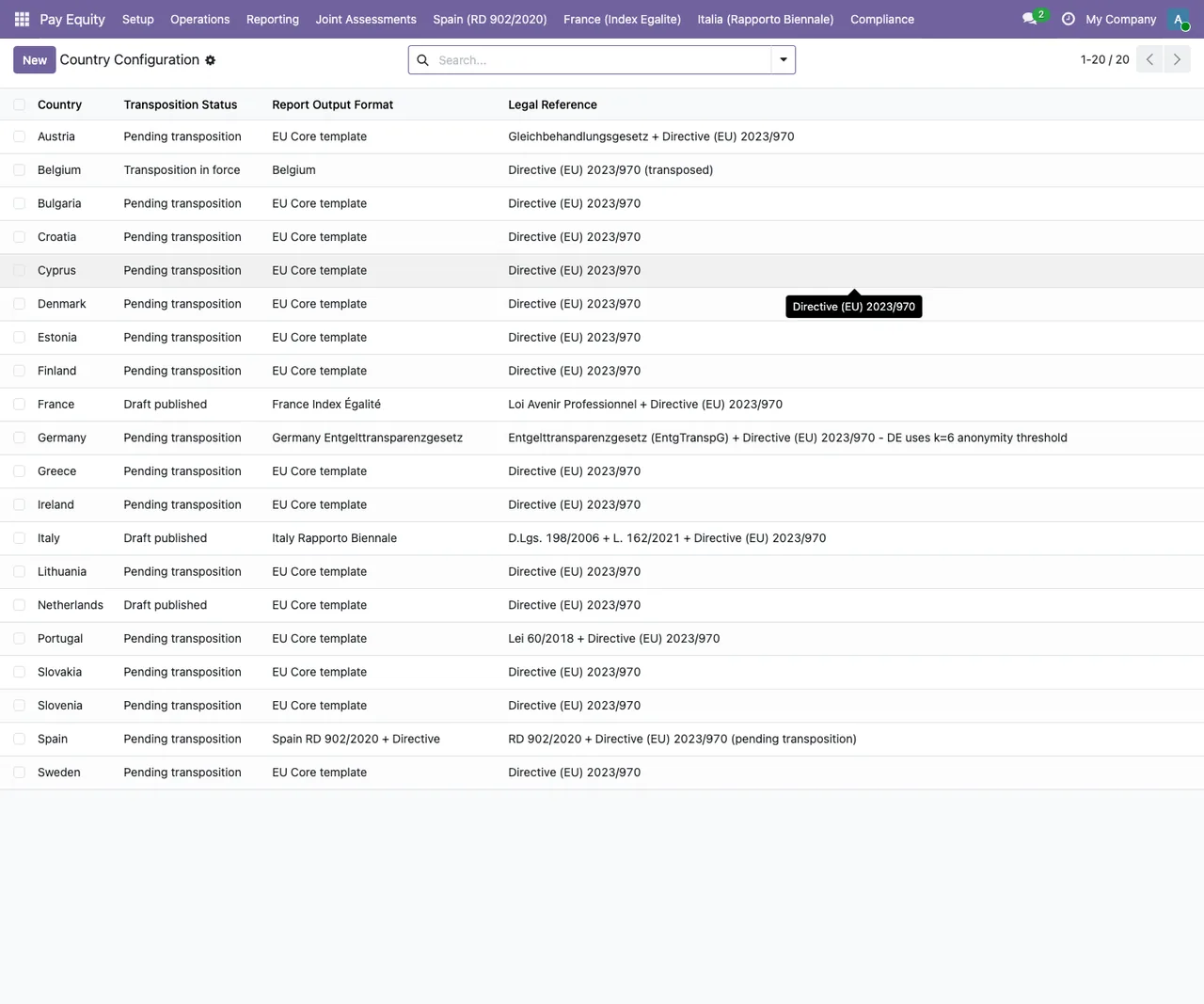
Pay Equity › Setup › Country Configuration, with a tooltip about Directive (EU) 2023/970.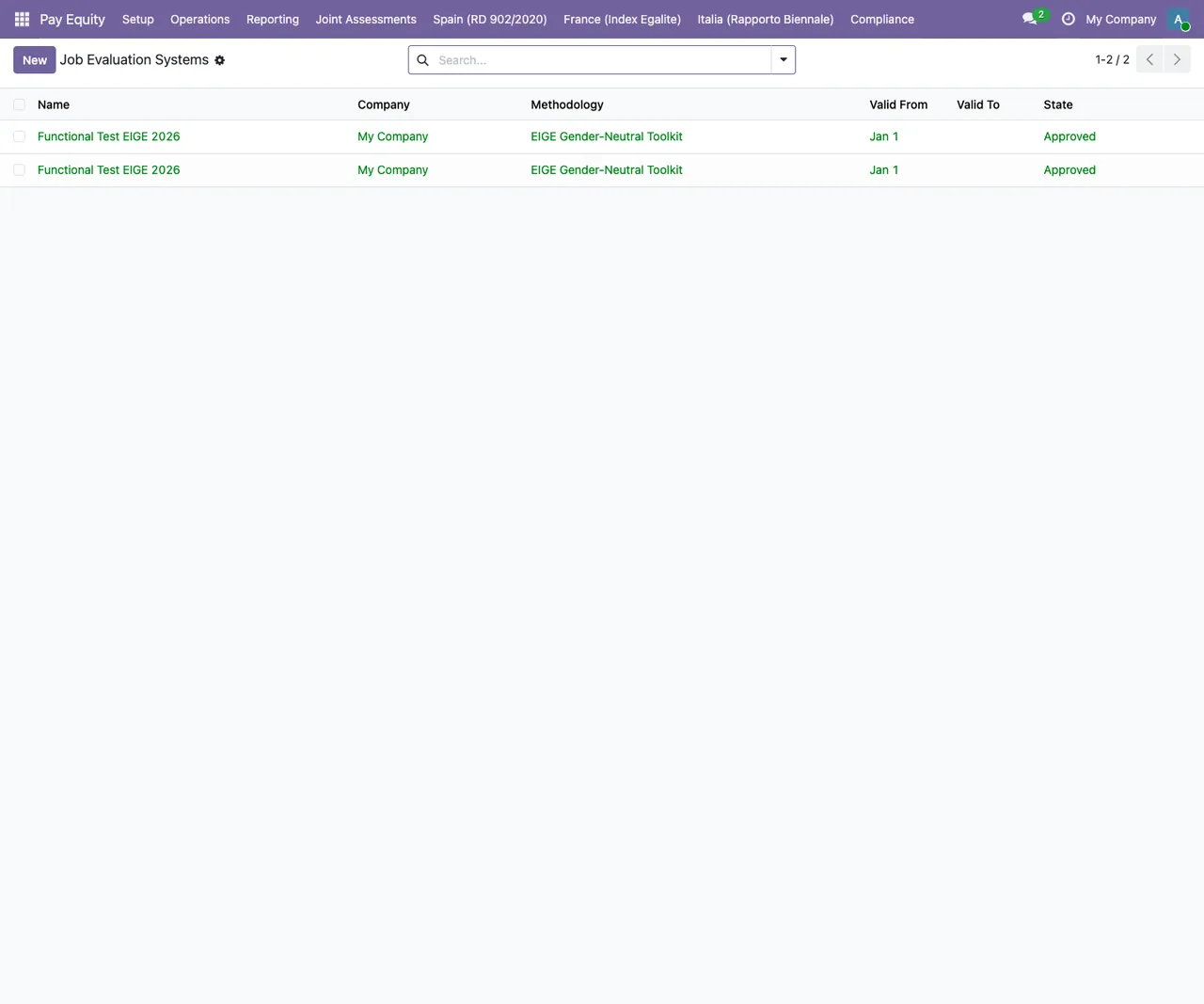
Pay Equity › Job Evaluation Systems, with two identical test records for My Company using the EIGE Gender-Neutral Toolkit methodology.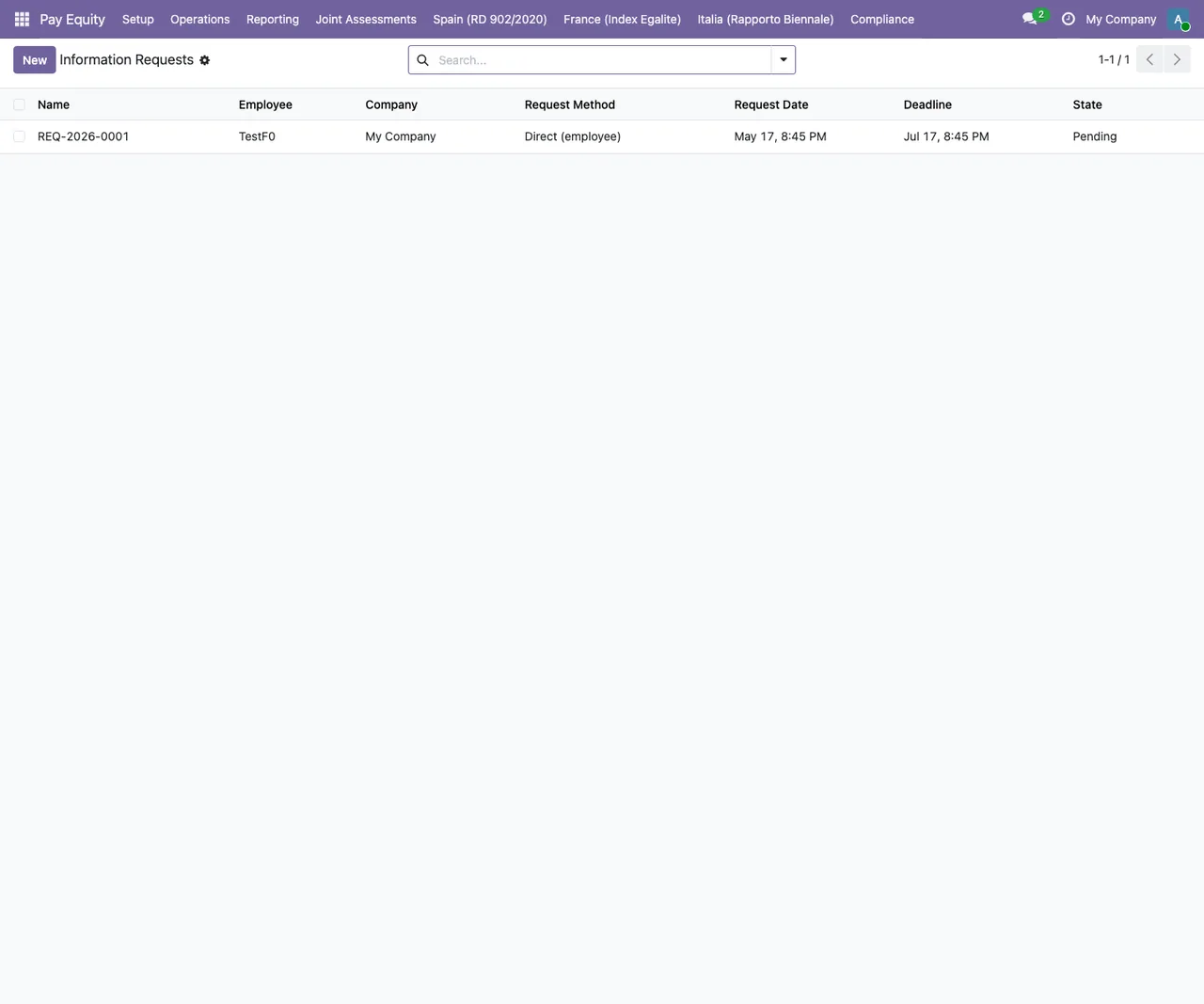
Pay Equity › Information Requests, with a single test request, method Direct (employee) and state Pending.Odoo version and how FlexigoTech can help
The module is published on Odoo Apps for Odoo 19.0. You will find the details on the Odoo Apps listing.
At FlexigoTech we implement Odoo 17, 18, 19 and 20 and build bespoke connectors and integrations. If you need joint assessments to fit with the rest of your Odoo, or want the flow adapted to your organisation, we can help you test it in a test database before taking it live.
Keep reading
Checked in the module's source code (version 19.0) and the linked sources
Sources
- Module source code: flexigobe_pay_equity_assessment 19.0 (68808faf): views/menus.xml
- Module source code: flexigobe_pay_equity_assessment 19.0 (68808faf): data/ir_cron_data.xml
- Module source code: flexigobe_pay_equity_assessment 19.0 (68808faf): static/description/index.html
- Module source code: flexigobe_pay_equity_assessment 19.0 (68808faf): models/paytrans_joint_assessment.py
- apps.odoo.com/apps/modules/19.0/flexigobe_pay_equity_assessment
- flexigotech.com/en/services.html