

 Español
 Català
 Deutsch
 Français
 Português
 Italiano
 Nederlands
 Polski
Where it is and when you see it
The Poll Status button is on the commercial gesture form. You get there from the menu Octopia › Orders › Commercial Gestures. The Octopia part of the menu asks for the Octopia User permission: without it you do not see that part. The button is in Odoo branches 17, 18, 19 and 20.
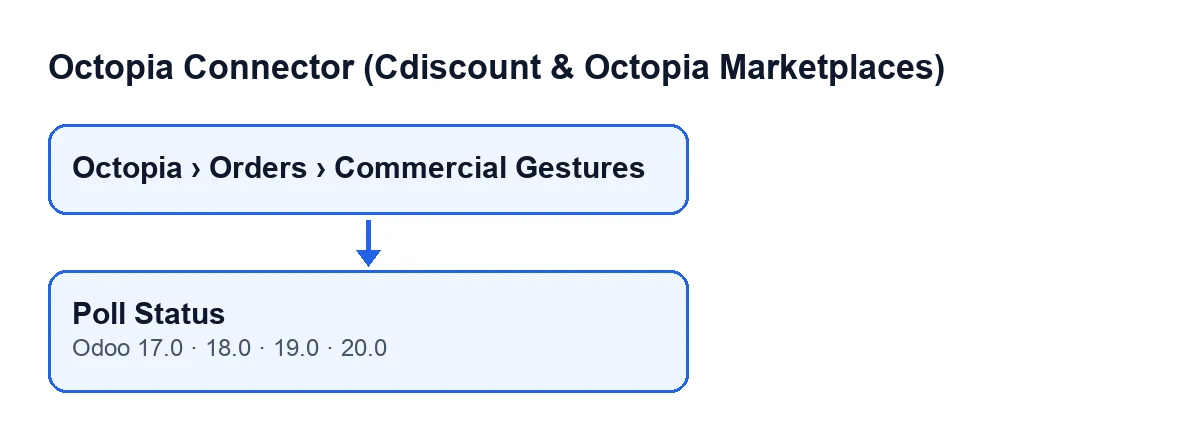
The button is only visible when the State field of the gesture is the in-progress one. With the default value of State it is hidden, so you will not find it on a newly created gesture.
The button label depends on the language of your Odoo; the diagram shows several.
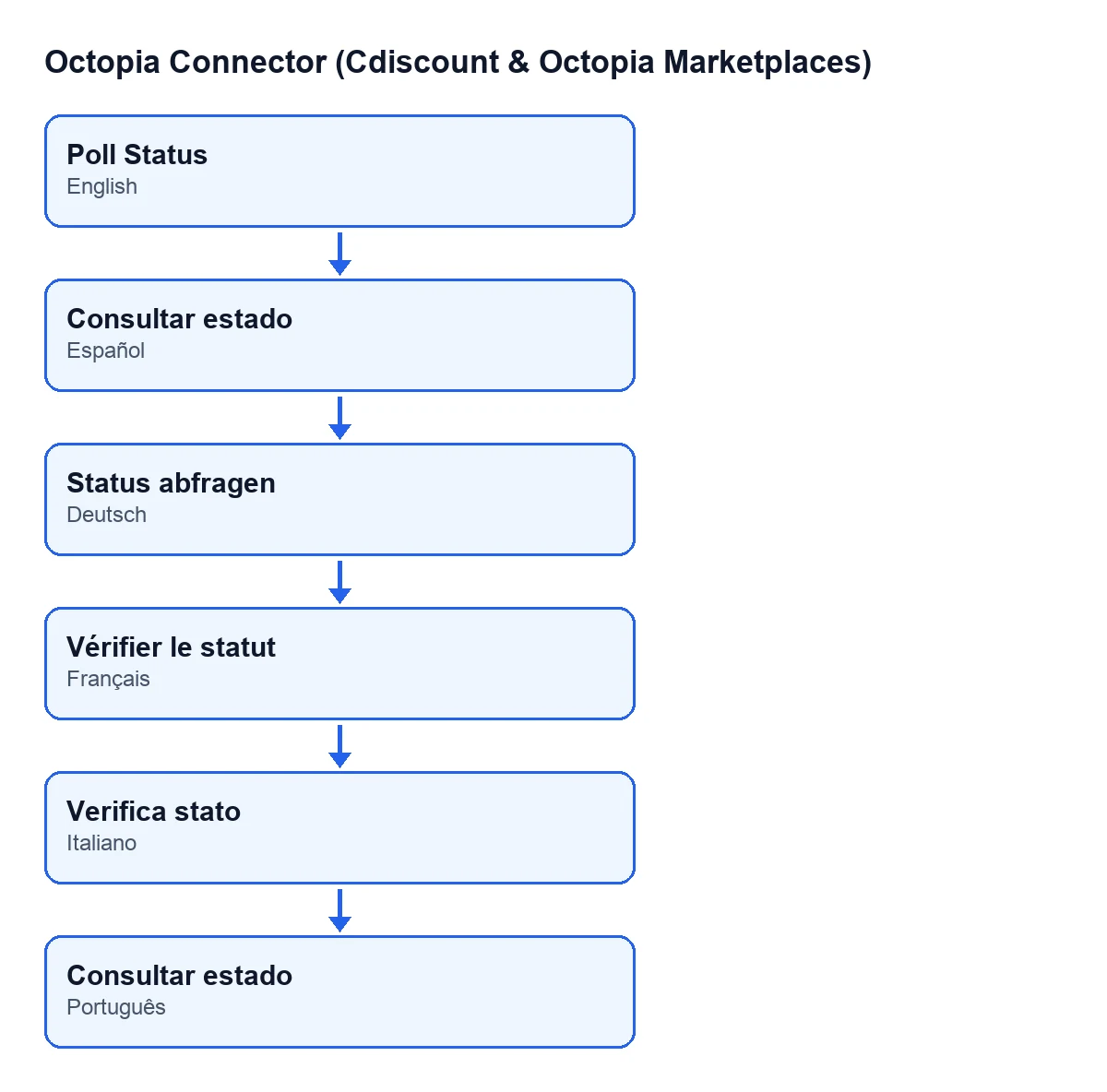
Consultar estado, in German Status abfragen, in French Vérifier le statut, in Italian Verifica stato and in Portuguese Poll Status.
Step by step
- Open
Octopia › Orders › Commercial Gesturesand go into the gesture. The list showsOrder,AccountandState; the form showsOrder,StateandRequest Reference. - Look at
State. If the gesture is not in progress, the button is not there and there is nothing to poll from here. - Look at
Request Reference. It is read-only: the code fills it, not you, and it is filled by theSubmit to Octopiabutton, which is covered in this other article. Whether it is filled or empty decides how the query is made (step five). - Press
Poll Status. The module takes the gesture's account and sets up the connection to Octopia with it. - With the reference filled in, the module asks Octopia for that specific gesture by its reference. With the reference empty, it asks for the list of gestures of the order (using the order's Octopia identifier) and keeps the first one in the list, if there is any.
- The module reads the status in the reply. If it is one of the values the
Statefield accepts, it writes it onto the gesture. - If the new status is the finished one, the module also tries to create a credit note (explained in the next section).
- Check the result: look at
Stateon the form and, if you expected a credit note, check whether the gesture is now linked to one.
What changes in Odoo
The only thing the button always changes when it receives a valid status is the State field of the gesture. When that status is the finished one, the code reads it as the channel having refunded the customer the gesture amount, and mirrors that with a standalone customer credit note in draft. It is only created if these conditions are met:
- The account has automatic credit note creation switched on (it is opt-in).
- The gesture does not already have a credit note linked.
- The order of the gesture has a customer.
If it is created, the credit note looks like this:
- It is in the name of the order's customer and of the gesture's company.
- Its reference is
Octopia commercial gesture … (…), with the order's Octopia identifier and the gesture's reason. - It has a single line, quantity one, called
Commercial gesture - …with the reason details or, if empty, the reason. - The line price is the gesture amount, and the line has no taxes: the code does this because that amount is the gross the channel refunded and the account's default taxes would inflate it.
- The gesture is linked to that credit note.
The credit note stays in draft: the code does not confirm it.
When the gesture stays as it was
The code has several exits in which the button leaves the gesture unchanged. It helps to know them when you read what you see:
- Only gestures in progress are processed. Any other is skipped.
- If Octopia returns nothing usable for the gesture (with no reference, the order's list comes back empty; or the reply is not a record), the module moves on and
Stateis not touched. - If the incoming status is not one of those
Stateaccepts, it is not written either. - If the status is the finished one but the account does not have credit note creation switched on, the gesture already has a credit note or the order has no customer, the status is updated but no credit note is created.
If the button changed nothing and you expected a change, start with the reference: with the reference empty, the module keeps the first gesture in the order's list, not a specific one.
Cost and versions
Octopia Connector is published on Odoo Apps for 17, 18, 19 and 20, as a one-off payment per Odoo version (the price of each is on the listing). It also needs a FlexigoTech Cloud subscription on the Connector plan: €49/month or €490/year excluding VAT, up to three platform accounts. The connection goes through FlexigoTech Cloud, which stores the credentials encrypted, monitors synchronisation and emails you if it fails.
How FlexigoTech can help
If you are implementing Odoo and want Octopia commercial gestures to fit your credit note and invoicing flow, FlexigoTech implements Odoo 17, 18, 19 and 20 and builds custom connectors and integrations.
Keep reading
Checked in the connector's source code (version 20.0) and the linked sources
Sources
- Module source code: flexigobe_octopia_connector 20.0 (4848da6a): views/octopia_order_actions_views.xml
- Module source code: flexigobe_octopia_connector 20.0 (4848da6a): models/octopia_order_actions.py
- apps.odoo.com/apps/modules/20.0/flexigobe_octopia_connector
- flexigotech.com/precios.html
- flexigotech.com/en/services.html