

 Español
 Català
 Deutsch
 Français
 Português
 Italiano
 Nederlands
 Polski
Where it is and when it shows
Where is the Refresh button?
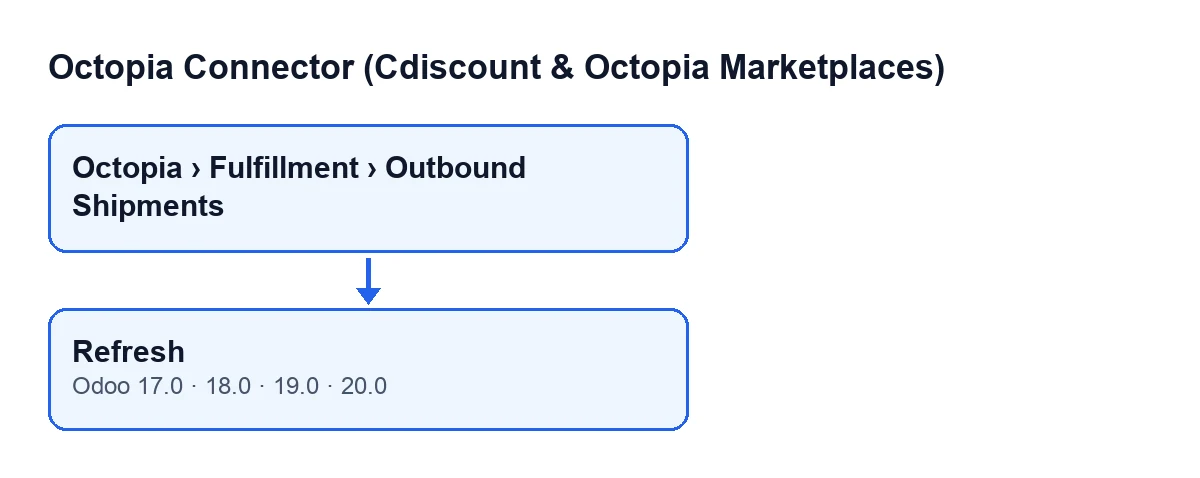
It is on the Outbound Shipments screen, opened from the menu Octopia › Fulfillment › Outbound Shipments. The Octopia part of the menu requires the Octopia User permission: without it, you do not see that part of the menu.
When is the button visible?
The view puts no condition on it: it is always visible. The button is in every published branch of the module, that is, Odoo 17, 18, 19 and 20.
Which shipment data does the button use to query?
Two fields that you can see on the form and in the list of outbound shipments: Account and Outbound ID. It uses the account to open the connection to Octopia and the ID to ask for that shipment. The connection goes through FlexigoTech Cloud, which stores the credentials encrypted.

What it does, in order
What exactly happens when you press it?
It goes through the shipments in front of it, one by one. For each one it does this: first it opens the connection with its account and asks Octopia for the shipment by its ID. If what comes back is structured data, it writes the received values into the shipment. Then, if the shipment has a cancellation request, it asks for that cancellation too and, if it carries a recognised status, it saves it.
Which shipment data does it rewrite?
Reference, type, status, white label, creation date, date of the last status update, delivery address, items, parcels, the cancellation request identifier and that cancellation's status. The code applies these rules when writing them: the type can only be Fulfillment or XDock, and any other value becomes Fulfillment. The status is saved only if it is one the module knows; otherwise it is left empty. The address, items and parcels are saved as they arrive, and empty if the response does not include them. The same goes for the cancellation request: if the response has none, its identifier and its status are written empty.
What about the cancellation?
The Cancellation Request field is shown on the form as read-only: the user does not write it, the Request Cancellation button fills it in. When a shipment has it filled in, Refresh asks Octopia for that cancellation. If the response is structured data and its status is one the module knows, it saves it in Cancellation Status, which is visible on the form and in the list, also read-only. If the status is not recognised, this step leaves the field untouched.
When something does not change or fails
Which errors can it give?
What the button's code accounts for is Octopia's response. If it does not arrive as structured data, that part is not written (neither the shipment data nor the cancellation status) and the button carries on with what comes next. If the shipment status that arrives is not a known one, the shipment's status is left empty, as described above. As for synchronisation, FlexigoTech Cloud monitors it and emails you if it fails.
What should I check if the shipment does not update?
Start with the two fields the button queries with: that the Account is the right one for that shipment and that the Outbound ID is correct. Then check that the subscription is active: without a subscription, or with the service suspended, what the subscription provides stops, and your data stays in your Odoo.
What do I look at on the form after pressing it?
The shipment's status and, if there is a cancellation request, the Cancellation Status field, which is the one the button fills in when it queries that cancellation. If the response arrives as structured data and the statuses are ones the module knows, you will see what Octopia returned there; if not, the shipment's status may end up empty or the fields may stay as they were.
Can I press it more than once?
Yes: each press asks Octopia for the shipment again and, if the response arrives as structured data, rewrites the fields with what comes back. If someone had changed by hand any of the data it rewrites, the next refresh writes whatever value arrives.
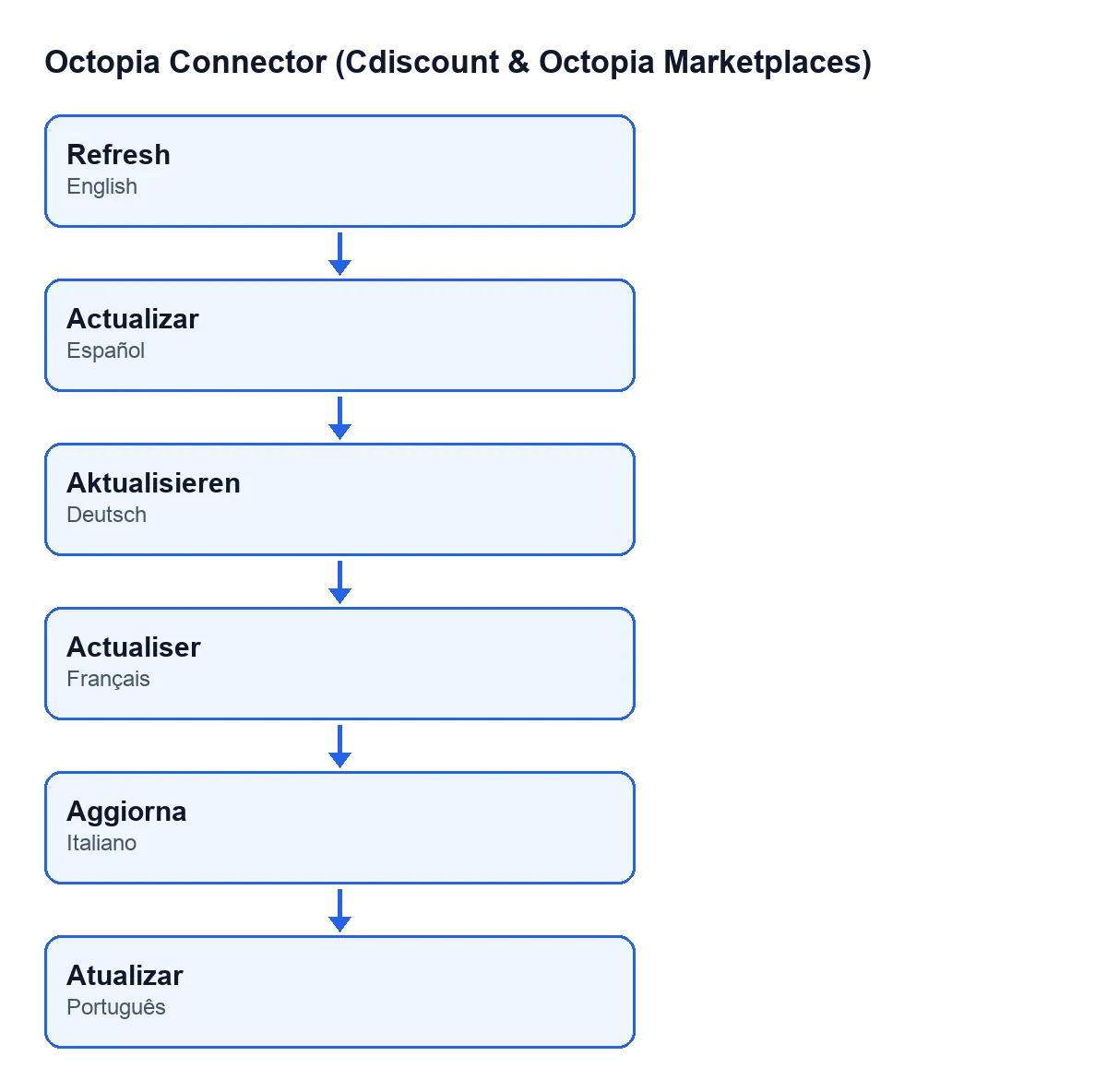
What is the button called with Odoo in another language?
With Odoo in English, Refresh. Depending on the language, the label is the one in this diagram.
What does it cost to use?
The module is a one-off payment per Odoo version and is published for Odoo 17, 18, 19 and 20. It needs the FlexigoTech Cloud subscription, Connector plan: €49 a month or €490 a year, excluding VAT, with up to 3 accounts on the platform.
If you are implementing Odoo
If you need help with the connection to Octopia or a custom integration, FlexigoTech implements Odoo 17, 18, 19 and 20 and develops connectors and custom integrations.
Keep reading
Checked in the connector's source code (version 20.0) and the linked sources
Sources
- Module source code: flexigobe_octopia_connector 20.0 (4848da6a): views/octopia_fulfillment_views.xml
- Module source code: flexigobe_octopia_connector 20.0 (4848da6a): models/octopia_fulfillment.py
- apps.odoo.com/apps/modules/20.0/flexigobe_octopia_connector
- flexigotech.com/precios.html
- flexigotech.com/en/services.html