

 Español
 Català
 Deutsch
 Français
 Português
 Italiano
 Nederlands
 Polski
When the message appears
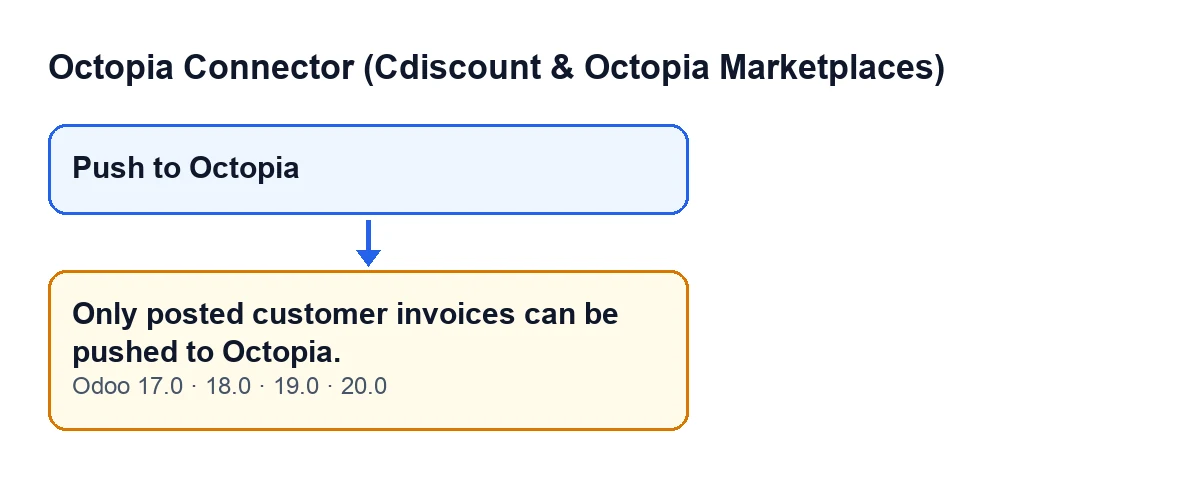
It appears when you press the Push to Octopia button on an invoice form. That button runs the module action that uploads the invoice PDF to Octopia and, before doing anything else with each invoice, checks two things: that it is posted and that it is a customer invoice. If either check fails, the action stops with Only posted customer invoices can be pushed to Octopia. and nothing that the action was going to change is saved.
The message is in the published code of all four branches of the module: Odoo 17, 18, 19 and 20. The module is published on Odoo Apps for those same versions.
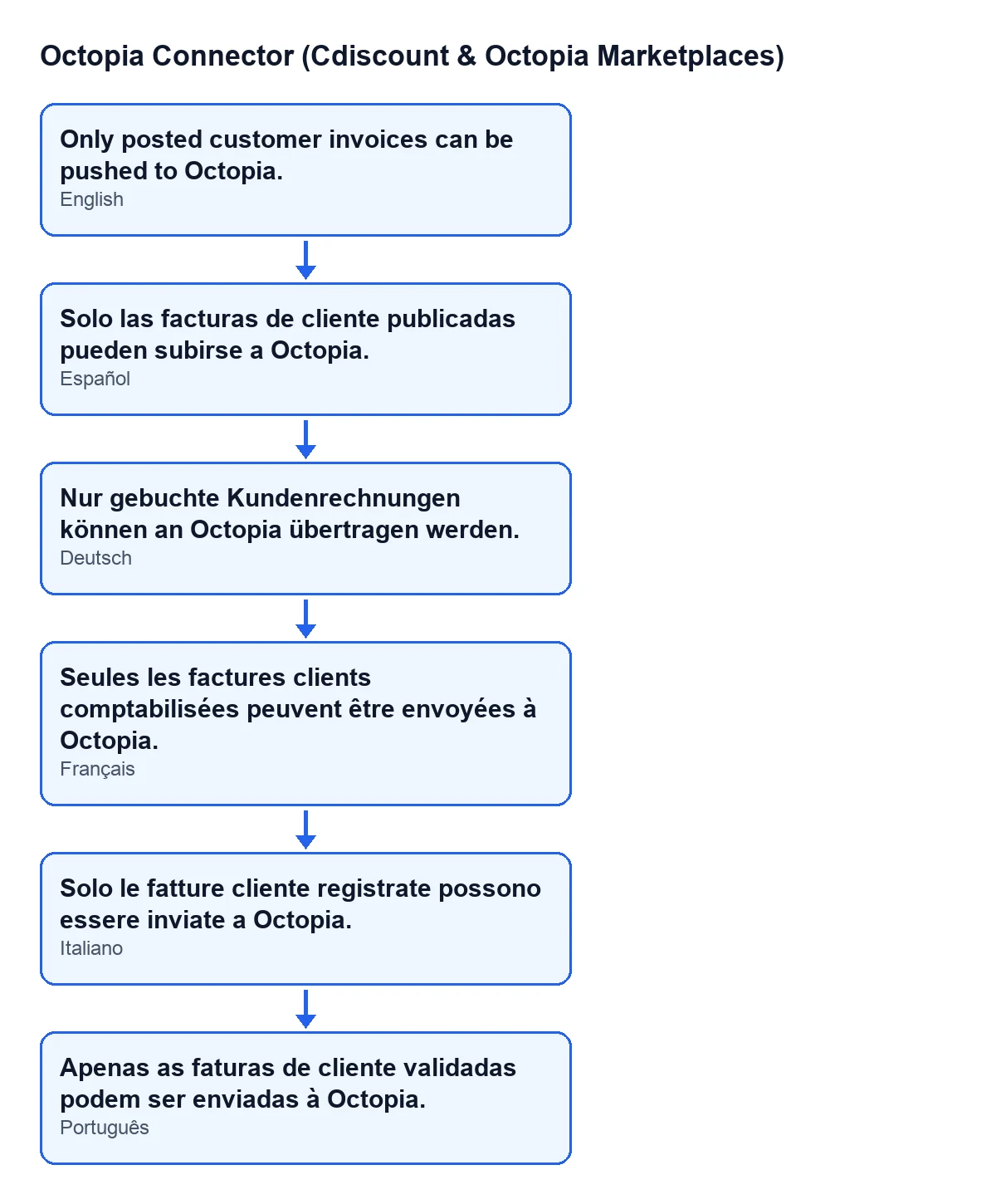
With Odoo in English the message is Only posted customer invoices can be pushed to Octopia.; with Odoo in Spanish, Solo las facturas de cliente publicadas pueden subirse a Octopia.; in German, Nur gebuchte Kundenrechnungen können an Octopia übertragen werden.; in French, Seules les factures clients comptabilisées peuvent être envoyées à Octopia.. The module also ships the Italian and Portuguese translations.

The exact condition in the code
The code raises the message when any one of these two conditions is true:
- The invoice is not in the
Postedstate. - The document type is not a customer invoice (it shows as
Customer Invoice).
These are standard Odoo texts (accounting module), not the connector's. For the invoice to pass, it has to be a customer invoice and be posted at the same time: if either fails, everything stops.
It is the first check made on each invoice, before the PDF is generated. So when this message appears, nothing has yet been generated or uploaded for that invoice.
The button's view has its own rules. The Push to Octopia button is hidden when the document is not a customer invoice, when it is not in the Posted state, or when the invoice has already been pushed to Octopia. The first two conditions in the view are the same ones the code checks.
How to fix it, step by step
- Open the invoice from which you pressed
Push to Octopia. - Look at the document type: it has to be a customer invoice (
Customer Invoice). If it is any other type of document, the module's check will not let it through. - Look at the state: it has to be
Posted. Any other state triggers the message. - If the state is not
Posted, bring the invoice to that state using your usual accounting procedure in Odoo. - Go back to the invoice and press
Push to Octopia. If you cannot see the button, check the invoice's type and state; if both are right, the button is also hidden when the invoice has already been pushed to Octopia. - Check the result: when the action finishes without errors, the
Push to Octopiabutton is no longer shown on that invoice.
What happens once the check passes
According to the action's code, with a posted customer invoice the module follows this order:
- It takes the Octopia orders linked to the invoice.
- It generates the invoice PDF.
- It uploads that PDF to each linked order, using that order's Octopia account. The file is named after the invoice, with slashes replaced by underscores. The method's own description says it replaces any previous documents for the order.
- It marks the order as invoice pushed, with its date, and writes a success entry in the module's sync log.
- Once all the orders are done, it marks the invoice as pushed.
So the message comes before all of that. For the full detail of the button, see what the Push to Octopia button does, step by step.
Specific questions about this message
Does a vendor bill or any other type of document work?
No. The check requires the document type to be a customer invoice (Customer Invoice); with any other type the message appears.
Is anything uploaded to Octopia if the message appears?
Not for that invoice. The action stops at the check, before its PDF is generated and before it is uploaded, and none of the action's changes are saved.
Why can't I see the button on an invoice?
The Push to Octopia button is hidden if the document is not a customer invoice, if it is not in the Posted state, or if the invoice has already been pushed to Octopia. Start by looking at the type and the state.
Does the message change with the Odoo version?
The message is in the published code of Odoo 17, 18, 19 and 20. The condition on the button's view is also the same in those four versions.
If your invoicing flow needs adjusting
If you are implementing Odoo and want customer invoicing for your Octopia orders to fit the way you work, FlexigoTech implements Odoo 17, 18, 19 and 20 and builds custom connectors and integrations.
Quick reminder: customer invoice, Posted state, and then Push to Octopia.
Keep reading
Checked in the connector's source code (version 20.0) and the linked sources
Sources
- Module source code: flexigobe_octopia_connector 20.0 (4848da6a): models/octopia_order_actions.py
- Module source code: flexigobe_octopia_connector 20.0 (4848da6a): views/octopia_order_actions_views.xml
- apps.odoo.com/apps/modules/20.0/flexigobe_octopia_connector
- flexigotech.com/en/services.html