

 Español
 Català
 Deutsch
 Français
 Português
 Italiano
 Nederlands
 Polski
When it appears and what it means
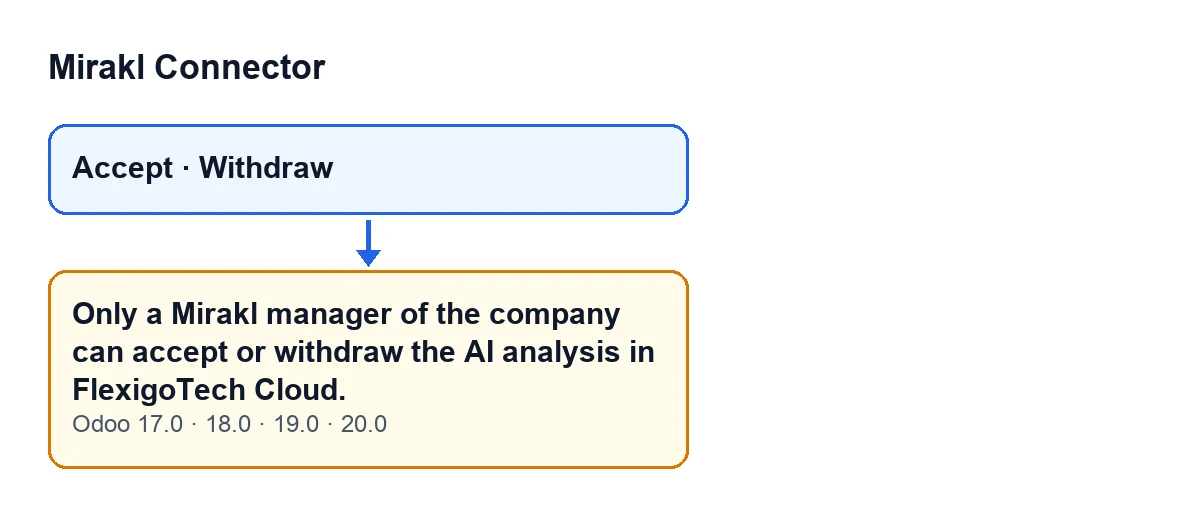
The message Only a Mirakl manager of the company can accept or withdraw the AI analysis in FlexigoTech Cloud. can appear when you press the Accept button, and when you press the Withdraw button on the form of the Mirakl instance. With either button the module checks whether your user may accept or withdraw the analysis. If not, the action stops and you see this message.
It is a permissions check on the user and their companies. It is about who is pressing the button. The text is fixed: it says that only a Mirakl manager of the company can accept or withdraw the AI analysis.

The exact condition, in plain words
The check passes if either of these holds:
- The action runs in superuser mode.
- The user is a Mirakl manager and works in the companies the acceptance or withdrawal applies to. In other words, none of those companies falls outside the user's own companies.
If neither holds, the message appears. So either the user is not a Mirakl manager, or they are one but a company concerned is not among theirs.
Checklist before you press the button
- Confirm who is going to press it: it must be a Mirakl manager, not just any user who happens to see the button.
- Check the user's companies: the company you are accepting or withdrawing the AI analysis for must be among them. If the action covers several companies, all of them must be.
- If you are going to use
Accept, remember that the button is hidden whenCan Acceptis not met. That field is not shown in any view.
- If you are going to use
Withdraw, check that you can see it. It is hidden whenEnable AI insightsis switched off, whenMirakl connectionis not at its default value, or whenAi Consent Okis not met. That last field is not shown in any view either. With the default values the button does not appear, becauseEnable AI insightsstarts switched off.
Checklist when the message appears
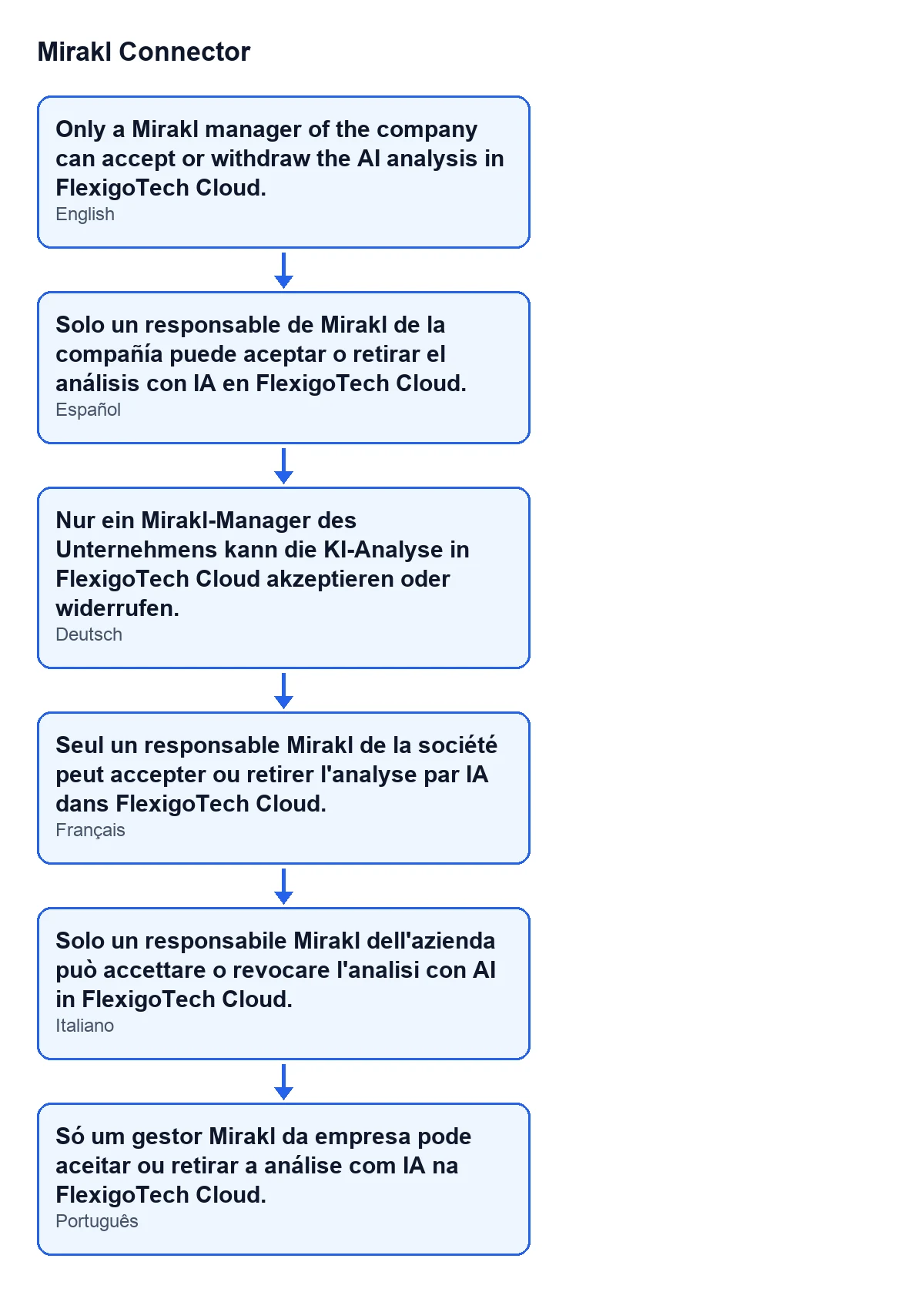
- Read the whole text: it says that only a Mirakl manager of the company can accept or withdraw the AI analysis. It does not tell you which user or which company is the problem, so you will need to find that out yourself. The diagram below shows the same text as users see it depending on the language of their Odoo.
- Note which user pressed the button, which button it was (
AcceptorWithdraw) and which company or companies were involved.
- Check whether that user is a Mirakl manager. If not, have another user who is one press the button, or adjust the first user's permissions.
- If the user is already a Mirakl manager, review their companies. If the company concerned is missing, add it to theirs, or do the action with a user who works in that company.
- If the action affects several companies at once, remember that a single company outside the user's own is enough to stop it. Try with one company, or with a user who works in all of them.
- Press the button again with the corrected user.
Checklist after the fix
- Repeat the action and check that the message no longer appears.
- Record in your internal documentation which users are Mirakl managers and which companies they work in, so you know in advance who can accept or withdraw the analysis.
Versions and subscription
The message is in the published code of Odoo 17, 18, 19 and 20, and the module is published on Odoo Apps for those versions. It is a one-off payment per version and needs the FlexigoTech Cloud subscription, so the one-off payment is not the whole cost: the Connector plan costs €49 a month or €490 a year, excluding VAT. The connection goes through FlexigoTech Cloud, which stores the credentials encrypted, monitors synchronisation and emails you if it fails. You will find the module on its Odoo Apps listing and on the module page.
If you need a hand
FlexigoTech implements Odoo 17, 18, 19 and 20 and builds connectors and bespoke integrations. If you need to sort out who is a Mirakl manager in each company of your Odoo, or adapt the connector to the way you work, get in touch through the module page.
Keep reading
Checked in the connector's source code (version 20.0) and the linked sources
Sources
- Module source code: flexigobe_mirakl_connector 20.0 (aa05e537): models/mirakl_ai.py
- Module source code: flexigobe_mirakl_connector 20.0 (aa05e537): views/mirakl_ai_consent_views.xml
- Module source code: flexigobe_mirakl_connector 20.0 (aa05e537): views/mirakl_ai_views.xml
- apps.odoo.com/apps/modules/20.0/flexigobe_mirakl_connector
- flexigotech.com/precios.html
- flexigotech.com/en/services.html