

 Español
 Català
 Deutsch
 Français
 Português
 Italiano
 Nederlands
 Polski
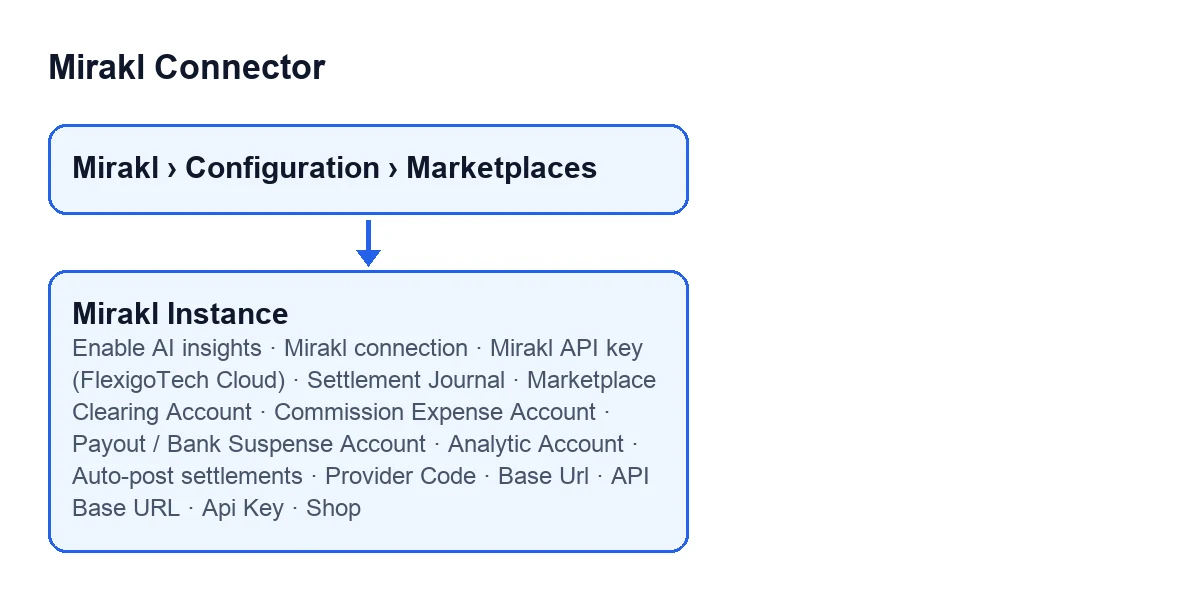
The instance forms open from the menu Mirakl › Configuration › Marketplaces, in the Mirakl Instances list.
Before you open the form
- Permission. To see the key you need to be a Mirakl Manager: the help for
Api Keysays only Mirakl Managers can see or change it, andMirakl API key (FlexigoTech Cloud)is visible only to users with that permission. - Seller account on the marketplace. Keep it open in another tab: the operator host and the API key come from there, according to the help for those fields.
- Subscription. The module needs the FlexigoTech Cloud subscription (Connector plan). The price is at the end.

Marketplace profile
Provider Code. It shows on the form and also in theMirakl Instanceslist. It is the marketplace/provider profile the instance uses; according to its help, installing the provider add-ons exposes operator-specific profiles such as Leroy Merlin. The default isGeneric Mirakl.
Connection tab, Access group
These fields are in the Connection tab, Access group.
Mirakl connection. It is read-only and defaults toFlexigoTech Cloud. Its help says new marketplaces connect through FlexigoTech Cloud, and thatDirect (API key stored in Odoo)is kept only for the marketplaces that already existed before this version, which keep working as they were bought. There is nothing to enter: just check which route your instance has.Mirakl API key (FlexigoTech Cloud). It sits in theFlexigoTech Cloudgroup. With the default values it is visible, and it is hidden when the connection is not the FlexigoTech Cloud one. Its help says it is sent once, encrypted, to FlexigoTech Cloud and is never stored in Odoo.Base Url. The real operator host. Its help warns that Mirakl does not provide a universal host shared by every marketplace. For known operators it is filled in for you; otherwise, enter it from your seller account. Example from the help:https://adeo-marketplace.mirakl.net. It is required before you can test the connection or sync.API Base URL. The real API base URL for the selected operator. Its help says it is usually the base URL plus/api, with this example:https://adeo-marketplace.mirakl.net/api.Api Key. With the default values it is not visible: it is hidden when the connection isFlexigoTech Cloud, so it appears on instances with theDirectconnection. It is the seller API key (Settings > API keyin your seller account) and is required before you can useTest Connectionor sync.Shop. It shows on the form and in this group. It is an optional identifier for multi-shop environments. According to its help,Test Connectionfills it in automatically when Mirakl exposes the seller shop.
Finances tab
This is where settlement accounting lives. The Finances tab has two groups.
Settlement Accounting group
Settlement Journal. A miscellaneous journal used to post Mirakl settlement entries. If you leave it empty, a dedicatedMirakl Settlementsjournal is created on first use. Pick one of your own if you would rather not have that one created.Marketplace Clearing Account. A balance-sheet clearing account that represents what the marketplace owes you for orders: sales debit it and it is credited when the settlement pays out.Commission Expense Account. The expense account for the marketplace commission and fees.Payout / Bank Suspense Account. It is debited with the net payout transferred to you and later reconciled against the real bank deposit: manually in Community, with bank sync in Enterprise, according to its help.
Options group
Analytic Account. Optional. It lets this marketplace's settlements feed a per-channel P&L in Odoo's analytic reporting. Set it if you want that per-channel view.Auto-post settlements. It automatically creates the accounting entry when a settlement is imported. It is off by default: tick it only if you want that entry created on import.
AI (optional) tab
Enable AI insights. It is in theAI (optional)tab and is off by default. Its help saysOptional. The connector works fully without AI. If you don't enable this / don't set a key, no AI call is ever made and nothing changes.If you do not need it, leave it as it is.
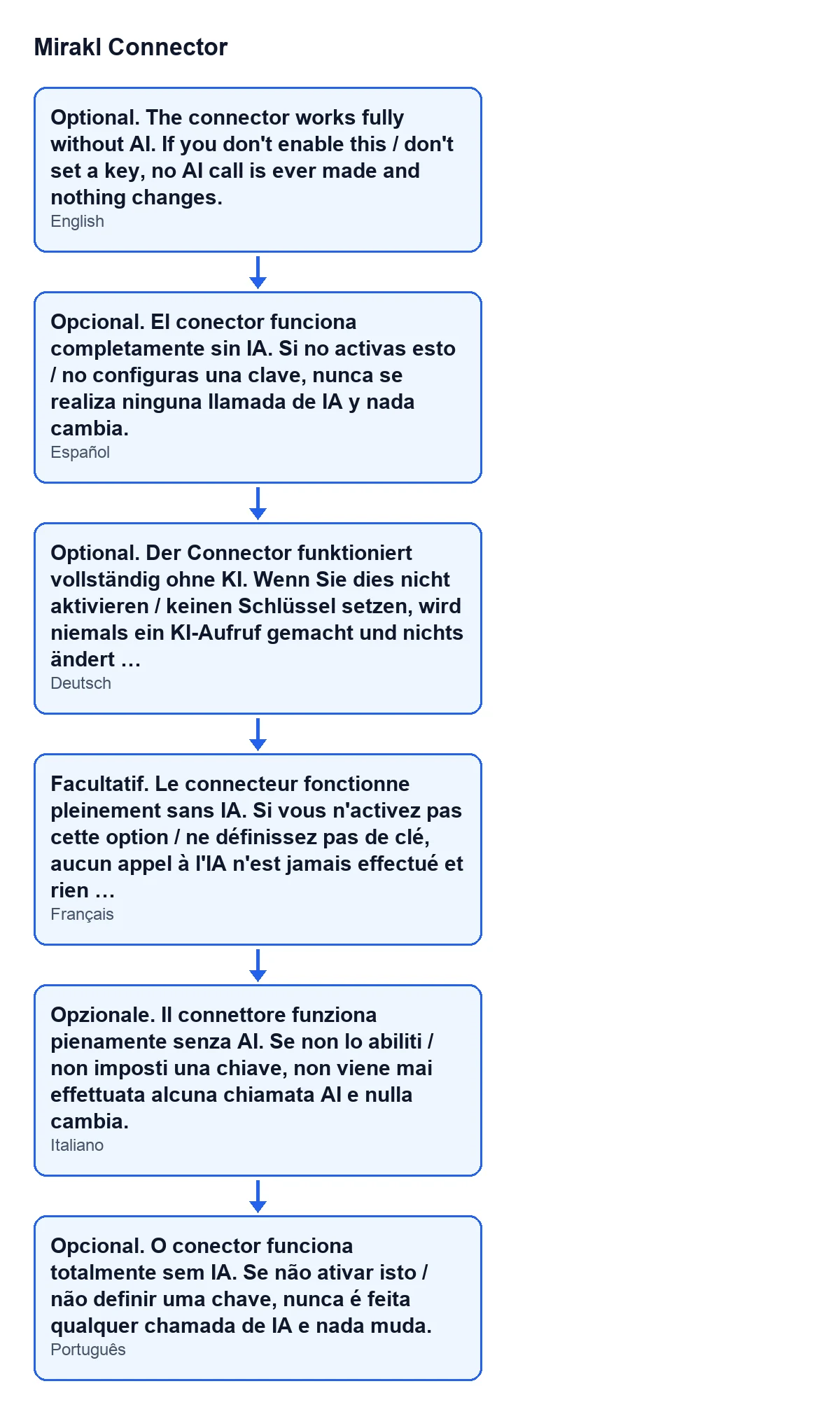
Enable AI insights in Spanish, German, French, Italian and Portuguese.Review before you call the instance done
- Check that
Base UrlandAPI Base URLpoint to the same operator; the second is usually the first plus/api, as in the help examples. - If your instance uses the
Directconnection, confirm thatBase UrlandApi Keyare filled in before you try to test the connection or sync. - After testing the connection, look at
Shop: its help says it is filled in automatically when Mirakl exposes the seller shop. - Go through the accounts in the
Settlement Accountinggroup with your accountant.
Price and help with the set-up
The module is a one-off payment per Odoo version and is published on Odoo Apps for 17, 18, 19 and 20 (see the Odoo Apps listing or the module page). It needs the FlexigoTech Cloud subscription, Connector plan: €49 a month or €490 a year, excluding VAT, for up to 3 marketplace accounts. The connection goes through FlexigoTech Cloud, which stores the credentials encrypted, watches the synchronisation and emails you if it fails. With the subscription, the module for newer Odoo versions is included if you bought it on flexigotech.com; on the Odoo App Store, each Odoo version is bought there.
FlexigoTech implements Odoo 17, 18, 19 and 20 and builds custom connectors and integrations. If you would like us to go through your instance form with you, get in touch.
Keep reading
Checked in the connector's source code (version 20.0) and the linked sources
Sources
- Module source code: flexigobe_mirakl_connector 20.0 (aa05e537): models/mirakl_ai.py
- Module source code: flexigobe_mirakl_connector 20.0 (aa05e537): models/mirakl_fgt_cloud.py
- Module source code: flexigobe_mirakl_connector 20.0 (aa05e537): models/mirakl_finance.py
- Module source code: flexigobe_mirakl_connector 20.0 (aa05e537): models/mirakl_instance.py
- apps.odoo.com/apps/modules/20.0/flexigobe_mirakl_connector
- flexigotech.com/en/services.html
- flexigotech.com/precios.html