

 Español
 Català
 Deutsch
 Français
 Português
 Italiano
 Nederlands
 Polski
Where the fields are
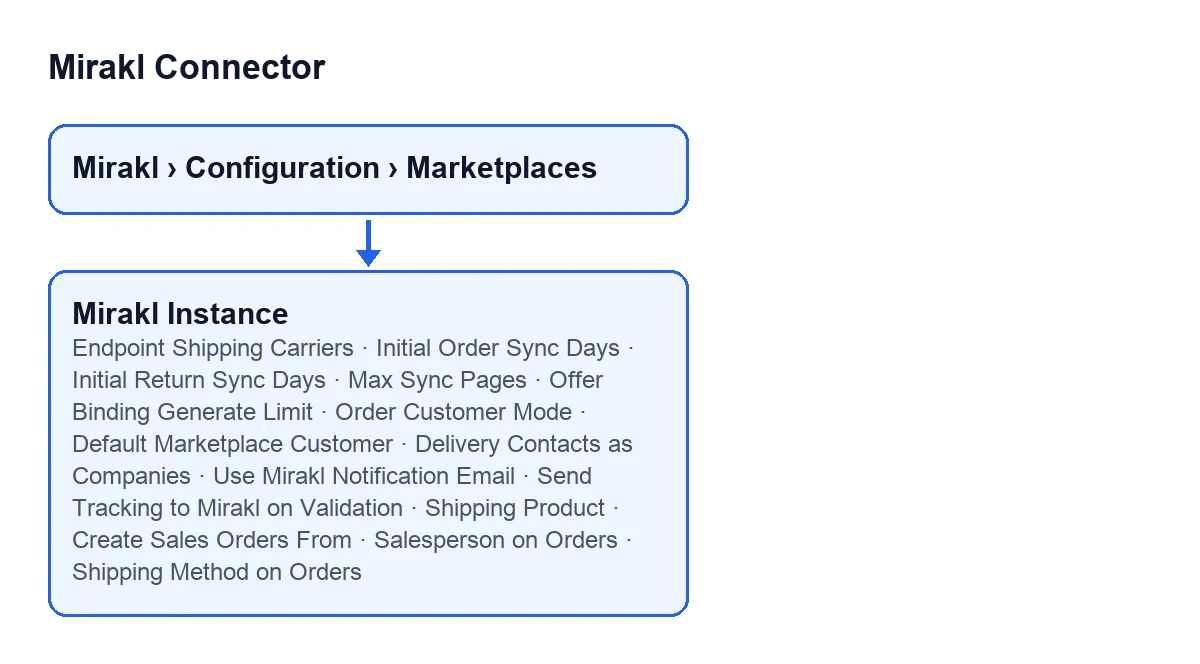
The forms open from the menu Mirakl › Configuration › Marketplaces. On the Mirakl Instances form, the fields in this guide sit on three tabs: Carriers, Orders and Returns and Manual Operations.

Import windows and limits
These fields limit what is imported, scanned or queried. All of them have a default value in the code.
| Field | Where it is | What the help says | Default |
|---|---|---|---|
Initial Order Sync Days | Orders and Returns, group Windows | «Historical window used when there is no previous order sync. Manual import also uses this range.» | 30 |
Initial Return Sync Days | Orders and Returns, group Windows | «Historical window used when there is no previous return sync. Manual import also uses this range.» | 30 |
Max Sync Pages | Orders and Returns, group Windows | «Safety limit for paginated order/return imports.» | 40 |
Offer Binding Generate Limit | Manual Operations, group Offers | «Maximum products scanned when auto-generating missing offer bindings.» | 500 |
Endpoint Shipping Carriers | Carriers, group Carrier Sync | «Mirakl SH21 endpoint used to retrieve available shipping carriers when supported by the operator.» | /shipping/carriers |
The two day fields set the window used when there is no previous order or return sync yet, and the help adds that manual import uses the same range. Max Sync Pages is, according to its help, a safety limit for paginated imports.
Order customer: two modes and two checkboxes
The Order Customer Mode field is on Orders and Returns, in the Customer & Privacy group. It has two values: One customer per shopper (standard), the default, and Single default customer with delivery child contacts.
| Field | When you see it | Default |
|---|---|---|
Order Customer Mode | In the Customer & Privacy group | One customer per shopper (standard) |
Default Marketplace Customer | Only in single default customer mode; with the default values it is not shown | Hidden in standard mode |
Delivery Contacts as Companies | Only in single default customer mode; with the default values it is not shown | Off |
Use Mirakl Notification Email | In the Customer & Privacy group | Off |
What the help says about each option:
- Standard mode: each shopper becomes their own Odoo customer.
- Single default customer: every order of the marketplace is attached to one standing customer, the one you pick in
Default Marketplace Customer. The shopper's delivery address is stored as a child contact of it (type Delivery, flagged as marketplace shopper), so personal data stays contained and can be hidden with a record rule. Invoices are issued to the default customer and carry no shopper data. - Delivery contacts as companies: only with single default customer. Each delivery address becomes a company contact of its own instead of a child contact of the default customer, so the sales order, the delivery and the delivery slip show the end customer's company and never the default customer's name. The help says the person goes to Contact Person, and that the email Mirakl sends for the customer is not stored: on marketplaces where the operator buys from you (GACD, for example) it is an address of the operator, not of the customer.
- Notification email: Mirakl anonymises the shopper behind a per-order relay address, which rotates on every order. With the checkbox on, the relay is used as the email of the order's delivery contact (never on a durable customer record), so replies reach the shopper through Mirakl. In single default customer mode, the shopper child contact always carries the relay when Mirakl provides it. The per-order value is also stored on the sales order.
Sales Bridge: empty or filled in
On the Orders and Returns tab, the Sales Bridge group holds fields whose help says what happens if you leave them empty.
| Field | If you leave it empty | If you fill it in |
|---|---|---|
Shipping Product. On screen it has no label: only its content is shown | No shipping line is added to the sales order | That service product is used for the shipping-cost line |
Create Sales Orders From | No limit | Mirakl orders created before that date are imported but never become sales orders |
Salesperson on Orders | Odoo chooses: the customer's salesperson or, if none, the user who imported the order (OdooBot for the automatic import) | That salesperson is set on every sales order imported from this marketplace |
Shipping Method on Orders | The sales orders carry no shipping method | That method is set on every sales order and, with it, on its delivery |
Two details from the help. For Create Sales Orders From, the reason is that orders handled before you started using the connector are not shipped again. For Shipping Method on Orders, the help asks you to map it in Mirakl > Catalog > Carrier Mapping so the tracking number reaches Mirakl with the right carrier.
Sending tracking on validation
The Send Tracking to Mirakl on Validation checkbox is off by default. When on, validating the delivery in Odoo sends the shipment to Mirakl (tracking number, carrier and ship confirmation), so the marketplace marks the order as shipped and the buyer sees the tracking. The help sets two requirements: the delivery must carry a tracking reference and its carrier should be mapped in the Carriers tab. If the reference is missing, the transfer is left untouched and a note explains why. Some marketplace profiles, such as Leroy Merlin, always send it because the operator requires it.
The carriers endpoint field
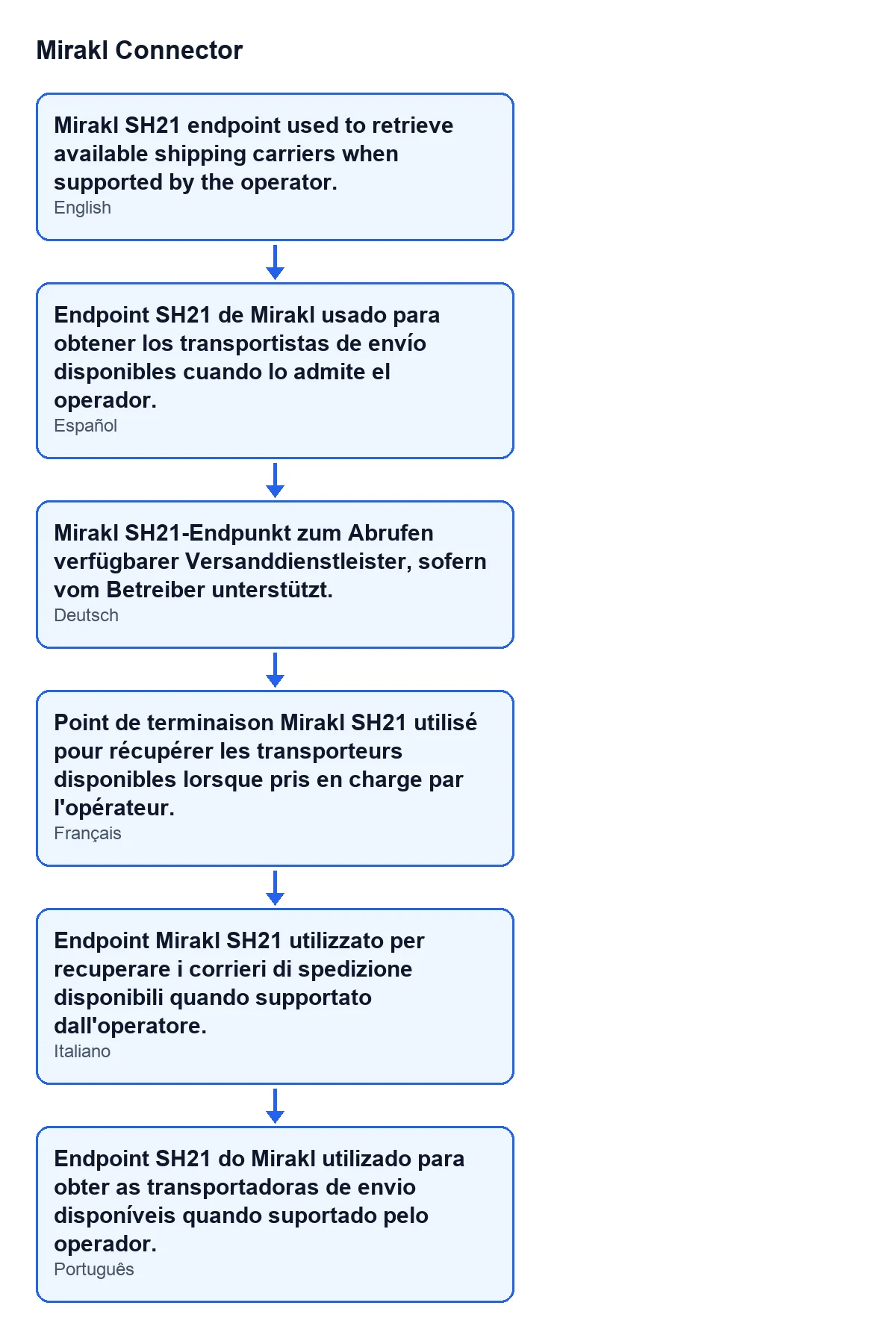
With Odoo in English, the help of Endpoint Shipping Carriers reads «Mirakl SH21 endpoint used to retrieve available shipping carriers when supported by the operator.». The diagram shows the same help text in Spanish, German, French, Italian and Portuguese.
What to set in your case
- You sold on the marketplace before installing the connector: fill in
Create Sales Orders From; according to the help, earlier orders are imported but do not become sales orders. - You do not want one Odoo customer per shopper: choose single default customer mode and set the
Default Marketplace Customer; the help suggests one generic partner per marketplace. - You want the buyer to see tracking on validation: turn on
Send Tracking to Mirakl on Validationand check the carrier in theCarrierstab. - You do not want a shipping-cost line: leave
Shipping Productempty. - You have no fixed salesperson for these orders: leave
Salesperson on Ordersempty and Odoo decides, as its help says.
Cost and help from FlexigoTech
Mirakl Connector is a one-off purchase per Odoo version (published on Odoo Apps for 17, 18, 19 and 20) and needs a FlexigoTech Cloud subscription: the Connector plan, €49 a month or €490 a year excluding VAT, up to 3 platform accounts. The connection goes through FlexigoTech Cloud, which stores the credentials encrypted, watches the synchronisation and emails you if it fails. You can see the Odoo Apps listing and the module page. If you would rather have someone set the instance up with you, FlexigoTech implements Odoo 17, 18, 19 and 20 and builds custom connectors and integrations.
Keep reading
Checked in the connector's source code (version 20.0) and the linked sources
Sources
- Module source code: flexigobe_mirakl_connector 20.0 (aa05e537): models/mirakl_instance.py
- Module source code: flexigobe_mirakl_connector 20.0 (aa05e537): models/mirakl_ai.py
- apps.odoo.com/apps/modules/20.0/flexigobe_mirakl_connector
- flexigotech.com/en/services.html
- flexigotech.com/precios.html