

 Español
 Català
 Deutsch
 Français
 Português
 Italiano
 Nederlands
 Polski
Two families of message
Some messages are about who can open something or about data the module protects: the LkSG dashboard, audit log records and the company on records that depend on a supplier. Changing what you typed will not clear them: either someone with the right permission does it, or it cannot be done.
Others flag data that breaks a rule: text that is too long or badly encoded, a repeated code or name, a figure out of range, or a missing step before a supplier can be marked compliant. You fix them by correcting the data or completing what is missing first.
Table of LkSG Compliance messages
The texts appear exactly as they are in the module's code, in English and with %s where the message contains it.
| Message | When it appears | What to do |
|---|---|---|
Only LkSG users can open the LkSG dashboard. | When someone who is not an LkSG user tries to open the LkSG dashboard. | Ask whoever administers your Odoo to set you up as an LkSG user. |
Audit log records are immutable and cannot be modified. | When someone tries to modify an audit log record. | No correction is possible: the module does not allow changes. |
Audit log records cannot be deleted. | When someone tries to delete an audit log record. | None: the module does not allow deletion. |
Subject must not exceed 500 characters. | When the subject is longer than 500 characters. | Shorten the subject to 500 characters or fewer. |
Subject must use NFC-normalized Unicode. | When the subject text is not in NFC-normalised Unicode. | Retype the subject in the field rather than pasting it. |
Description must not exceed 10,000 characters. | When the description is longer than 10,000 characters. | Trim the description to that limit. |
The company is that of the supplier and cannot be changed by hand. | When you change by hand the company on a record that carries the supplier's company. The same text appears in several places in the module. | Leave the company as it is: it is the supplier's. |
Risk area code must be unique: %s | When another risk area already uses that code. | Pick a different code or check the area that already has it. |
Severity weight must be between 1 and 10. | When the severity weight falls outside the range of 1 to 10. | Enter a value between 1 and 10. |
A risk assessment line can only link a measure of its own company. Unlink the measure from the line first. | When a risk assessment line is linked to a measure from another company. | Unlink the measure from the line first, as the message says, then link a measure from the same company. |
Risk score must be between 0 and 100. | When the risk score falls outside the range of 0 to 100. | Correct the score so it sits between 0 and 100. |
Supplier name must use NFC-normalized Unicode. Please re-enter: %s | When the supplier name is not in NFC-normalised Unicode. | Retype the name, as the message asks. |
A supplier with this name already exists for this company: %s | When a supplier with that name already exists in the same company. | Open the existing supplier and work on that one. |
Cannot mark compliant: no approved risk assessment exists for this supplier. | When you try to mark a supplier compliant and it has no approved risk assessment. | Make sure that supplier has an approved risk assessment, then try again. |
Messages that ask for an earlier step
Some messages are not saying the data is wrong, but that something has to happen first. These are worth reading in full, because the text itself tells you the way out.
Marking a supplier as compliant
Cannot mark compliant: no approved risk assessment exists for this supplier. means exactly that: there is no approved risk assessment for that supplier. The module will not let you mark it compliant until there is one. Check that supplier's assessments and see whether any is approved; if none is, that is the step still to do.
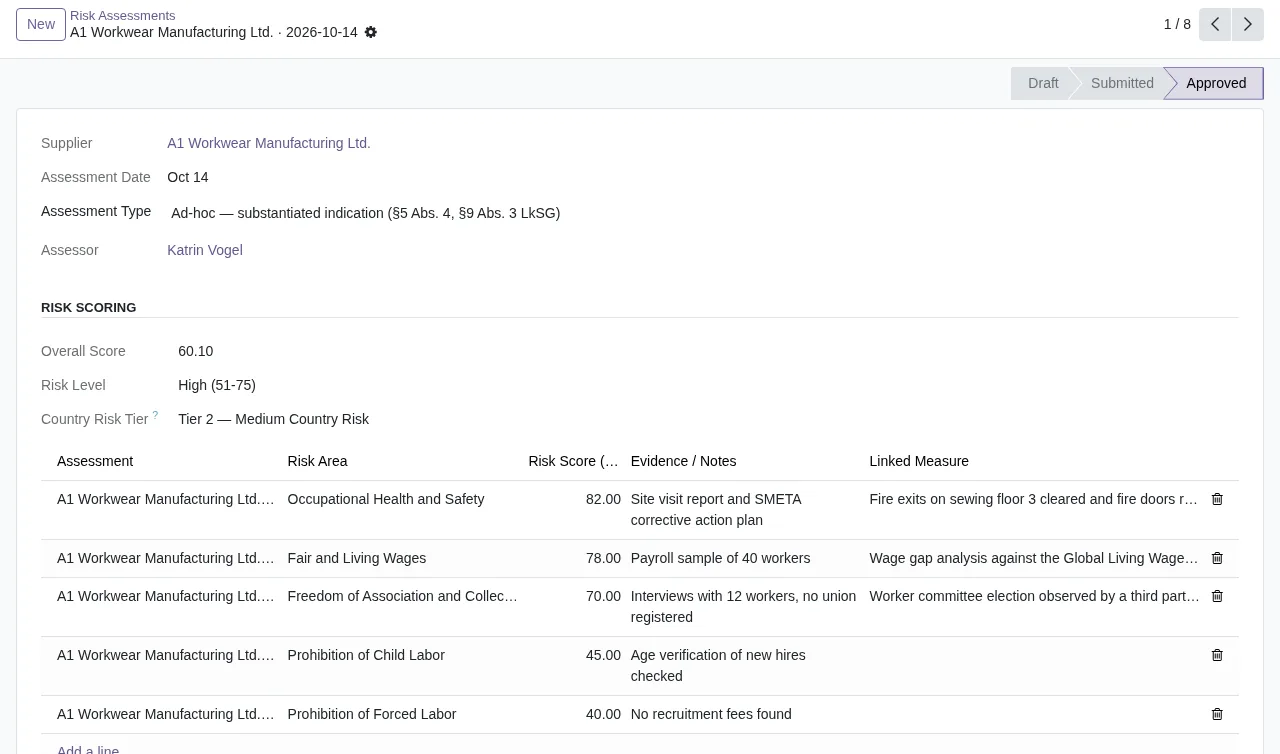
Measures from another company on an assessment line
If you run several companies in the same Odoo, you may come across A risk assessment line can only link a measure of its own company. Unlink the measure from the line first. The line only accepts measures from its own company. The message sets the order: first remove the measure from the line, then link a measure from the right company.
The company comes from the supplier
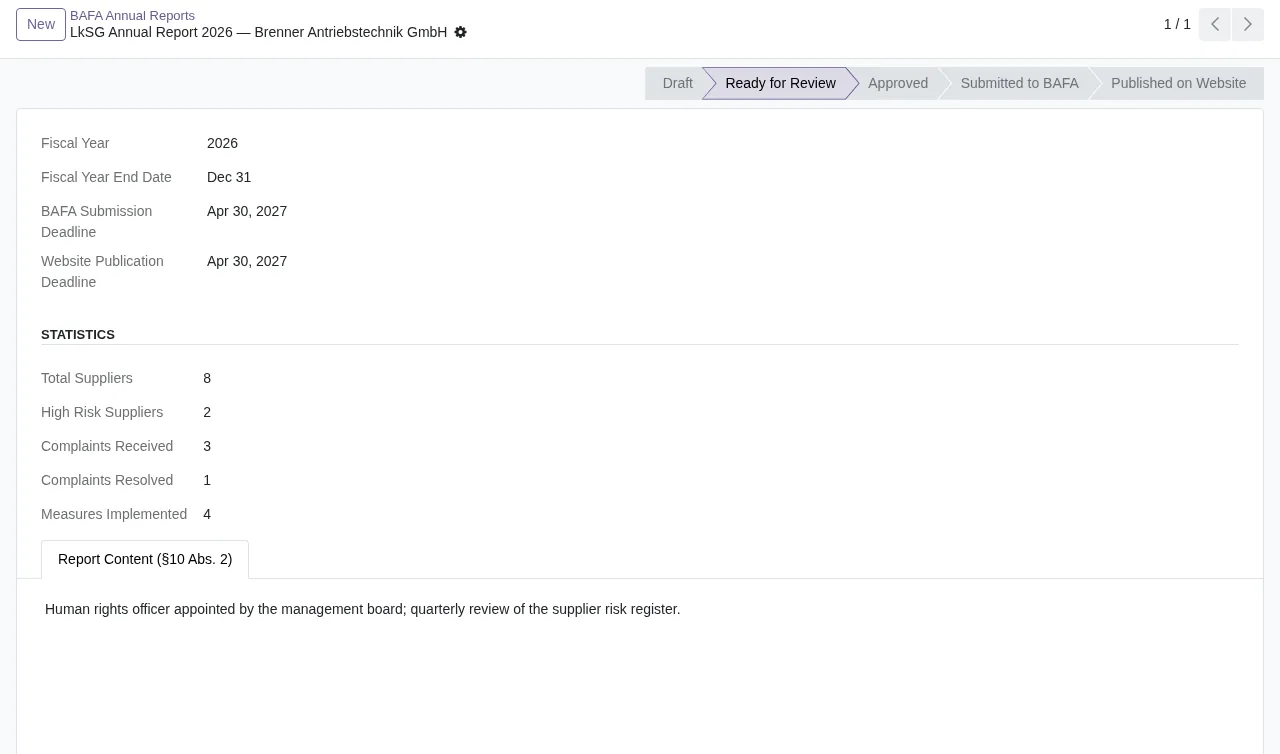
The company is that of the supplier and cannot be changed by hand. appears in several places in the module with the same wording. In each of them, the record's company is the supplier's and it is not changed by hand. If the company you see is not the one you expected, what you need to check is the supplier, not the record where the message pops up.
Repeated or badly encoded supplier names
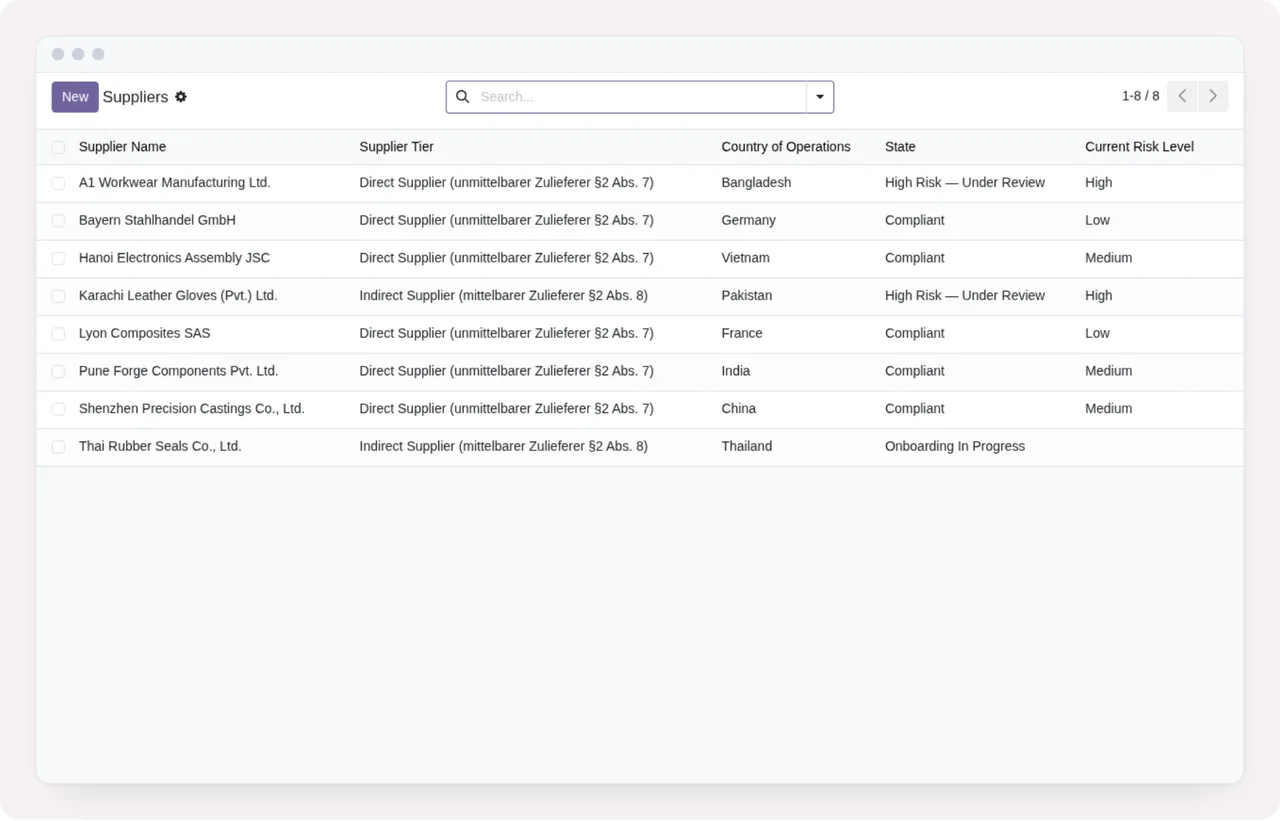
There are two messages about the supplier name. A supplier with this name already exists for this company: %s warns you that the name is already registered in the same company; before creating another, search for it in the supplier list. Supplier name must use NFC-normalized Unicode. Please re-enter: %s asks you to retype the name because it is not in NFC-normalised Unicode. The same goes for the subject in Subject must use NFC-normalized Unicode.: typing the text into the field again is the direct way to do what it asks.
What cannot be corrected: the audit log and dashboard access
Two of the messages have no data to fix. Audit log records are immutable and cannot be modified. and Audit log records cannot be deleted. mean the module does not let you modify or delete audit log records. Do not go looking for a button to do it: the record stays as it is.
Only LkSG users can open the LkSG dashboard. depends on the user, not the data. If you see it, whoever administers your Odoo needs to set you up as an LkSG user.
If you want to see which menus the module adds and what a record goes through, it is covered in how LkSG Compliance works inside Odoo.
How FlexigoTech can help
The module costs €9 excluding VAT, a one-off payment per Odoo version, for 17, 18, 19 and 20; details are on the Odoo Apps listing and the module page. If you want to know whether it suits your company before installing it, read whether LkSG Compliance fits your company.
At FlexigoTech we implement Odoo 17, 18, 19 and 20 and build bespoke connectors and integrations, so we can help you get it running or look at a message you cannot work out.
Keep reading
Checked in the module's source code (version 20.0) and the linked sources
Sources
- Module source code: flexigo_german_supply_chain_due_diligence_act_complianc 20.0 (7d9884ea): controllers/complaint_portal.py
- Module source code: flexigo_german_supply_chain_due_diligence_act_complianc 20.0 (7d9884ea): models/lksg_audit_log.py
- Module source code: flexigo_german_supply_chain_due_diligence_act_complianc 20.0 (7d9884ea): models/lksg_complaint.py
- Module source code: flexigo_german_supply_chain_due_diligence_act_complianc 20.0 (7d9884ea): models/lksg_measure.py
- Module source code: flexigo_german_supply_chain_due_diligence_act_complianc 20.0 (7d9884ea): models/lksg_risk_area.py
- Module source code: flexigo_german_supply_chain_due_diligence_act_complianc 20.0 (7d9884ea): models/lksg_risk_assessment.py
- Module source code: flexigo_german_supply_chain_due_diligence_act_complianc 20.0 (7d9884ea): models/lksg_supplier.py
- apps.odoo.com/apps/modules/20.0/flexigo_german_supply_chain_due_diligence_act_complianc
- apps.odoo.com/apps/modules/17.0/flexigo_german_supply_chain_due_diligence_act_complianc
- apps.odoo.com/apps/modules/18.0/flexigo_german_supply_chain_due_diligence_act_complianc
- apps.odoo.com/apps/modules/19.0/flexigo_german_supply_chain_due_diligence_act_complianc
- flexigotech.com/en/services.html