

 Español
 Català
 Deutsch
 Français
 Português
 Italiano
 Nederlands
 Polski
What the module adds to Invoicing
The Odoo Apps listing introduces the module with the heading Portuguese invoices with CIUS-PT XML, ATCUD and QR. Inside Odoo, everything it adds hangs off a single menu, Invoicing › e-Fatura. Underneath you will find these entries:
Invoicing › e-Fatura › InvoicesInvoicing › e-Fatura › Configurationand, inside it,Invoicing › e-Fatura › Configuration › Invoice SeriesInvoicing › e-Fatura › Reports, withInvoicing › e-Fatura › Reports › Audit TrailandInvoicing › e-Fatura › Reports › SAF-T FilingsInvoicing › e-Fatura › GDPR, withInvoicing › e-Fatura › GDPR › Data Subject Requests
We write the menus exactly as they appear in the module, so you can spot them on screen. Alongside the menus, the module defines its own models (technical names start with eif.) and three wizards (they start with wizard.). Knowing those names helps you talk about the same object with your consultant or with us, whatever language the interface is in.
This glossary lists each menu and each model with the label the module gives it. Where the module only gives a name, we tell you where it is and what it is called, without attributing functions we cannot confirm.
Glossary: invoices, series and payment terms
Invoices- First entry under
Invoicing › e-Fatura. It is the invoices section of the module's menu.
eif.invoice- Model labelled
Portuguese e-Fatura Electronic Invoice. It is the Portuguese electronic invoice record the module stores.
Invoice Series- Found at
Invoicing › e-Fatura › Configuration › Invoice Series. It is the configuration entry listed in the module's menu.
eif.invoice.series- Model labelled
Portuguese Invoice Series (ATCUD Validation Codes). Going by that label, the invoice series and its ATCUD validation codes sit together in the same model.
wizard.invoice.issue- Wizard labelled
Invoice Issue Wizard (ATCUD + QR). Its name ties issuing the invoice to the ATCUD and the QR code.
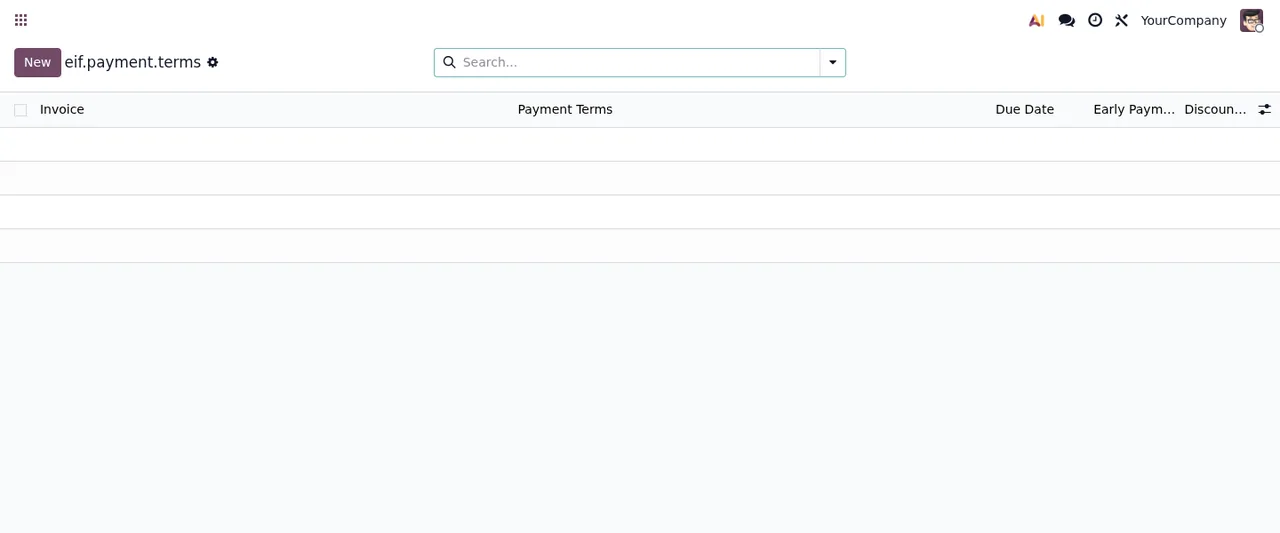
eif.payment.terms- Model labelled
E-Invoice Payment Terms, for the payment terms of the electronic invoice. None of the menus listed above carries its name; the screenshot below shows its list view.
Glossary: reports and audit trail
The Invoicing › e-Fatura › Reports section groups two entries, and each has a model with a similar name.
Audit Trail- Found at
Invoicing › e-Fatura › Reports › Audit Trail. It is the audit trail within the module's menu.
eif.audit.log- Model labelled
Portuguese e-Fatura Audit Trail (Immutable). The module itself marks it as immutable in its name.
SAF-T Filings- Found at
Invoicing › e-Fatura › Reports › SAF-T Filings. It is the SAF-T files section of the menu.
eif.saf_t.monthly.file- Model labelled
Portuguese SAF-T PT Monthly Filing. It is the model for the monthly SAF-T PT file.
wizard.saf.t.submission- Wizard labelled
SAF-T Submission Wizard. Its name links it to submitting the SAF-T.
Glossary: GDPR
Data Subject Requests- Found at
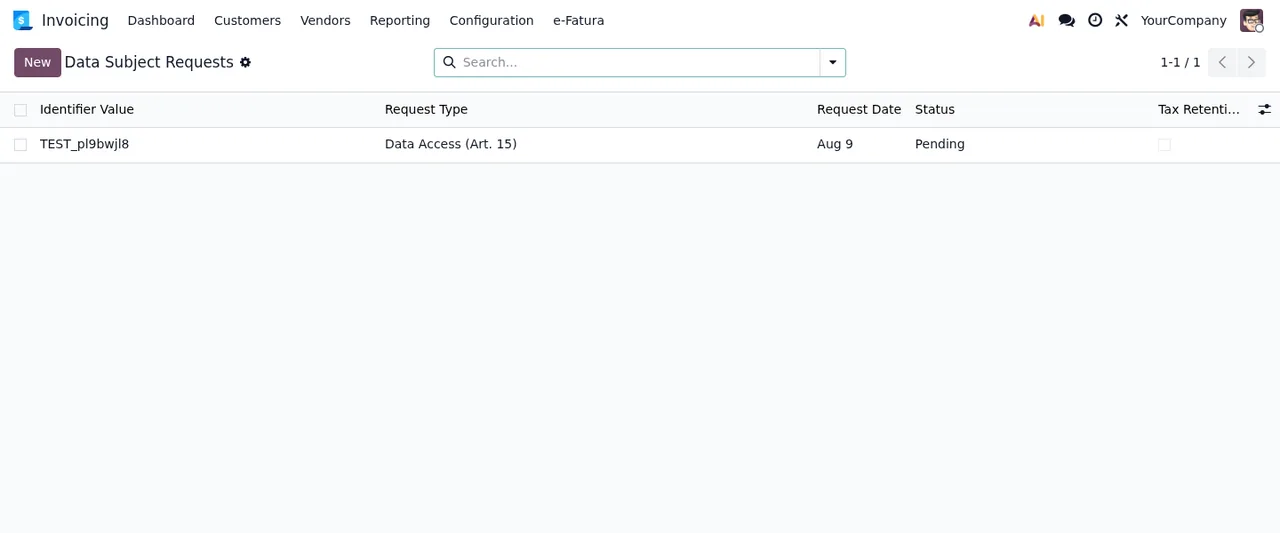
Invoicing › e-Fatura › GDPR › Data Subject Requests. It is the module's list of data subject requests.
eif.dsar.request- Model labelled
GDPR Data Subject Access Request (DSAR). It is the record for each data subject access request.
wizard.dsar.request- Wizard labelled
DSAR Request Wizard. Its name links it to DSAR requests.
What each invoice shows in the list
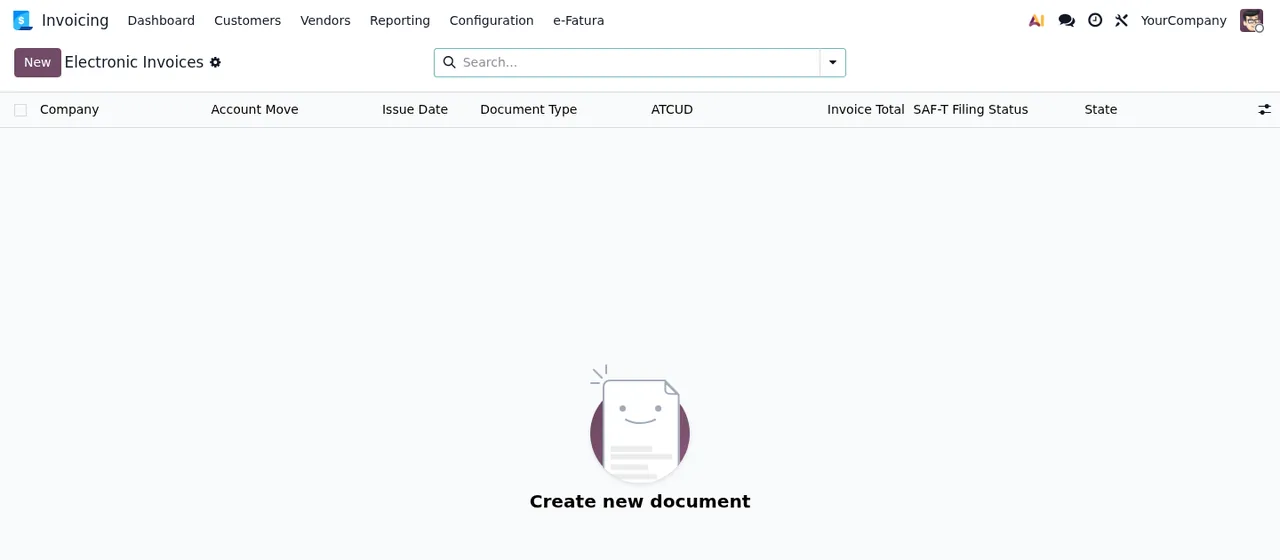
The electronic invoices list in the screenshot has no records yet, but its columns already tell you what each row will show: Company, Account Move, Issue Date, Document Type, ATCUD, Invoice Total, SAF-T Filing Status and State. In other words, on one line you get the Odoo invoice it starts from, the ATCUD code, the SAF-T file status and the status of the electronic invoice itself.
If you hit a warning or an error while working with these lists, the module's error messages and warnings give you the literal texts, when each appears and what to do.
Versions, price and local service
The module is published on Odoo Apps for 17.0, 18.0, 19.0 and 20.0, at €9 per Odoo version, one-off payment, excluding VAT (see the Odoo Apps listing). The FlexigoTech Cloud local service costs €29/month or €290/year excluding VAT (Pro: €58/month or €580/year).
Without a subscription, or with the service suspended, whatever the subscription provides stops; your data stays in your Odoo. If you buy the module on flexigotech.com, the subscription includes the module for new Odoo versions; on the Odoo App Store, each Odoo version is bought there.
How FlexigoTech can help
We implement Odoo 17, 18, 19 and 20 and build bespoke connectors and integrations. If you are setting up Portuguese invoicing in your Odoo and want someone to go through the series, the audit trail or the fit with your sales flows with you, get in touch from the module page.
Keep reading
Checked in the module's source code (version 20.0) and the linked sources
Sources
- Module source code: flexigo_portugal_efatura_e_invoice_connector 20.0 (61a5266d): views/menu.xml
- Module source code: flexigo_portugal_efatura_e_invoice_connector 20.0 (61a5266d): static/description/index.html
- Module source code: flexigo_portugal_efatura_e_invoice_connector 20.0 (61a5266d): models/eif_audit_log.py
- Module source code: flexigo_portugal_efatura_e_invoice_connector 20.0 (61a5266d): models/eif_dsar_request.py
- Module source code: flexigo_portugal_efatura_e_invoice_connector 20.0 (61a5266d): models/eif_invoice.py
- Module source code: flexigo_portugal_efatura_e_invoice_connector 20.0 (61a5266d): models/eif_invoice_series.py
- Module source code: flexigo_portugal_efatura_e_invoice_connector 20.0 (61a5266d): models/eif_payment_terms.py
- Module source code: flexigo_portugal_efatura_e_invoice_connector 20.0 (61a5266d): models/eif_saf_t_filing.py
- Module source code: flexigo_portugal_efatura_e_invoice_connector 20.0 (61a5266d): wizards/wizard_dsar_request.py
- Module source code: flexigo_portugal_efatura_e_invoice_connector 20.0 (61a5266d): wizards/wizard_invoice_issue.py
- Module source code: flexigo_portugal_efatura_e_invoice_connector 20.0 (61a5266d): wizards/wizard_saf_t_submission.py
- apps.odoo.com/apps/modules/20.0/flexigo_portugal_efatura_e_invoice_connector
- apps.odoo.com/apps/modules/17.0/flexigo_portugal_efatura_e_invoice_connector
- apps.odoo.com/apps/modules/18.0/flexigo_portugal_efatura_e_invoice_connector
- apps.odoo.com/apps/modules/19.0/flexigo_portugal_efatura_e_invoice_connector
- flexigotech.com/en/services.html
- flexigotech.com/precios.html