

 Español
 Català
 Deutsch
 Français
 Português
 Italiano
 Nederlands
 Polski
Issued invoices, series and SAF-T
Why can't I change or delete an invoice that has been issued?
The module blocks it with three messages: Invoice immutable; correct via credit/debit note, Invoice immutable; cannot modify {illegal_fields} and Cannot delete issued invoice; use credit/debit note for corrections. All three say the same thing: an issued invoice cannot be edited or deleted. If something needs correcting, the message itself gives you the route: a credit note or a debit note. In the second message, {illegal_fields} is the variable part of the text exactly as it is written in the module's code.
What does Only draft invoices can be issued mean?
This warning comes in two forms, Only draft invoices can be issued and Only draft invoices can be issued, and the text is direct: only draft invoices can be issued. If you see it, check the state of the invoice you are working on before trying again.
What do I do with the warnings about invoice series?
There are four messages about series:
No invoice series configured: no invoice series has been set up. Create one before carrying on.Series {record.series_code} not registered with AT; registration code missing: the series named in the message is not registered with the AT because its registration code is missing. Fill it in on the series.Invalid AT validation code: {validation_code}: the AT validation code entered is not valid. Check the code you have typed.Series sequence cannot go below 1: the series sequence cannot drop below 1. Correct the sequence value.
Series live in the Invoicing › Invoice Series list, with columns such as Company, Series Code, AT Validation Code and Active.
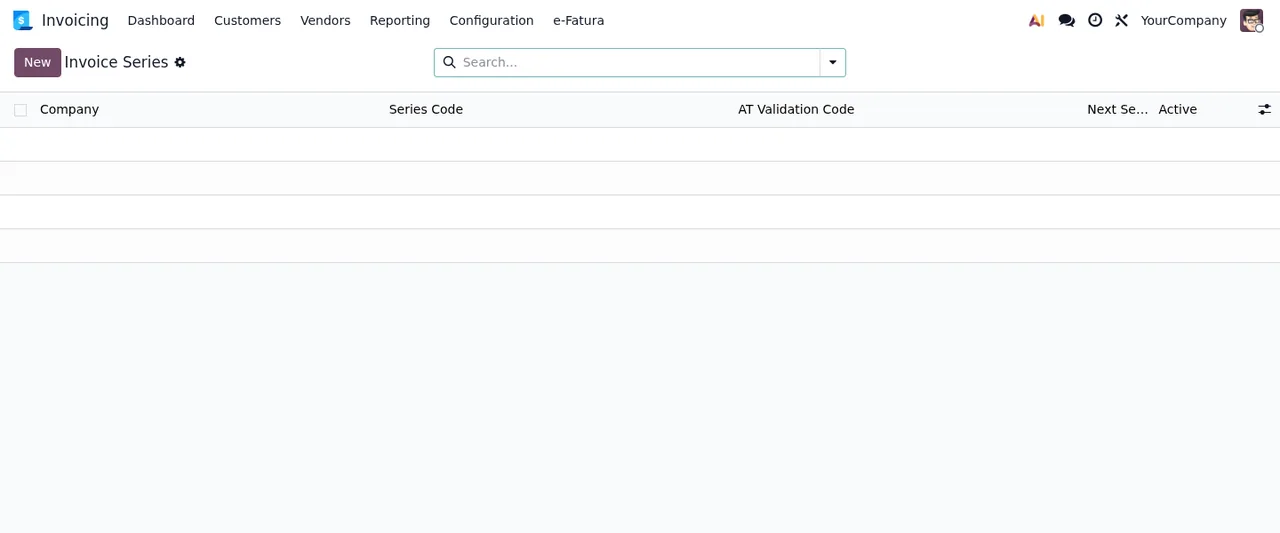
Invoice Series list, with no records yet: this is where the series code and the AT validation code are shown.The module also adds the list for the eif.payment.terms model, with the columns Invoice, Payment Terms, Due Date, Early Payment and Discount.
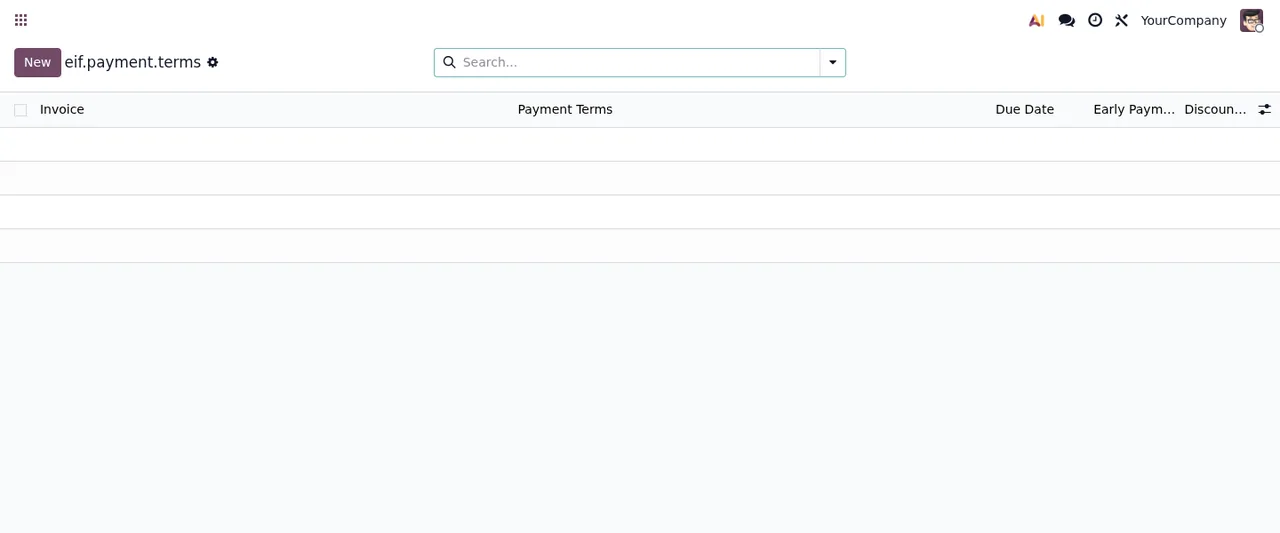
eif.payment.terms list, with no records yet.Why won't it generate or send the SAF-T?
Because, according to its own messages, those features are not in the module yet: Not generated: SAF-T PT XML generation is not available in this module yet. and Not sent: submitting SAF-T to Portal das Finanças is not available in this module yet. It is not a problem with your set-up: the SAF-T PT XML and its submission to the Portal das Finanças have to be handled outside this module. A different warning is Select a SAF-T filing first, which appears in two places in the code and asks you to select a SAF-T filing first.
The audit trail
What do the audit trail warnings mean?
There are three. Audit trail is immutable and cannot be modified and Audit trail is immutable and cannot be deleted say that audit records cannot be changed or deleted. The third, Audit trail tampering detected!, means the module has detected tampering with the trail. If it appears, do not try to rebuild the record by hand (the other two messages already say you cannot) and go through the Audit Trail list with whoever administers your Odoo.
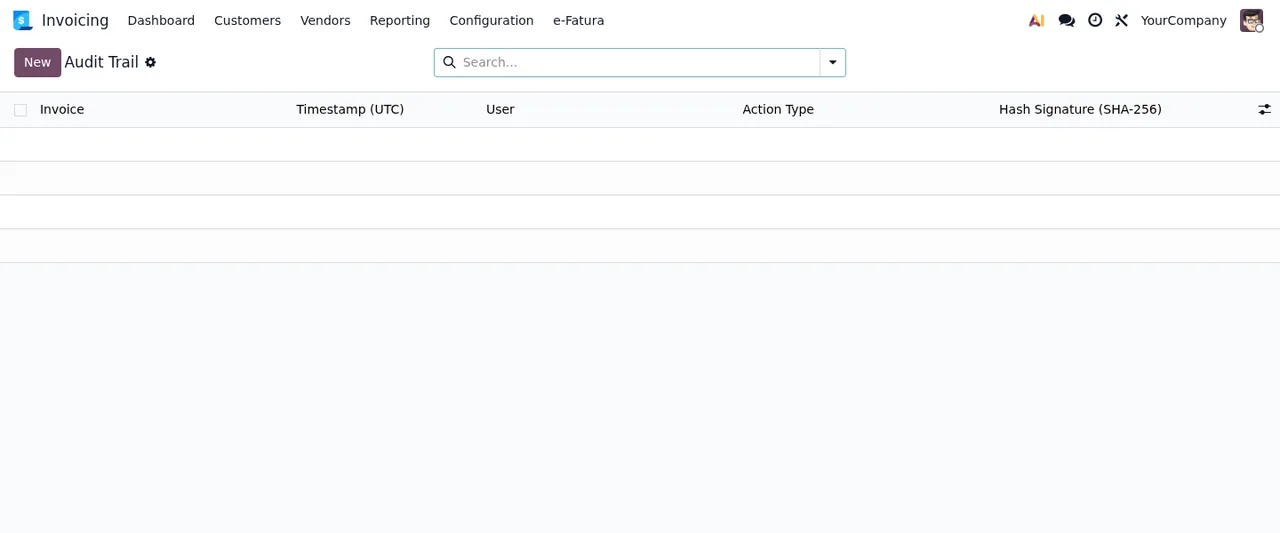
Audit Trail list, with no records yet: invoice, UTC timestamp, user, action type and hash signature.Data subject requests (DSAR)
Why does it ask me to verify, assess or respond first?
Data requests have steps and the module warns you when one is missing: DSAR must be verified first (it has not been verified), DSAR must be assessed first (it has not been assessed; this one appears in two places in the code) and DSAR must be responded first (it has not been responded to). If you try to verify one that already is, you get DSAR already verified. Carry out the step the message names and try again.
What do I do with Customer not found?
The full message is Customer not found for {record.identifier_type}={record.identifier_value}. The module cannot find a customer with the identifier type and value on the request. Check those two details on the request.
Why does the response come back as Not delivered?
There are two cases. Not delivered: this module only delivers the response by email and this request has no email address. Send the response to the data subject yourself. The module only delivers the response by email and the request has no email address, so you need to send the response to the data subject yourself. The other is Not delivered: the email to %(email)s could not be sent (%(reason)s)., which says the email could not be sent and includes the address and the reason; start with that reason.
Why can't I delete a request?
Because of Cannot delete active DSAR request; must be archived first: an active request cannot be deleted. Archive it first.
Data Subject Requests list with one test request in the Pending state, followed by the Electronic Invoices list (with columns such as ATCUD, SAF-T Filing Status and State), eif.payment.terms and Audit Trail, with no records.How FlexigoTech can help
If you want to understand which menus the module adds before tackling the warnings, we cover it in how Portugal e-Invoice Files works under the bonnet. The module is on Odoo Apps for Odoo 17, 18, 19 and 20 at €9 per Odoo version, one-off payment, excluding VAT. If you buy it on flexigotech.com with the subscription, the module for new Odoo versions is included; on the Odoo App Store, each version is bought there. FlexigoTech also implements Odoo 17, 18, 19 and 20 and builds bespoke connectors and integrations, in case you need something the module does not cover yet.
Keep reading
Checked in the module's source code (version 20.0) and the linked sources
Sources
- Module source code: flexigo_portugal_efatura_e_invoice_connector 20.0 (61a5266d): models/eif_audit_log.py
- Module source code: flexigo_portugal_efatura_e_invoice_connector 20.0 (61a5266d): models/eif_dsar_request.py
- Module source code: flexigo_portugal_efatura_e_invoice_connector 20.0 (61a5266d): models/eif_invoice.py
- Module source code: flexigo_portugal_efatura_e_invoice_connector 20.0 (61a5266d): models/eif_invoice_series.py
- Module source code: flexigo_portugal_efatura_e_invoice_connector 20.0 (61a5266d): models/eif_saf_t_filing.py
- Module source code: flexigo_portugal_efatura_e_invoice_connector 20.0 (61a5266d): wizards/wizard_invoice_issue.py
- Module source code: flexigo_portugal_efatura_e_invoice_connector 20.0 (61a5266d): wizards/wizard_saf_t_submission.py
- apps.odoo.com/apps/modules/20.0/flexigo_portugal_efatura_e_invoice_connector
- apps.odoo.com/apps/modules/17.0/flexigo_portugal_efatura_e_invoice_connector
- apps.odoo.com/apps/modules/18.0/flexigo_portugal_efatura_e_invoice_connector
- apps.odoo.com/apps/modules/19.0/flexigo_portugal_efatura_e_invoice_connector
- flexigotech.com/en/services.html
- flexigotech.com/precios.html