

 Español
 Català
 Deutsch
 Français
 Português
 Italiano
 Nederlands
 Polski
How the case starts: a hotel with empty lists
Example Illustrative case: the company and its figures are made up to explain the flow.
The Hotel Brisa de Poniente is made up. Marta, its front desk manager, has just installed Flexigo Hospitality Properties and Rooms on the company's Odoo 18 and opens the module's lists to see where to begin. What follows is an illustrative walkthrough; the names of fields, columns and screens are the module's own.
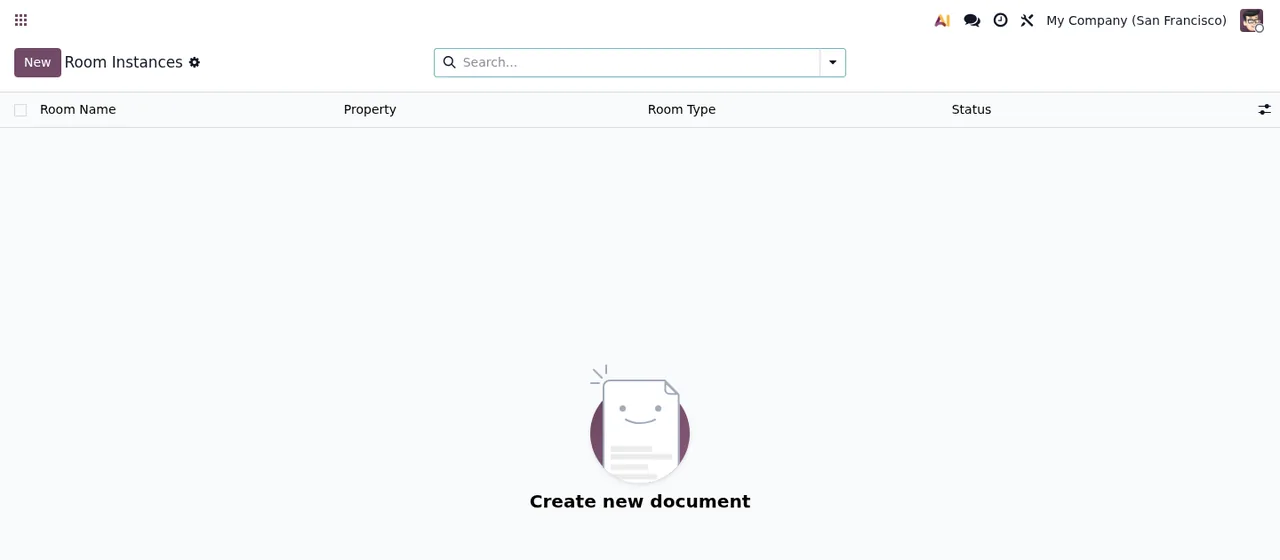
Room Instances list, still without records, with the «Create new document» illustration.That is the first thing she sees: lists with no data. In the properties list the columns are Property Name, Property Code, Country, Total Rooms and Occupancy, and the screen shows the message «Create your first property». Marta decides to create the property first, then the room types and finally the individual rooms, so they are ready when she creates the first reservation. That is the order she chooses in this case, not a rule set by the module.
Room types and rooms: the columns Marta fills in
In the Room Types list each type appears with Room Type Name, Room Code, Max Guests and Base Rate. Marta creates one record for each type the hotel sells and checks that the code and the maximum number of guests match what reception uses.
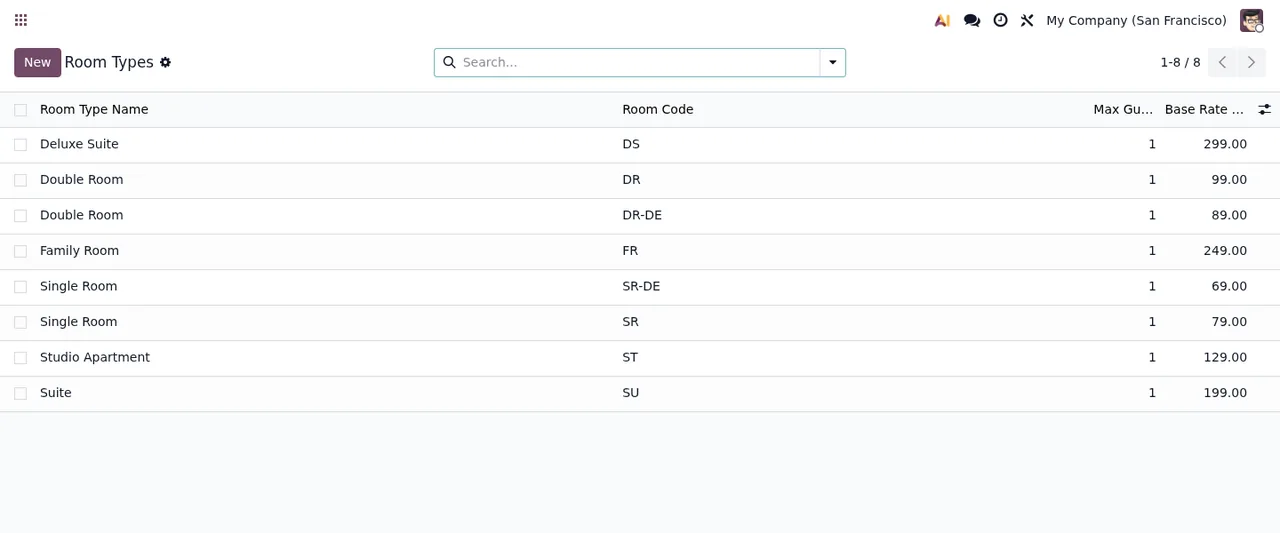
Room Types list with eight records, the New button, the search bar and pagination.Then she moves on to Room Instances, where each room carries Room Name, Property, Room Type and Status. As she creates each one, she links it to its property and its type, so the list is no longer empty as in the first screenshot.
The first reservation, field by field
With that done, Marta opens the first reservation. These are the fields she finds and what she checks in each:
Reservation Number: the reservation's number.Guest: the guest.PropertyandRoom Type: the property and the room type.Number of Rooms: how many rooms are booked.Room Instances: the module describes it as «Specific rooms booked for this reservation», meaning the actual rooms booked.Check-in DateandCheck-out Date: arrival and departure dates.Stay Length (nights): the length of the stay in nights.Number of AdultsandNumber of Children: adults and children.Children Ages: the module describes it as «Comma-separated ages of children», so Marta types the ages separated by commas.Special RequestsandInternal Notes: two separate text fields, one for special requests and one for internal notes.
In the case, Marta checks by hand that what she enters in Number of Rooms matches the rooms she picks in Room Instances. That is her own check, not something the module says it does.
Tasks: who, by when and in what status
The next day Marta creates the first tasks. Each one has Task Name, Room, Property and Task Type. The module describes the Assigned To field as «Staff member assigned to this task»: the team member responsible. The task is rounded off by Priority, Deadline, Status, Checklist Items, Notes and Completed Date.
Status, Priority and Task Type are selection fields. Before explaining them to the team, Marta opens each drop-down in her installation and writes down the values it offers, so everyone uses the same ones when moving a task from one status to another. If you want to see how these screens fit together under the bonnet, see how the module works in Odoo.
What Marta finds under Compliance
While going through the menus, Marta also comes across the DSAR Requests list under Hospitality > Compliance. Its columns include Request Number, Guest Profile, Request Type, State and SLA Status.
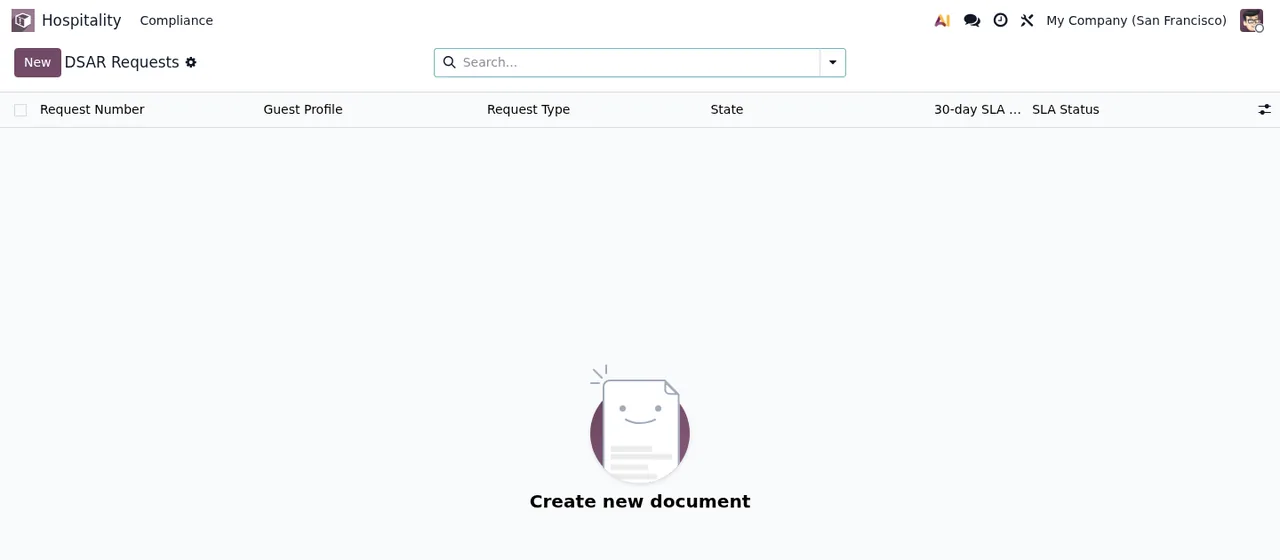
DSAR Requests list under Hospitality > Compliance, still without records: it shows «Create new document».The animated walkthrough also shows the «Create DSAR Request» dialog, with Guest Profile, Request Type and Review Notes, plus the Create Request and Cancel buttons. Marta does not create any yet; she simply notes what the form asks for, so she knows where it is when she needs it.
Room Types to DSAR Requests, the «Create DSAR Request» dialog with Request Type set to Access Export, and the Properties list with no records and the message «Create your first property».The first week: what she checks each day
Over the first few days, Marta goes over these points:
- In reservations: that
Check-in DateandCheck-out Dateare right, thatRoom Instancesholds the actual rooms and thatChildren Agesis comma-separated when there are children. - In tasks: that none is left without
Assigned To, thatDeadlineis set, thatStatusreflects where each one stands and thatCompleted Dateis filled in on finished ones. - In rooms: that every entry in
Room InstanceshasProperty,Room TypeandStatus.
The module also defines records with the fields Company, Table Name, Record ID, Action, Timestamp, User, IP Address, Field Name, Old Value, New Value and Description. When Marta looks at them, she checks the User and Timestamp of each, and Old Value and New Value when she wants to understand a figure that does not add up. If a warning appears during these days, she looks it up in the module's error messages.
What to take from the case
- The lists start empty: in the case, Marta creates the property, types and rooms before the first reservation.
- Read the description on the fields that have one (
Room Instances,Assigned To,Children Ages): it explains what each one is for. - Agree the values of
Status,PriorityandTask Typewith the team from day one. - Use each field for its own purpose: special requests in
Special Requestsand internal notes inInternal Notes. - Find
Hospitality > Complianceeven if you do not use it yet.
Pricing and how FlexigoTech can help
The module costs €9 per Odoo version on Odoo Apps, one-off payment excluding VAT, for 17, 18 and 19; the local service is separate: €29/month or €290/year excluding VAT (Pro: €58/month or €580/year). Without a subscription, or with the service suspended, whatever the subscription provides stops and your data stays in your Odoo. With the subscription, the module for new Odoo versions is included if you bought it on flexigotech.com; on the Odoo App Store, each version is bought there (Odoo Apps listing).
FlexigoTech implements Odoo and builds bespoke connectors and integrations, so we can help you load your starting data and fit the module to the way your team works.
Keep reading
Checked in the module's source code (version 19.0) and the linked sources
Sources
- Module source code: flexigo_hospitality_pms_channel_manager 19.0 (033514e0): models/hotel_audit_log.py
- Module source code: flexigo_hospitality_pms_channel_manager 19.0 (033514e0): models/hotel_housekeeping_task.py
- Module source code: flexigo_hospitality_pms_channel_manager 19.0 (033514e0): models/hotel_reservation.py
- apps.odoo.com/apps/modules/19.0/flexigo_hospitality_pms_channel_manager
- apps.odoo.com/apps/modules/17.0/flexigo_hospitality_pms_channel_manager
- apps.odoo.com/apps/modules/18.0/flexigo_hospitality_pms_channel_manager
- flexigotech.com/en/services.html
- flexigotech.com/precios.html