

 Español
 Català
 Deutsch
 Français
 Português
 Italiano
 Nederlands
 Polski
Properties, times, rates and reservations
These are the messages you meet when working with properties, check-in and check-out times, rates and reservations.
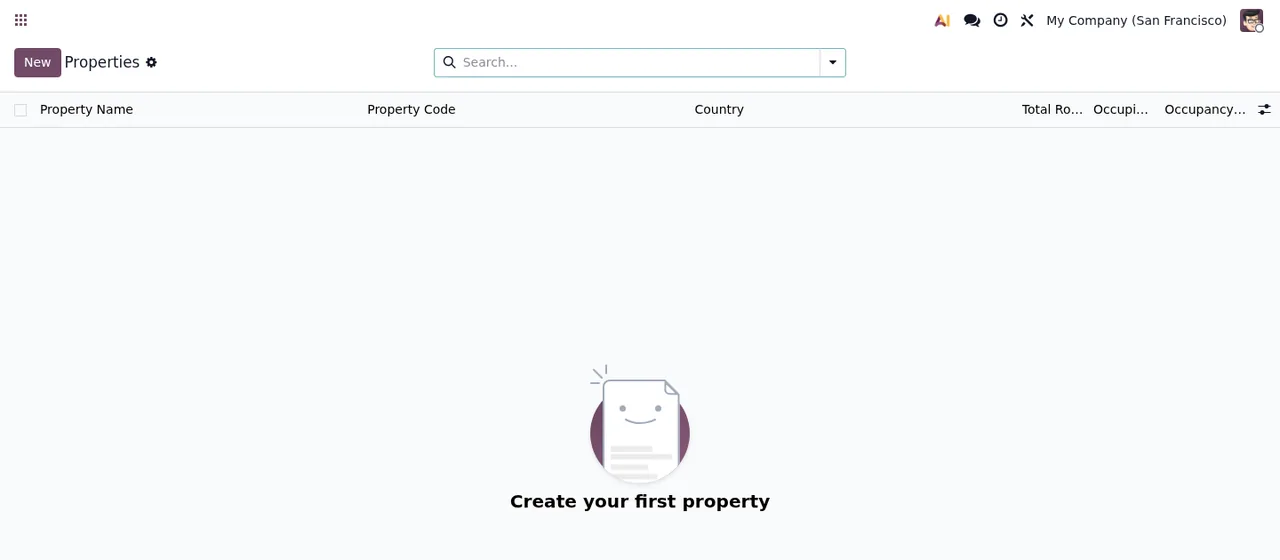
Why won't it let me save the check-in and check-out times?
There are three checks on times. Check-in time must be between 0:00 and 24:00! and Check-out time must be between 0:00 and 24:00! mean the time you entered is outside that range: correct it so it sits between those two values. The third is Check-out time must be before check-in time!: the module requires exactly what the text says, that the check-out time comes before the check-in time. Adjust both times until they meet that condition and save again.
What do the warnings about validity dates, booking window and minimum stay mean?
They are consistency checks. Validity start date must be before end date! appears when the validity start date is not earlier than the end date: check they are not the wrong way round. Minimum booking window must be less than maximum booking window! asks for the minimum booking window to be smaller than the maximum. Minimum stay must be at least 1 night! means the minimum stay has to be one night or more, so set it to one night or above.
Why can't I delete a property or a guest profile, and what is the sale order message?
The message Cannot delete property %s because it has %d active reservations. appears with the property name and the number of active reservations in place of the placeholders. The module will not delete a property with active reservations. Guests work the same way: Cannot delete guest profile with active reservations. Before deleting, review those active reservations. Separately, No sale order found for this reservation. means the module has not found a sale order for that reservation.
What happens if I try to send rates to Booking.com, Agoda or Expedia?
The message itself explains it: Sending rates to a booking channel is not available: this module does not connect to Booking.com, Agoda, Expedia or any other booking channel. If what you see is Cannot push rates because the OTA channel is disabled., the message tells you the OTA channel is disabled. Only one configuration per OTA channel per property means a configuration for that OTA channel already exists for that property: only one is allowed. And if Net payout cannot exceed gross revenue appears, the net payout you entered is higher than the gross revenue: correct the figure so it is not greater.
Guest GDPR requests
GDPR requests (on screen, DSAR Requests) are the area with the most messages, because the module controls who changes what and in which order. If you are just starting, the module set-up guide covers the settings and the states each record goes through.
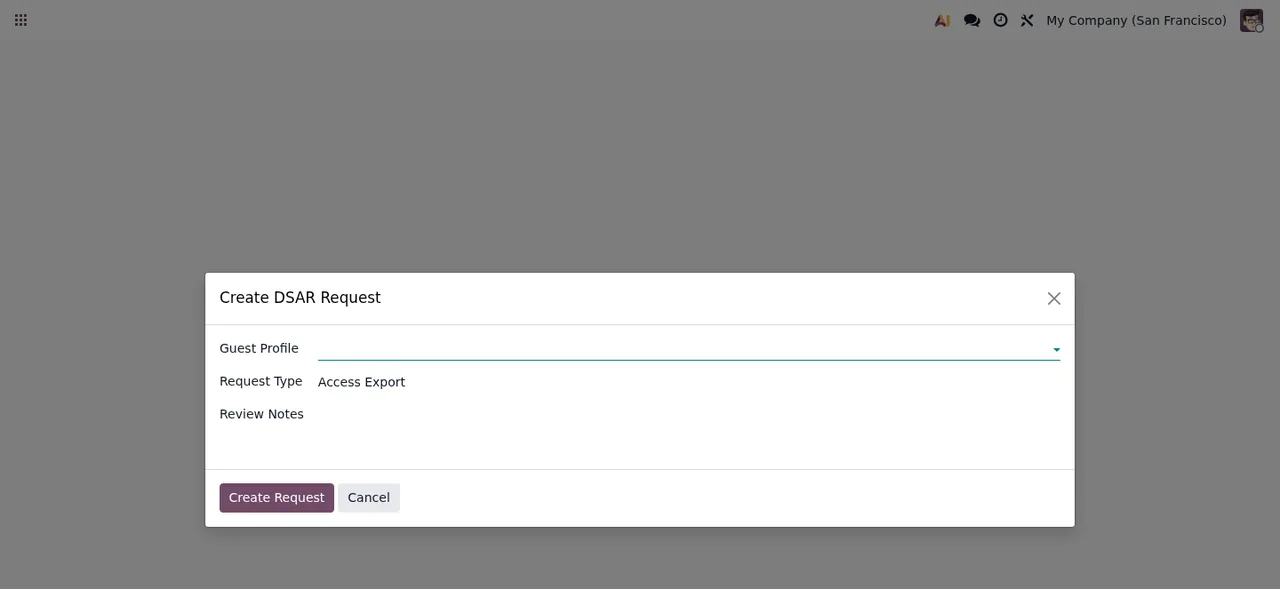
Why can't I change the guest, the type or the state of a request?
Once submitted, the guest and the type are fixed: The guest and the type of a GDPR request are fixed once it is submitted. The state and the approvals change only through the request's buttons (The state and the approvals of a GDPR request change only through its buttons.), and so do the export and its download link (The export of a GDPR request and its download link change only through its buttons.). If you press an action that does not apply, you will see This action is not available in the current state of the GDPR request. And if you get This GDPR request has no company: set its company before running it., assign the company to the request before running it.
Which approvals are needed to export or erase?
The message HR, Finance, and Legal approvals are required before manager approval. sets the order: first the HR, Finance and Legal approvals, then the manager's. Only an access request with all its approvals generates the export (Only an access request with all its approvals generates an export.), and only an erasure request with all its approvals erases the guest (Only an erasure request with all its approvals erases a guest.). The download link belongs to done access requests that have their export: Only a done access request with its export has a download link. If No email address available for this guest. appears, the message tells you the guest has no email address available.
Why does the module refuse to erase a guest's data?
There are several cases where the module does not erase, each with its own message. With active reservations: Cannot erase data for guest with active reservations. If the contact belongs to a user: The contact of this guest belongs to a user and is never erased. If it is a company's contact: The contact of this guest is the contact of a company and is never erased. If it is a company with contacts or customer documents: The contact of this guest is a company with contacts or customer documents and is never erased. And if it has posted invoices or journal entries: The contact of this guest has posted invoices or journal entries, which the law requires to keep: it is not erased. Reject the request, or file it again when the retention period ends. The message itself gives you the two ways out: reject the request, or file it again once the retention period ends.
Why can't I change the contact on a guest profile?
Only a hotel manager can: Only a hotel manager changes the contact of a guest profile. On top of that, if the guest has an open GDPR request, the contact is locked until the request is done or rejected: This guest has an open GDPR request: its contact cannot change until the request is done or rejected. If the contact has already changed, you may see The guest profile no longer points to the contact this request was submitted for: reject this request and file a new one.; the way out is what it says: reject and file a new one. Finally, Email address is required for guest deduplication. asks for an email on the profile because the module requires it for guest deduplication.
Records the module will not let you modify
Why do Audit logs are immutable and OTA Sync Logs are immutable appear?
Because the module treats audit logs and OTA sync logs as immutable. If you try to modify one, Odoo replies with Audit logs are immutable or OTA Sync Logs are immutable. That is how the module handles those records. If you want to understand where they come from, how the module works under the bonnet covers its menus and what each record goes through.
If a message is holding up your implementation
On Odoo Apps the module costs €9 excluding VAT, a one-off payment per version, for Odoo 17, 18 and 19. Some features use, optionally, a paid FlexigoTech Cloud service (local service): €29/month or €290/year excluding VAT (Pro: €58/month or €580/year). At FlexigoTech we implement Odoo 17, 18, 19 and 20 and build bespoke connectors and integrations, so if any of these messages clashes with the way you work, we can go through it with you. You will find the module details and purchase options on its page at flexigotech.com.
Keep reading
Checked in the module's source code (version 19.0) and the linked sources
Sources
- Module source code: flexigo_hospitality_pms_channel_manager 19.0 (033514e0): models/hotel_audit_log.py
- Module source code: flexigo_hospitality_pms_channel_manager 19.0 (033514e0): models/hotel_commission_settlement.py
- Module source code: flexigo_hospitality_pms_channel_manager 19.0 (033514e0): models/hotel_dsar_request.py
- Module source code: flexigo_hospitality_pms_channel_manager 19.0 (033514e0): models/hotel_guest_profile.py
- Module source code: flexigo_hospitality_pms_channel_manager 19.0 (033514e0): models/hotel_ota_channel.py
- Module source code: flexigo_hospitality_pms_channel_manager 19.0 (033514e0): models/hotel_property.py
- Module source code: flexigo_hospitality_pms_channel_manager 19.0 (033514e0): models/hotel_rate_plan.py
- Module source code: flexigo_hospitality_pms_channel_manager 19.0 (033514e0): models/hotel_reservation.py
- apps.odoo.com/apps/modules/19.0/flexigo_hospitality_pms_channel_manager
- apps.odoo.com/apps/modules/17.0/flexigo_hospitality_pms_channel_manager
- apps.odoo.com/apps/modules/18.0/flexigo_hospitality_pms_channel_manager
- flexigotech.com/en/services.html
- flexigotech.com/precios.html