

 Español
 Català
 Deutsch
 Français
 Português
 Italiano
 Nederlands
 Polski
Before sending: account, permissions and document
Where you see %s or %(level)s, the module fills in the specific detail: an account name, a signer, a status or a level.
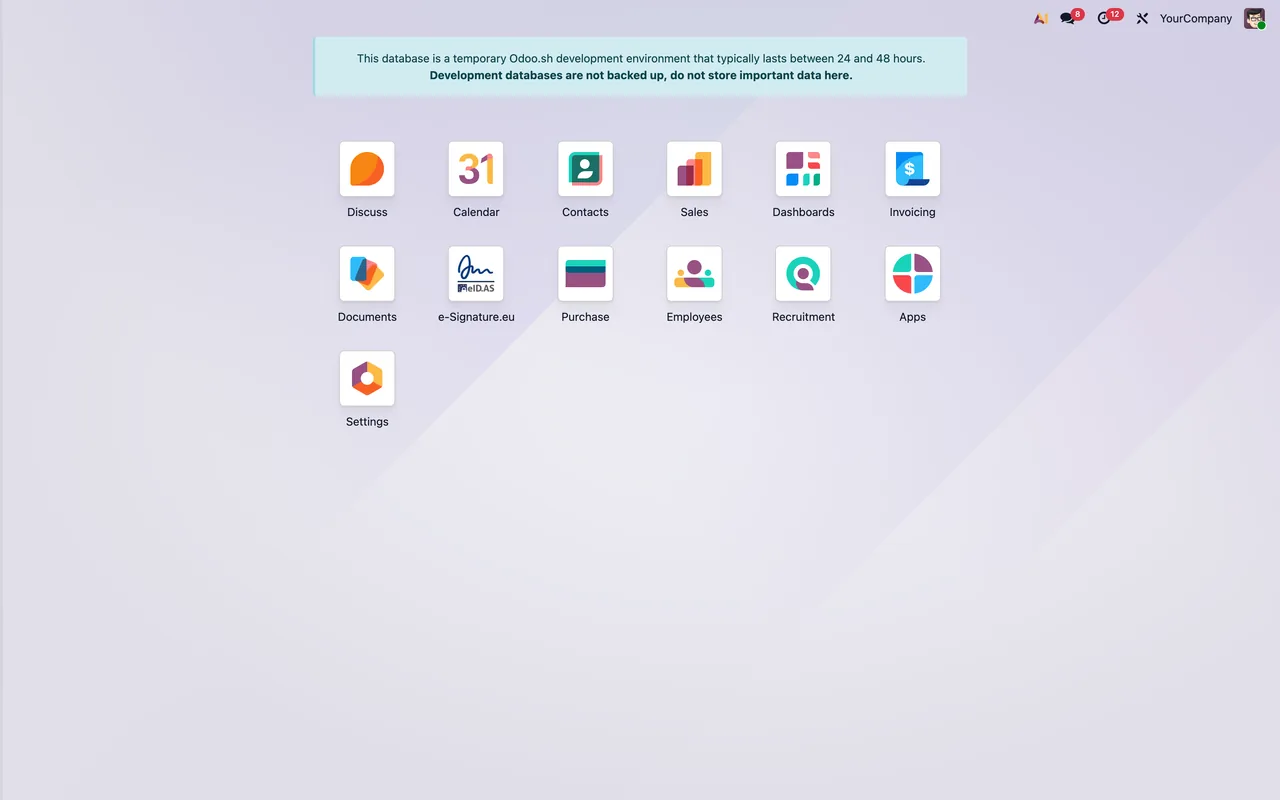
I get Configure an e-Signature.eu account first (Settings). or a kill switch warning. What do I do?
The first message asks you to configure an e-Signature.eu account before anything else, and the text itself points you to (Settings). If the message starts with Kill switch is active on account '%s', the account shown in place of %s has its kill switch on and the module blocks outbound calls (outbound calls are blocked). While it stays active, the module lets no calls out from that account; speak to whoever switched it on before you touch it.
Why does it say Only an e-Signature.eu Manager can do this.?
The action you are trying is reserved for users with the e-Signature.eu Manager role. It is not a data problem: either someone with that role does it, or you ask whoever manages users in your Odoo to give you the role.
The document will not go through: what do the attachment messages mean?
There are several, and each points to something different. Read them like this:
Attach a document to sign before sending.: there is no attached document. Attach it and send again.The document to sign is empty (it has no file content).andThis attachment has no content to sign.: there is an attachment, but it has no content. Upload the file again.Only PDF documents can be signed: the attachment is another type (the message names it in'%s') and asks you toPrint/export it to PDF first.This document type cannot be rendered for signature.: the module cannot prepare that document type for signing. The text gives no further detail; what you do know from the previous message is that only PDFs are signed.Nothing to send.: the module finds nothing to send.
What is Set the 'web.base.url' system parameter so signers can be returned to Odoo after signing.?
The module needs the web.base.url system parameter to bring signers back to Odoo once they have finished signing. Set that parameter and repeat the action.
Signers, signing methods and minimum legal level
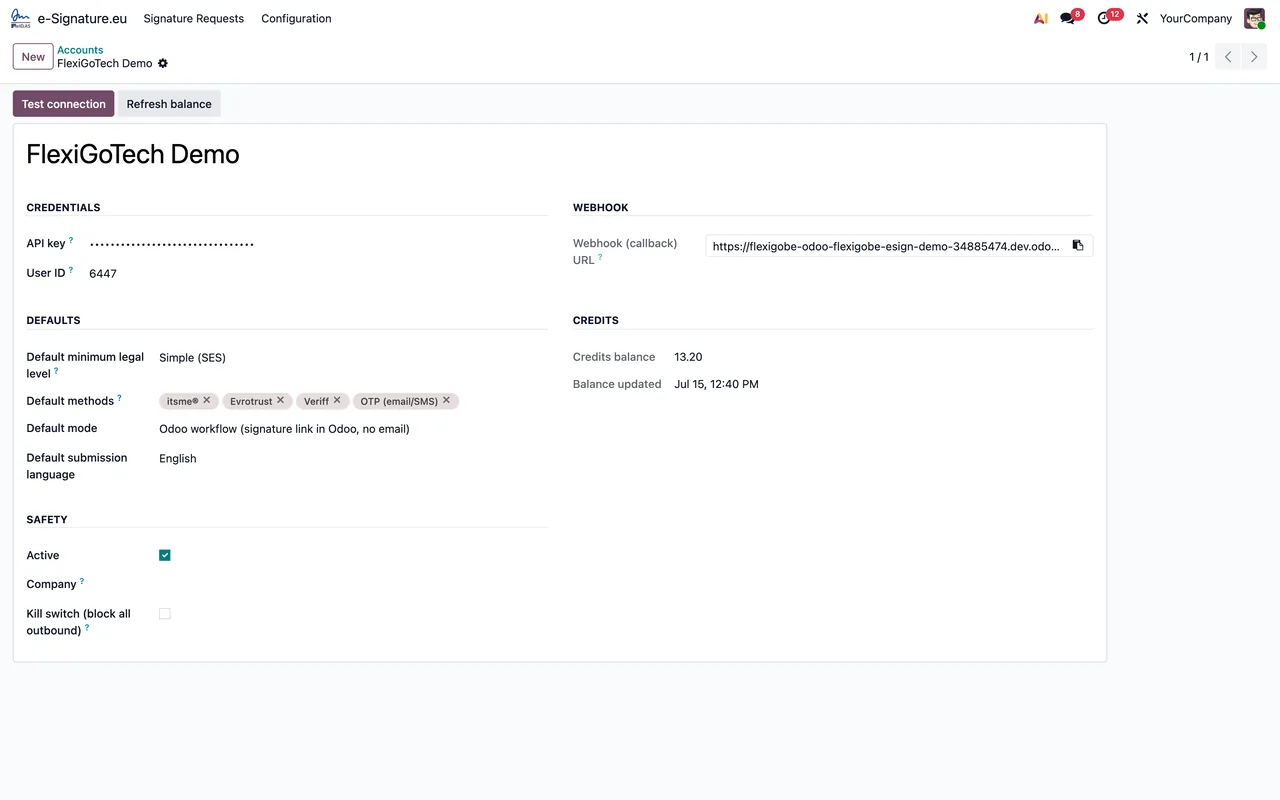
What is wrong with the signers?
Three messages cover signers. Add at least one signer before sending. appears if the request has no signer at all: add at least one. Every signer needs a name. means one of the signers has no name. Signer '%s' has no email address. names the signer without an email address; add it and send again.
It asks for methods or says they are below the legal level. What do I change?
Select at least one signing method. appears when no signing method is selected: pick one. These methods are below the minimum legal level (%(level)s): %(methods)s. means the chosen methods fall below the minimum legal level; the message tells you the level and which methods they are, so swap them for others. Something similar happens with the default methods: The default method(s) %(methods)s are below the default minimum legal level (%(level)s)., and the text itself offers two ways out: Remove them from the defaults or lower the minimum legal level. Bear in mind this is a check the module runs against the level it has configured, not a legal opinion on your document.
What do the Manual signature placement messages ask for?
They relate to placing the signature by hand. With Manual signature placement: signer '%s' needs a signature page (1 or higher). that signer's signature page is missing, and it has to be 1 or higher. The other message asks you to set the signature position for signer '%s': the page, the distance from the left and from the bottom, in centimetres. If you would rather not place it by hand, the same text offers switch the placement back to Automatic, that is, going back to automatic placement.
After sending: reminders, cancellation and downloads
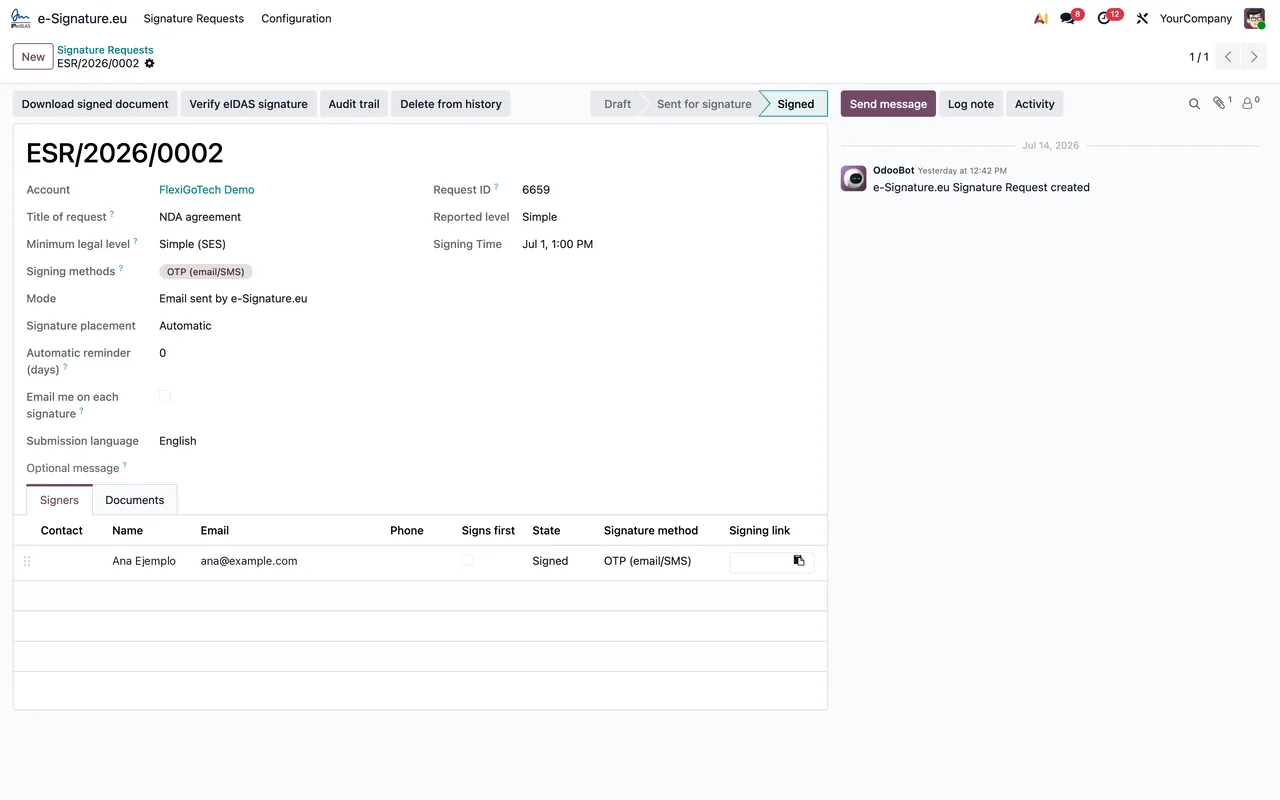
Why can I not send, open the link or send a reminder?
Only draft requests can be sent (current: %s). means only draft requests can be sent; the message tells you which status yours is in. This request has not been sent yet. appears because the request has not gone out yet: send it first. No signing link is available yet. and Nothing to open yet. tell you there is nothing to open so far. Reminders are only available in Email mode. warns that reminders only exist in Email mode. If a reminder fails to go out, you will see Could not send the reminder: %s, and whatever follows the colon is the detail of the failure.
Cancel, stop or delete? What do the blocks say?
Cannot cancel a request that is already %s. means the request is already in the status shown in the message and cannot be cancelled. Cannot stop: no signer has signed yet. Use Cancel to abort the whole request instead.: the module will not let you stop a request if nobody has signed yet; in that case use Cancel to call off the whole request. Only a finished, stopped or cancelled request can be deleted (current: %s).: only finished, stopped or cancelled requests can be deleted, and the message shows the current status.
Where is the signed document or the audit trail?
There is no signed document yet. means there is no signed document so far. For the audit trail there are two messages. One starts with The audit trail is still being prepared by e-Signature.eu and explains that it is generated shortly after the request is completed; it ends with Please try again in a minute., so wait and retry. The other, Could not download the audit trail: %s, means the download failed and carries the detail after the colon.
How FlexigoTech can help
If you want to understand what a request goes through inside Odoo, read how the connector works under the bonnet; for the settings and fields you need to fill in, see setting up the connector. FlexigoTech implements Odoo 17, 18, 19 and 20 and builds bespoke connectors and integrations. The module costs €149 excluding VAT, a one-off payment per version, on Odoo 17, 18, 19 and 20; you will find it on the module page and on the Odoo Apps listing.
Keep reading
Checked in the module's source code (version 20.0) and the linked sources
Sources
- Module source code: flexigobe_esignature_eidas_itsme_evrotrust_veriff_connector 20.0 (4958ee1e): models/esignature_account.py
- Module source code: flexigobe_esignature_eidas_itsme_evrotrust_veriff_connector 20.0 (4958ee1e): models/esignature_mixin.py
- Module source code: flexigobe_esignature_eidas_itsme_evrotrust_veriff_connector 20.0 (4958ee1e): models/esignature_request.py
- Module source code: flexigobe_esignature_eidas_itsme_evrotrust_veriff_connector 20.0 (4958ee1e): models/ir_attachment.py
- Module source code: flexigobe_esignature_eidas_itsme_evrotrust_veriff_connector 20.0 (4958ee1e): wizard/esignature_send_wizard.py
- apps.odoo.com/apps/modules/20.0/flexigobe_esignature_eidas_itsme_evrotrust_veriff_connecto
- apps.odoo.com/apps/modules/17.0/flexigobe_esignature_eidas_itsme_evrotrust_veriff_connecto
- apps.odoo.com/apps/modules/18.0/flexigobe_esignature_eidas_itsme_evrotrust_veriff_connecto
- apps.odoo.com/apps/modules/19.0/flexigobe_esignature_eidas_itsme_evrotrust_veriff_connecto
- flexigotech.com/en/services.html