

 Español
 Català
 Deutsch
 Français
 Português
 Italiano
 Nederlands
 Polski
Every message, word for word
The table lists the messages exactly as the module writes them. The When it appears column sticks to what the text itself says; What to do is what the message asks for or what follows directly from it.
| Message | When it appears | What to do |
|---|---|---|
Unsupported sync model | When a sync is requested for a model the module does not support. | The message gives no further detail: note which record it appears on and get in touch. |
Agricultural Management Vertical is installed: update it together with this suite (its new version moves all its data here). Nothing has been changed. | When Agricultural Management Vertical is installed and you try to update the suite on its own. | Update both modules together. The message confirms nothing has been changed. |
Only a user of every company can create, change or delete farm data shared by all companies. | When creating, changing or deleting farm data shared by all companies without being a user of all of them. | Have a user of every company do it. |
The company of this record comes from its parent record: change the parent instead. | When changing the company of a record that takes it from its parent record. | Change the company on the parent record. |
You can only move this record to one of the companies you are working in. | When moving a record to a company you are not working in. | Pick one of the companies you are working in. |
Hours used cannot be negative. | If hours used are negative. | Enter zero or a positive value. |
Hours worked cannot be negative. | If hours worked are negative. | Enter zero or a positive value. |
Actual yield cannot be negative. | If actual yield is negative. | Enter zero or a positive value. |
Waste/Loss percentage must be between 0 and 100. | If the waste or loss percentage falls outside that range. | Enter a value between 0 and 100. |
Established year must be between 1800 and 2100. | If the established year falls outside that range. | Enter a year between 1800 and 2100. |
Crop rotation cycles must be between 2 and 4 years. | If the crop rotation cycle falls outside that range. | Set a cycle of between 2 and 4 years. |
Sire and dam must be different animals. | If sire and dam are the same animal. | Choose a different animal for each. |
Input %s is prohibited for organic use. | When the input named is prohibited for organic use. | Do not use that input for organic use. |
Prohibited input cannot be applied on an organic field. | When applying a prohibited input on an organic field. | Apply a different input on that field. |
Recommended input is prohibited; choose an organic-approved option. | When the recommended input is prohibited. | Choose an organic-approved option. |
Compliance logs are immutable. Create a correction log instead. | When trying to change a compliance log. | Create a correction log. |
Compliance logs are immutable and cannot be deleted. | When trying to delete a compliance log. | Leave it; if it holds a mistake, the previous message points the way: a correction log. |
DSAR audit entries are immutable. | When trying to alter a DSAR audit entry. | Leave it as it is: the message offers no other route. |
Only Odoo sets the value of an integration token: use Regenerate Token. | When you type the value of an integration token yourself. | Press Regenerate Token. |
An integration token cannot change company: create a new one in the other company. | When changing the company of an integration token. | Create a new token in the other company. |
This farm has no active field yet. | When the farm has no active field yet. | Create or activate a field on that farm. |
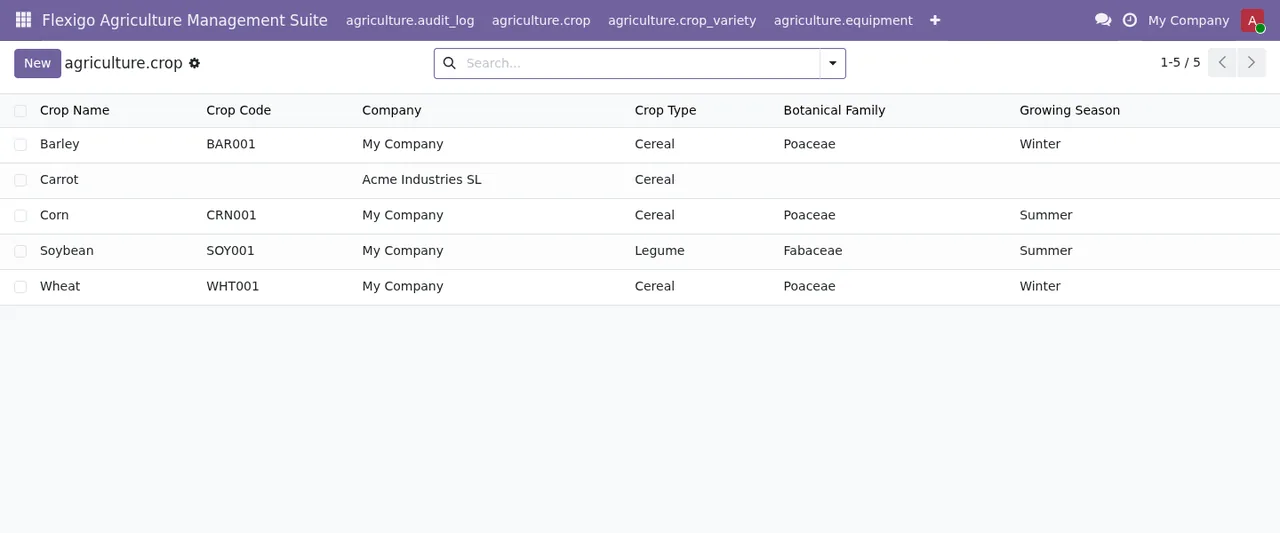
What the module protects and will not let you change
Several messages come from data the module keeps fixed. Compliance logs (Compliance logs) cannot be edited or deleted: if something is wrong, the message itself asks you to create a correction log rather than touch the original. DSAR audit entries cannot be altered either; there are two messages with the same text, DSAR audit entries are immutable., and neither offers an alternative.
Integration tokens work in a similar way. Only Odoo sets the token value, so to get a new one you use Regenerate Token, and a token cannot change company: if you need one in another company, you create a new one there. This value message also appears twice with the same text.
The text of these messages mentions no exception based on permissions. The way out they give is a correction log or a new token.
Inputs have three warnings tied to organic use: one when the input is prohibited for organic use, another when you try to apply a prohibited input on an organic field and a third when the recommended input is prohibited. In that last case, the message asks you to choose an organic-approved option.
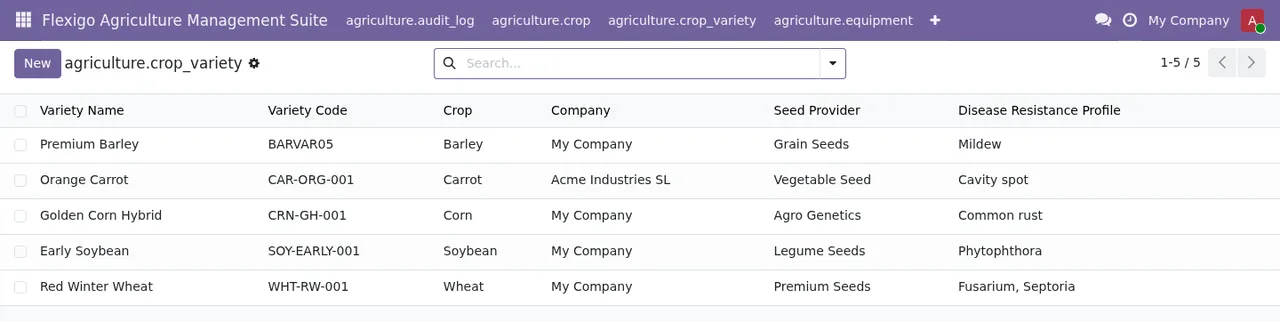
Multiple companies and updating alongside Agricultural Management Vertical
If you work with several companies in Odoo, three messages mark the limits. Farm data shared by all companies can only be created, changed or deleted by a user of every company. A record that takes its company from its parent record is not changed directly: you change the parent. And a record can only be moved to one of the companies you are working in.
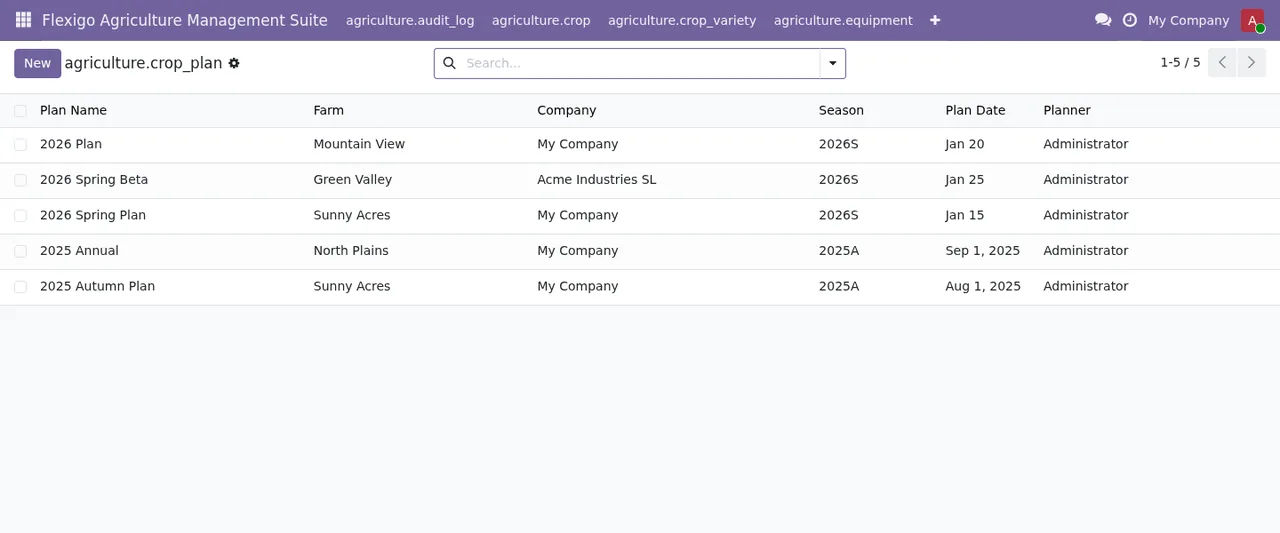
The longest message appears when Agricultural Management Vertical is installed. It asks you to update it together with the suite, explains that its new version moves all its data into the suite and ends with Nothing has been changed.: the attempt has not modified anything. If you are setting up farms, fields and plans, the suite set-up guide covers which settings and fields to fill in.
When the message is not enough
Unsupported sync model is the one that explains least, and it is the case where it makes sense to write to us with the record where you see it. To understand which menus the module adds and what each record goes through, see how it works under the bonnet.
At FlexigoTech we implement Odoo 17, 18, 19 and 20 and build bespoke connectors and integrations, so we can also review multi-company set-ups, integration tokens or the update from Agricultural Management Vertical with you. The app costs €9 excluding VAT per Odoo version (one-off payment on Odoo Apps), for 17, 18, 19 and 20, and the FlexigoTech Cloud local service costs €29/month or €290/year excluding VAT (Pro: €58/month or €580/year). Without a subscription, or with the service suspended, whatever the subscription provides stops and your data stays in your Odoo. Full details are on the module page and its Odoo Apps listing.
Keep reading
Checked in the module's source code (version 20.0) and the linked sources
Sources
- Module source code: flexigo_agriculture_management_suite 20.0 (577ad9b5): controllers/controllers.py
- Module source code: flexigo_agriculture_management_suite 20.0 (577ad9b5): hooks.py
- Module source code: flexigo_agriculture_management_suite 20.0 (577ad9b5): models/company_guard.py
- Module source code: flexigo_agriculture_management_suite 20.0 (577ad9b5): models/equipment.py
- Module source code: flexigo_agriculture_management_suite 20.0 (577ad9b5): models/farm.py
- Module source code: flexigo_agriculture_management_suite 20.0 (577ad9b5): models/farm_vertical.py
- Module source code: flexigo_agriculture_management_suite 20.0 (577ad9b5): models/farm_vertical_ext.py
- Module source code: flexigo_agriculture_management_suite 20.0 (577ad9b5): models/harvest.py
- Module source code: flexigo_agriculture_management_suite 20.0 (577ad9b5): models/labor.py
- Module source code: flexigo_agriculture_management_suite 20.0 (577ad9b5): models/meteo.py
- apps.odoo.com/apps/modules/20.0/flexigo_agriculture_management_suite
- apps.odoo.com/apps/modules/17.0/flexigo_agriculture_management_suite
- apps.odoo.com/apps/modules/18.0/flexigo_agriculture_management_suite
- apps.odoo.com/apps/modules/19.0/flexigo_agriculture_management_suite
- flexigotech.com/en/services.html
- flexigotech.com/precios.html