

 Español
 Català
 Deutsch
 Français
 Português
 Italiano
 Nederlands
 Polski
How to read the messages
In Advanced CRM Intelligence Suite, some messages are about users and roles (who can run something, who can read something) or about records that cannot be changed, and others about how a rule is written. Reading the full sentence, exactly as it appears on screen, already tells you where to look.
What the listing does not tell you about these messages
Only an administrator can run the CRM Intelligence jobs
The text is Only an administrator can run the CRM Intelligence jobs. and it appears more than once among the module's messages. You will see it if you try to run the CRM Intelligence jobs with a user who is not an administrator.
What to do: ask an administrator on your Odoo to run them, or do it yourself with an administrator account if you look after the installation. The message asks for nothing other than that role, so there is no need to touch the module's configuration to get rid of it.
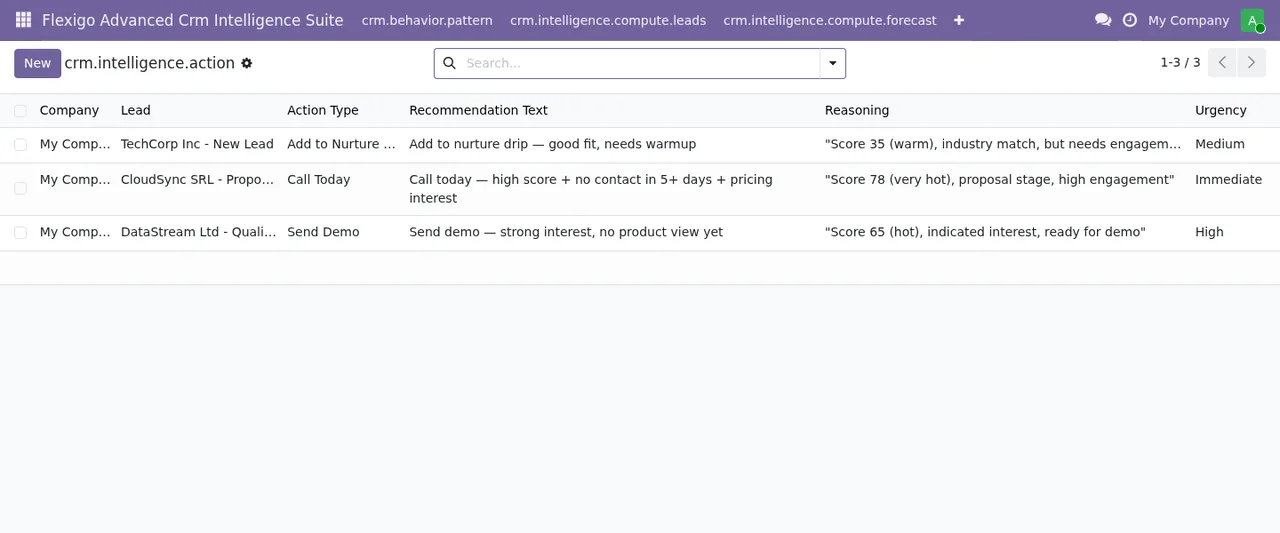
Data subject requests need a Sales Administrator
The text is Only a Sales Administrator can process data subject requests. It appears when someone without that role tries to process one of these requests through the module.
Note the detail: this message does not just say administrator, like the previous one, but Sales Administrator. They are two different texts, and it pays not to mix them up when you check who holds which role. What to do: have the request processed by someone with the role the message names. Here we only cover what the module does; whatever the regulations require of those requests is a separate matter and outside this article.
The audit log cannot be deleted or edited
There are two texts, one for each attempt:
Audit logs are immutable and cannot be deleted.if you try to delete an entry.Audit logs are immutable and cannot be modified.if you try to change it.
Unlike the earlier messages, these do not mention any role: they say audit logs are immutable and cannot be deleted or modified. What to do: do not go looking for a user with more permissions to get round it, because the text offers no such way out. Expect each entry to stay exactly as it was recorded.
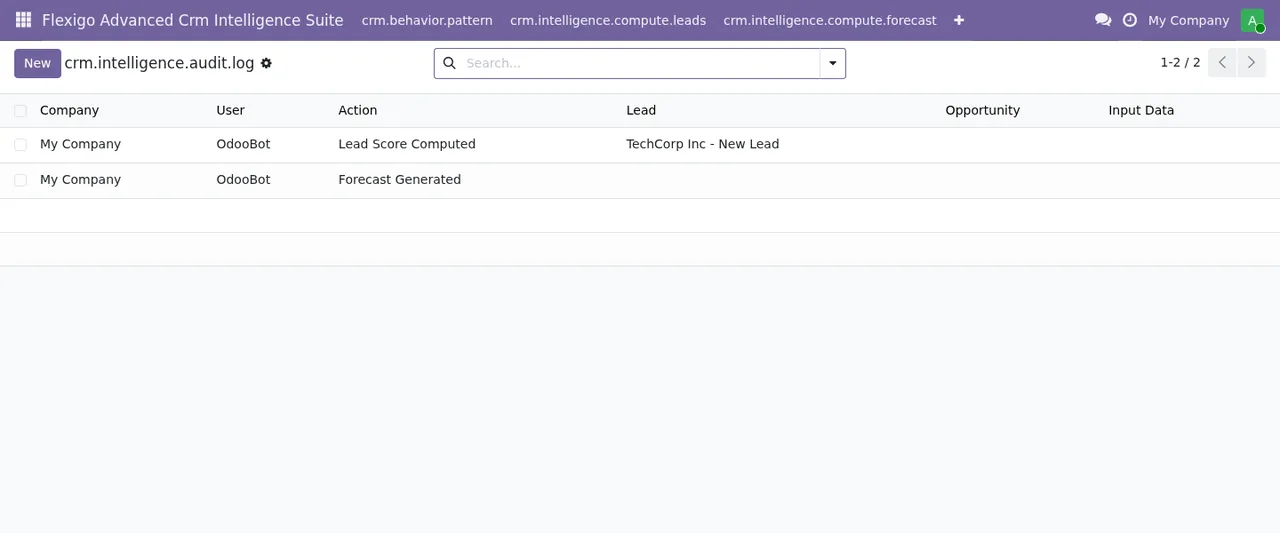
Configuration is per company and read by an internal user
In Odoo 19 and 20, the text is Only an internal user can get the CRM Intelligence configuration of one of his companies. The message sets two conditions at once: the user must be internal, and the company whose configuration is requested must be one of theirs.
What to do: check both, in that order. First, that the person is an internal Odoo user. Then, that the company they are working in is among their companies. If you run several businesses in the same database, that second point is the one to check carefully.
A rule without a field name raises an error
The text is Rule '{rule.name}' must specify a field name. Where the text says {rule.name}, your rule's name appears, so the message already tells you which one to check.
What to do: open that rule and enter the field name it is missing. The message only requires that there is one; it says nothing else about which field to choose.
A rule's weight must be between 0 and 100
The text is Rule '{rule.name}' weight must be 0-100. It also carries the rule's name in place of {rule.name}.
What to do: go back to that rule and set a weight within the range the message gives, 0-100. If you copy rules from one company to another, check this value on each one before saving it.
If the service stops
Advanced CRM Intelligence Suite is a module with a local FlexigoTech Cloud service. Without a subscription, or with the service suspended, whatever the subscription provides stops; your data stays in your Odoo. None of the messages on this page mentions the subscription: if you see one of them, the reason is the one the text itself gives.
The module costs €9 excluding VAT per Odoo version, one-off payment, for 17, 18, 19 and 20; the local service is separate, at €29/month or €290/year excluding VAT (Pro: €58/month or €580/year). With the subscription, the module for new Odoo versions is included if you bought it on flexigotech.com; on the Odoo App Store, each Odoo version is bought there.
How FlexigoTech can help
If a message does not match what you see in your installation, or you need to sort out roles and companies before going live with the module, FlexigoTech implements Odoo 17, 18, 19 and 20 and builds bespoke connectors and integrations. You will find the module details and purchase options on the Advanced CRM Intelligence Suite page.
Keep reading
Checked in the module's source code (version 20.0) and the linked sources
Sources
- Module source code: flexigo_advanced_crm_intelligence_suite 20.0 (b4bcbc19): models/crm_compute_jobs.py
- Module source code: flexigo_advanced_crm_intelligence_suite 20.0 (b4bcbc19): models/crm_data_subject_request.py
- Module source code: flexigo_advanced_crm_intelligence_suite 20.0 (b4bcbc19): models/crm_intelligence_audit_log.py
- Module source code: flexigo_advanced_crm_intelligence_suite 20.0 (b4bcbc19): models/crm_intelligence_config.py
- Module source code: flexigo_advanced_crm_intelligence_suite 20.0 (b4bcbc19): models/crm_score_rule.py
- apps.odoo.com/apps/modules/20.0/flexigo_advanced_crm_intelligence_suite
- apps.odoo.com/apps/modules/17.0/flexigo_advanced_crm_intelligence_suite
- apps.odoo.com/apps/modules/18.0/flexigo_advanced_crm_intelligence_suite
- apps.odoo.com/apps/modules/19.0/flexigo_advanced_crm_intelligence_suite
- flexigotech.com/en/services.html
- flexigotech.com/precios.html