

 Español
 Català
 Deutsch
 Français
 Português
 Italiano
 Nederlands
 Polski
When the button appears
The View Open Cases button sits on the Dashboard screen of Amazon Connector for Odoo (FBA & FBM Seller SP-API). It has no visibility condition: it is always shown, in the 17, 18, 19 and 20 branches of the module.
The dashboard records are opened from the Amazon menu. That part of the menu requires the Viewer permission: if your user does not have it, you do not see that part of the menu, and the dashboard with it.
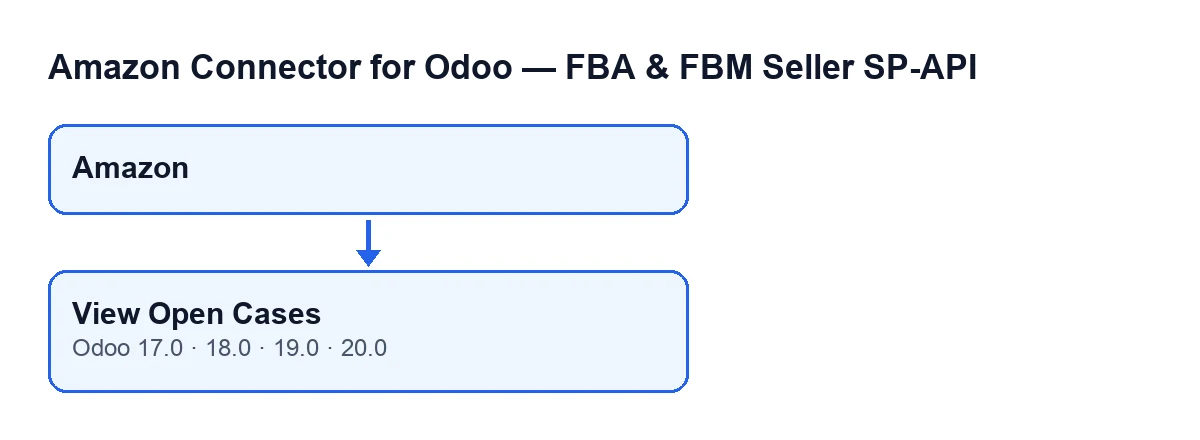
Amazon menu to the button. Labels are in the original English of the code.
What it does when you press it
According to the Odoo 20 code, the button writes nothing to the cases: it prepares a filter and opens the list. Specifically:
- It acts on one dashboard at a time, the one you have open.
- It builds a filter that asks for the case to belong to that dashboard's account, for its state to be open or in progress, and for it to meet a condition on the case's creation date.
- It opens the list of cases with that filter already applied.
The list is built at the moment you press the button. A case that is not in those states, that belongs to another account or that does not meet the condition on the creation date does not appear. The button does not recalculate the dashboard counter: it only opens the list.
The automatic path: the counter that refreshes itself
Before you press anything, the dashboard already counts open cases. The scheduled task Amazon SP-API - Refresh KPIs runs once a day and is active on installation. When it runs, it works out the number of cases using the same filter the button uses (account, the condition on the creation date, and open or in-progress states). From that set it also works out how many cases are overdue, and stores both figures on the dashboard.
The result text of that refresh includes lines such as KPIs refreshed successfully. and Open cases: … (with the number where the ellipsis is). The same refresh recalculates other dashboard figures too, but only the case figures matter here.
The practical consequence: the stored figure and the list the button opens share a filter, but the figure is fixed when the task runs and the list is built when you press.
Step by step
- Let the
Amazon SP-API - Refresh KPIstask do its daily run. That is the normal way for the dashboard to show the number of open and overdue cases; you do not need to press the button for that. - Go to the
Amazonmenu. If it is not there, check that your user has theViewerpermission. - Open the
Dashboardfor the account you want to review. - Press
View Open Cases. The button only opens the list: it does not modify the cases. - Read the list that opens: the cases of that account that are open or in progress and that also meet the creation-date condition of the filter.
- If the number does not match the one on the dashboard, think about when the task last ran: the dashboard figure is from that run, while the list is as of now.
If the list is empty or you cannot see the button
If the list is empty, go through the conditions of the filter:
- Account. The dashboard belongs to one specific Amazon account, and the list only brings that account's cases.
- State. Only open or in-progress cases are included; a case in any other state does not appear.
- Creation date. The filter also includes a condition on the case's creation date; a case that does not meet it does not appear even if it belongs to that account and is open or in progress.
If you cannot see the button, first check that you can reach the dashboard: without the Viewer permission you do not see the Amazon part of the menu. The button itself has no visibility condition.
What to check after pressing
Once the list opens, confirm that you are on the dashboard of the right account, because each dashboard works with its own account. If you have more than one account connected, repeat the route from the Dashboard of each one. And if what you want is the figure the dashboard has already stored, read it on the dashboard itself: the button is there to show the actual cases behind that number.
Another button in the module is covered in the same detail in Preview on Amazon.
Versions and cost
The module is published on Odoo Apps for Odoo 17, 18, 19 and 20 (listing). It is a one-off purchase per version and needs a FlexigoTech Cloud subscription: the Connector plan costs €49/month or €490/year excluding VAT, with up to three accounts on the platform. More detail is on the module page.
How FlexigoTech can help
FlexigoTech implements Odoo 17, 18, 19 and 20 and builds custom connectors and integrations. If you want your team to work Amazon cases from Odoo with a defined process, we can set it up with you.
Keep reading
Checked in the connector's source code (version 20.0) and the linked sources
Sources
- Module source code: flexigobe_amazon_seller_connector 20.0 (8576afa5): views/amazon_spapi_kpi_dashboard_views.xml
- Module source code: flexigobe_amazon_seller_connector 20.0 (8576afa5): models/amazon_spapi_kpi_dashboard.py
- apps.odoo.com/apps/modules/20.0/flexigobe_amazon_seller_connector
- flexigotech.com/en/services.html
- flexigotech.com/precios.html