

 Español
 Català
 Deutsch
 Français
 Português
 Italiano
 Nederlands
 Polski
Why step by step
Temu checks which IP addresses your app calls from before letting it work. Until that audit is done, every call fails and every scheduled action adds one more error to the log. That is why the list starts with everything off, not everything on.
The short test follows the same logic. If the first order sync pulls months of history and something does not add up, it takes far longer to see what happened. With a one-hour window you see the result in minutes and can compare it with Seller Center by eye.
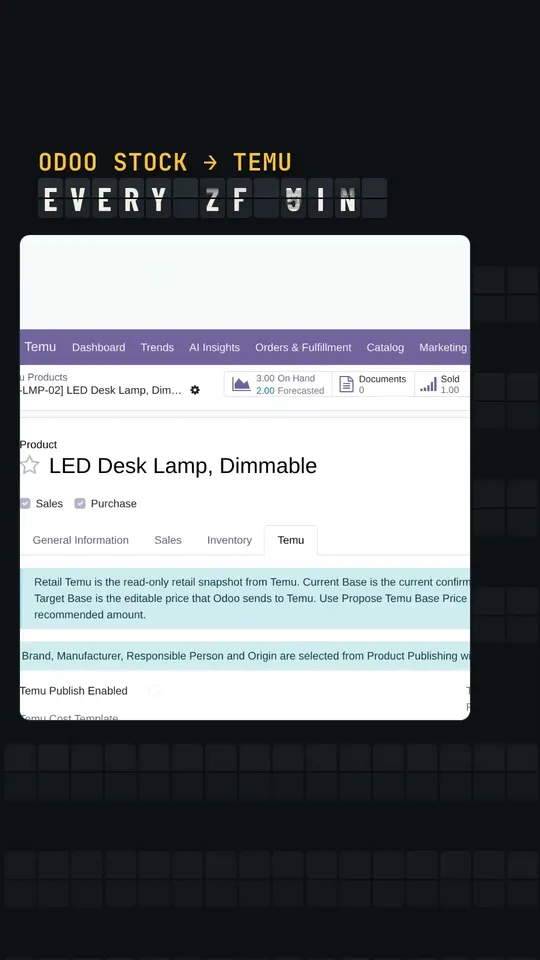
Before Temu approves access
- Keep the scheduled actions that call Temu frozen. Switched on too early, they only pile up errors in the log.
- Run the module's internal validation on your database.
- Check that the module upgrade left no blocking errors.
When Temu approves the IP audit
- Switch the scheduled actions back on.
- Run the smoke test:
Test Connectionmust succeed. Sync Orderswith a short window. The test script uses one hour so it does not pull the whole history at once.Sync Productsfinishes without errors.Update Webhook Eventsfinishes without errors.- Note the counters before and after: they tell you whether anything really came in.
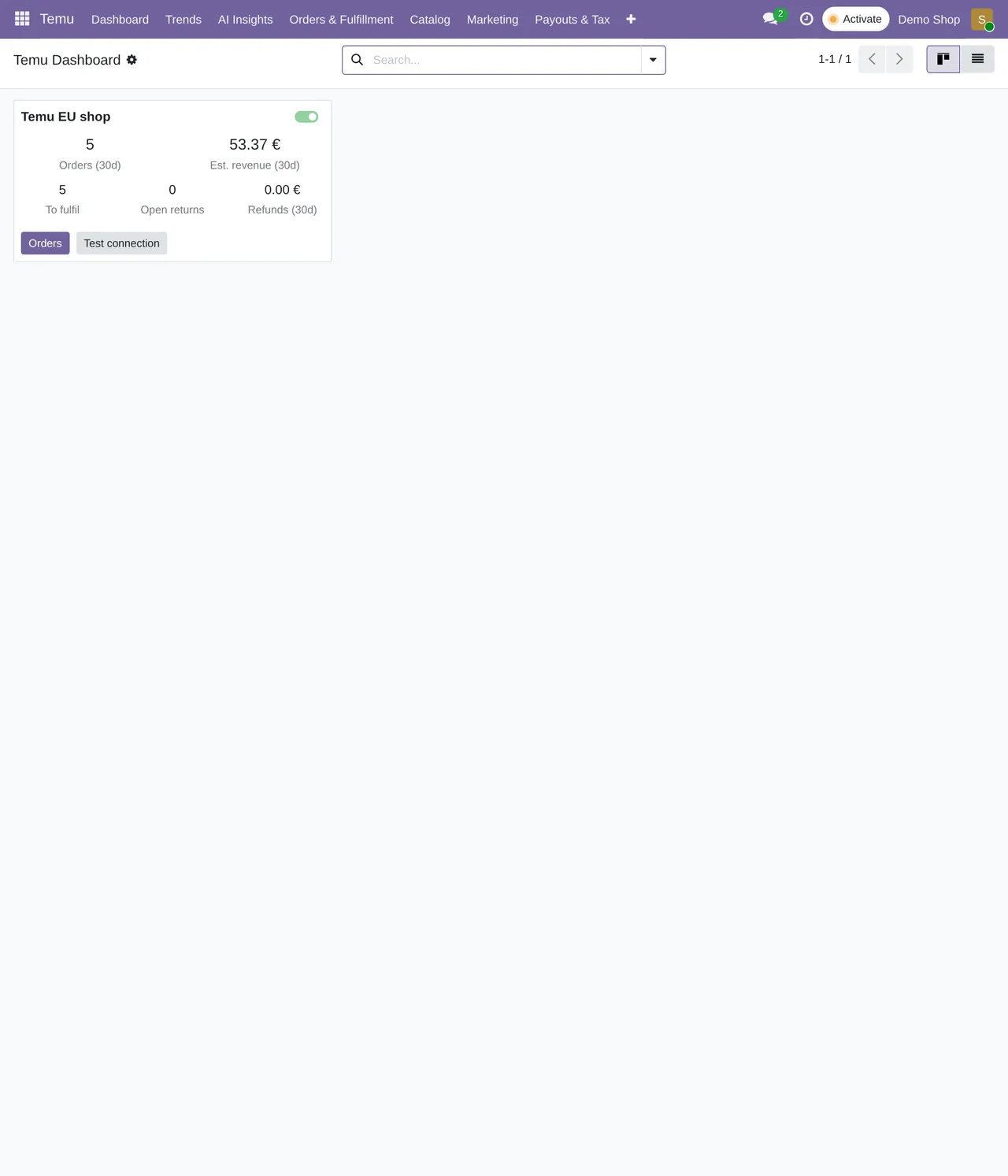
After the test
- Check the state of every scheduled action and its next run.
- Read the shop's chatter in Odoo: the connector leaves its sync notices there.
- Go through the webhook events list and its processing status.
- Confirm that no whitelist or IP errors keep repeating in the logs.
What keeps running
Once the shop is live, the connector works on its own at these frequencies:
| Task | Frequency | Active after install |
|---|---|---|
Orders (Temu Sync Orders) | every 15 minutes | yes |
Stock to Temu (Temu Push Stock) | every 5 minutes | yes |
Returns (Temu Sync Returns) | every 30 minutes | yes |
Products (Temu Sync Products) | every 30 minutes | yes |
Tax invoices (Temu Sync Tax Invoices) | every 60 minutes | yes |
| Estimated settlements | once a day | yes |
Price orders (Temu Sync Price Orders) | every 30 minutes | no: switch it on if you use it |
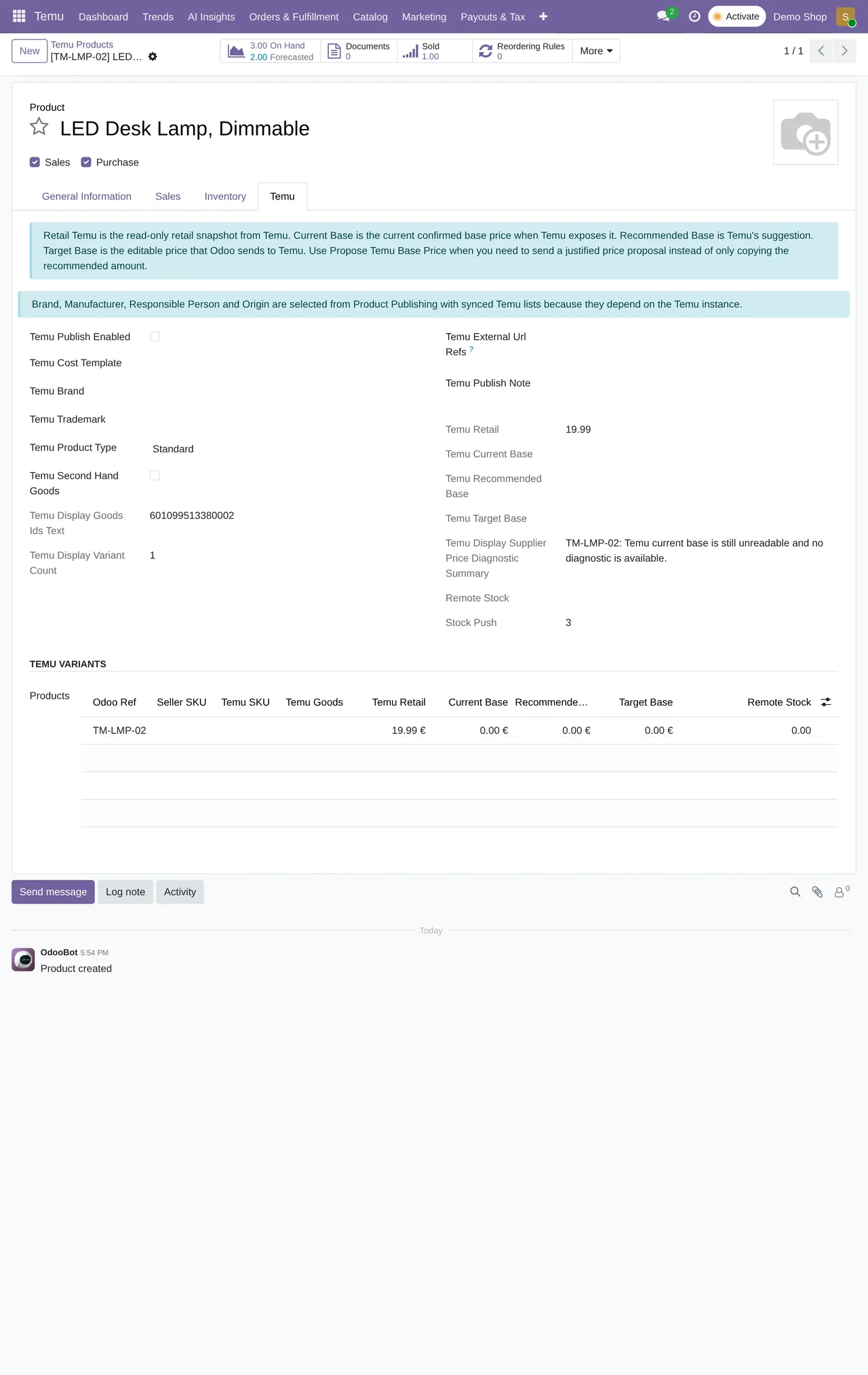
The first week
The list ends on launch day, but the first few days deserve a daily look. What helps most is opening the shop's chatter in Odoo and the webhook events list every morning. If an event stays unprocessed or a task shows the same warning several times in a row, that is the moment to look into it, before the problem repeats across dozens of orders.
It also pays to check a few complete orders by hand: the sales order has the right lines, the delivery leaves from the warehouse you expect, and the tracking goes back to Temu when you validate it.
If something goes wrong
- If calls to Temu fail again and again, freeze the scheduled actions again.
- Work manually until you find the cause. It is slower, but it leaves no half-created orders.
The subscription covers up to 3 Temu accounts and there is a 14-day trial with no card, so you can go through this whole checklist before paying the first month.
Keep reading
Checked in the connector's source code (version 19.0) and the linked sources
Sources
- Module source code: flexigobe_temu_connector 19.0 (7d646aeb): docs/temu_go_live_checklist.md
- Module source code: flexigobe_temu_connector 19.0 (7d646aeb): data/ir_cron_data.xml
- Module source code: flexigobe_temu_connector 19.0 (7d646aeb): static/description/index.html
- apps.odoo.com/apps/modules/19.0/flexigobe_temu_connector