

 Español
 Català
 Deutsch
 Français
 Português
 Italiano
 Nederlands
 Polski
The connector is published for Odoo 17, 18 and 19. The error texts are in English because that is how the module writes them, so you can search this page for the exact sentence you see.
When connecting the shop
| Message in Odoo | What is going on | What to do |
|---|---|---|
Fill in the app key before saving the app secret. | You pasted the app secret while the app key field was empty. | Fill in your Temu app key first, then save the secret. |
Type the app secret and the access token together, in the same save. | Only one of the two values was saved. The connector never stores half a credential. | Type the app secret and the access token together and save once. |
Before saving the app secret and the access token, an administrator has to accept… | The credentials travel to FlexigoTech Cloud, and an Odoo administrator has to accept that first. | Ask an administrator to accept the notice on the form, then save again. |
Through FlexigoTech Cloud the access token is pasted, not exchanged… | You tried to obtain the token through an automatic exchange. Through the cloud, the token is copied from Temu and pasted. | Copy the access token from your Temu seller account and paste it into Odoo. |
Save the app secret and the access token of … in FlexigoTech Cloud first. | The shop exists in Odoo but its credentials are not in the cloud. | Type both credentials again on the shop form and save. |
When confirming the shipment
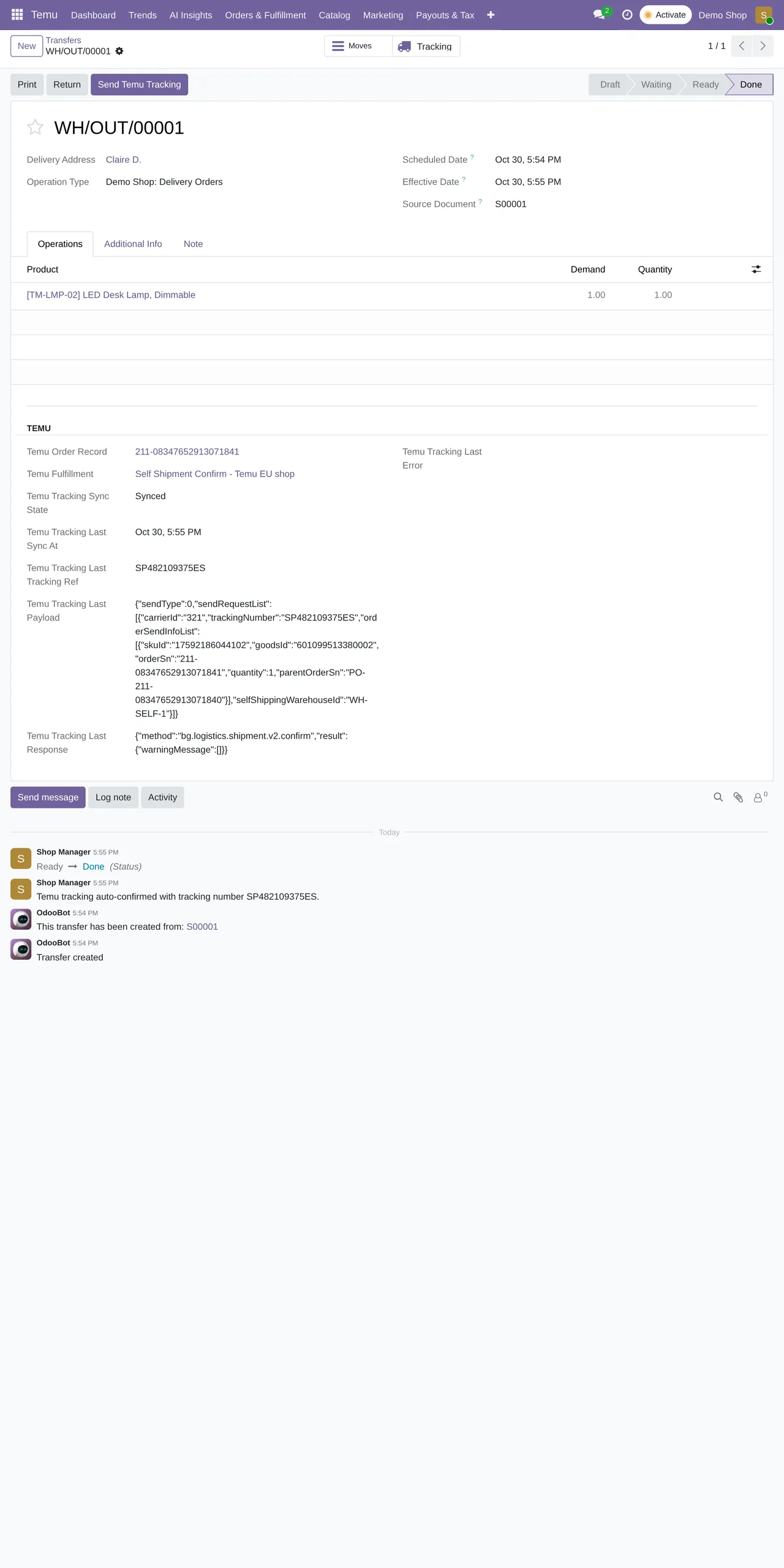
This is where most questions pile up, because Temu asks for logistics data that other channels treat as optional.
| Message in Odoo | What is going on | What to do |
|---|---|---|
Tracking number is required before sending shipment confirmation to Temu. | The delivery order has no tracking number. | Add the carrier's tracking number to the delivery and confirm again. |
Temu did not return any self-shipping warehouse. | Your Temu account returns no warehouse of your own. | Check in Temu that the warehouse you ship from is registered. |
The selected Temu warehouse is missing the required national short address. | The warehouse lacks the national short address Temu asks for. | Complete it in your Temu account; Odoo reads it from there. |
Could not determine Temu regionId for this order. | The order does not carry the region Temu uses to pick carriers. | Open the order in Temu and check the delivery address before retrying. |
Configured Temu carrier mapping for '…' did not match any logistics company returned for regionId … | The carrier you mapped in Odoo does not exist for that region in Temu. | Map it to a logistics company Temu offers in that region. |
Order can only get shipping document after the "earliestTimeGetShippingDocument". | You asked for the label before the earliest time Temu allows. | Wait until then and request the document again. |
Pre-sale orders
Temu tags some orders with the Y2_advance_sale label. They follow their own rules, and these are the three warnings you will see:
The order with "Y2_advance_sale" label and the order without…: pre-sale and regular orders cannot share one shipment. Split them.Order with "Y2_advance_sale" label should set "shipLater=true"…: a pre-sale shipment has to be flagged as a later shipment.shipLaterLimitTime is invalid…: the deadline for that later shipment is not valid for the order. Check the one Temu proposes.
When the problem is not the order
Temu request failed: … means Temu answered with an error. The useful part comes after the colon: copy that text if you write to us. If whitelist or IP errors keep repeating in the logs, the cause lies in the access settings of your Temu app, not in Odoo.
Only an administrator can run this scheduled action. shows up when a user without rights tries to run a scheduled action by hand. Orders come in on their own every 15 minutes and stock goes out every 5, so waiting for the next run is usually enough.
If an error is not on this list, send us the full text and your Odoo version. With the exact message we can find it in the code within minutes.
Keep reading
Checked in the connector's source code (version 19.0) and the linked sources
Sources
- Module source code: flexigobe_temu_connector 19.0 (7d646aeb): models/fgt_cloud.py
- Module source code: flexigobe_temu_connector 19.0 (7d646aeb): models/stock_picking.py
- Module source code: flexigobe_temu_connector 19.0 (7d646aeb): models/temu_fulfillment.py
- Module source code: flexigobe_temu_connector 19.0 (7d646aeb): data/ir_cron_data.xml
- Module source code: flexigobe_temu_connector 19.0 (7d646aeb): docs/temu_go_live_checklist.md
- apps.odoo.com/apps/modules/19.0/flexigobe_temu_connector
- youtube.com/shorts/RAh8nv12k4U