

 Español
 Català
 Deutsch
 Français
 Português
 Italiano
 Nederlands
 Polski
When it appears and what it says
When does this message appear?
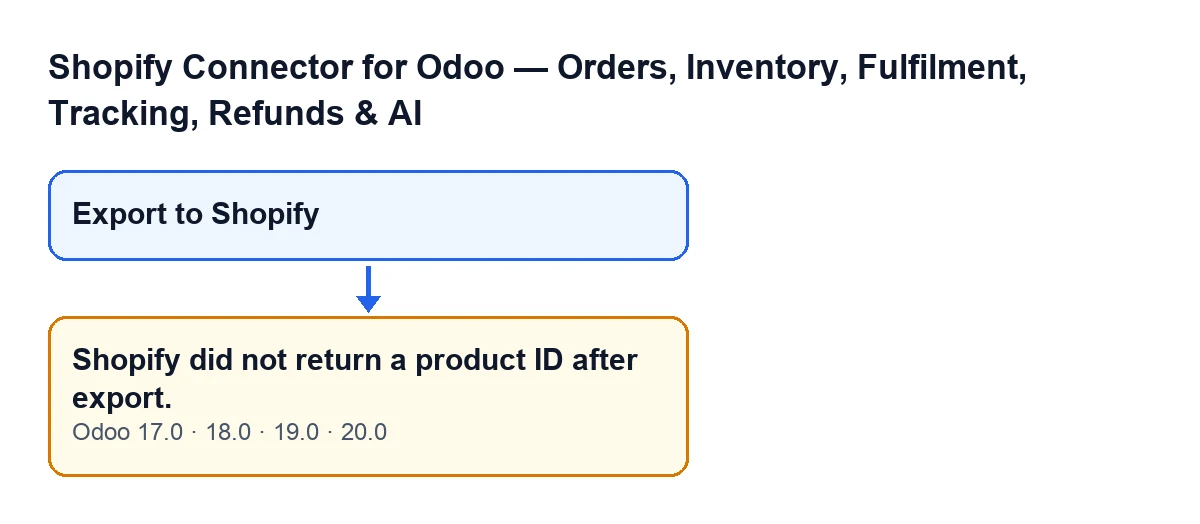
When you press Export to Shopify in a product's export window. The button is visible with no conditions in Odoo 17, 18, 19 and 20. The module sends the product to Shopify and, when the reply arrives, looks in it for the product ID. If that ID is empty, the action stops and Shopify did not return a product ID after export. appears.
How does the message look depending on my Odoo language?
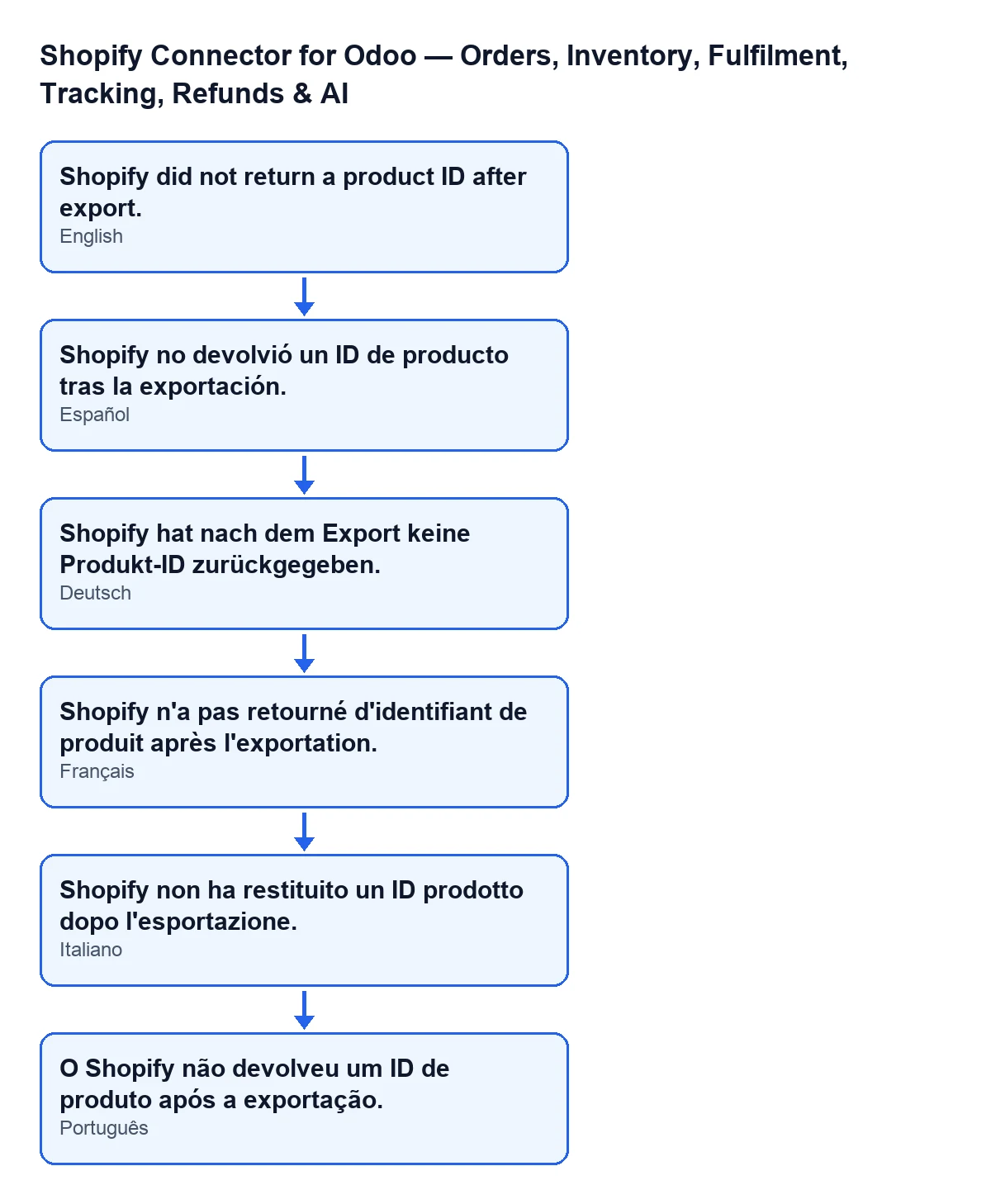
The diagram below and the table give the message in Spanish, German, French, Italian and Portuguese, as taken from the module's published translations.
| Odoo language | Message text |
|---|---|
| Spanish | Shopify no devolvió un ID de producto tras la exportación. |
| German | Shopify hat nach dem Export keine Produkt-ID zurückgegeben. |
| French | Shopify n'a pas retourné d'identifiant de produit après l'exportation. |
| Italian | Shopify non ha restituito un ID prodotto dopo l'esportazione. |
| Portuguese | O Shopify não devolveu um ID de produto após a exportação. |
What is the exact condition in the code?
After Shopify replies, the module takes the product that comes back in the reply and reads its ID. If that ID is empty, it raises the message. It is a check on a single piece of data: whether the product ID is present in the reply.
Does it mean the product was not created in Shopify?
All the code tells you is that the reply carries no product ID. That is why it is worth looking in your shop's admin in Shopify before repeating the export, rather than assuming nothing arrived.

What the module has done by that point
What happens before the message is raised?
In the Odoo 20 code the module works in a set order. First it checks that the product does not already have a binding with that shop; if it does, the export stops there. Then it prepares the data and sends it to Shopify. When the reply arrives, it checks whether it carries errors and, if it does not, reads the product ID. This message is that last check, the one that decides whether the export can carry on.
What product data does the module prepare?
The name, the status chosen in the window and the tags. For each Odoo variant, the price and, where present, the SKU and barcode, plus the options taken from its attributes. If they are filled in on the product, it also adds the Shopify vendor, the Shopify product type and the sales description.
Is anything saved in Odoo when the message appears?
No. The action stops before the steps that write to Odoo: no variant bindings are created, the Shopify IDs are not written to the variants, the product's Shopify status is not updated and the success notification does not appear. Those steps only run when the product ID is not empty.
What is saved when everything goes well?
When the ID arrives, the module goes through the variants that Shopify returns and matches them to the Odoo ones by SKU or, failing that, by position. For each matched variant it writes the Shopify IDs and creates a binding. At the end it updates the product's Shopify status and shows a success notification. None of that happens with this message.
What to do when it appears
What do I do when I get this message?
Since Odoo has no binding left behind, work in this order:
- Open your shop's admin in Shopify and see whether the product is there, before repeating anything.
- If you need to, press
Export to Shopifyagain: the button is still visible, as it depends on no condition. - If the message comes back for the same product, write to us with the exact text of the message, the Odoo version, the product, the shop and whether the product appears in your Shopify admin.
Does it change with the Odoo version?
The message is in the published code of all four branches: 17, 18, 19 and 20.
Does it change if the shop connects through FlexigoTech Cloud?
The code has two routes for talking to Shopify. On the FlexigoTech Cloud route, the request goes through the FlexigoTech service, which answers with Shopify's own response. The module then handles it in the same way, including the product ID check.
What should I give FlexigoTech if I need help?
The exact text of the message, the Odoo version, the product name, the shop you were exporting to and whether or not the product appears in your Shopify admin.
What it costs and how we help
The module is a one-off payment per Odoo version (published for 17, 18, 19 and 20) and needs a FlexigoTech Cloud subscription, Connector plan: €49 a month or €490 a year, excluding VAT. The price for each version is on the Odoo Apps listing and more details are on the module page.
If you are implementing Odoo and want to review how you export products to Shopify, FlexigoTech implements Odoo 17, 18, 19 and 20 and builds custom connectors and integrations.
Keep reading
Checked in the connector's source code (version 20.0) and the linked sources
Sources
- Module source code: flexigobe_shopify_seller_connector 20.0 (d7e627b4): wizard/shopify_export_product_wizard.py
- Module source code: flexigobe_shopify_seller_connector 20.0 (d7e627b4): wizard/shopify_export_product_wizard_views.xml
- apps.odoo.com/apps/modules/20.0/flexigobe_shopify_seller_connector
- flexigotech.com/en/services.html
- flexigotech.com/precios.html