

 Español
 Català
 Deutsch
 Français
 Português
 Italiano
 Nederlands
 Polski
When it appears and what triggers it
Which button can cause it
The message Only an administrator can manage the Scrive credentials kept by FlexigoTech Cloud. can appear when you click the Disconnect button of a Scrive account connected through OAuth2. It is the button shown when the account's Authentication Mode is OAuth2 and the account is marked as OAuth2 Connected.
When clicked, the button calls an action that goes through the administrator check. That check is what raises the message if its condition is met.
It is an error: the action stops as soon as it appears. It is not a warning you can let through.
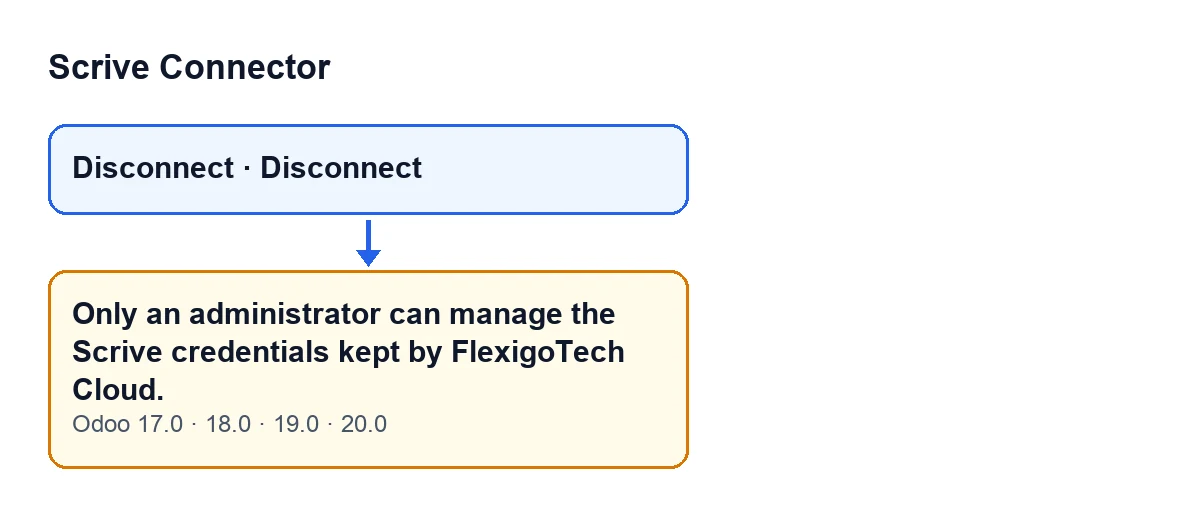
There is a single condition: whoever acts is not an administrator
The check asks one question: is the acting user a system administrator? If not, it raises the message and the action stops. There is no other condition in that method: it does not look at the particular account, only at who is acting.
So the message is not telling you that something is misconfigured on the account. It is telling you that this action is not for your user.
Seeing the button says nothing about your permissions
The view hides the Disconnect button when the account's Authentication Mode is not OAuth2 or when the account is not marked as OAuth2 Connected. That condition is the same in Odoo 17, 18, 19 and 20.
The view condition only mentions those two fields. The administrator check is a separate matter and lives in the code: the view decides when the button appears, the code decides who can complete the action. That is why you can see the button and still get the message when you click it.
The check lives in the code, not only in the view
The code's own comment explains it: buttons can be reached by a direct call (RPC) whatever the view says. That is why anything that touches the credentials kept by FlexigoTech Cloud is reserved for administrators in the code, and according to that comment the base module checks it again, without elevated permissions in between.
In short, the rule does not depend on whether the button is visible: it is applied in the code.
The confirmation is not the error
When you click Disconnect, Odoo asks for confirmation with this text: Delete this account's OAuth2 client and tokens from FlexigoTech Cloud?. That is a confirmation dialog, not a failure. The administrator-only message is a different text, and it is the one that stops the action.
Read the confirmation carefully before accepting: it talks about deleting the account's OAuth2 client and tokens from FlexigoTech Cloud.
What it means and how to fix it
What to do when you get it
- If you are not an administrator, ask an administrator of your Odoo to click
Disconnecton that account. - If you think you should be able to do it, check which user you are logged in as: the check only passes for a system administrator.
- When the administrator does it, they should read the confirmation text before accepting.
If you are setting up permissions while implementing Odoo, bear in mind that whoever needs to disconnect Scrive accounts connected through OAuth2 has to be an administrator.
Which versions show it
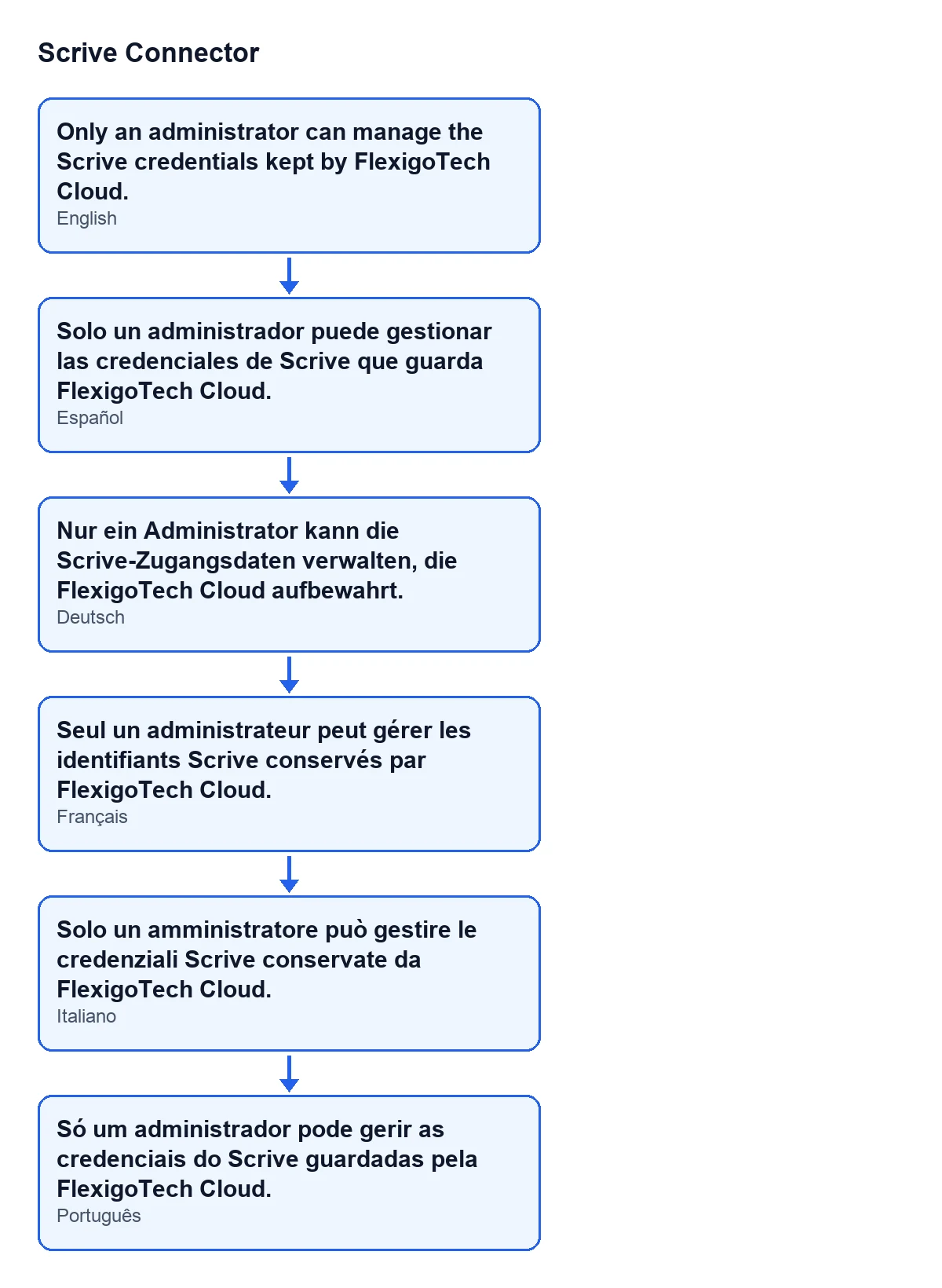
The message is in the published code for Odoo 17, 18, 19 and 20, and the module is published on Odoo Apps for those four versions. With Odoo in English you see the text above; with other languages, the translated text is this:
| Odoo language | Text |
|---|---|
| Spanish | Solo un administrador puede gestionar las credenciales de Scrive que guarda FlexigoTech Cloud. |
| German | Nur ein Administrator kann die Scrive-Zugangsdaten verwalten, die FlexigoTech Cloud aufbewahrt. |
| French | Seul un administrateur peut gérer les identifiants Scrive conservés par FlexigoTech Cloud. |
| Italian | Solo un amministratore può gestire le credenziali Scrive conservate da FlexigoTech Cloud. |
| Portuguese | Só um administrador pode gerir as credenciais do Scrive guardadas pela FlexigoTech Cloud. |
Background: what FlexigoTech Cloud keeps
Scrive Connector's connection goes through FlexigoTech Cloud, which keeps the credentials encrypted, watches the synchronisation and emails you if it fails. The module is a one-off purchase per version and needs the FlexigoTech Cloud subscription (Connector plan): €49 a month or €490 a year, excluding VAT.
How FlexigoTech can help
If you are setting up permissions while implementing Odoo and want to decide who manages the connections, FlexigoTech implements Odoo 17, 18, 19 and 20 and builds custom connectors and integrations. You can see the module on its page. If you run into other connector messages, there are write-ups on callbacks only for sent documents and the allowed range of days.
Keep reading
Checked in the connector's source code (version 20.0) and the linked sources
Sources
- Module source code: flexigobe_scrive_connector 20.0 (21b3b940): models/scrive_account.py
- Module source code: flexigobe_scrive_connector 20.0 (21b3b940): views/scrive_account_views.xml
- apps.odoo.com/apps/modules/20.0/flexigobe_scrive_connector
- flexigotech.com/precios.html
- flexigotech.com/en/services.html
- Module source code: flexigobe_scrive_connector 20.0 (21b3b940): __manifest__.py
- Module source code: flexigobe_scrive_connector 20.0 (21b3b940): wizard/scrive_send_wizard.py