

 Español
 Català
 Deutsch
 Français
 Português
 Italiano
 Nederlands
 Polski
Where the button is and when you see it
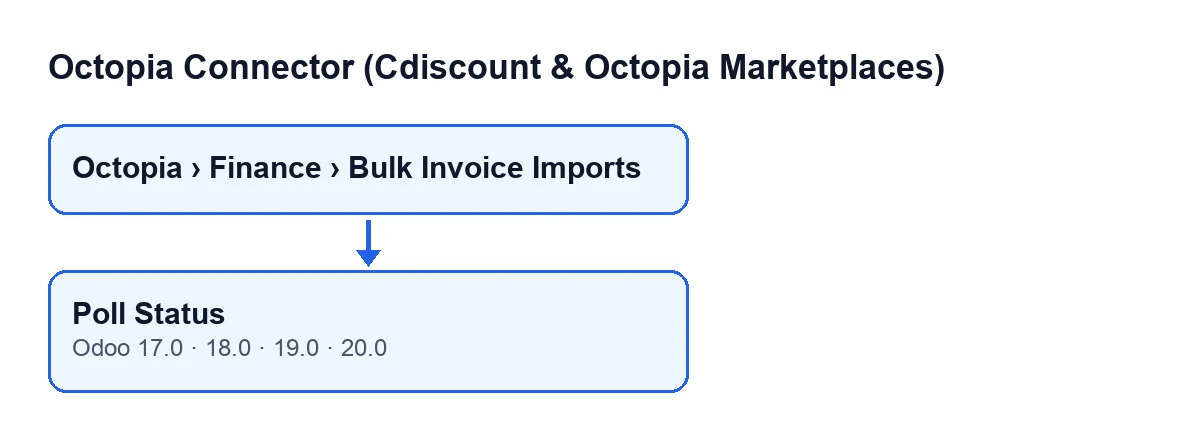
The records open from the menu Octopia › Finance › Bulk Invoice Imports. The Octopia part of the menu asks for the Octopia User permission; without it you do not see that part of the menu. The Poll Status button is on the Bulk Invoice Imports screen and exists in Odoo 17, 18, 19 and 20.

The wrong ideas, one by one
Myth: «The button is on every record»
Fact: the button is hidden when Status is not Running. With default values Status is empty, so on a newly created record you will not see it. Status is a read-only field: you do not write it yourself. This button and Submit to Octopia fill it in.
Myth: «It sends the invoices to Octopia again»
Fact: the button asks. It reads the Import ID on the record and, using the connection of that record's Account, asks Octopia for the data of that import. Import ID is a read-only field that is not typed by hand: the Submit to Octopia button fills it in, and you can read about it in this article. Poll Status only reads it.
Myth: «The status changes to whatever Octopia replies»
Fact: the status only changes if the conditions in the code are met:
- If the reply does not arrive as a data object, the module moves on to the next import without touching this one.
- If it arrives properly, the module notes the date and time of the check.
Statusis updated only if the status in the reply is one the module knows. If it is any other,Statusstays as it was.
Myth: «It works on any import»
Fact: the button only acts on imports whose Status is Running and whose Import ID is filled in. Any that fail either condition are skipped without a word.
Myth: «If something goes wrong, you will only see it on the record»
Fact: when the new status is partial success (PartialSuccess) or failure (Failure), the module also writes an error entry, of the invoices type, in its Octopia sync log, with the import's identifier. That log receives entries from other sources. The scheduled task Octopia: refresh referentials (categories, brands, carriers, typologies) runs every seven days and is active on install; it writes an error entry there when a step of the refresh fails. The task Octopia: pull discussions (ToTreat queue) runs every fifteen minutes, also active on install, and can leave success entries about the discussion queue in the same log. So an entry in that log does not necessarily come from the button.
Myth: «It is new in the latest version»
Fact: the button is in the 17, 18, 19 and 20 branches. What changes is its label depending on the language of your Odoo: with Odoo in English it is called Poll Status, and with Odoo in Spanish, Consultar estado.
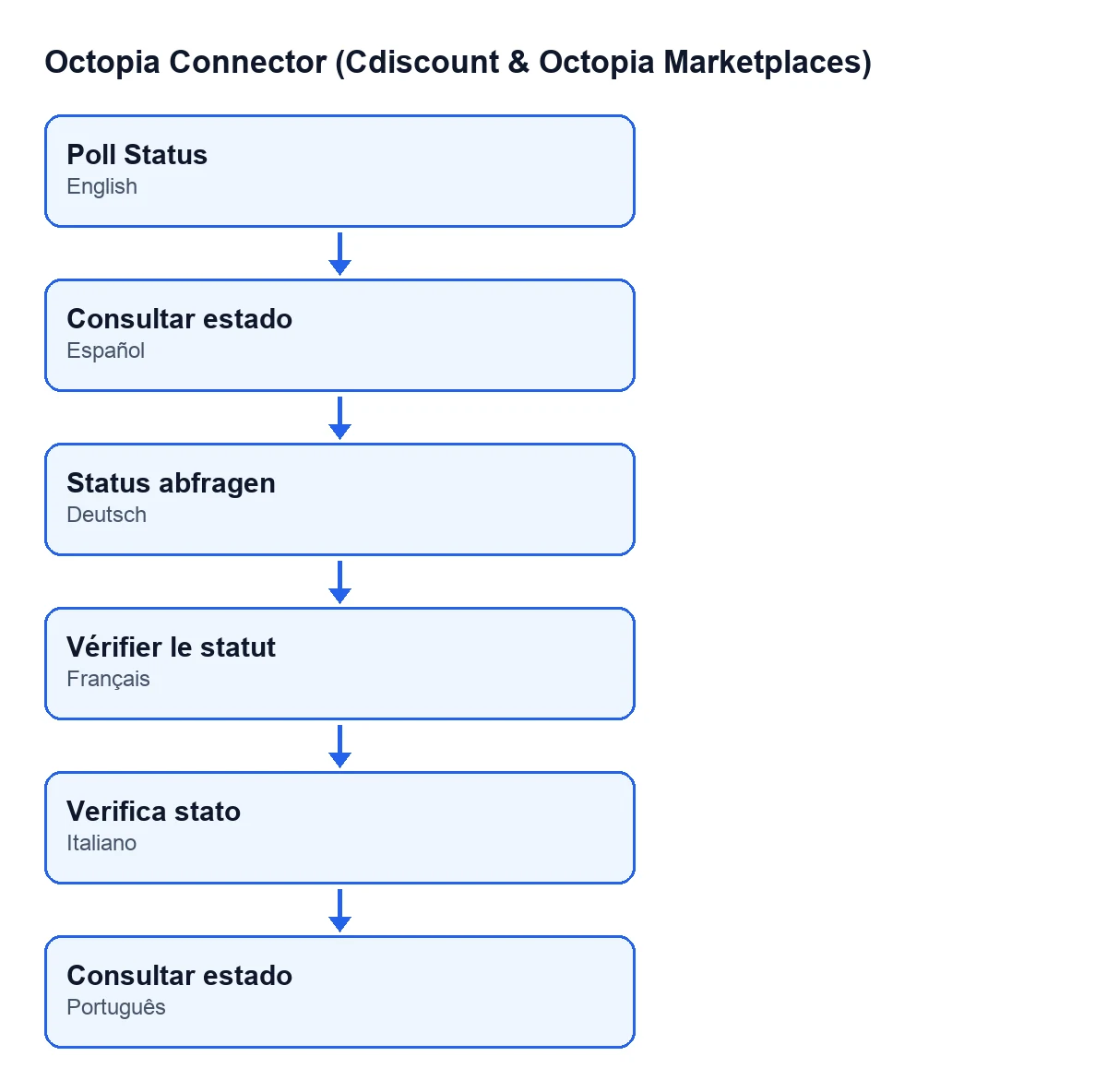
Consultar estado, in German Status abfragen, in French Vérifier le statut, in Italian Verifica stato and in Portuguese Poll Status.What the button does, in order
- From the imports it is pressed on, it takes only those whose
StatusisRunningand whoseImport IDis filled in. - Using the connection of the record's
Account, it asks Octopia for that import's data. - If the reply is not shaped like a data object, it skips to the next import and changes nothing.
- It notes the date and time of the check and, if the status received is one the module knows, updates
Status. - If the reply carries files (or items), it saves that detail on the import record.
- If the new status is partial success or failure, it writes the error entry in the sync log.
What to look at afterwards
Status and Account also appear in the Bulk Invoice Imports list, so you can see at a glance where each import stands. If the status has ended up as partial success or failure, check the Octopia sync log, where the module has noted the error.
What you need to use it
Octopia Connector is a one-off purchase per version, published on Odoo Apps for 17, 18, 19 and 20 (each version's price is on its listing). It also needs the FlexigoTech Cloud subscription, Connector plan: €49 a month or €490 a year, excluding VAT, for up to three accounts on the platform. With the subscription, the connection goes through FlexigoTech Cloud, which stores the credentials encrypted and emails you if synchronisation fails. Without a subscription, or with the service suspended, whatever the subscription provides stops, and your data stays in your Odoo.
How FlexigoTech can help
If you are implementing Odoo and want to connect invoicing and marketplaces, FlexigoTech implements Odoo 17, 18, 19 and 20 and builds connectors and custom integrations.
Keep reading
Checked in the connector's source code (version 20.0) and the linked sources
Sources
- Module source code: flexigobe_octopia_connector 20.0 (4848da6a): views/octopia_completeness_views.xml
- Module source code: flexigobe_octopia_connector 20.0 (4848da6a): models/octopia_seller_extras.py
- Module source code: flexigobe_octopia_connector 20.0 (4848da6a): models/octopia_referential.py
- apps.odoo.com/apps/modules/20.0/flexigobe_octopia_connector
- flexigotech.com/precios.html
- flexigotech.com/en/services.html