

 Español
 Català
 Deutsch
 Français
 Português
 Italiano
 Nederlands
 Polski
When exactly this message appears
It appears when you press Send in the window where you write the reply to an Octopia thread. The button is always visible, in Odoo 17, 18, 19 and 20, and the message is in the published code of those four branches. What follows describes the Odoo 20.0 code.
When you press the button, the module does this, in this order:
- If the thread's sales channel has its configuration synchronised and defines allowed receivers, it checks that the chosen receiver type is among them. If it is not, the action stops with a different message from this one. If the thread has no channel, or the channel does not meet those two conditions, the module skips this check. It comes before the search for the receiver.
- It looks for whom to address the reply to: among the thread messages already in Odoo, it keeps those that meet two conditions, that the sender is of the same type as the chosen receiver and that the sender has a stored user identifier.
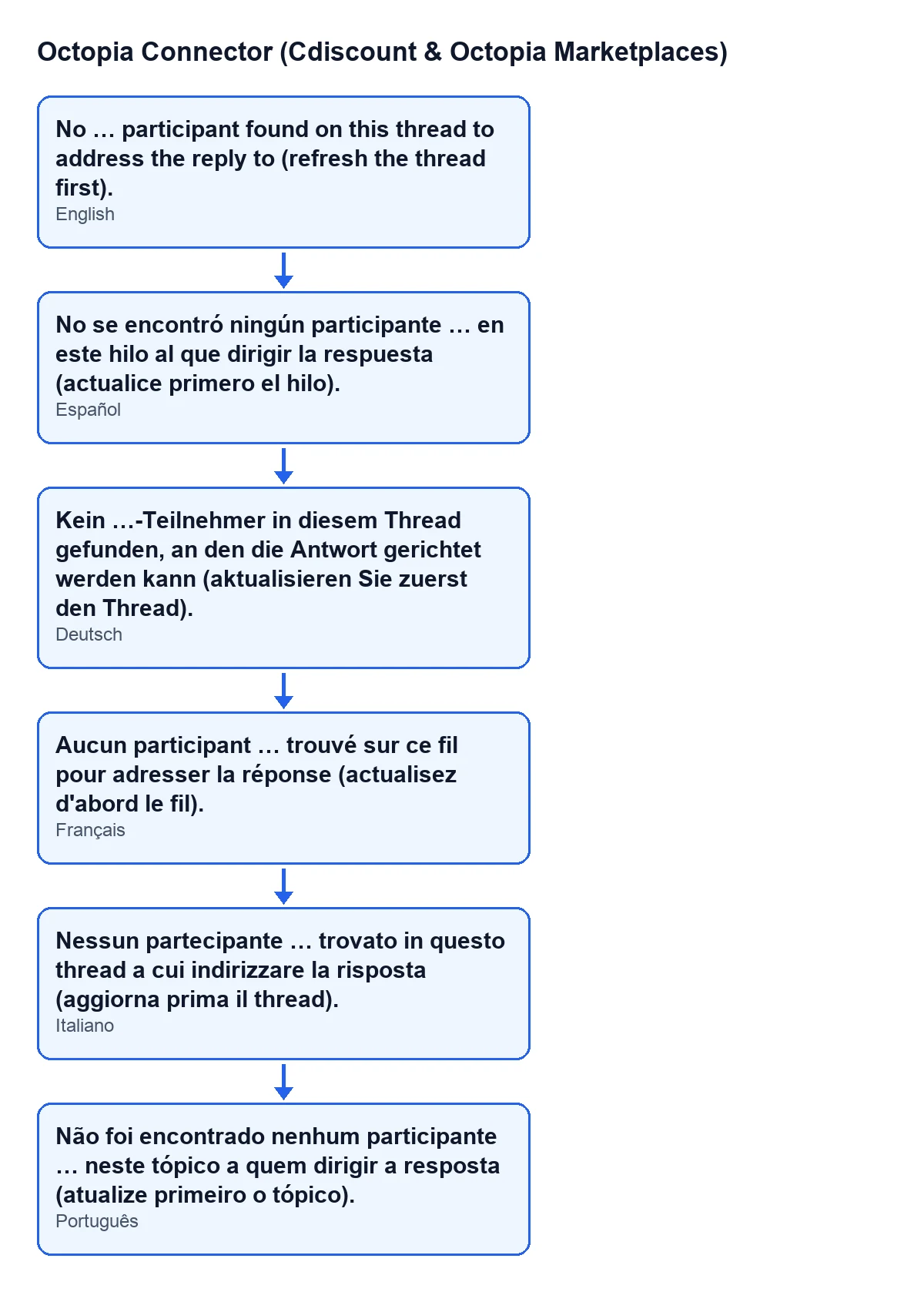
- If none is left (the condition in the code is that this search comes back empty), the action stops and the message appears. The module replaces the
…with the chosen receiver type. - If any is left, it takes the last one and builds the request to Octopia from it.
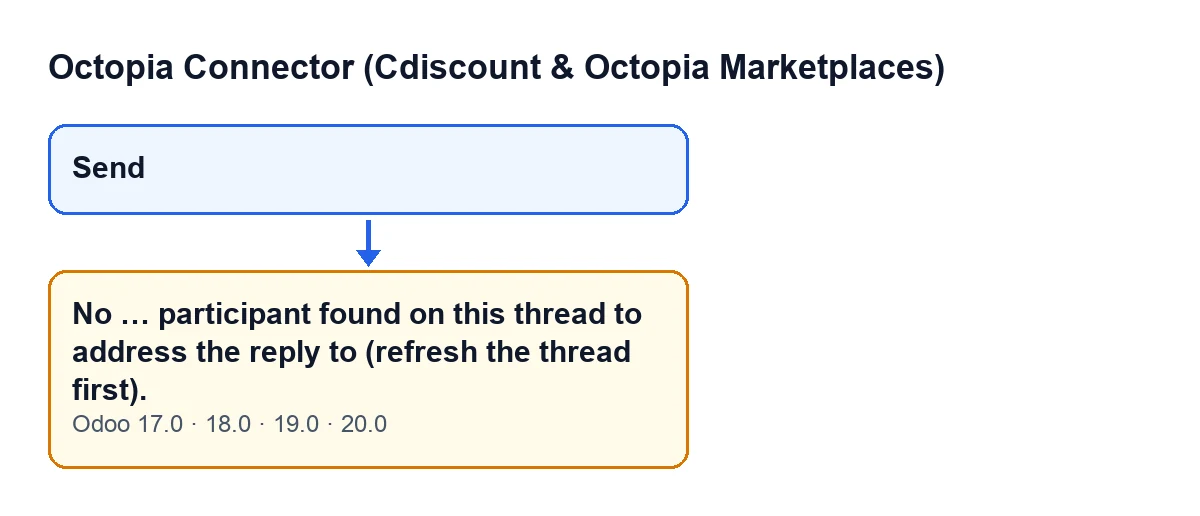
Send button and the message that appears when you press it and there is no participant to address the reply to.
What it means
According to the comment in the code, the Octopia API needs the user identifier and the type of each receiver. That is why the module does not settle for the chosen type alone: it reuses the identifier of the sender of a message on the thread. If the thread has no message of that type, or the ones it has carry no identifier, there is nobody to address the reply to.
Because the error stops the action, nothing is sent to Octopia and the thread is not left as treated: that step comes at the end of the send, which never gets that far here.
What the module does when it does find a participant
To see what this message protects, here is the path when the search succeeds. The module takes the last of the messages that met both conditions and uses the user identifier of its sender, together with the chosen receiver type, as the receiver of the reply. It sends Octopia the message text, the thread and the sales channel, and adds the attachments only if there are any.
It then records the send in the synchronisation log, refreshes the thread and closes the window. The refresh asks Octopia for the full thread, with all its messages. If the window had been set to mark the thread as treated, the module leaves it that way after sending and refreshing, not before.
Checklist to fix it
Before pressing Send
- Check that the thread already contains messages from the party you want to address. The module reuses the user identifier from a message of that type; without it, the reply cannot be addressed.
- If you have just opened the thread or expect new messages, refresh the thread before replying, which is exactly what the message asks for.
- Check that the receiver type you chose in the reply window matches the type of whoever has written on the thread: the module only counts messages of that same type.
Once the error has appeared
- Read the receiver type that appears in place of
…in the message: it is the type of participant the module did not find on the thread.
- Refresh the thread, as the message says.
- Press
Sendagain.
- If the message appears again after refreshing, check the chosen receiver type once more: it has to correspond to someone who has already written on the thread.
- If the thread still has no message of that type with a user identifier, the module cannot address the reply to that type of participant.
After a successful send
- Check that the window has closed: that is what the module does when the send finishes.
- If you had asked for the thread to be marked as treated, check that it now is: the module does that after sending and refreshing the thread.
A deadline worth keeping in mind
The Cdiscount Marketplace CGMAD (version of 25/08/2025, p. 49) ask you to reply to messages within 48 working hours. It is therefore worth clearing this message as soon as it appears rather than leaving the thread for later.
How FlexigoTech can help
FlexigoTech implements Odoo 17, 18, 19 and 20 and builds custom connectors and integrations. The module's connection goes through FlexigoTech Cloud, which stores the credentials encrypted, watches the synchronisation and emails you if it fails.
Keep reading
Checked in the connector's source code (version 20.0) and the linked sources
Sources
- Module source code: flexigobe_octopia_connector 20.0 (4848da6a): wizard/octopia_discussion_wizards.py
- Module source code: flexigobe_octopia_connector 20.0 (4848da6a): views/octopia_discussion_views.xml
- marketplace.cdiscount.com/wp-content/uploads/2025/08/2025.08.25-CGMAD-FR.pdf
- flexigotech.com/en/services.html
- flexigotech.com/precios.html