

 Español
 Català
 Deutsch
 Français
 Português
 Italiano
 Nederlands
 Polski
When the message appears
It appears when you press Send to Mirakl on an invoice. The first thing the module does is look for the Mirakl instance associated with that invoice. If it finds none (the result is empty), it raises This invoice is not linked to a Mirakl order. and the action stops: nothing is sent to Mirakl and nothing that action was going to change is saved.
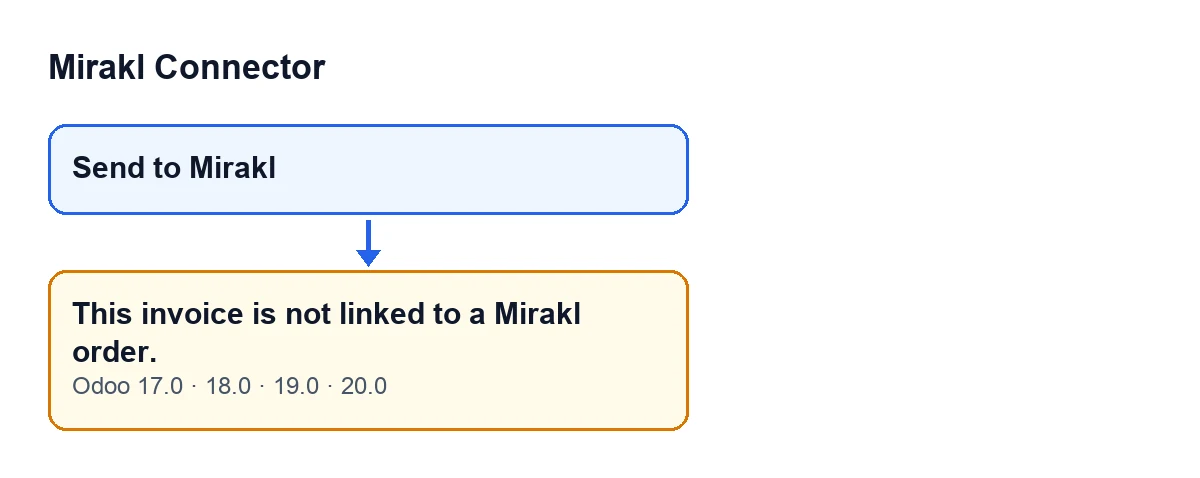
It is the button's first check: it runs before the module looks at whether the invoice is posted. That is why the message says nothing about the invoice's state, only about its link to Mirakl.

What it means
As far as the module is concerned, that invoice has no Mirakl instance, and without an instance the send does not go any further. It is not a connection or PDF failure: the action is cut short before anything is attempted.
The message indicates that the module could not relate that invoice to Mirakl, and that is what you need to clear up before pressing again.
When you see the button
The Send to Mirakl button is hidden when the invoice is not a customer invoice (Customer Invoice), when the Mirakl invoice field is not active, or when the invoice is not in the Posted state. That condition is the same in Odoo 17, 18, 19 and 20.
The Mirakl invoice field is not shown in any view, so you cannot review or change it from the screen.
Seeing the button does not guarantee that the instance check will pass: the button's visibility depends on that field, while the message depends on the module finding the invoice's Mirakl instance. They are two separate conditions.
The same text in a second place
The published code raises this same message somewhere else: the method that uploads the invoice PDF to Mirakl. There it appears when the invoice has no Mirakl order identifier (it is empty). From the button, that point is reached only after the instance check and the check that the invoice is posted have both passed. To you the text is the same, so if you see it, the reading is the same: the module could not relate the invoice to a Mirakl order.
Checklist
Before pressing the button
- Check that the invoice is a customer invoice (
Customer Invoice) in thePostedstate: with any other type or state theSend to Miraklbutton is hidden, so there is no press that could give this message.
- Confirm that the invoice belongs to an order that came from Mirakl. If it does not, the message is correct: the module has no Mirakl link for it and does not send it with this button.
- Do not look for the
Mirakl invoicefield on screen: it is not shown in any view, so it is not something you can change by hand from there.
When you see the message
- Note which invoice it was (its number or reference) so you can discuss it with whoever looks after the connector.
- Remember that the action stopped: nothing was sent to Mirakl with that press.
- If the invoice does come from a Mirakl order and the message keeps appearing, the module is not finding its Mirakl instance. That is a case to review with whoever implemented the connector (see below for how FlexigoTech can help).
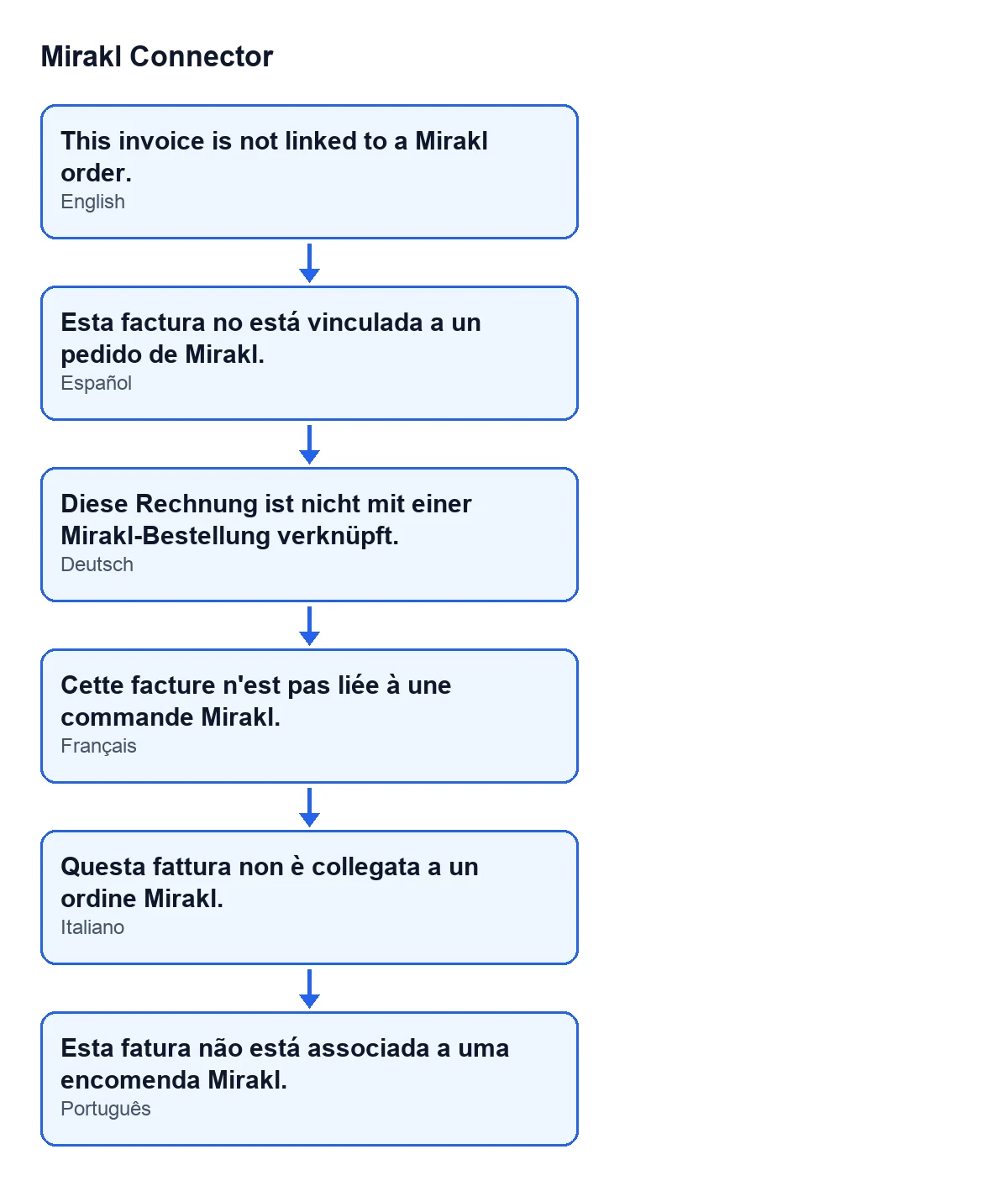
| Language | Message text |
|---|---|
| Spanish | Esta factura no está vinculada a un pedido de Mirakl. |
| German | Diese Rechnung ist nicht mit einer Mirakl-Bestellung verknüpft. |
| French | Cette facture n'est pas liée à une commande Mirakl. |
| Italian | Questa fattura non è collegata a un ordine Mirakl. |
| Portuguese | Esta fatura não está associada a uma encomenda Mirakl. |
Once the module finds the instance
- Open the invoice again, check that it is still in the
Postedstate, and pressSend to Mirakl.
- Bear in mind what the module does once the instance exists: it renders the invoice PDF and uploads it to the Mirakl order to replace the previous invoice of the same type, so that Mirakl keeps a single, current invoice.
- If a different message appears now, it is a different check: read it in full before changing anything.
If the send never goes out
- Remember that the connection goes through FlexigoTech Cloud, which stores the credentials encrypted and monitors the synchronisation. If the service does not let the request through (no subscription, or the service paused), the code re-raises the error and marks nothing.
- Without a subscription, or with the service suspended, whatever the subscription provides stops; your data stays in your Odoo.
Versions
The module is published on Odoo Apps for Odoo 17, 18, 19 and 20, and the message appears in the published code of all four branches. The order of the checks is the one in the Odoo 20 code. The condition that hides the button is the same in 17, 18, 19 and 20.
How FlexigoTech can help
If you are implementing Odoo and the invoices for your Mirakl orders are not getting linked, or you need a bespoke integration, FlexigoTech implements Odoo 17, 18, 19 and 20 and builds connectors and custom integrations. You will find the module's details on its page and on the Odoo Apps listing.
Keep reading
Checked in the connector's source code (version 20.0) and the linked sources
Sources
- Module source code: flexigobe_mirakl_connector 20.0 (aa05e537): models/account_move.py
- Module source code: flexigobe_mirakl_connector 20.0 (aa05e537): models/mirakl_instance.py
- Module source code: flexigobe_mirakl_connector 20.0 (aa05e537): views/account_move_views.xml
- apps.odoo.com/apps/modules/20.0/flexigobe_mirakl_connector
- flexigotech.com/en/services.html
- flexigotech.com/precios.html