

 Español
 Català
 Deutsch
 Français
 Português
 Italiano
 Nederlands
 Polski
Where it appears and what it means
The Mirakl category search window is titled Search Mirakl Category when the module reopens it after a search. It has a Search button, which according to the published code is always visible, in Odoo 17, 18, 19 and 20. Because the button is always visible, you can press it with the Instance field empty, and that is when the message appears.
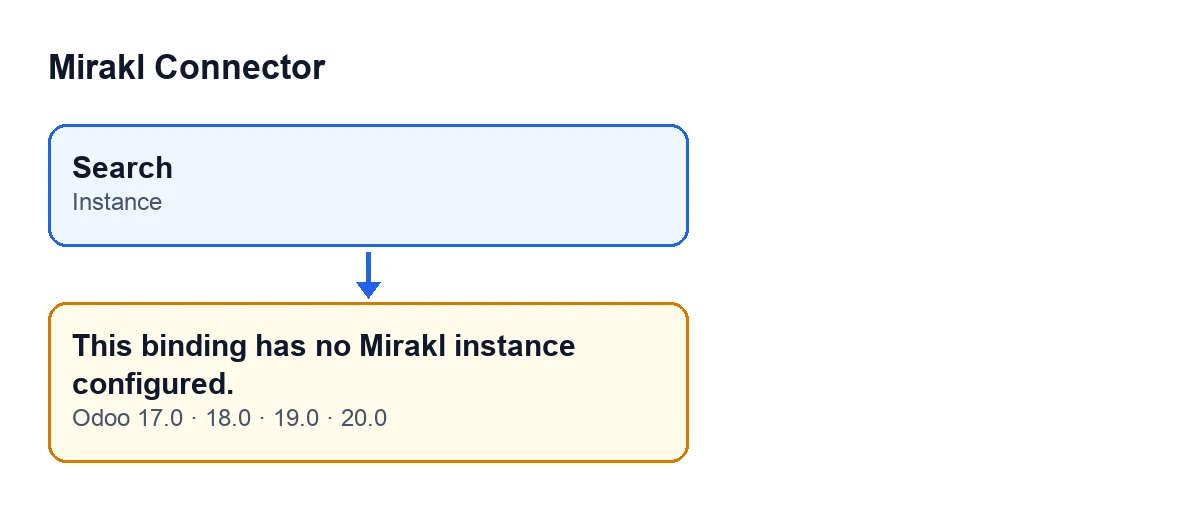
What it means: the window has no Mirakl instance attached. The search works from that instance, both when it looks among the categories already synchronised and when it queries Mirakl, and without one the action stops. The Instance field is visible in the window but read-only: you cannot fix it by typing there.
The same text can also come from the binding's catalogue export method.

The exact condition, in words
In the Odoo 20.0 code, the first thing the search does is check that it is working on a single record and, straight after, whether Instance is empty. If it is, it raises the message and the action stops. So when you see it:
- Nothing has been searched among the synchronised categories.
- Mirakl has not been queried.
- Nothing the search was going to write into the window has been saved.
The condition is only that: an empty instance. The message is in the published code of 17.0, 18.0, 19.0 and 20.0; the check described is the one in the Odoo 20.0 code.
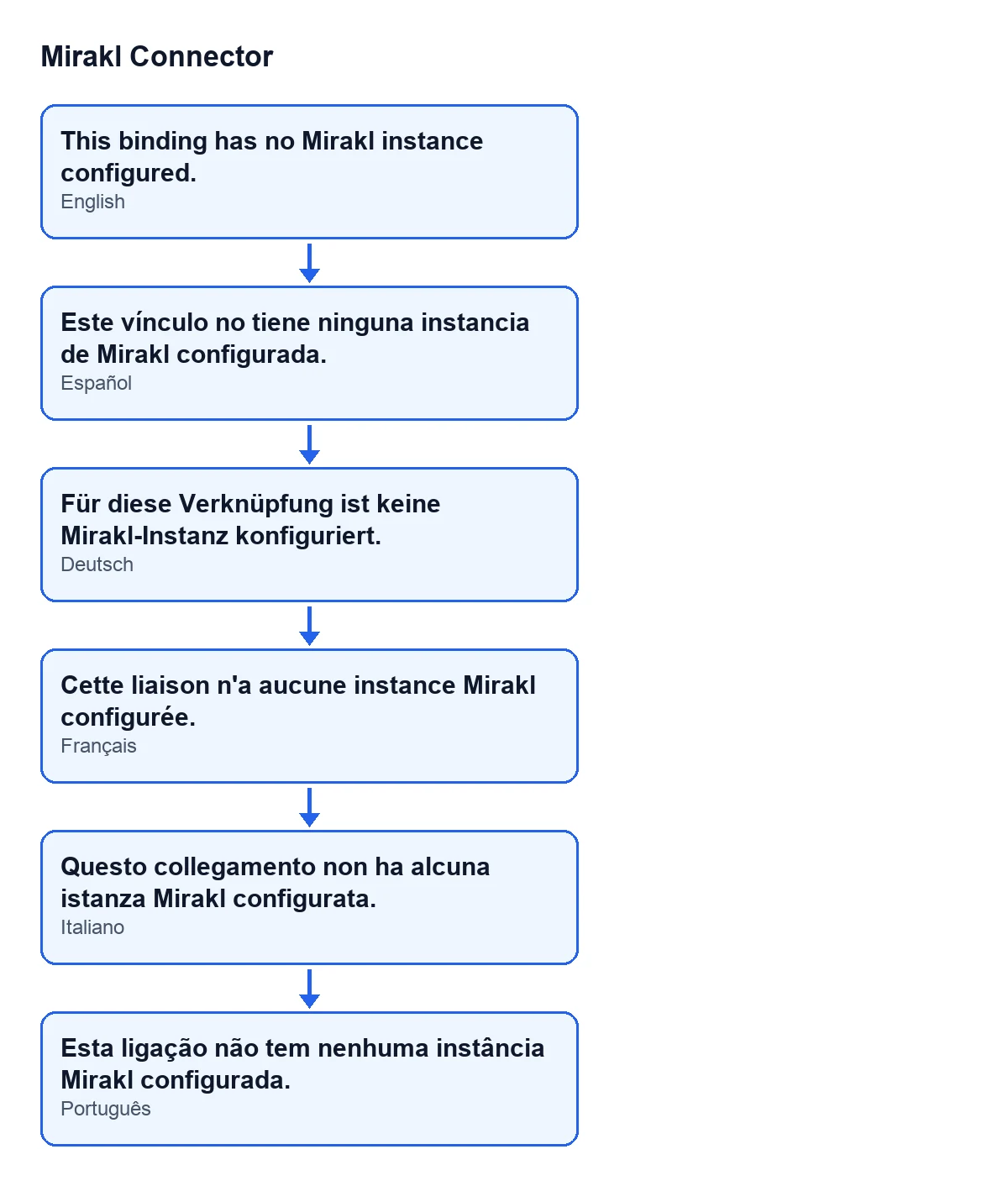
With Odoo in English you see the text above; in other published languages, these:
| Language | Text |
|---|---|
| Spanish | Este vínculo no tiene ninguna instancia de Mirakl configurada. |
| German | Für diese Verknüpfung ist keine Mirakl-Instanz konfiguriert. |
| French | Cette liaison n'a aucune instance Mirakl configurée. |
| Italian | Questo collegamento non ha alcuna istanza Mirakl configurata. |
| Portuguese | Esta ligação não tem nenhuma instância Mirakl configurada. |
Worked example: a category search that will not start
Example Illustrative case: the company and its figures are made up to explain the flow.
Picture Lucía, catalogue manager at Hogar Ribera, an invented company getting its catalogue ready for a Mirakl marketplace. She opens the category search window from a binding and presses Search. Instead of results, Odoo shows This binding has no Mirakl instance configured. and the window stays as it was.
She looks at the window: Instance is empty and read-only, so there is nothing to type there. She presses Search a second time in case it was a one-off, and the message is the same, because the condition still holds.
Lucía now understands what the message is telling her: the search never got started, and what is missing cannot be fixed from that window. She closes the window, notes which binding she was working from and asks for that binding's configuration to be reviewed, either by whoever administers her Odoo or by FlexigoTech.
What to take from it: the message is a check made up front, not the outcome of a search that found nothing, and pressing the button again does not resolve it.
What to do when it appears
- Close the search window. Nothing from that press has been saved.
- Reopen it and look at the
Instancefield: if it is empty, that is the cause. - Do not try to fill it in from the window: the field is read-only. While it stays empty,
Searchwill give the same message. - Ask for the configuration of the binding you opened the search from to be reviewed, by whoever administers your Odoo or by FlexigoTech.
- Once
Instanceis no longer empty, open the search again and pressSearch. If a different message shows up, it has a different cause.
What the search does once there is an instance
Once past the check, the module first looks among the Mirakl categories already synchronised with that instance. If it finds matches, it fills the results list in the window and reopens it. If it finds none, it queries Mirakl through the instance, and the window opens again with the results or with a text describing what happened.
That query to Mirakl goes through FlexigoTech Cloud. If the service does not let the request through (no subscription, or a service pause), the search is interrupted and nothing is marked. That is a different situation from this message.
Versions and cost
Mirakl Connector is published on Odoo Apps for Odoo 17, 18, 19 and 20 (listing). It is a one-off purchase per version and needs the FlexigoTech Cloud subscription, Connector plan: €49 a month or €490 a year, excluding VAT (the Pro plan is €98 a month or €980 a year). With the subscription, the module for newer Odoo versions is included if you bought it on flexigotech.com; on the Odoo App Store, each version is bought there. Without a subscription, or with the service suspended, whatever the subscription provides stops, and your data stays in your Odoo. More on the module page.
How FlexigoTech can help
If you are implementing Odoo and want the Mirakl configuration reviewed from the start, FlexigoTech implements Odoo 17, 18, 19 and 20 and builds connectors and custom integrations. Tell us what is going wrong and we will look at it with you.
Keep reading
Checked in the connector's source code (version 20.0) and the linked sources
Sources
- Module source code: flexigobe_mirakl_connector 20.0 (aa05e537): models/mirakl_category_search_wizard.py
- Module source code: flexigobe_mirakl_connector 20.0 (aa05e537): models/mirakl_catalog_binding_mixin.py
- Module source code: flexigobe_mirakl_connector 20.0 (aa05e537): views/mirakl_category_search_wizard_views.xml
- apps.odoo.com/apps/modules/20.0/flexigobe_mirakl_connector
- flexigotech.com/en/services.html
- flexigotech.com/precios.html