

 Español
 Català
 Deutsch
 Français
 Português
 Italiano
 Nederlands
 Polski
When it appears and what is in its window
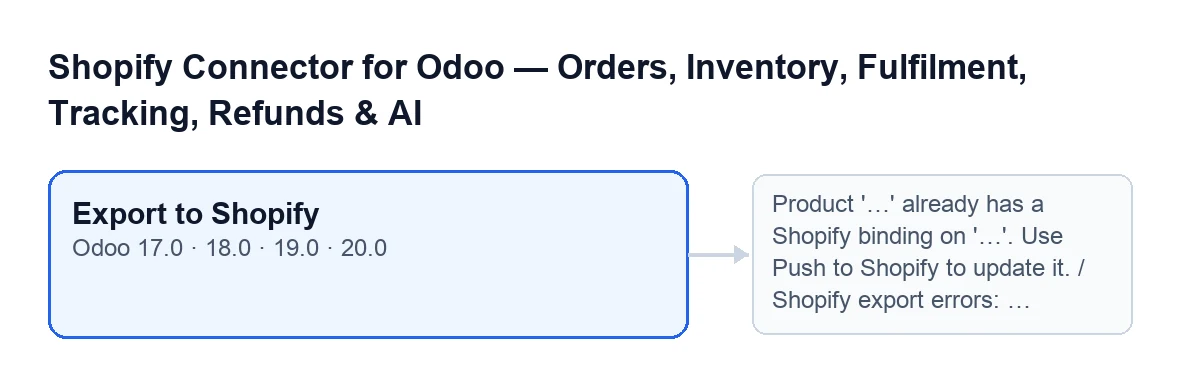
The Export to Shopify button is in the product export window of Shopify Connector for Odoo. It has no visibility condition: it is always shown, and it exists in the published branches of the module for Odoo 17, 18, 19 and 20.
The window has these fields:
Shopify Instance: the Shopify shop the product is exported to.Product: the product being exported. It is read-only.Initial Status: the status the product starts with in Shopify,Active (visible in store)orDraft (hidden). The default isDraft (hidden), and the field's help recommends draft so you can review the product in Shopify before making it active.

Step by step: what happens when you press Export to Shopify
- Open the export window and pick the shop in
Shopify Instance. The product is already inProduct, read-only. - Choose the
Initial Status. If you leave it onDraft (hidden), the product is created without being visible in the shop. - Press
Export to Shopify. The first thing it does is look for an existing link between that product and that shop. If there is one, it stops with a message (see the error table) and creates nothing. - If there is no link, the module prepares the product. It sends the name as the title, the chosen status and the tags, split on commas. If they exist, it also adds the vendor, the product type and the sales description.
- For each Odoo variant it prepares the sales price to two decimals. If the variant has a reference, it sends it as the item code with inventory tracking switched on. If it has a barcode, that goes too. The variant's attribute values travel as options.
- It sends everything to Shopify in a single call. With the FlexigoTech Cloud connection, the call goes through its service. If Shopify answers 401 and the shop has a refresh token or the app's client credentials, the module tries to obtain a new token and repeats the call once more. If Shopify answers 429 (too many requests), it waits and retries.
- If Shopify returns the product, the module pairs each variant Shopify returns with an Odoo variant: first by reference and, if nothing matches, by position. A variant with no match is skipped. On every paired variant it saves the Shopify identifiers and the sync date, and creates its link with the title, status, price and dates.
- Finally it records the status and the date of the push on the product, and shows a notification that stays on screen:
Exported to Shopify, with the textProduct '…' was created in Shopify (…) as ….. The dots are the product name, the shop domain and the chosen status, in capitals.
With Odoo in English the button is called Export to Shopify. The diagram below shows how it is labelled in other languages.
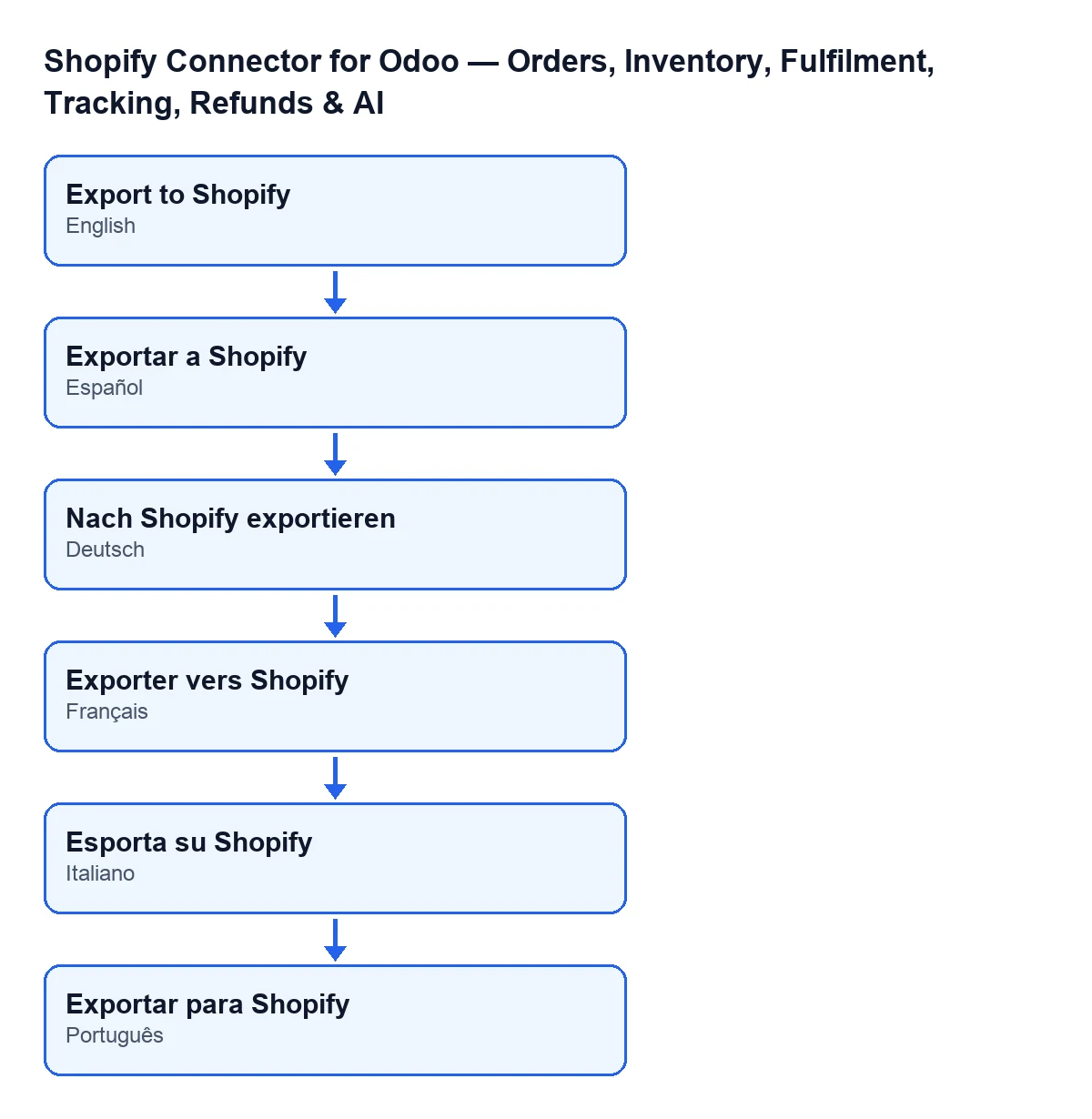
Exportar a Shopify; in German Nach Shopify exportieren; in French Exporter vers Shopify; in Italian Esporta su Shopify; in Portuguese Exportar para Shopify.Errors it can raise and what to do
When something fails before Shopify returns the product, the action stops and the module creates no link in Odoo.
| Message | When it appears | What to do |
|---|---|---|
Product '…' already has a Shopify binding on '…'. Use Push to Shopify to update it. | When you press the button, that product already has a link with that instance. The second gap is the shop domain. | Do not export it again: that product is already linked to that shop, and a new export will give this message again. |
Shopify export errors: … | Shopify answers the export with errors. The message joins them, each as a field and a message, separated by semicolons. | Read which field each error points to, correct that data on the product and export again. |
Shopify did not return a product ID after export. | Shopify's answer carries no product identifier. | Check in Shopify whether the product appears and repeat the export. No link is left in Odoo. |
Shopify is not connected for …. Open the Connection tab and follow the setup steps. | The instance has no access credential after trying to obtain one (direct connection, without FlexigoTech Cloud). The gap is the instance name. | Open the Connection tab of the instance and follow the setup steps. |
Shopify GraphQL call failed (…): … | Shopify answers with an error code of 400 or above. The message includes the code and the start of the answer. | Read the code and the text that come with the message and act on that. |
Shopify GraphQL returned errors: … | Shopify's answer carries errors. | Read the detail the message adds after the colon. |
Shopify GraphQL call exhausted retries. | The call runs out of retries. | Press again after a while and, if it keeps happening, check the instance's connection. |
What to check after exporting
- That the
Exported to Shopifynotification appeared with the status you chose. - That the product exists in Shopify. If you left it on
Draft (hidden), now is the time to review it there before making it active, which is what the field's help recommends. - That you do not press the button again for the same product and the same shop: it already has a link, and you will get the already-linked-product message.
Cost and help from FlexigoTech
The module is a one-off payment per Odoo version, published for 17, 18, 19 and 20 (see the Odoo Apps listing or the module page), and it needs the FlexigoTech Cloud subscription on the Connector plan: €49 a month or €490 a year, excluding VAT (the Pro plan is €98 a month or €980 a year). The connection goes through FlexigoTech Cloud, which stores the credentials encrypted, watches the synchronisation and emails you if it fails.
If you want someone to review the connection to your shop or adapt the export to your catalogue, FlexigoTech implements Odoo 17, 18, 19 and 20 and builds custom connectors and integrations.
Keep reading
Checked in the connector's source code (version 20.0) and the linked sources
Sources
- Module source code: flexigobe_shopify_seller_connector 20.0 (d7e627b4): wizard/shopify_export_product_wizard_views.xml
- Module source code: flexigobe_shopify_seller_connector 20.0 (d7e627b4): wizard/shopify_export_product_wizard.py
- Module source code: flexigobe_shopify_seller_connector 20.0 (d7e627b4): models/shopify_instance.py
- apps.odoo.com/apps/modules/20.0/flexigobe_shopify_seller_connector
- flexigotech.com/precios.html
- flexigotech.com/en/services.html