

 Español
 Català
 Deutsch
 Français
 Português
 Italiano
 Nederlands
 Polski
When the message appears
The warning reads This delivery is not linked to any Octopia order. It appears when you press Declare to Octopia on a delivery form, and it stops the action: no window opens.
The condition, according to the Odoo 20.0 code, is this. The module takes the delivery's sales order and, from that sales order, the first Octopia order it has. If it finds none, it raises the message. If it finds one, it opens the Declare Shipment window.
Note that the module does not look for the Octopia order on the delivery itself: it always goes through the delivery's sales order. So the message can appear either when the delivery does not come from any sales order or when it comes from one that has no Octopia order.
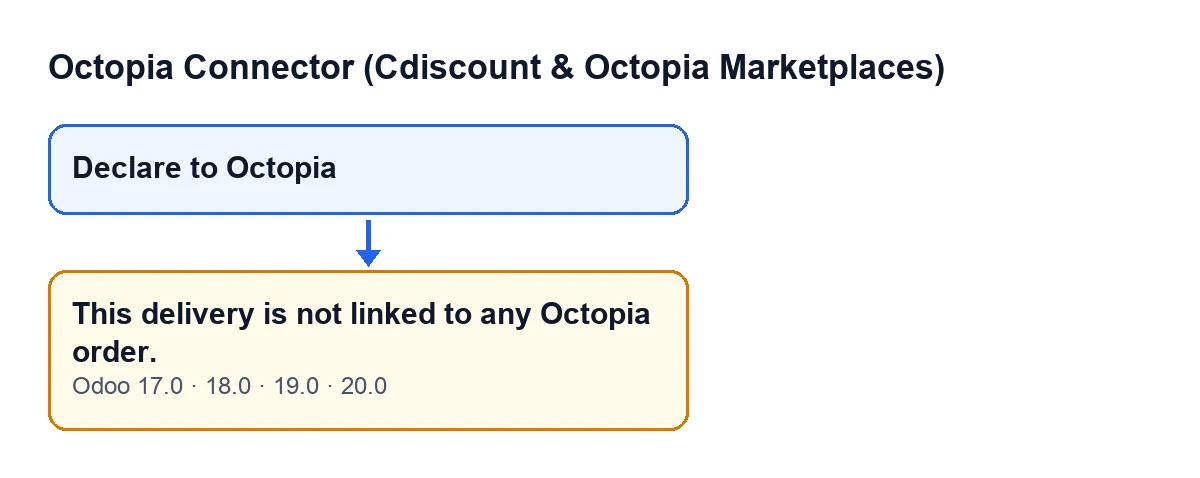
The code described here is the Odoo 20.0 code. The message and the condition that hides the button are also published in Odoo 17, 18 and 19.

Checklist before you press the button
These checks tell you whether you are about to reach the message.
- The delivery is an outgoing one. The
Declare to Octopiabutton is hidden when the delivery's type is not outgoing (in Odoo 17, 18, 19 and 20). If you cannot see the button, this message is not what is stopping you: you cannot even press it.
- The delivery comes from a sales order. If the delivery has no sales order, the module has nowhere to get an Octopia order from.
- That sales order corresponds to an Octopia order. This is exactly the condition behind the message: if the sales order has no Octopia order, the warning appears.
Checklist when the message appears
- Note which delivery you were looking at and open its sales order. Check that it is the sales order that matches the Octopia order you wanted to declare.
- If the delivery comes from a different sales order from the one that matches the Octopia order, leave that delivery and work from the delivery of the right sales order.
- If the delivery has no sales order, find the delivery that does have one and declare the shipment from it.
- Bear in mind that, if a sales order had several Octopia orders, the module uses the first one it finds.
- Press
Declare to Octopiaagain from the right delivery. The message stops the action, so no declaration is left half done.
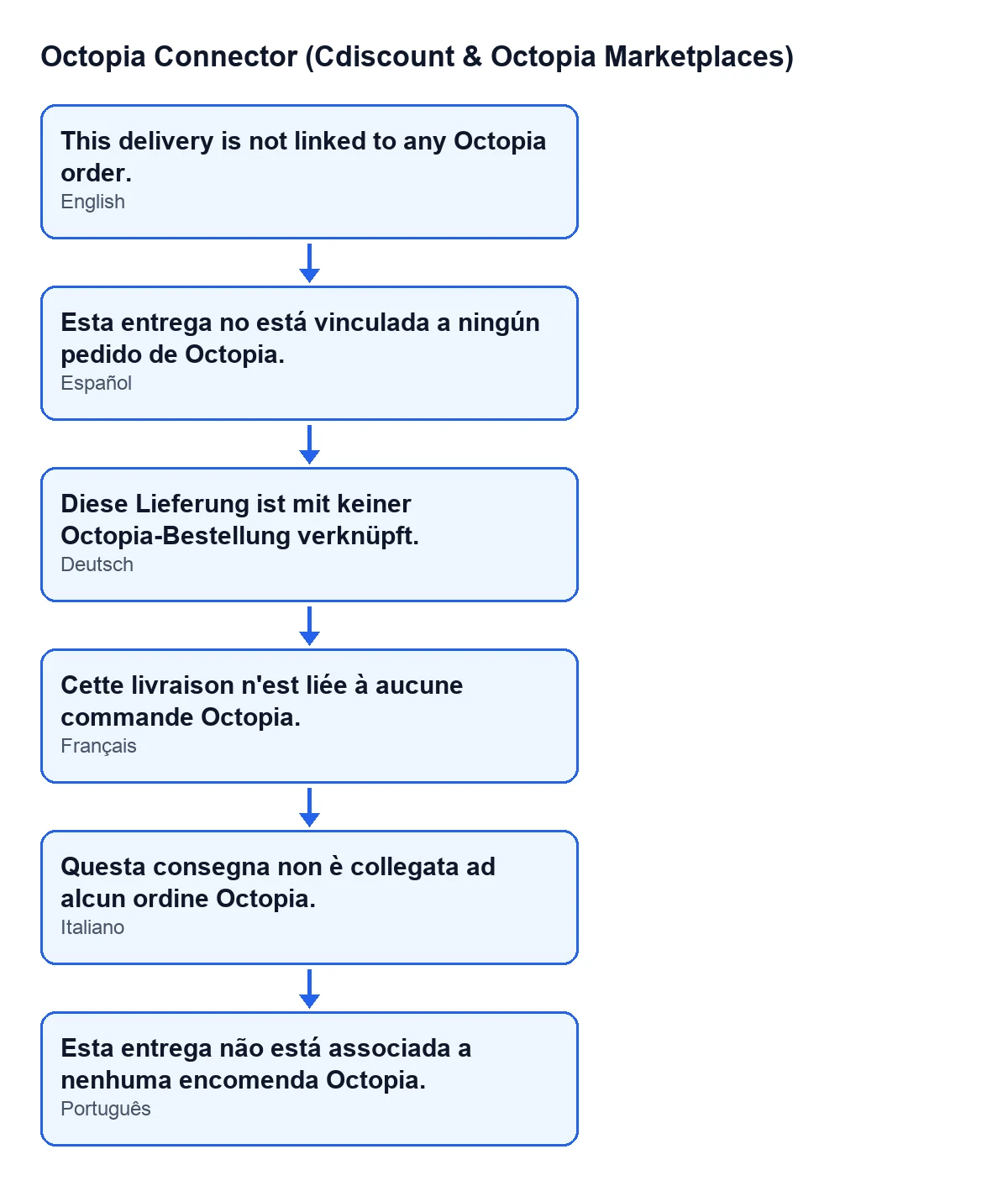
The module ships translations of the same message in other languages. Here is the diagram with the Spanish, German, French, Italian and Portuguese versions.
Checklist after you fix it
- The
Declare Shipmentwindow opens: the module has found an Octopia order for that delivery's sales order.
- If the message appears again, check the delivery's sales order once more: the condition is still that the sales order has at least one Octopia order.
Why the link is worth getting right
The Cdiscount Marketplace terms (CGMAD, 25/08/2025, p. 47) state that the shipping confirmation carries the tracking number. The Declare to Octopia button opens the Declare Shipment window from the delivery, and the message This delivery is not linked to any Octopia order. is what appears when that delivery's sales order has no Octopia order. Keeping the link between delivery, sales order and Octopia order in order is what lets you reach that window.
What it costs and how FlexigoTech helps
Octopia Connector (Cdiscount & Octopia Marketplaces) is published on Odoo Apps for Odoo 17, 18, 19 and 20. It is a one-off purchase per Odoo version and needs a FlexigoTech Cloud subscription: the Connector plan costs €49 a month or €490 a year excluding VAT, with up to 3 marketplace accounts. The connection goes through FlexigoTech Cloud, which stores the credentials encrypted and emails you if synchronisation fails.
If you are implementing Odoo and want to review how your sales orders, deliveries and Octopia orders are linked, FlexigoTech implements Odoo 17, 18, 19 and 20 and builds custom connectors and integrations.
Keep reading
Checked in the connector's source code (version 20.0) and the linked sources
Sources
- Module source code: flexigobe_octopia_connector 20.0 (4848da6a): models/octopia_order_actions.py
- Module source code: flexigobe_octopia_connector 20.0 (4848da6a): views/octopia_completeness2_views.xml
- apps.odoo.com/apps/modules/20.0/flexigobe_octopia_connector
- marketplace.cdiscount.com/wp-content/uploads/2025/08/2025.08.25-CGMAD-FR.pdf
- flexigotech.com/precios.html
- flexigotech.com/en/services.html