

 Español
 Català
 Deutsch
 Français
 Português
 Italiano
 Nederlands
 Polski
The action is active as soon as the module is installed.
What the name of the action does not tell you
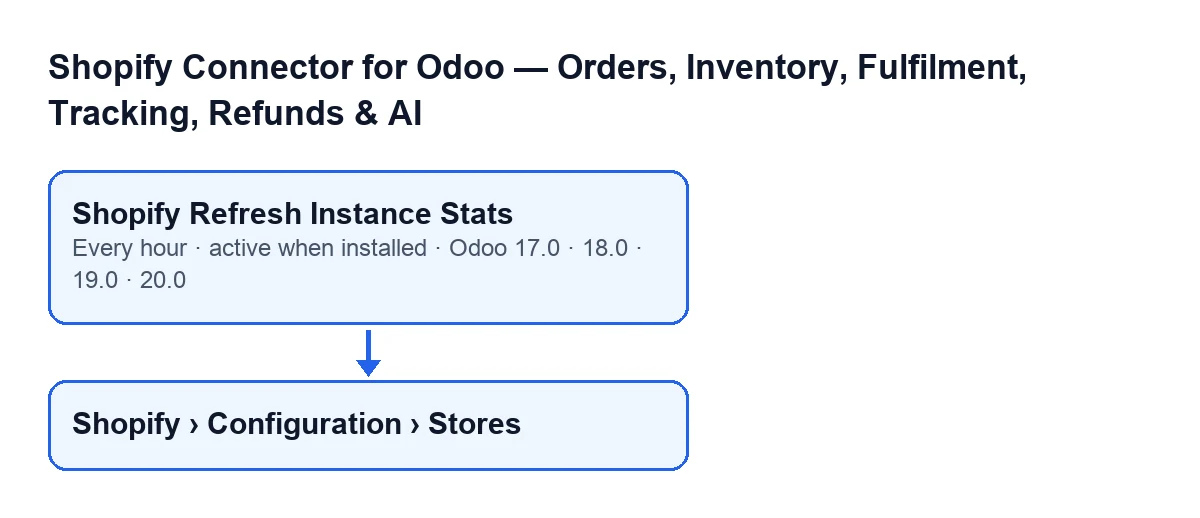
It runs every hour and is active on installation
The action runs every hour and is active as soon as the module is installed. It is in every published branch: Odoo 17, 18, 19 and 20. In Odoo 17.0 it repeats without end.
Its name is Shopify Refresh Instance Stats.
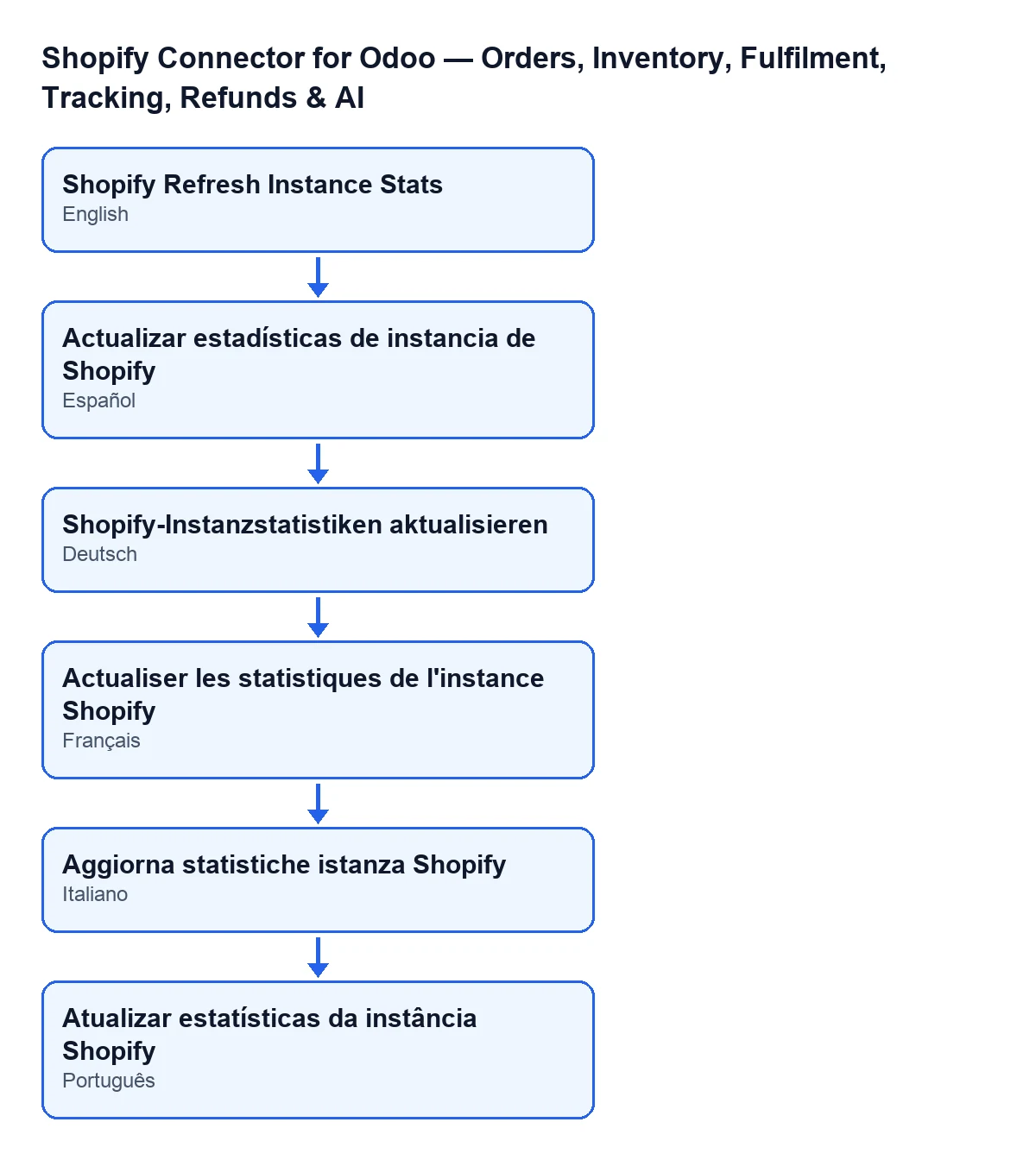
Actualizar estadísticas de instancia de Shopify in Spanish, Shopify-Instanzstatistiken aktualisieren in German, Actualiser les statistiques de l'instance Shopify in French, Aggiorna statistiche istanza Shopify in Italian and Atualizar estatísticas da instância Shopify in Portuguese.It only goes through active stores
On each run, the action looks for the Shopify stores (the module's instances) that are active. If it finds none, it finishes without recalculating anything. Stores that are not active are left out of the recalculation.
The store records open from the menu Shopify › Configuration › Stores. The permissions each part of the menu asks for are: Configuration asks for Operator and Shopify asks for Viewer. If you do not have one of them, you do not see that part of the menu.
First it counts, store by store
For the active stores, the first part of the run counts records that are already in your Odoo and leaves the result on each store's record. Per store, it counts:
- Shopify orders;
- product links;
- webhook events, and separately those that are pending;
- carrier mappings, and separately those with no carrier assigned;
- locations;
- sync log entries.
If a store has no records of one of those types, its counter is set to zero. Each run counts again from scratch whatever is there at that moment; it does not add to the previous count.
Then it works out the monthly figures
The second part goes through each active store again and calculates three figures. The table shows what each one counts and whether it depends on the date.
| Figure | What it counts | Limited to the month? |
|---|---|---|
| Orders this month | Shopify orders of the store with an order date from the first day of the current month, leaving out cancelled ones | Yes |
| Revenue this month | The sum of the total amount of those same orders | Yes |
| Open orders | Orders of the store that are open or partially fulfilled | No, it ignores the date |
So a cancelled order adds nothing to the month's orders or revenue, and an open order from an earlier month still counts as open. The current month is taken from today's date: when the month changes, the next run starts counting from the first day of the new month.
It is meant to catch up after direct imports
The code of the method states its purpose: to reconcile the counters after direct database imports that bypass Odoo's usual mechanisms and therefore do not trigger the automatic recalculation. If you have loaded data that way, the action counts again on each run whatever is there at that moment.
Only an administrator can run it
The first thing the method does is check that whoever runs it is a system administrator. If not, it stops with the message Only an administrator can run this scheduled action. and recalculates nothing: neither the counters nor the monthly figures.
What to check if it seems to do nothing
Go through this in order, using what the code lets you verify:
- The action is still active. It is active on installation and runs every hour.
- The store is active. A store that is not active does not take part in the run.
- Whoever runs it is a system administrator: if not, the method stops with the message
Only an administrator can run this scheduled action.and recalculates nothing. - The figure you expected follows the code's rule: cancelled orders do not count in the month, the month's orders are filtered by the order date, and open orders are not filtered by date.
To review the stores, go to Shopify › Configuration › Stores with a user who has the permissions for that part of the menu.

If you need help with the connector
FlexigoTech implements Odoo 17, 18, 19 and 20 and builds custom connectors and integrations. The module is published on Odoo Apps for 17.0, 18.0, 19.0 and 20.0: see its Odoo Apps listing or the module page. The connection to Shopify goes through FlexigoTech Cloud, which stores the credentials encrypted, watches the synchronisation and emails you if it fails.
From the same module, in another article: what the Pull Stock button does.
Keep reading
Checked in the connector's source code (version 17.0 and 20.0) and the linked sources
Sources
- Module source code: flexigobe_shopify_seller_connector 20.0 (d7e627b4): data/ir_cron_data.xml
- Module source code: flexigobe_shopify_seller_connector 17.0 (437257e3): data/ir_cron_data.xml
- Module source code: flexigobe_shopify_seller_connector 20.0 (d7e627b4): models/shopify_instance.py
- Module source code: flexigobe_shopify_seller_connector 20.0 (d7e627b4): models/fgt_cloud.py
- apps.odoo.com/apps/modules/20.0/flexigobe_shopify_seller_connector
- flexigotech.com/en/services.html
- flexigotech.com/precios.html