

 Español
 Català
 Deutsch
 Français
 Português
 Italiano
 Nederlands
 Polski
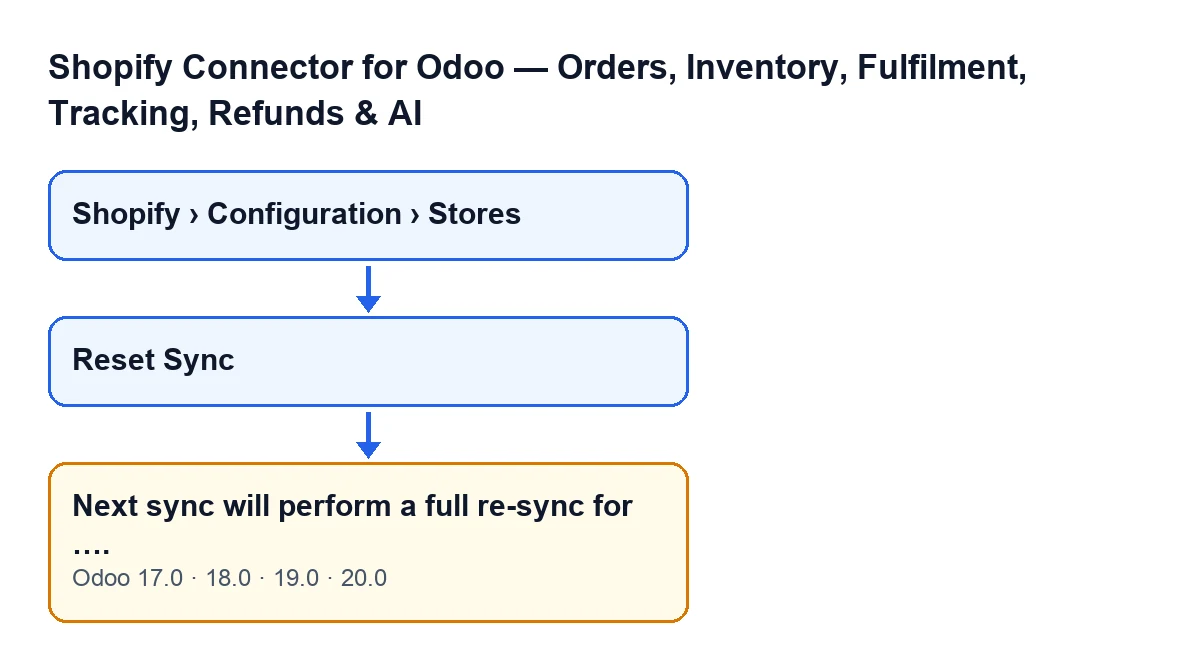
Shopify Connector for Odoo shows this notice when you reset a store's synchronisation. Its text is in the published code for Odoo 17, 18, 19 and 20.
What you don't see when you press the button
It appears on every press, with no check beforehand
The notice is returned by the method behind the Reset Sync button. In the Odoo 20 code that method checks no condition: it first clears some markers on the store and then returns the notice, so you get it every time you press the button. On the store's form the button is always visible, in Odoo 17, 18, 19 and 20: the view puts no condition on it. To reach that form you do need the menu permissions explained below.
It is a warning, not an error
The notice is a warning and blocks nothing. Its title is Sync Timestamps Cleared and the text tells you what has just happened, so there is nothing to fix when you see it. By the time it appears the markers have already been cleared, because the code does that before returning the message.
The ellipsis is the store's domain
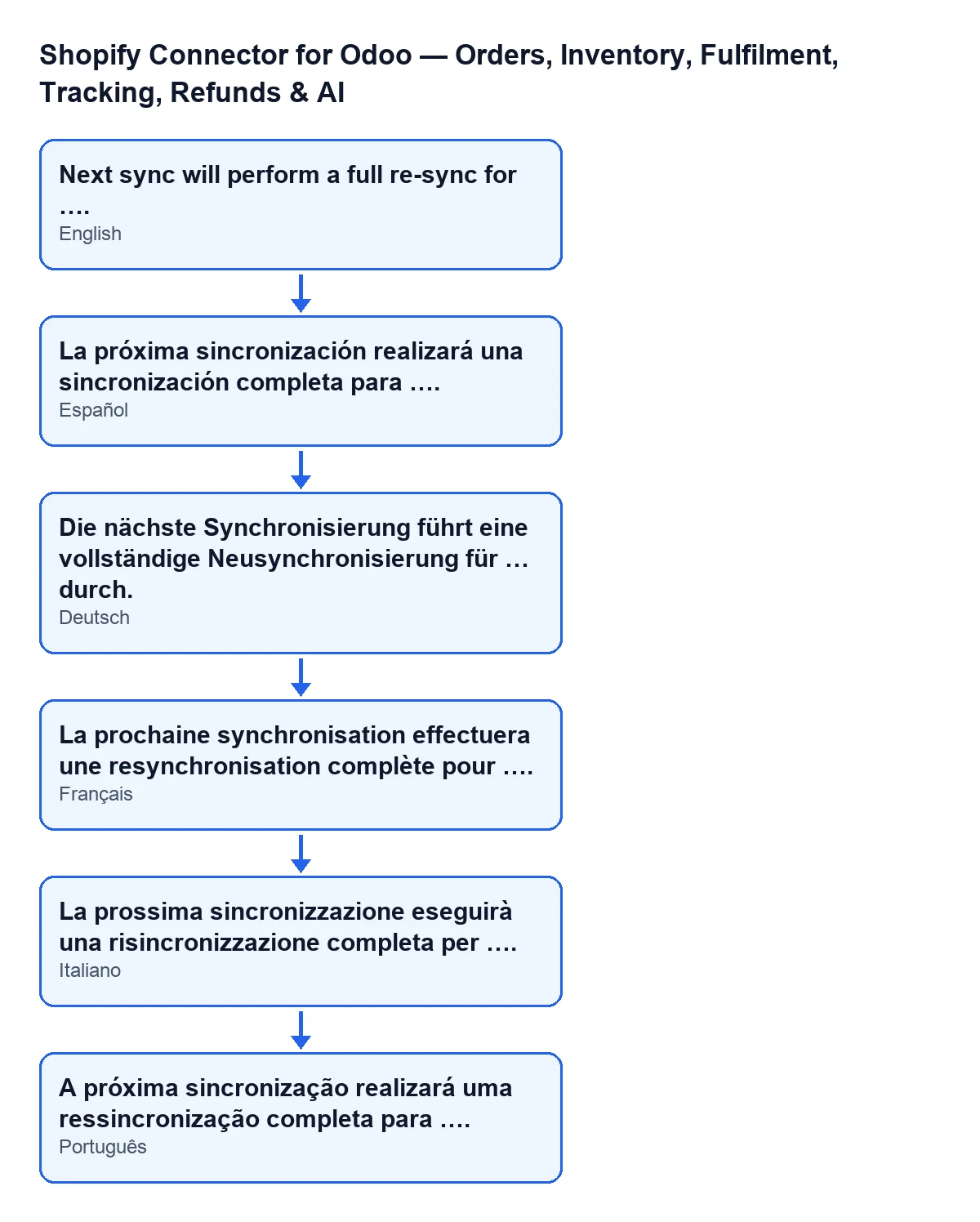
The full text is Next sync will perform a full re-sync for …. Where you see the ellipsis here, Odoo writes the domain of the store you acted on. If you have more than one store set up, that domain is what the notice tells you about which one you pressed the button on.
Before the notice, the button has already cleared the store's markers
The code describes this step as clearing the last-sync markers to force a full re-sync on the next run. Specifically, pressing the button empties or resets, on the store:
- the marker for the last orders sync;
- the marker for the last products sync;
- the marker for the last stock push;
- the counter of consecutive sync errors, which goes back to zero;
- the stored last sync error, which is emptied.
That is what the notice really means: the store is left without those reference points and, as the message itself says, the next sync will be a full one.
The last sync error is emptied too
The notice does not mention this. If you were investigating a problem with the store, note down its text before you press the button: afterwards that last error is no longer kept on the store, and the counter of consecutive errors starts again from zero. The on-screen notice only talks about the full re-sync.
Where the button is and which permissions you need to reach it
Store records open from the menu Shopify › Configuration › Stores. Each part of the menu asks for a permission, and if you don't have it you don't see that part:
- the
Configurationpart asks forOperator; - the
Shopifypart asks forViewer.
If you cannot find Stores, check first which permissions your user has in the module.
The full re-sync is done by the next sync
According to the Odoo 20 code, the button only clears the markers and returns the notice. The work itself is done by the store's next sync, as the message says. That is why it is worth pressing Reset Sync on purpose: use it when you want the store to synchronise in full again, knowing that the stored last error is emptied and the consecutive-error counter goes back to zero.

How FlexigoTech can help
The module is a one-off purchase per Odoo version (published for 17, 18, 19 and 20) and needs a FlexigoTech Cloud subscription: the Connector plan costs €49 a month or €490 a year, excluding VAT, with up to 3 accounts on the platform. The connection goes through FlexigoTech Cloud, which stores the credentials encrypted and monitors the synchronisation. You can see the module on its Odoo Apps page or on its page at flexigotech.com.
If you are implementing Odoo and want someone to review with you how to synchronise your stores, FlexigoTech implements Odoo 17, 18, 19 and 20 and builds connectors and custom integrations. From the same module you can also read about the Get stock button and the message about missing Shopify data when creating the sales order.
Keep reading
Checked in the connector's source code (version 20.0) and the linked sources
Sources
- Module source code: flexigobe_shopify_seller_connector 20.0 (d7e627b4): models/shopify_instance.py
- Module source code: flexigobe_shopify_seller_connector 20.0 (d7e627b4): views/shopify_instance_views.xml
- Module source code: flexigobe_shopify_seller_connector 20.0 (d7e627b4): models/fgt_cloud.py
- apps.odoo.com/apps/modules/20.0/flexigobe_shopify_seller_connector
- flexigotech.com/en/services.html
- flexigotech.com/precios.html