

 Español
 Català
 Deutsch
 Français
 Português
 Italiano
 Nederlands
 Polski
What this task is and when it runs
The Scrive: poll pending signature documents action is in every published branch (Odoo 17, 18, 19 and 20), runs every hour and is active on installation. In Odoo 17 it is set to repeat without end.
It is a back-up. According to the code, it recovers notifications from Scrive that never arrived: Scrive recommends callbacks as the main route and the polling is kept modest to respect its rate limits. For a document created in the Scrive web app, with no Odoo callback address, polling is the only way it gets updated.
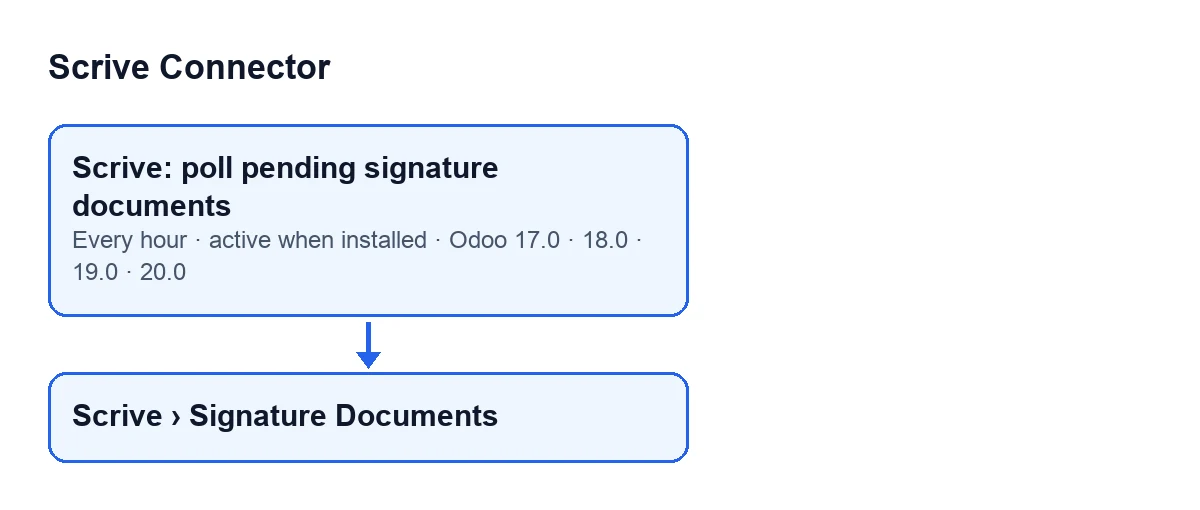
Scrive › Signature Documents menu. The diagram labels use the module's original text.
What it does on each run
- It checks that a FlexigoTech Cloud service is available. If not, it does not call Scrive and marks nothing: the documents keep their place in the queue.
- It picks the candidate documents, up to 50 per run.
- For each one it asks Scrive about the document, locks the record, syncs it and notes that the check went well.
- In production it commits document by document, so one failing record does not abort the batch.
- It stops if it runs out of its time budget. Anything not yet checked stays in the queue, ordered by next check date, for the following run.
Which documents it asks about
A document qualifies if it has a Scrive Document ID (read-only on the Signature Documents record), is not in the trash and does not have its check postponed. Two queues share the allowance:
- First, documents whose signature state can still change: pending, awaiting start, draft with a Scrive ID (in case the start reply was lost) and in error.
- Then, closed documents whose sealed PDF never arrived: no downloaded flag and no signed attachment. If the first queue alone would fill the allowance, at least one slot is kept for this one.
The order is by next check date (those with no date first) and then by identifier.
What changes when it syncs
Based on what Scrive returns, the document updates its state (if the change is allowed), its dates and its title. If Scrive says it is sealed, the document is flagged. If it ends up closed, the signing date is set from the last signature and, if Scrive already has the sealed PDF and there is no attachment yet, the PDF is downloaded.
Closed documents that arrive through the Scrive archive import do not download the PDF at that moment: the hourly task fetches it afterwards.
When something goes wrong
- Failure talking to Scrive (Scrive down, document gone, account misconfigured): the document records the failure, counts the attempts and postpones its next check. The delay doubles with each consecutive failure up to a ceiling. The run carries on with the others.
- Busy document: if a Scrive callback is syncing that very document, the task leaves it for the next run. It does not count as a failure.
- FlexigoTech Cloud pause: if the service does not pass the call, nothing is marked and the run stops there.
When a check succeeds, the failure counter returns to zero. If Scrive answers but the document is still in error, it stays in the queue with one check a day so it does not take slots from pending ones.
An illustrative case, from a normal run to a pause
Example Illustrative case: the company and its figures are made up to explain the flow.
Mobiliario Costa Norte is an invented company that uses Scrive Connector.
Monday: a contract created in Scrive
A salesperson creates a contract directly in the Scrive web app. With no Odoo callback address, polling is all that will keep it up to date. They bring it into Odoo with Import from Scrive Archive and it appears under Scrive › Signature Documents. Every hour the task includes it among the candidates while its signature state can still change.
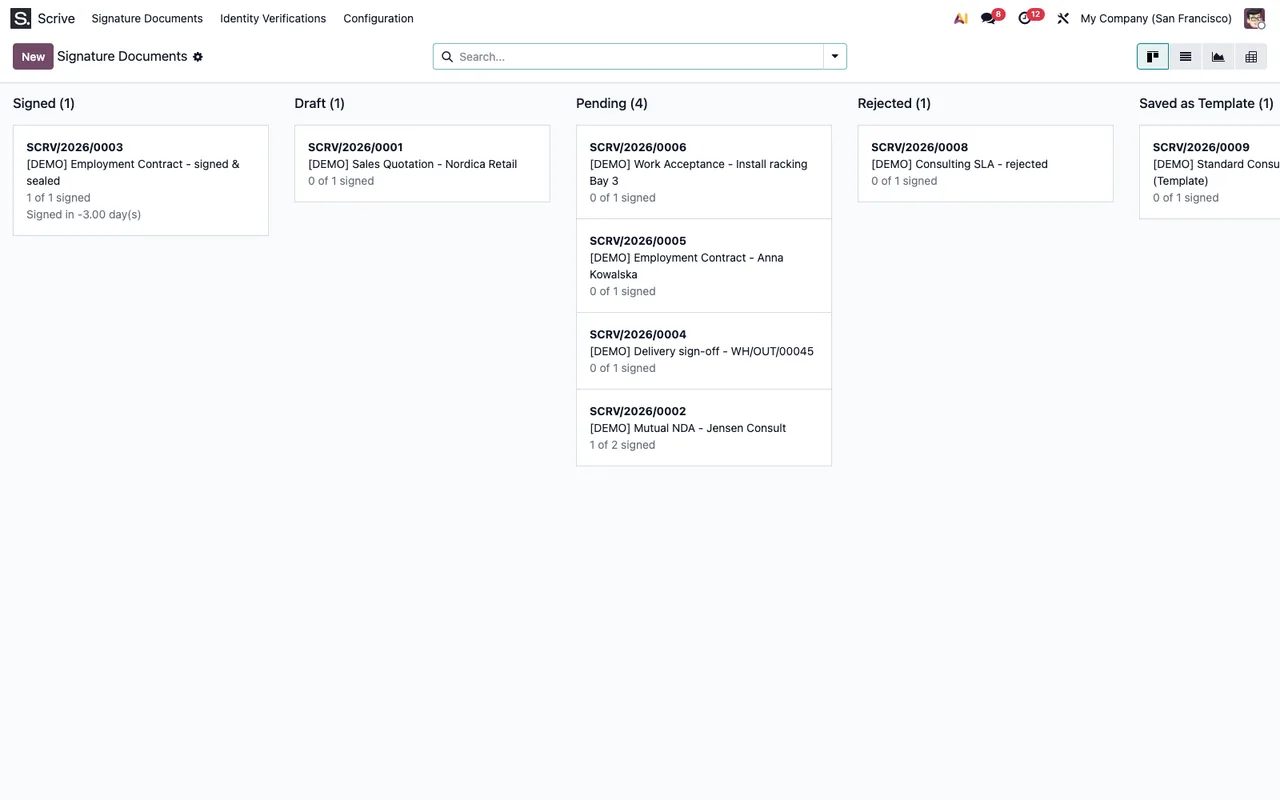
Signature Documents, with demonstration data.Once the customer signs and Scrive reports the document as closed, the next run closes it (if the state change is allowed), sets the signing date and, if Scrive already has the sealed PDF, downloads it.
Tuesday: Scrive does not respond
One document fails its check. The task does not stop: the document records the failure, postpones its next attempt and the others are synced. When Scrive is back, a successful check resets the failure counter.
Wednesday: a callback arrives at the same time
Scrive sends a signature notification just as the task checks that document. The task treats it as busy and counts no failure. The callback does the work and the next run finds nothing left to do.
Thursday: the subscription is suspended
The FlexigoTech Cloud service is suspended. The task keeps running every hour but does not call Scrive or mark anything, and the documents wait in the queue. With the service suspended, what the subscription provides stops and your data stays in your Odoo.
What to check if the task does nothing
- The task is still active. It is active on installation; check nobody has switched it off.
- The FlexigoTech Cloud service. Without it, the run ends without checking anything. The module is a one-off purchase per version and needs the subscription: the Connector plan costs €49/month or €490/year excluding VAT.
- The document record. It needs a
Scrive Document IDand the expectedAccount, also visible in the list. - The state. Only the states described above and closed documents with no sealed PDF qualify. A closed document whose PDF is already downloaded is not checked.
- Earlier failures. After several consecutive failures, the next check can be far off.
- The allowance. Up to 50 per run, pending ones first. If Scrive is slow, the time budget cuts the run and the rest waits.
- The server log. It records each run: pause for lack of service, documents refreshed, failed, busy and those left for the next run.
What the case teaches
The task does not let one problem document block the queue, and a FlexigoTech Cloud pause does not count as a Scrive failure. If a version raises questions, see what changes between branches.
How FlexigoTech can help
FlexigoTech implements Odoo 17, 18, 19 and 20 and builds connectors and bespoke integrations. You can see the module on its page.
Keep reading
Checked in the connector's source code (version 17.0 and 20.0) and the linked sources
Sources
- Module source code: flexigobe_scrive_connector 20.0 (21b3b940): data/ir_cron.xml
- Module source code: flexigobe_scrive_connector 17.0 (b9f2fc7f): data/ir_cron.xml
- Module source code: flexigobe_scrive_connector 20.0 (21b3b940): models/scrive_document.py
- flexigotech.com/precios.html
- flexigotech.com/en/services.html