

 Español
 Català
 Deutsch
 Français
 Português
 Italiano
 Nederlands
 Polski
When the notice appears and what it means
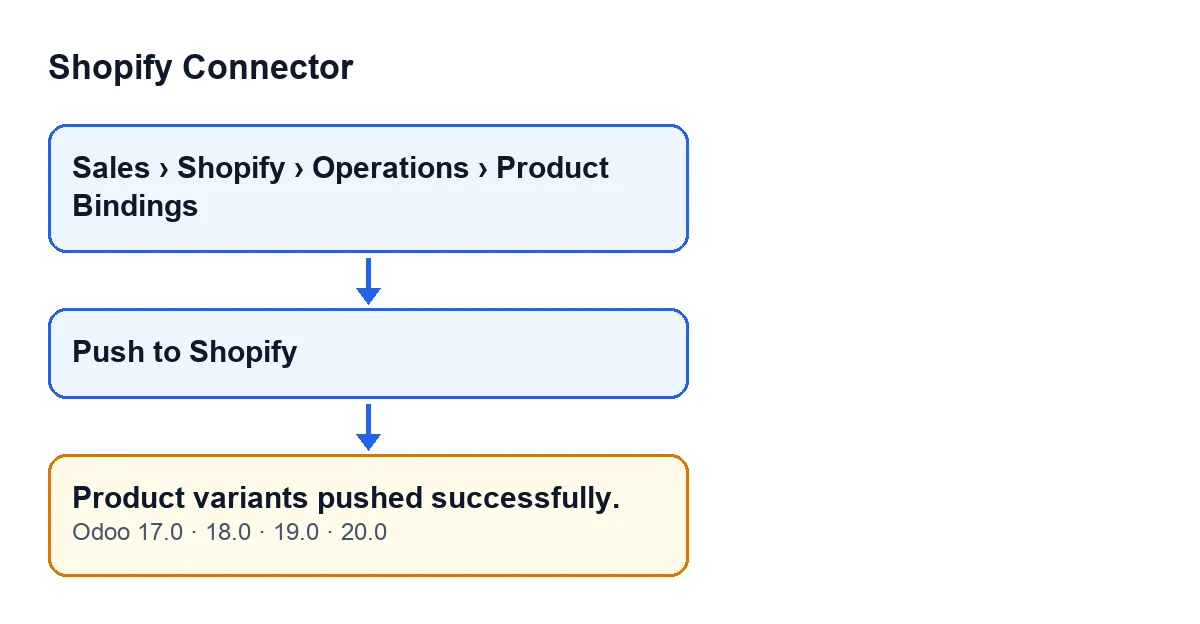
The notice Product variants pushed successfully. appears when you press the Push to Shopify button on the record you open from the menu Sales › Shopify › Operations › Product Bindings. It is a notice that does not block anything. Its title is Pushed to Shopify, and it exists in the published code for Odoo 17, 18, 19 and 20.
The condition is what matters. In the Odoo 20 code, the notice is the last thing the button does: it is shown once the push to Shopify has finished without anything interrupting it. If the push stops with an error, the notice is not shown. But just before showing it, the code does not check that at least one variant was actually sent. So the notice means ‘Odoo ran through the push without stopping’, not ‘every variant on this record is in Shopify as you expect’.

What the module does before showing it
This is the order the Odoo 20 code follows when you press Push to Shopify:
- It groups the records by Shopify instance and pushes each instance separately.
- Within each instance, it skips the records that have no Shopify variant identifier and groups the rest by Shopify product.
- For each variant it prepares three pieces of data: the price, rounded to two decimal places (if the record has no price, it sends zero); the compare-at price, only if it is filled in and higher than the price; and the SKU, only if the record has one.
- It makes one call to Shopify per product, with all that product's variants together. The call is flagged to allow partial updates.
- When it finishes a product without interruption, it records the date and time of the push on that product's records.
- At the end, it returns the notice.
The Push to Shopify button is always visible in Odoo 17, 18, 19 and 20.
Step by step: push and check
- Open
Sales › Shopify › Operations › Product Bindingsand go into the record of the variant you want to push. - Be clear about what travels to Shopify: the price, the compare-at price (only if it is higher than the price) and the SKU (only if the record has one). It is whatever the record holds at the moment you press.
- Press
Push to Shopify. The button sends that data as it stands on the record. - Wait for the notice
Product variants pushed successfully.. If an error appears instead, the push has stopped and the success notice is not shown. - In the Shopify admin, check the price, compare-at price and SKU of that variant.
- If what you see in Shopify is not what you expected, the starting point is what the Odoo record held when you pressed. Correct it and press the button again.
If the notice appears and Shopify does not end up as you expected
Because the notice is raised at the end without counting variants, these are the situations the code allows in which, even though the notice appears, Shopify may not end up as you expected:
- The record has no Shopify variant linked. The code skips it without saying anything, sends nothing for it, and the notice still appears.
- The price is empty. It is not left out: zero is sent as the price, so Shopify receives that zero.
- The compare-at price is not higher than the price. In that case it is not included in the push.
- There is no SKU on the record. The SKU is not included in the push.
The notice does not tell these cases apart, so the check in Shopify at step five is the one that counts.
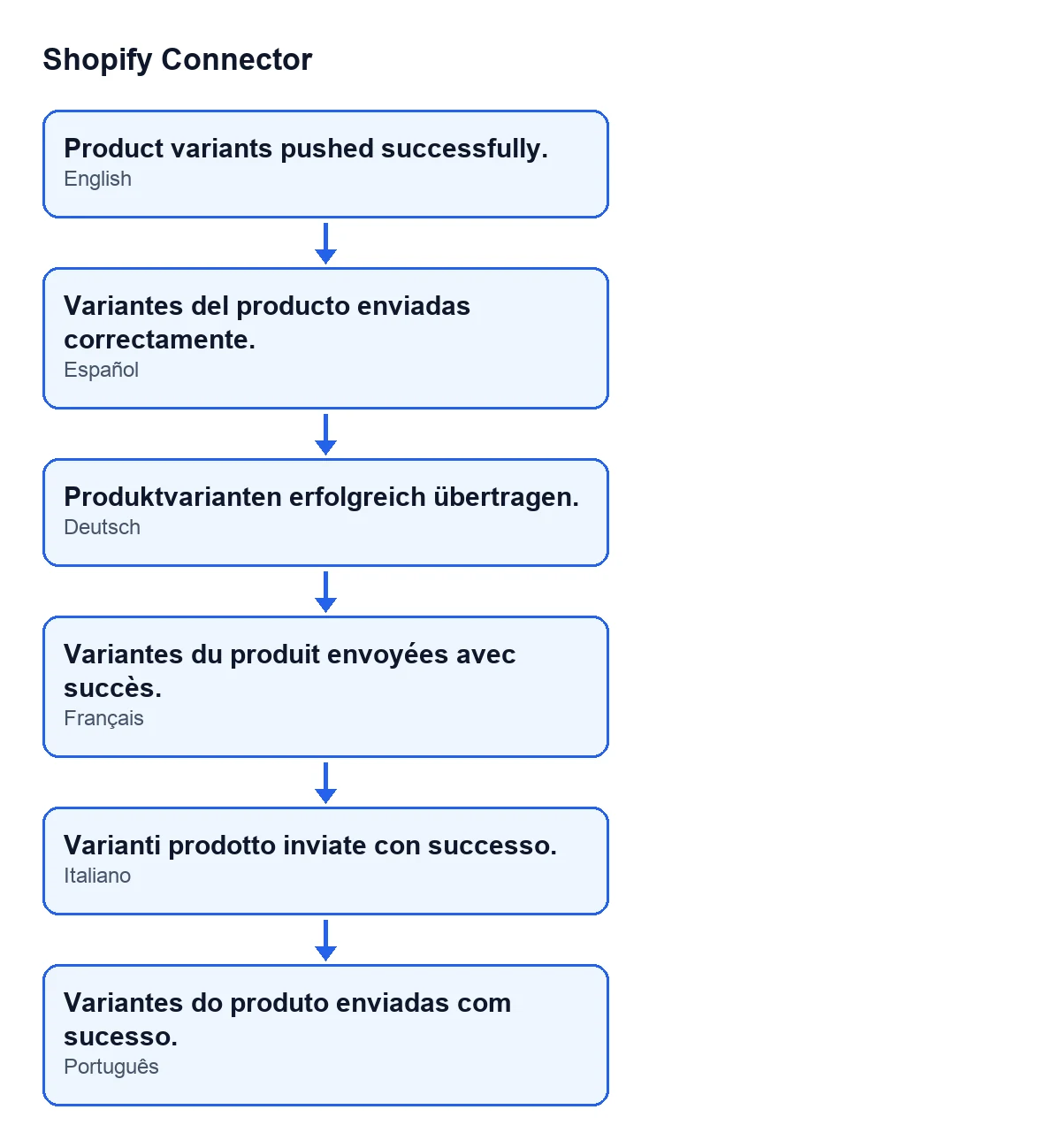
Here is the text of the notice with Odoo in each of these languages:
| Odoo language | Notice text |
|---|---|
| Spanish | Product variants pushed successfully. |
| German | Produktvarianten erfolgreich übertragen. |
| French | Variantes du produit envoyées avec succès. |
| Italian | Varianti prodotto inviate con successo. |
| Portuguese | Variantes do produto enviadas com sucesso. |
Versions and cost
The module is published on Odoo Apps for Odoo 17, 18, 19 and 20, at €9 per Odoo version, excluding VAT, one-off payment. It also needs a FlexigoTech Cloud subscription: the Connector plan costs €49 a month or €490 a year, excluding VAT. The connection to Shopify goes through that service, which stores the credentials encrypted and emails you if synchronisation fails.
How FlexigoTech can help
If you would like someone to review your Product Bindings records with you, or you need a push that differs from what the module does, FlexigoTech implements Odoo 17, 18, 19 and 20 and builds custom connectors and integrations.
Keep reading
Checked in the connector's source code (version 20.0) and the linked sources
Sources
- Module source code: flexigobe_shopify_connector 20.0 (c7078cd8): models/shopify_product_binding.py
- Module source code: flexigobe_shopify_connector 20.0 (c7078cd8): views/shopify_product_binding_views.xml
- apps.odoo.com/apps/modules/20.0/flexigobe_shopify_connector
- apps.odoo.com/apps/modules/17.0/flexigobe_shopify_connector
- apps.odoo.com/apps/modules/18.0/flexigobe_shopify_connector
- apps.odoo.com/apps/modules/19.0/flexigobe_shopify_connector
- flexigotech.com/precios.html
- flexigotech.com/en/services.html